On this page
Dripify alternatives cover several different jobs: building warmer LinkedIn conversations, managing multiple senders, running multichannel campaigns, or reducing the cost of basic automation. The right comparison starts with the part of your outreach you want to change.
Extrovert connects prospect discovery with daily comments, DMs, and follow-up. HeyReach handles multi-sender LinkedIn campaigns. Expandi and Skylead combine LinkedIn and email sequencing. Waalaxy offers preset prospecting campaigns, Linked Helper runs desktop automation, and lemlist brings LinkedIn into a broader sales outreach workflow.
Dripify already includes LinkedIn and email sequences on every paid plan. A switch needs to change something more specific than adding email or moving campaigns to the cloud.
Dripify alternatives at a glance
| Tool | Main workflow | Monthly price and billing unit | Important cost or condition |
|---|---|---|---|
| Extrovert | Find prospects, build familiarity, and keep conversations active | $49 per connected LinkedIn account | Tracking capacity and discovery Credits have allowances |
| HeyReach | Rotate LinkedIn campaigns across multiple senders | $79 per sender; Agency $999 for 25 senders | Agency/Unlimited require your own proxies; email tools cost separately |
| Expandi | Conditional LinkedIn and email campaigns | $99 per LinkedIn account | Image/GIF and video personalization cost extra |
| Skylead | LinkedIn/email sequences with finder and warm-up | $100 per seat | AI SDR and AI data enrichment are add-ons |
| Waalaxy | Preset LinkedIn prospecting campaigns; email on Business | Pro £34, Advanced £69, Business £104 per user | GBP pricing; Inbox costs extra; email sequences require Business |
| Linked Helper | Desktop LinkedIn automation with local or cloud storage | Local Standard $15, Pro $45 per license | Your computer or VPS must stay running; cloud storage costs more |
| lemlist | Multichannel sales outreach with LinkedIn automation | Multichannel $109 per user | Email-only pricing does not include LinkedIn; enrichment costs extra |
For reference, Dripify costs $59 Basic, $79 Pro, or $99 Advanced per user/month on monthly billing. Each seat connects one LinkedIn account. Basic allows one campaign; Pro and Advanced allow unlimited campaigns.
These are month-to-month prices, not discounted annual equivalents. Waalaxy displays regional currencies; the figures above retain its GBP quote rather than converting it to dollars. Count connected accounts, required plans, data, mailboxes, and add-ons before comparing the total bill.
1. Extrovert: prospect discovery, warm outreach, and ongoing follow-up
Extrovert finds relevant people, brings their posts into a prioritized feed, and drafts comments and DMs in your voice. You get a daily list of people to engage with and a reason for each action, instead of opening individual profiles and writing from scratch.
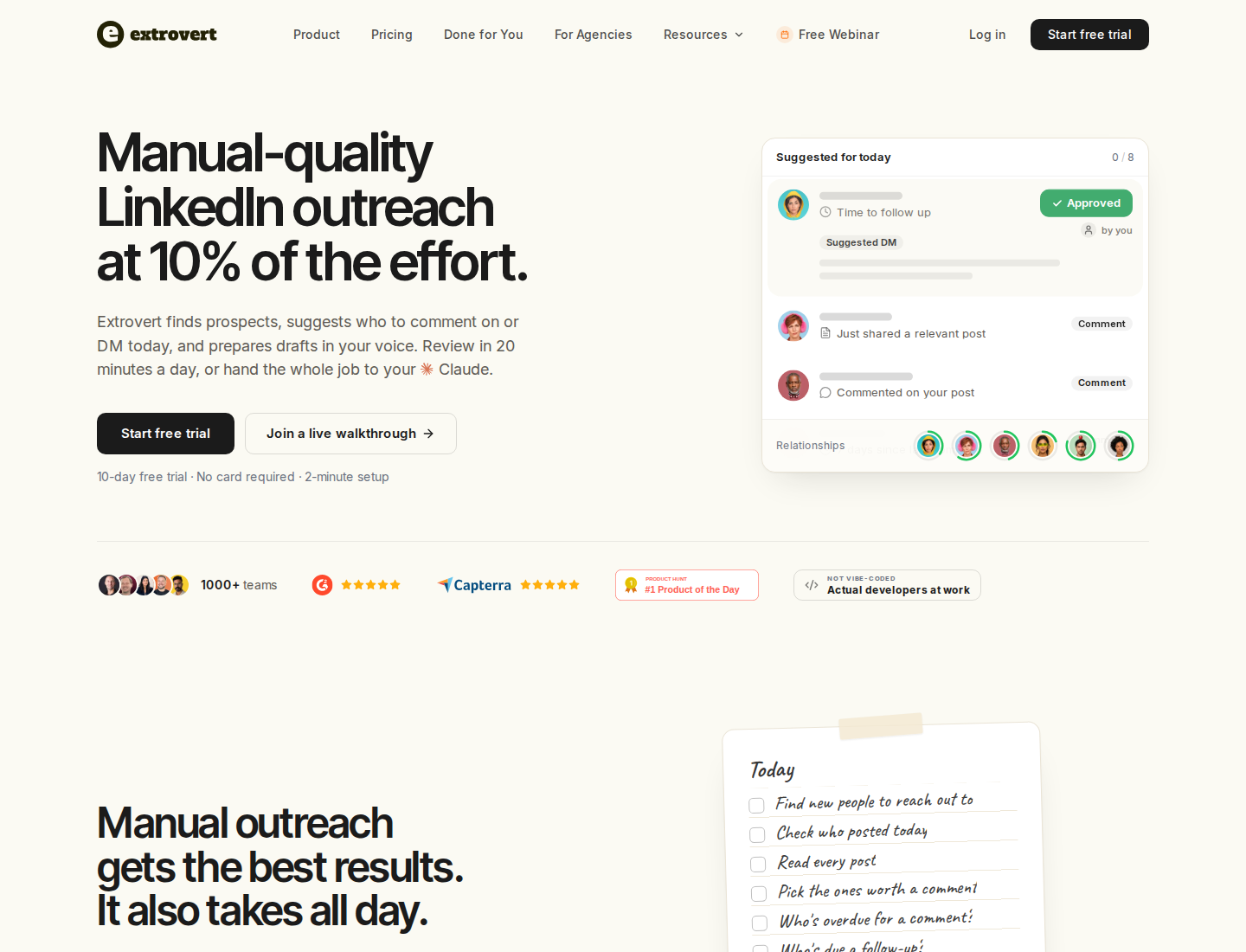
Extrovert connects prospect discovery, daily engagement, and drafts in your voice.
From finding a prospect to having a reason to write
Lead Finder searches a B2B database by the roles, companies, and locations you describe. The search does not run through your LinkedIn account. You can also import an existing list from CSV, your CRM, or Sales Navigator.
Intent Signals finds people behind relevant LinkedIn activity: engagement with a chosen post, person, company, or topic, plus supported competitor-team activity. It shows what each person did before you add them to a campaign. An activity signal gives you context; it does not establish that someone is ready to buy.
Illustration: a radar sweeping LinkedIn activity. Most of it is passed over; three people are found by what they did: commented on a post about your topic; engaged with a competitor's post; connected with a competitor's sales team.


Once people are in a campaign, Extrovert prioritizes posts and prepares comments using your writing style and points of view. Recommended DMs and smart follow-ups help you continue the conversation. Conversation Restarters use a prospect's relevant post as the starting point for a new message when a thread has gone quiet.
Illustration: Extrovert reads the prospect's posts. hot take, thought leadership, motivation, promotion are skipped. One post, went to sf tech week, is a Restarter signal. Extrovert suggests the DM "Seen you went to SF Tech Week. How did it go?", and the prospect replies.

That makes Extrovert useful for SDRs warming target accounts, founders doing their own prospecting, and account teams maintaining relationships between meetings. The warm outreach guide explains how comments and shared context lead into a first message.
S. Can Timağur, founder of Allbound OS, describes his routine:
“I warm up the target with Extrovert by leaving 1 or 2 comments before reaching out, spaced 1 to 2 weeks apart. That moves acceptance rates from 15% to 32%.”
He also uses the post, comment, and DM combination to nurture people who replied or took a demo but did not convert.
Choose who approves the work
Campaigns start in review mode. You can approve comments individually or in bulk, or enable Auto comments for selected campaigns. Auto comments can publish without prior review; warmed-up connection requests can also send automatically.
DMs use an approval workflow. Through MCP (the connection to an AI assistant such as Claude or ChatGPT), an instructed AI assistant can review the feed and messages, edit drafts, approve comments, and send the DM replies you authorize. You can delegate draft review to the assistant. The assistant acts during your prompted conversation, rather than on an unattended background schedule.
Illustration: the DM workspace on its Recommended tab, 5 conversations due for a message today, each with its reason. Connected 2 days ago: First DM. No reply for 9 days: Follow-up. New role at their company: Restarter signal. Promised a call 2 weeks ago: Follow-up. Quiet for 3 months: Keep in touch. The first one is open, with the first DM drafted and the buttons Send and Snooze.


Pricing and replacement scope
The Extrovert plan costs $49 per connected LinkedIn account/month, with volume and annual discounts. Every feature is included, along with API, webhooks, and MCP access. Teammates who do not connect their own LinkedIn account are free.
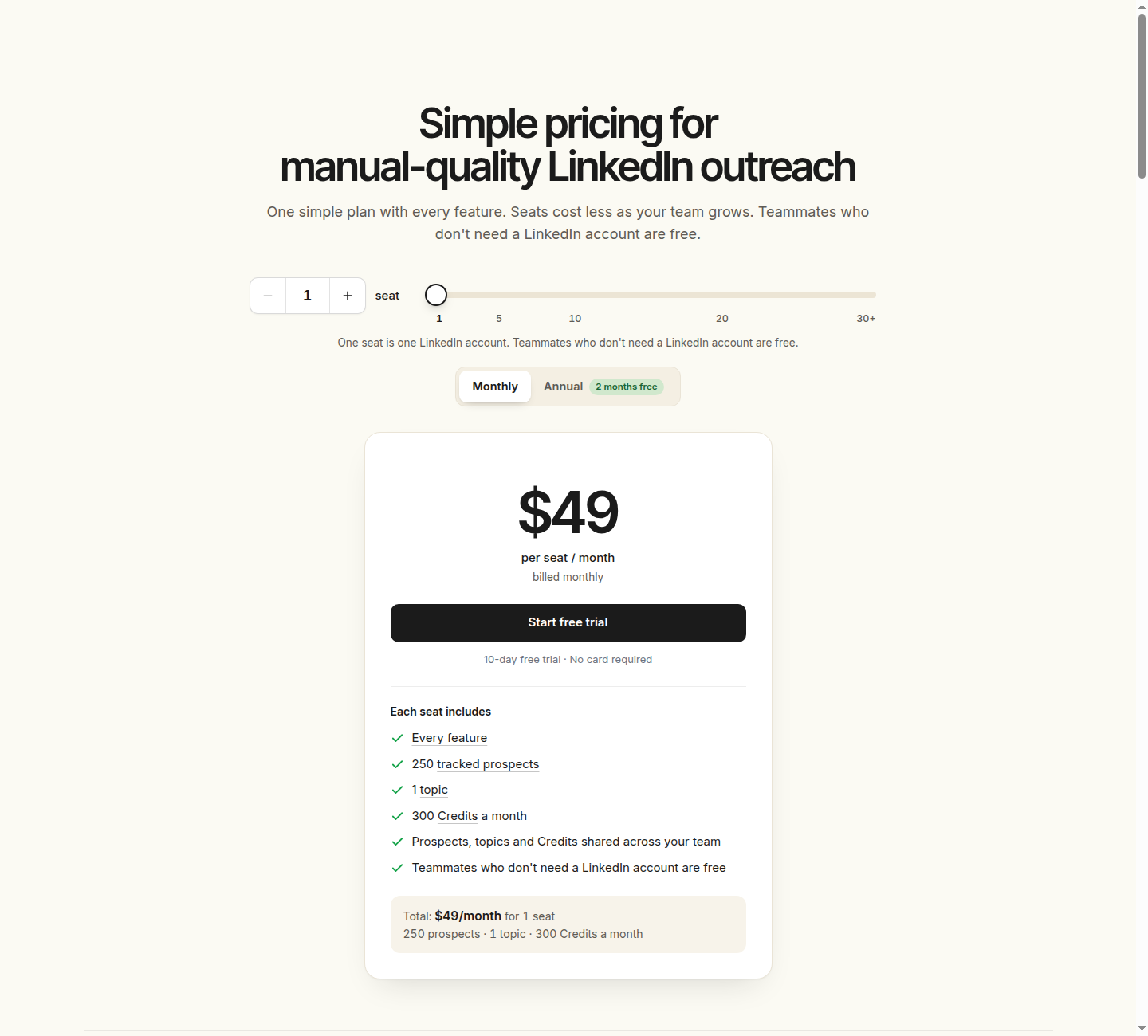
The monthly plan is $49 per connected LinkedIn account, with all features included.
For client work, send a connection link so the client can connect LinkedIn without an Extrovert login. Your team can then manage their campaigns, comments, and DMs under the client's name. Give colleagues campaign access to review and send on an account owner's behalf.
Each connected account adds 250 tracked prospects, one topic, and 300 discovery Credits per month. All three allowances are pooled across the team. Lead Finder uses one Credit per delivered prospect; Intent Signals uses 25–250 depending on the signal. Included Credits reset monthly without rollover. Extra tracking capacity and Credit top-ups cost more.
Extrovert replaces the manual work of LinkedIn engagement and nurturing, not a conditional LinkedIn/email sequence builder. If you still need email campaigns, keep that sending workflow in your stack.
Add a focused target-account list, set your voice, and review the comments and DMs it prepares for those relationships.
2. HeyReach: multi-sender LinkedIn campaign operations
HeyReach rotates a LinkedIn campaign across connected senders and collects replies in a unified inbox for teams and agencies managing several accounts.
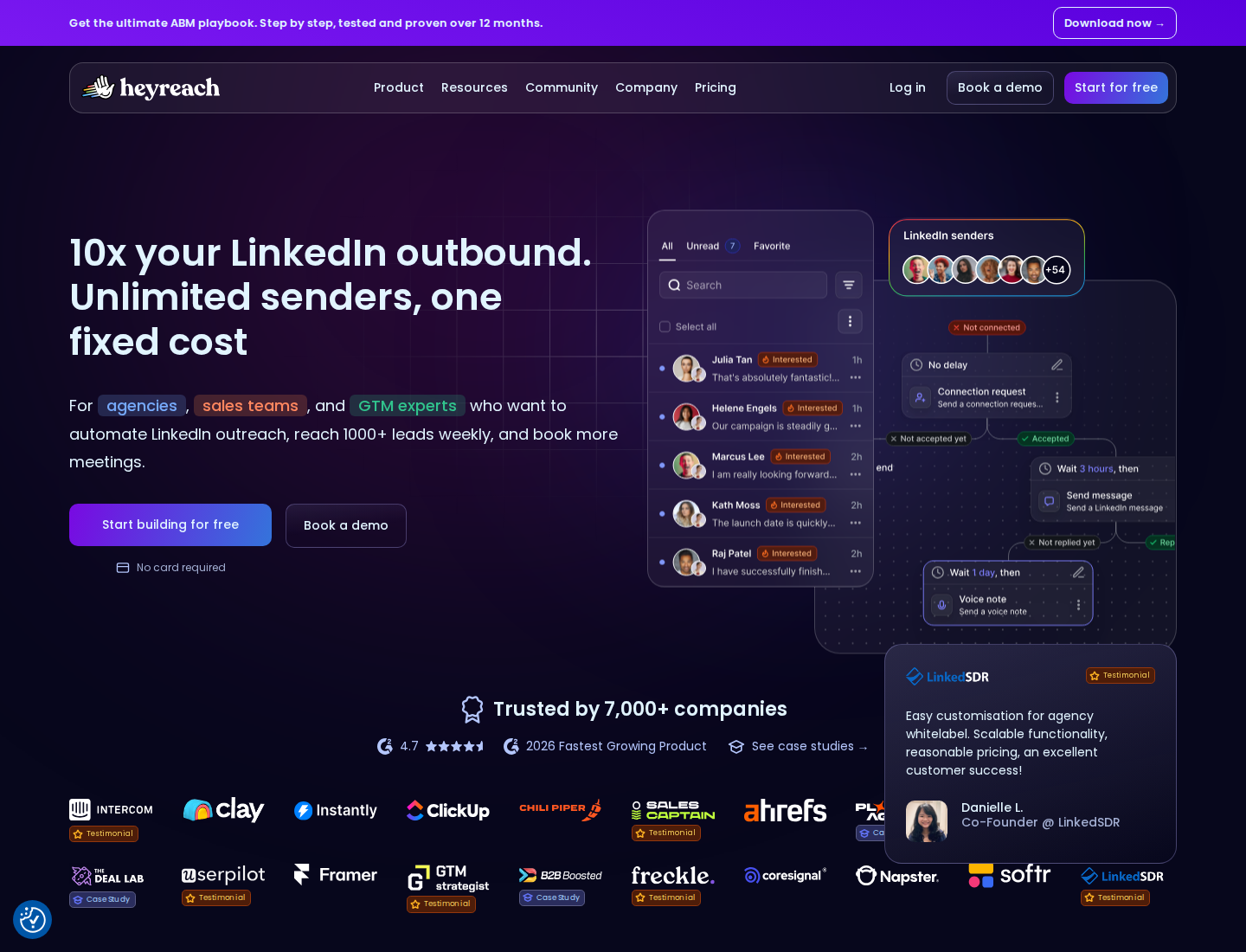
Sender rotation and shared reply handling support multi-account operations.
Its workspaces, permissions, API, webhooks, and MCP access support team operations. Email platforms such as Instantly and Smartlead can connect to the workflow, but their subscriptions are separate from HeyReach's LinkedIn sending plan.
Growth costs $79 per sender/month on monthly billing. A sender is a connected LinkedIn account, not every teammate, client, or VA. Agency costs $999/month for 25 senders, while Unlimited costs $2,999/month. Quarterly and annual commitments reduce the displayed prices.
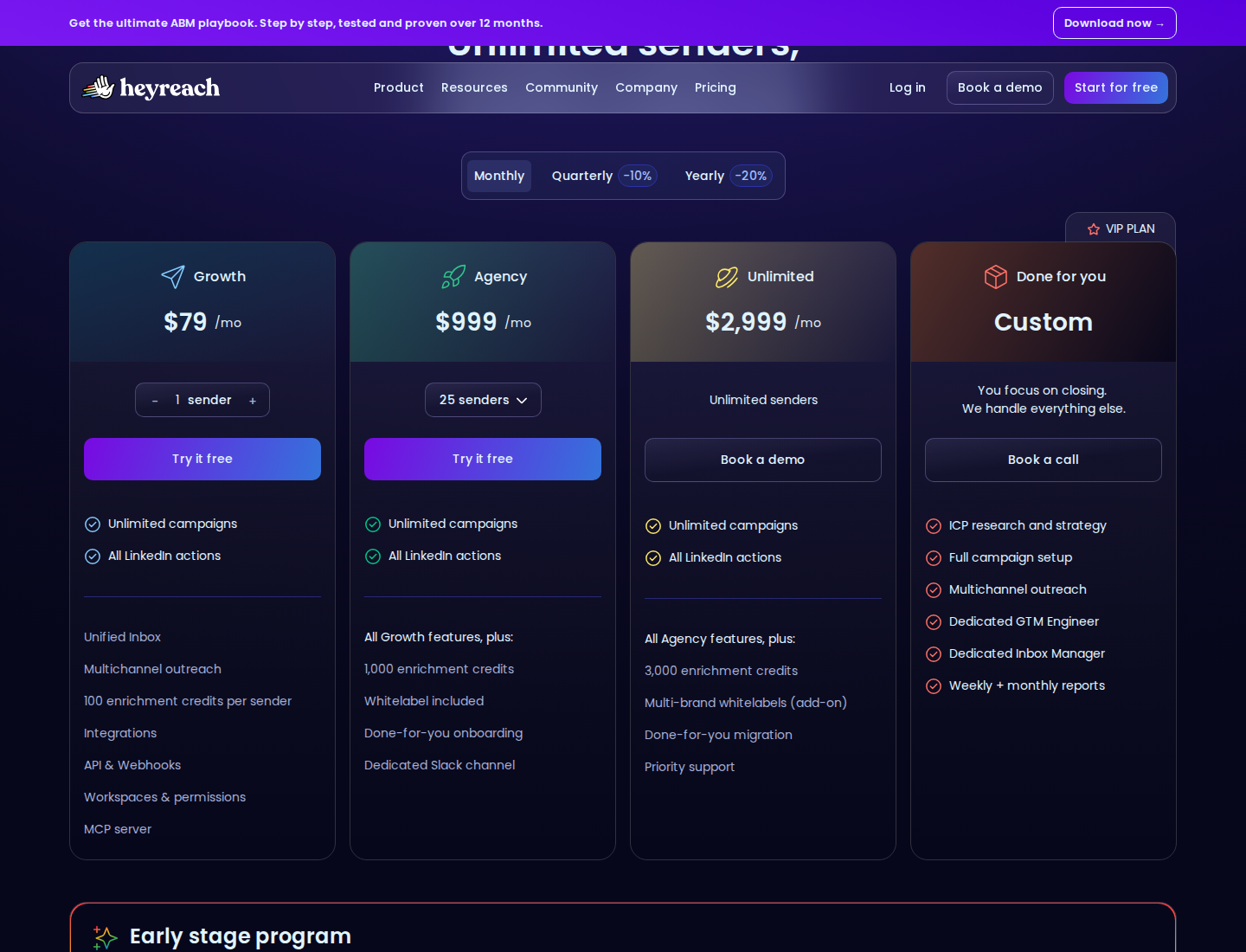
Monthly pricing separates Growth per sender from Agency and Unlimited plans.
Growth includes 100 enrichment credits per sender. Agency includes 1,000 credits per plan; Unlimited includes 3,000 per plan. Agency and Unlimited also require your own proxies, which belong in the full operating cost.
The key evaluation question is whether campaigns and replies can be managed across your actual client or team setup. Read HeyReach alternatives for more on the different workflows in this category.
3. Expandi: conditional LinkedIn and email campaigns
Expandi runs LinkedIn actions and email follow-up in one cloud-based sequence. Its if/action builder, campaign prioritization, and scheduling let you decide what should happen next as a prospect moves through a campaign.
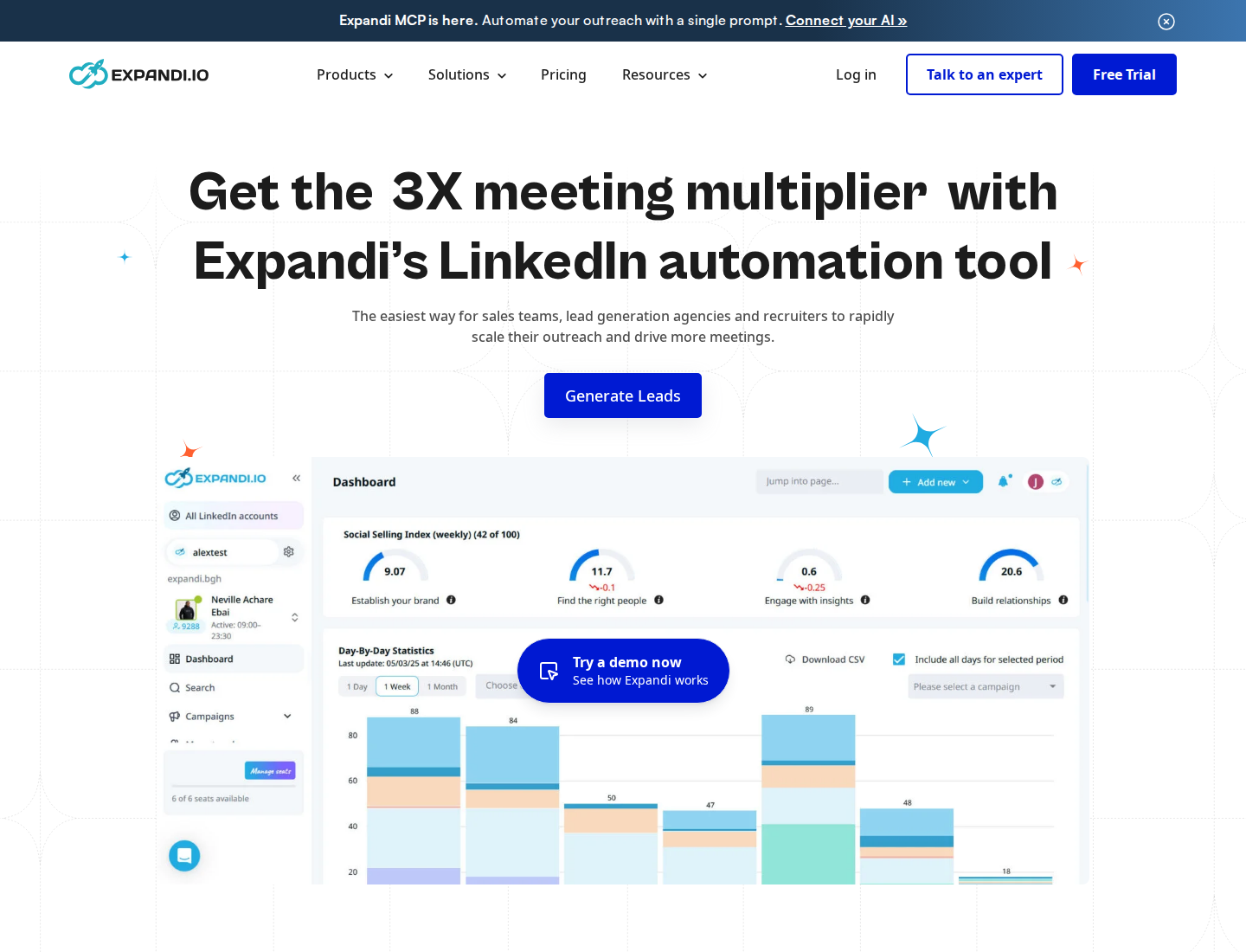
Conditional LinkedIn and email outreach is the core campaign workflow.
Business includes unlimited campaigns, reply management, dynamic placeholders, tags and notes, duplication prevention, and campaign statistics. Account controls include dedicated country-based IPs and configurable warm-up.
The monthly price is $99 per LinkedIn account. The displayed annual equivalent is $79/account/month, paid annually. Agency and white-label pricing is custom for 10+ seats. The agency offer lists flexible roles and permissions, centralized campaign management, and client reporting. Image/GIF personalization and video personalization can add charges to the base subscription.
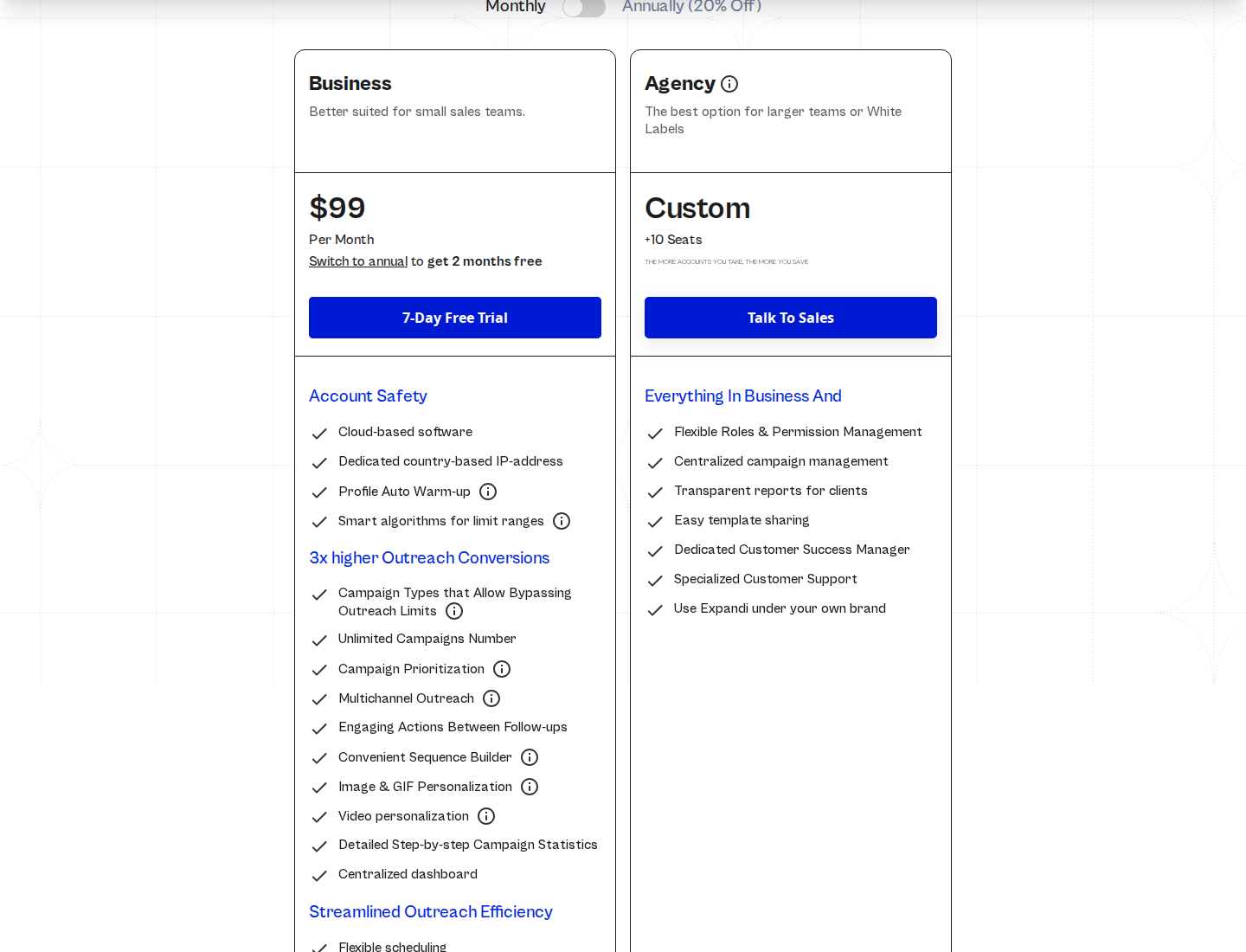
Business is $99 per LinkedIn account/month on monthly billing; agency pricing is custom.
Cloud execution and conditional workflows are also available in Dripify. Evaluate the campaign builder, handoffs, and personalization you need rather than treating those shared features as reasons to switch. The Expandi vs Extrovert comparison covers the separate decision between campaign sequencing and ongoing engagement.
4. Skylead: a bundled LinkedIn and email outreach package
Skylead combines LinkedIn and email actions in Smart Sequences. Its package brings together a Smart Inbox, email warm-up, an email finder/verifier, a B2B database, account-based prospecting, and image/GIF personalization.
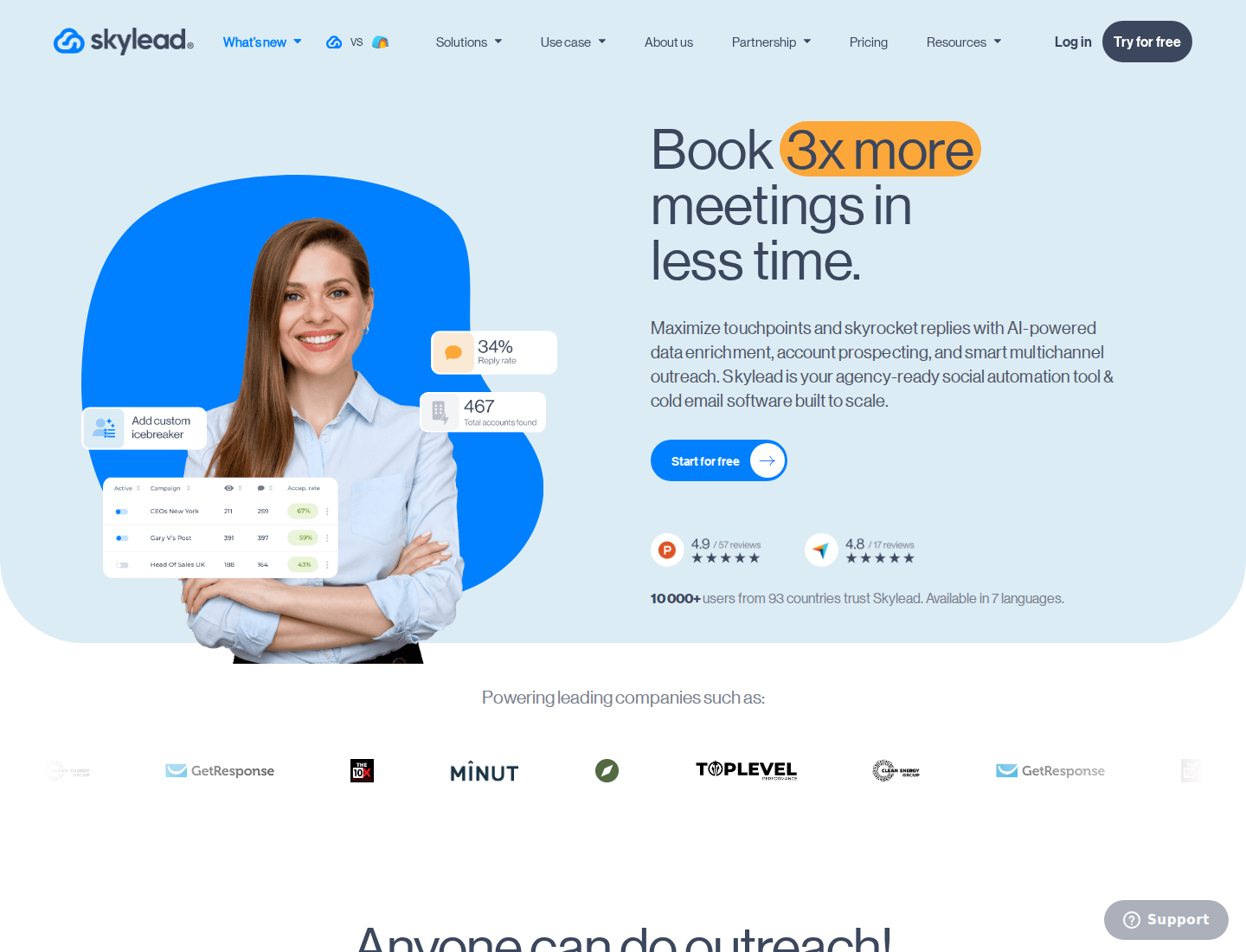
LinkedIn automation and cold email are grouped in one outreach package.
All-in-one costs $100 per seat/month. It includes unlimited connected email accounts and a stated allowance of 100,000 emails per month. Unlimited connected accounts do not remove the sending allowance or the constraints of each mailbox provider.
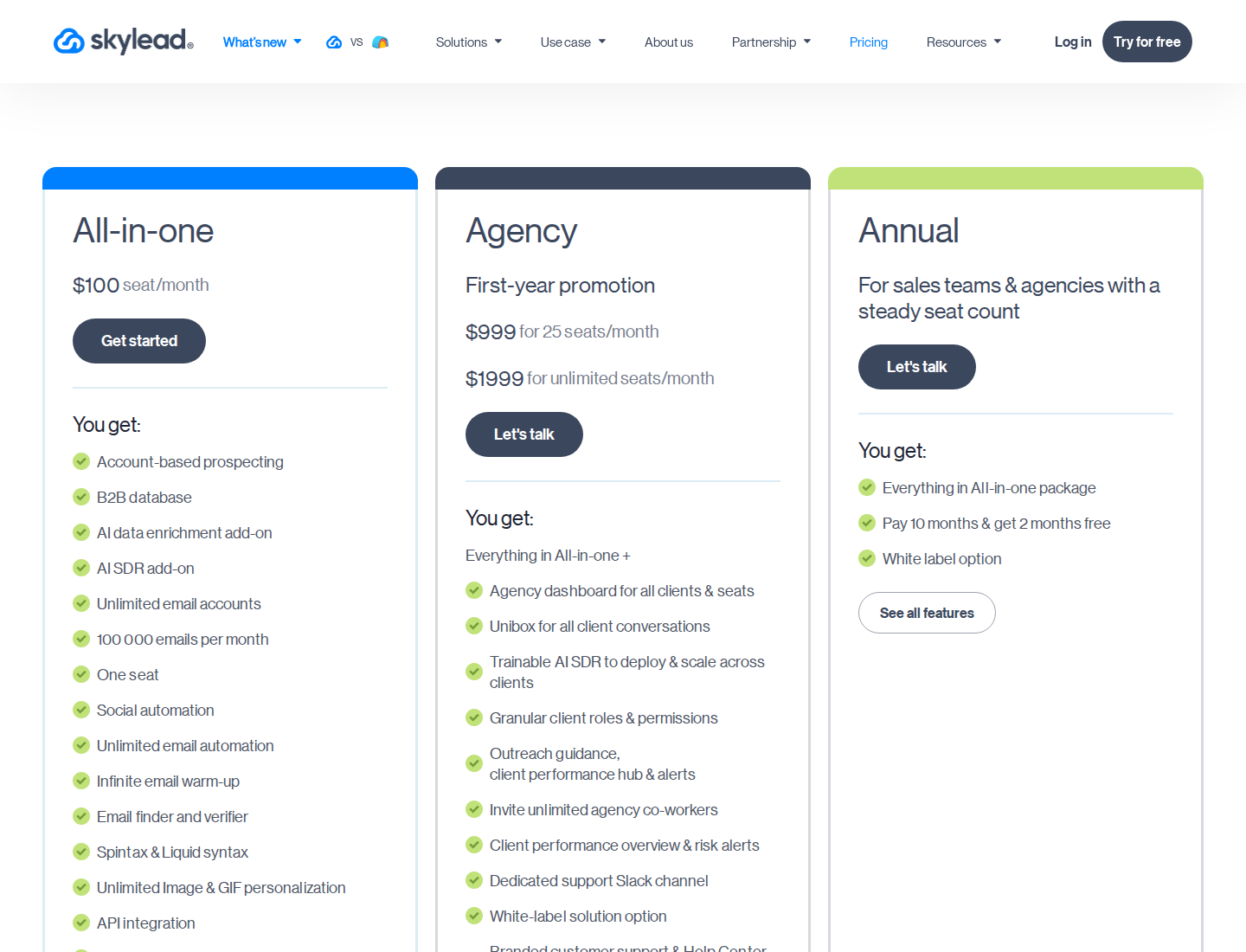
All-in-one is $100 per seat/month; agency and annual terms are shown separately.
The pricing page lists API and webhooks, plus real-time sync with HubSpot, Pipedrive, and Salesforce. Check which CRM objects and fields sync with your sales process.
AI SDR and AI data enrichment cost extra. Annual plans offer two months free, while the displayed agency packages are first-year promotions. The Agency offer adds a client dashboard, a Unibox for client conversations, and granular client roles and permissions. An agency budget needs both the initial offer and renewal terms.
Skylead bundles prospecting and email tools into its subscription. Dripify's finder credits pay for finding addresses, not sending messages.
5. Waalaxy: preset prospecting campaigns with plan-dependent email
Waalaxy provides preset campaigns for LinkedIn connection requests and automated follow-ups. Its plan differences matter if you want to move from LinkedIn-only prospecting to combined LinkedIn and email sequences.
Preset campaigns organize LinkedIn prospecting actions.
On monthly billing, the GBP pricing is £34 per user for Pro, £69 for Advanced, and £104 for Business. The annual equivalents shown are £17, £35, and £52 per user/month. Keep the commitment and displayed currency attached to the figure when comparing costs.
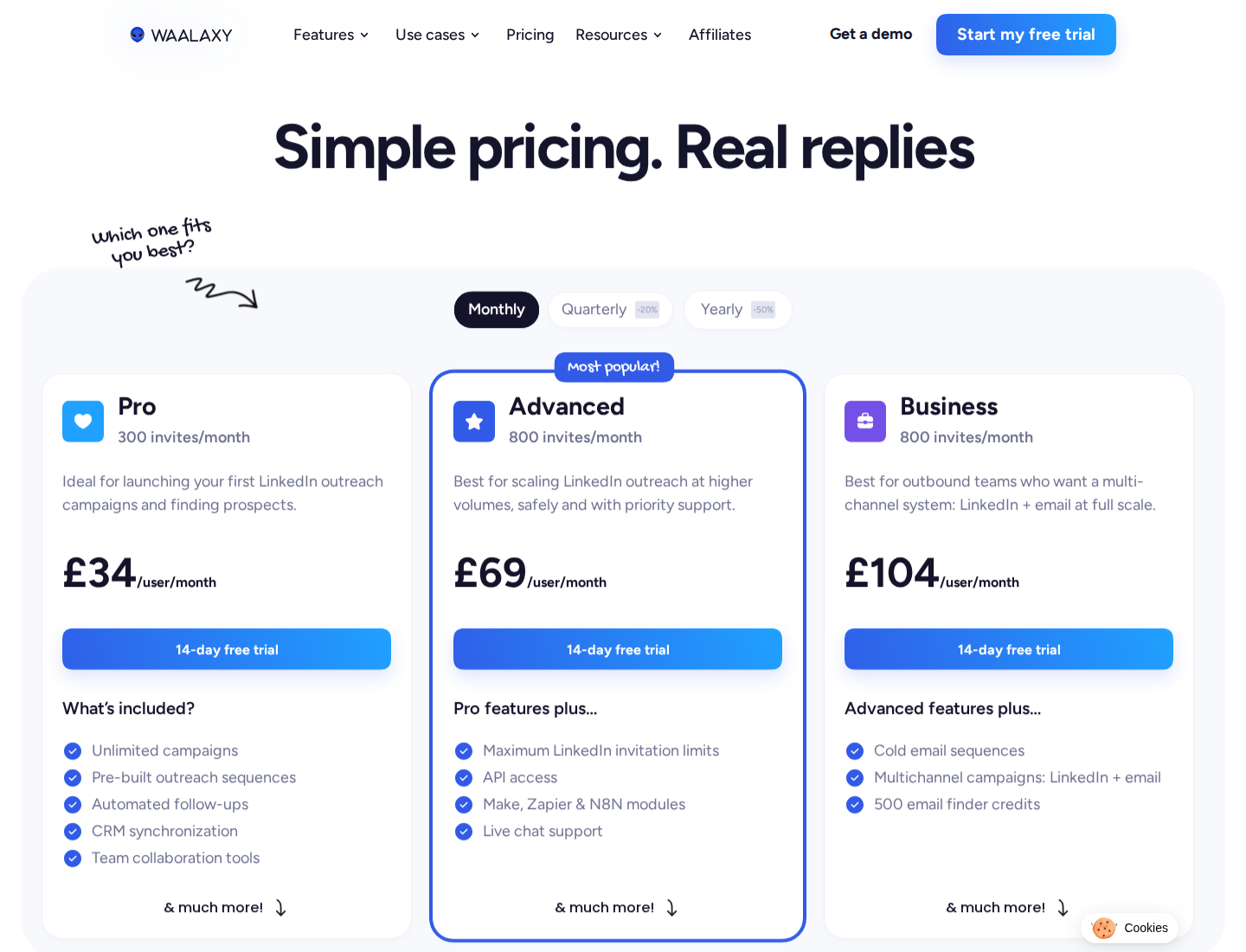
Monthly GBP pricing is £34 Pro, £69 Advanced, and £104 Business per user.
Pro lists 300 invitations per month; Advanced and Business list 800. All three include unlimited campaigns, but that does not mean unlimited LinkedIn activity. The email-finder allowance is 25 credits/month on Pro and Advanced, and 500 on Business.
Business adds cold email sequences and LinkedIn-plus-email campaigns. The LinkedIn Inbox is a paid add-on across the plans. For a workflow involving email, reply management, and external automation, compare the required plan and add-ons rather than the entry subscription alone.
6. Linked Helper: desktop automation and storage choices
Linked Helper is a desktop LinkedIn automation application with a custom campaign builder and more than 30 action types. Its local-storage license starts at $15/month, with the application running on your own computer or VPS.
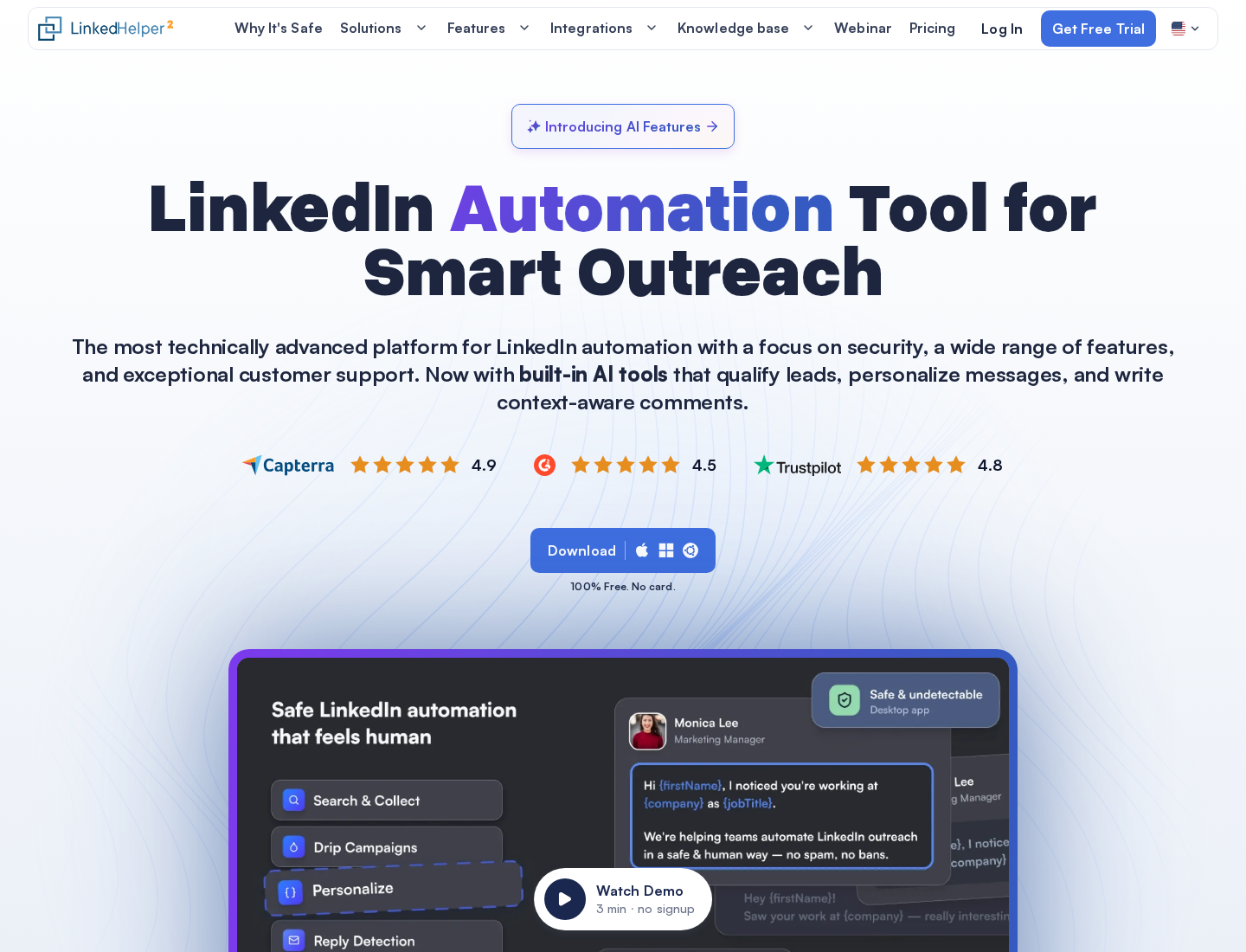
Linked Helper runs through its desktop application.
A one-month local-storage license costs $15 for Standard or $45 for Pro. Cloud-storage licenses cost $29.90 and $59.90 respectively. One license runs one LinkedIn account at a time; it cannot automate two accounts simultaneously.
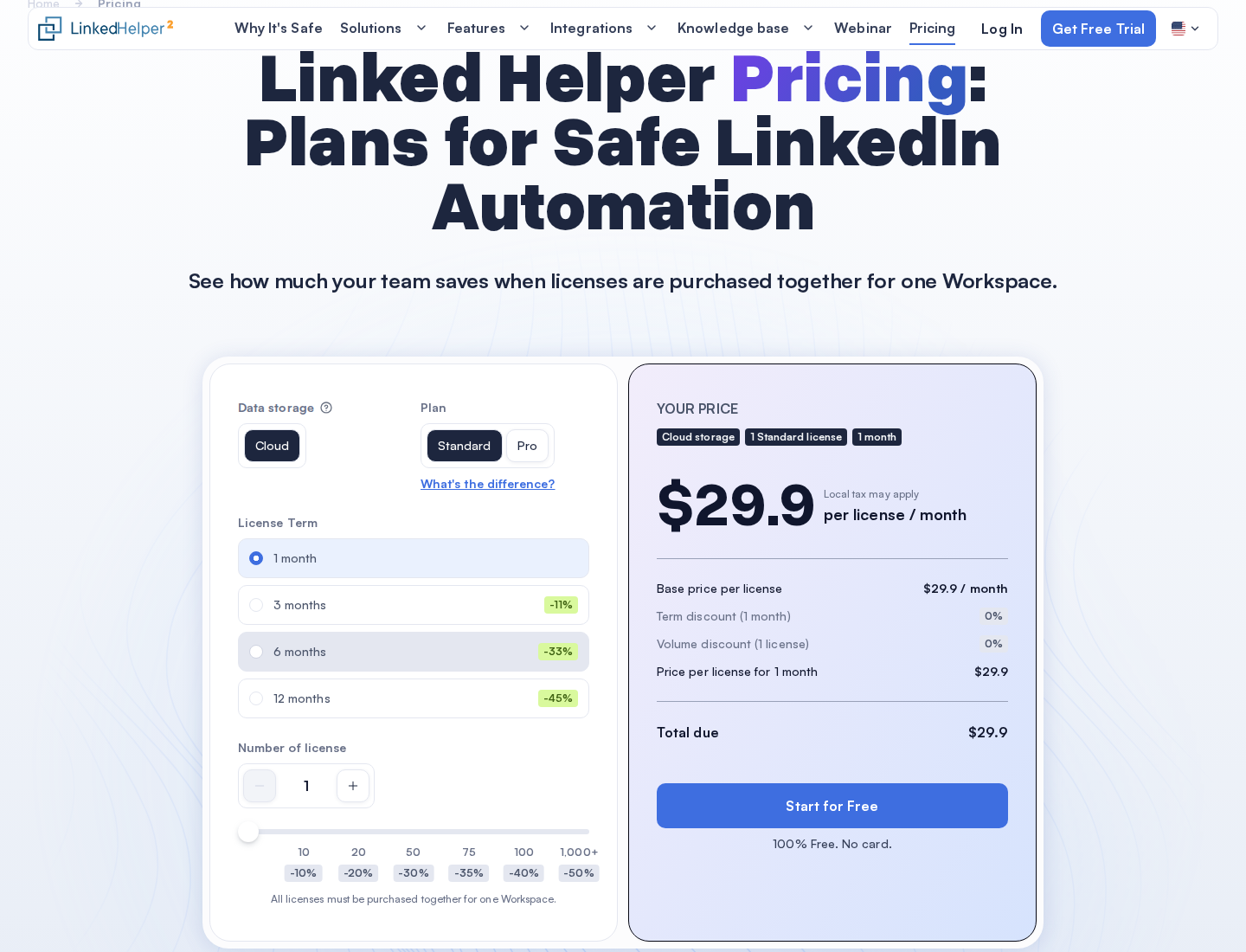
The displayed Cloud-storage Standard quote is $29.90 per license/month for a one-month term; storage, plan, term, and volume change the price.
Choose the storage model before building the workspace: moving an existing Local workspace to Cloud storage is not currently supported.
Both storage versions execute on your computer or VPS. The machine must remain on with the application running. Cloud storage should not be confused with cloud-hosted execution like Dripify's.
Both plans include unlimited campaigns. Standard limits specified advanced actions to 20/day, including certain group/event messaging, engagement, and exports. Pro removes Linked Helper's own caps on those actions, not LinkedIn's restrictions.
Include machine operation, storage choice, and the actions your campaign requires in a cost comparison. A $15 license and a hosted seat do not buy the same operating setup.
7. lemlist: LinkedIn inside a multichannel sales workflow
lemlist's Multichannel plan puts LinkedIn automation alongside email and a built-in dialer. SMS and WhatsApp are also supported; budget their add-ons and usage separately from the base subscription. You can coordinate sales touches across those channels in one workflow.
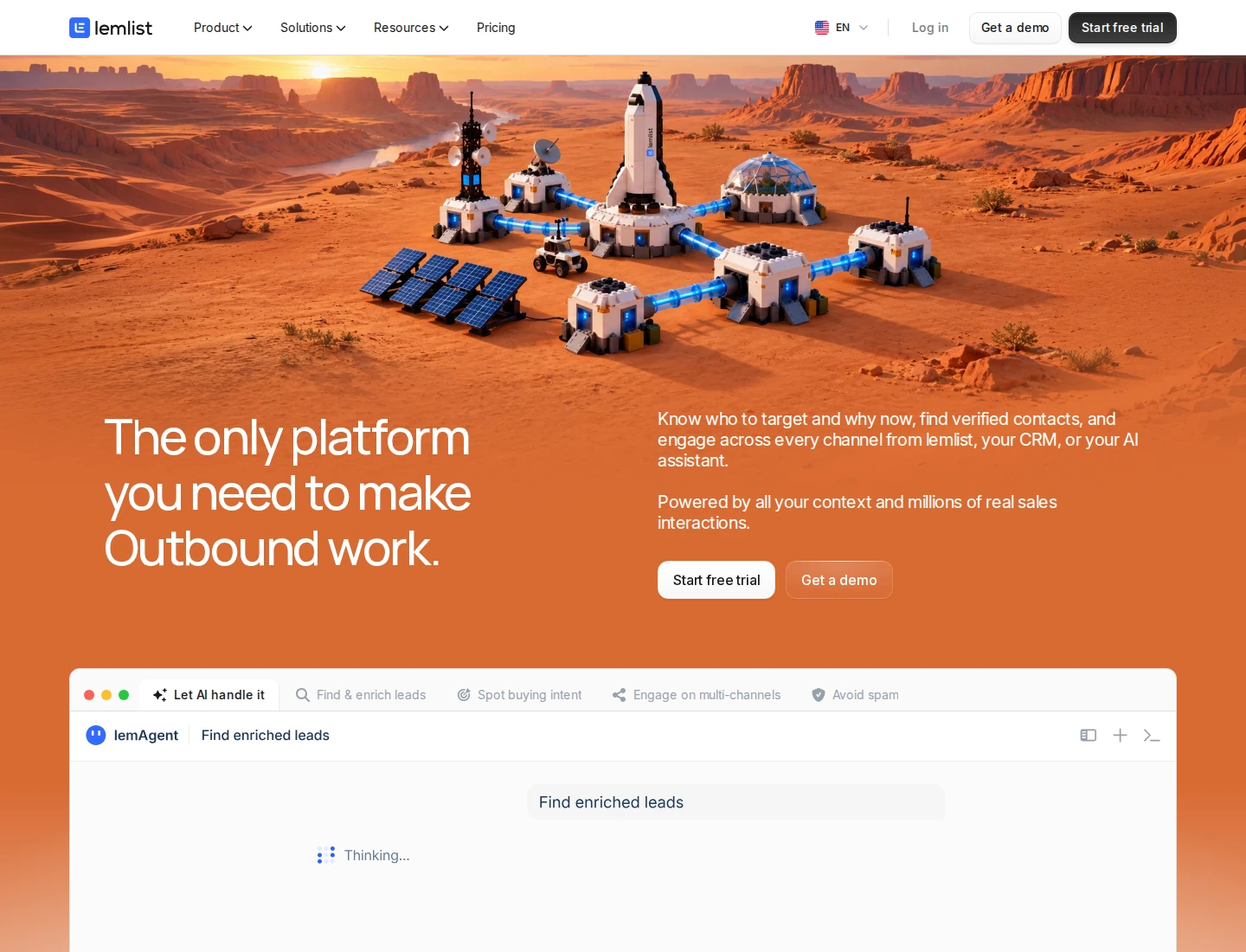
Email, LinkedIn, and phone outreach share a multichannel workflow.
Multichannel costs $109 per user/month on monthly billing, with a displayed $87/user/month annual equivalent. It includes up to five email addresses per user, with one connected LinkedIn account per lemlist account. Multiple LinkedIn profiles require separate seats and Chrome profiles. Enrichment credits are a separate cost, so prospect data belongs in the budget alongside the subscription.
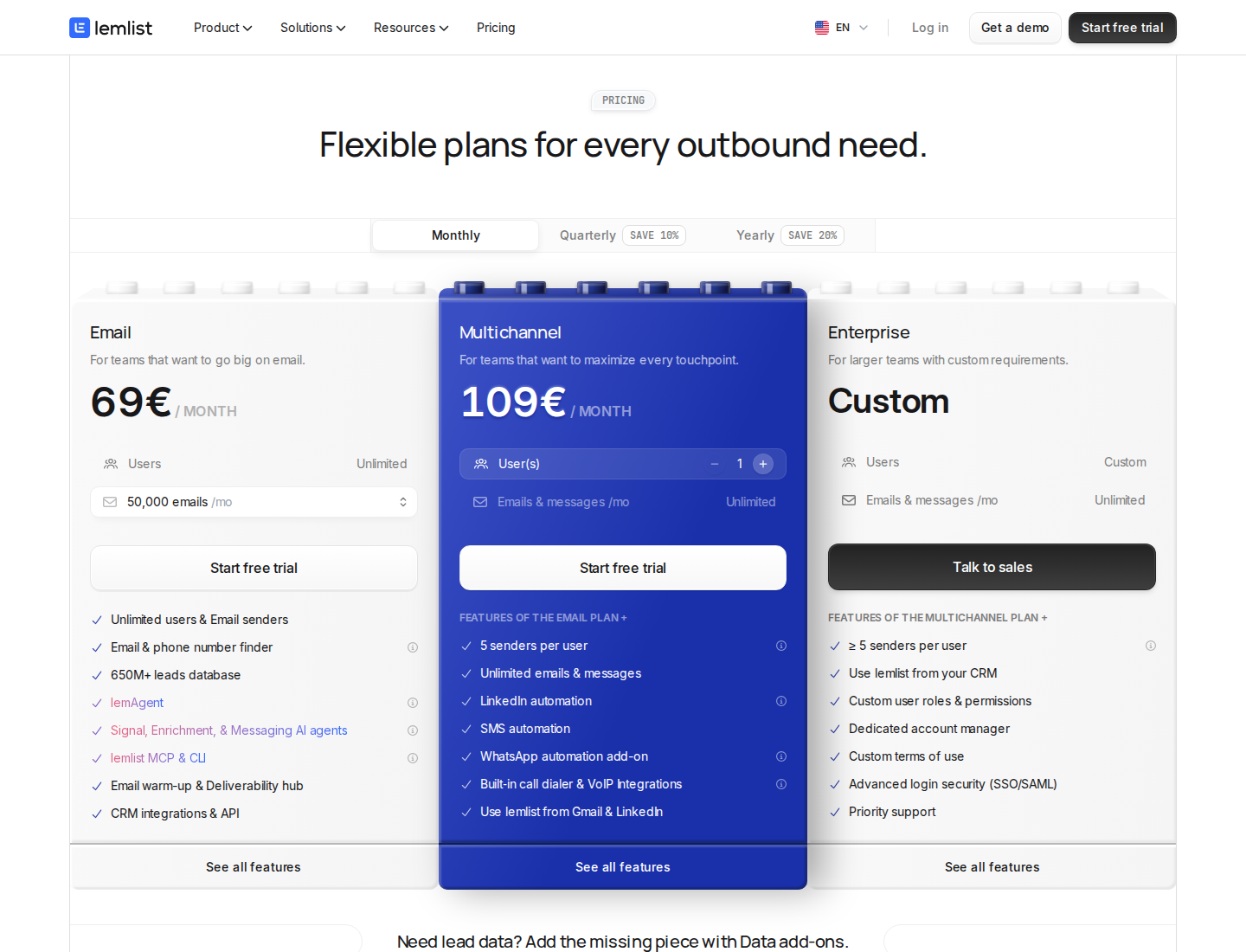
The official page displays the regional euro quote: €109/month for Multichannel and €69/month for Email, on monthly billing.
The Email plan starts at $69/month for a displayed 50,000-email monthly tier, with unlimited users and email senders. That cheaper email-only offer does not include LinkedIn automation and is not the like-for-like price for replacing a LinkedIn outreach workflow.
Plan-level unlimited messages do not mean unlimited LinkedIn throughput. LinkedIn activity still has account and platform constraints. When evaluating a multichannel campaign, check the LinkedIn steps, the mailbox setup, and the manual or automated actions each branch needs.
What changes when you leave Dripify?
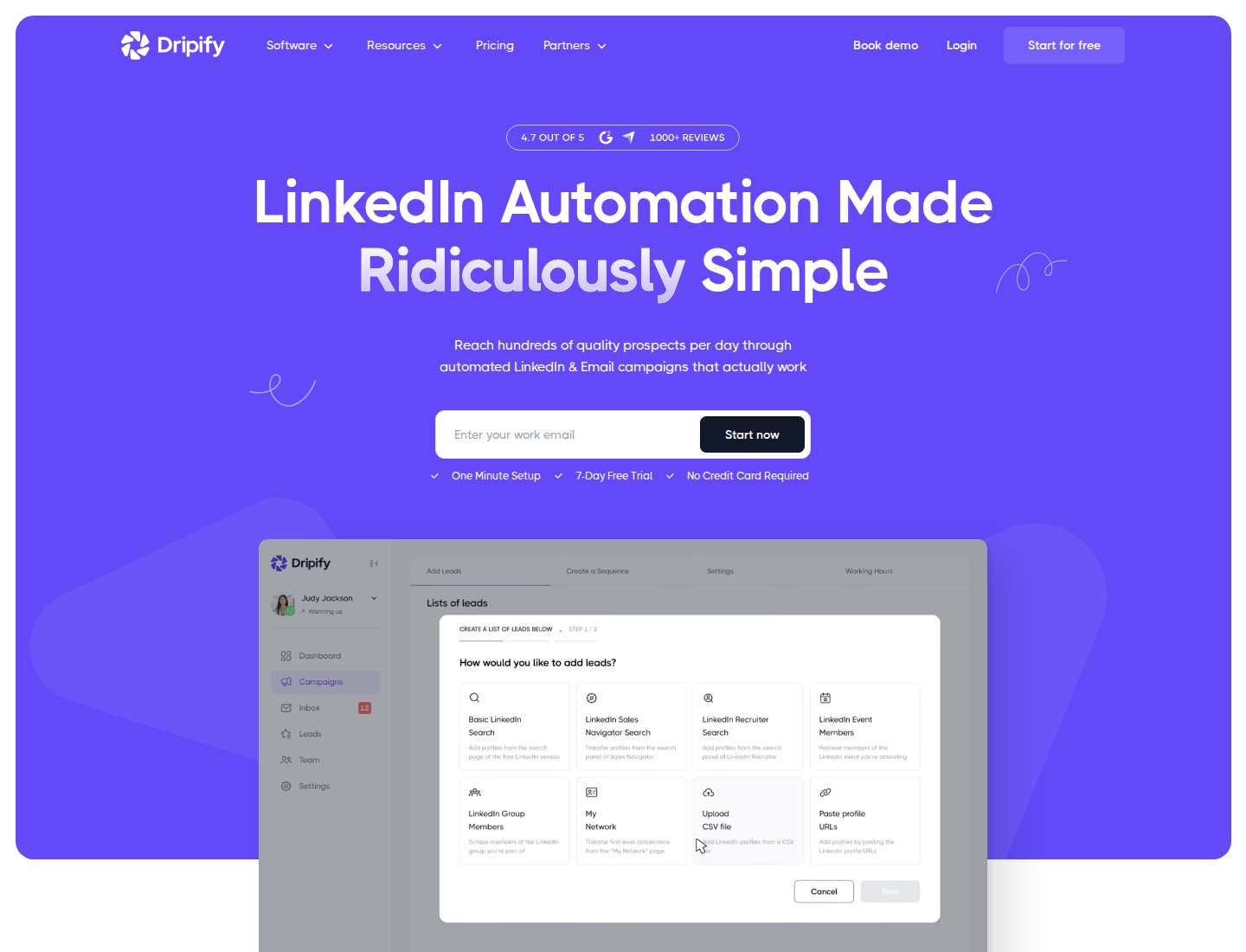
Dripify positions its product around automated LinkedIn outreach.
Before replacing the tool, distinguish a plan limit from a workflow problem. Dripify Basic costs $59/user/month on monthly billing and includes one campaign with limited daily quotas. Pro is $79 and adds unlimited campaigns, a dedicated inbox, CSV export, HubSpot, webhooks, and API/MCP access. Advanced is $99 and adds multi-team management, lead tagging, step analytics, and Evergreen leads.
The annual equivalents are $39, $59, and $79 per user/month. Each seat connects one LinkedIn account. All paid plans include LinkedIn/email sequences and 100 email-finder credits per month.
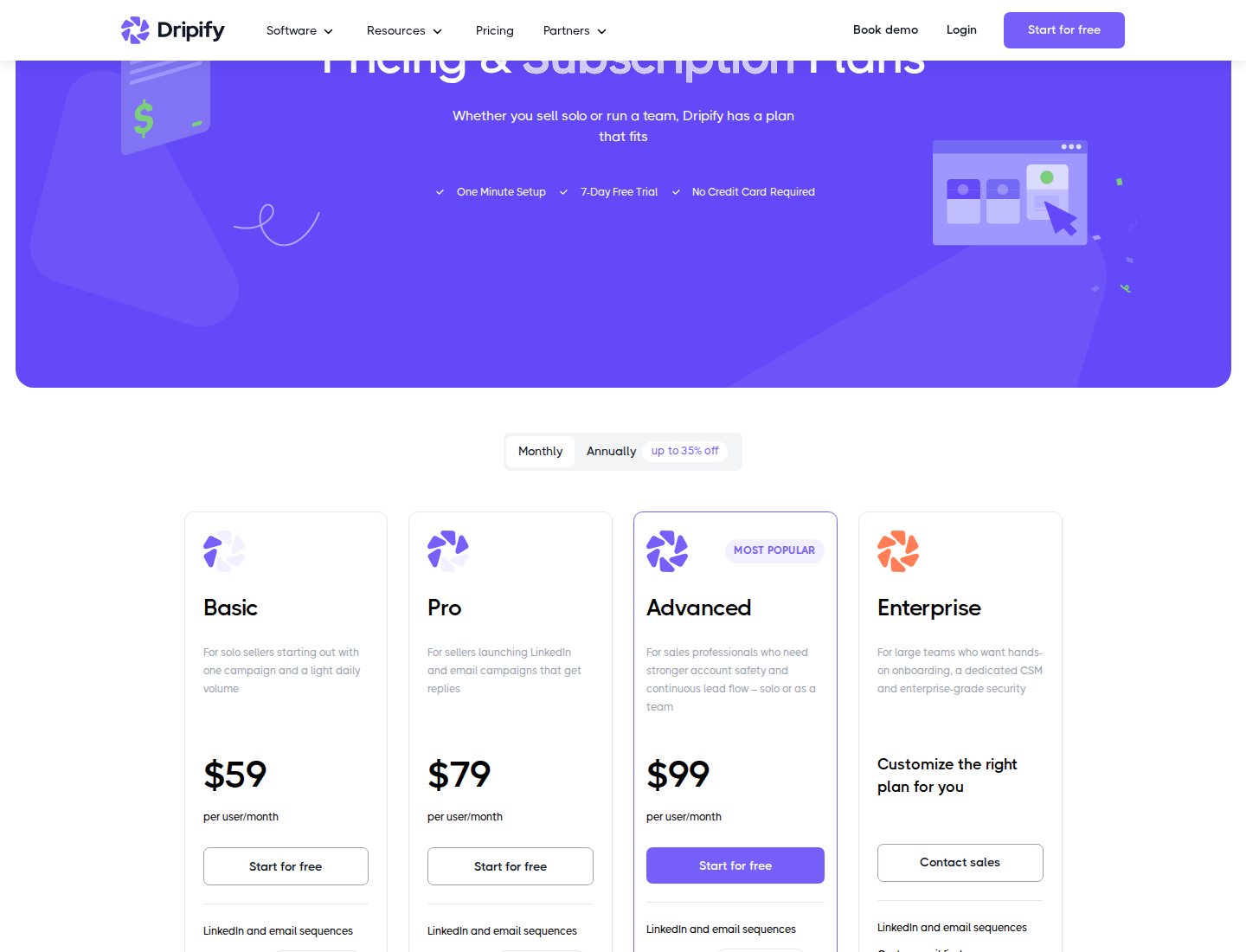
Monthly plans cost $59 Basic, $79 Pro, and $99 Advanced per user.
Those credits pay for successfully found and verified email addresses. Sending is not metered through them. Extra lookup packs cost $29 for 1,000 credits, $49 for 2,000, $69 for 5,000, or $99 for 10,000; included credits expire after 30 days without rollover. Mailbox-provider limits still apply.
Use the problem you want to solve to define the evaluation:
- More relevant conversations: inspect how prospects are found, which posts surface, and whether the next comment or DM has useful context. Extrovert connects those steps in one daily routine.
- Several LinkedIn accounts: check sender rotation, client separation, permissions, duplicate prevention, and who owns replies.
- Multichannel campaigns: check the exact channels and plan, reply-stopping rules, mailbox costs, and CRM handoffs.
- A smaller budget: compare monthly with monthly, then include data, paid inboxes, storage, machine operation, and additional accounts.
Before you switch: protect the work you already have
Export the prospect information you need and record active conversations, suppression lists, and CRM handoffs. A new subscription does not automatically migrate running campaigns or their history.
Pause overlapping activity before launching campaigns from another tool on the same LinkedIn account. Separate tools' limits do not account for everything the other tool sends. Define one owner for replies, and test what happens when a prospect answers through a different channel.
Review permissions and automation settings before connecting an account. LinkedIn's prohibited-software guidance restricts unauthorized automation. Dedicated IPs, working hours, and activity limits do not guarantee account standing or platform authorization.
To find useful moments to engage and keep prospects warm after outreach, use Extrovert with the relationships that fall out of your follow-up routine.