On this page
Octopus CRM automates LinkedIn invitations, visits, endorsements and messages through a Chrome extension. Your reason for switching may be cloud execution, team campaign management or a way to engage buyers before messaging them.
The seven alternatives below cover engagement-led prospecting, desktop automation, cloud sequences and multi-sender agency campaigns. Extrovert brings together prospect discovery, engagement before a DM and follow-up after a reply.
Octopus CRM alternatives at a glance
| Tool | Main workflow | Execution | Starting price and billing | Condition that matters |
|---|---|---|---|---|
| Extrovert | Discovery, comments, contextual DMs and ongoing nurture | Cloud-session or Chrome-extension connection | $49 per LinkedIn seat/month, monthly billing | 250 tracked prospects, 1 topic and 300 monthly Credits per seat, shared by the team |
| Linked Helper | Custom LinkedIn action sequences and contact management | Desktop app | Standard Local $15 per license/month, one-month term | Cloud data storage does not move automation off your machine |
| Dux-Soup / STACKED | LinkedIn drip campaigns and CRM-connected contact progression | Local desktop or managed cloud | Local $55; Cloud $99 per seat/month, monthly billing | Choose the execution version, not just a plan name |
| Dripify | LinkedIn and email sequences with team controls | Cloud | Basic $59 per user/month, monthly billing | Basic has one campaign; team management is on Advanced |
| Waalaxy | Prebuilt LinkedIn sequences; email on Business | Cloud | Pro €19 per user/month, annual billing | Cold email and the paid inbox are separate pricing decisions |
| Expandi | Conditional LinkedIn campaigns and email follow-ups | Cloud | $99 per LinkedIn account/month, monthly billing | Image/GIF and video personalization can cost extra |
| HeyReach | Multi-sender LinkedIn campaigns and a unified inbox | Cloud | Growth $79 per sender/month, monthly billing | Agency starts at $999/month for 25 senders; proxy costs matter |
Annual rates are monthly equivalents under a longer commitment. Compare costs in the same currency and for the number of LinkedIn accounts you need. Include the plan that provides your required features.
What are you replacing in Octopus CRM?
Octopus CRM combines a personal lead dashboard with automated connection requests, messages to first-degree connections, profile visits and skill endorsements. CSV import/export and Zapier/HubSpot integration depend on the plan. Its Chrome-extension automation needs an active browser session.
Monthly plans are Starter $9.99, Pro $14.99, Advanced $21.99 and Unlimited $39.99. Annual-billing monthly equivalents are $6.99, $9.99, $14.99 and $24.99. There is a seven-day trial without a card. Starter does not include every action or integration.
Its “connect by email” feature sends LinkedIn invitations using an email address. It is not a cold-email sequence from your mailbox.
Use your reason for switching to narrow the comparison:
- You want warmer conversations and follow-up after the first reply. Look at prospect discovery, relevant comments, contextual DMs and relationship tracking. These are the workflows Extrovert brings together.
- You want campaigns to continue with your laptop closed. Check where actions execute. Cloud storage and cloud execution are different things.
- You manage several sellers or clients. Check sender ownership, workspaces, permissions, duplicate prevention and the inbox, not only campaign volume.
- You need email in the same sequence. Check the actual sending tier, mailbox setup and credits. An email finder or integration alone is not an email sender.
- You want a low-cost replacement for LinkedIn actions. Compare the relevant one-month license and the actions included, plus the work of running a desktop application.
1. Extrovert: discover prospects and build the relationship
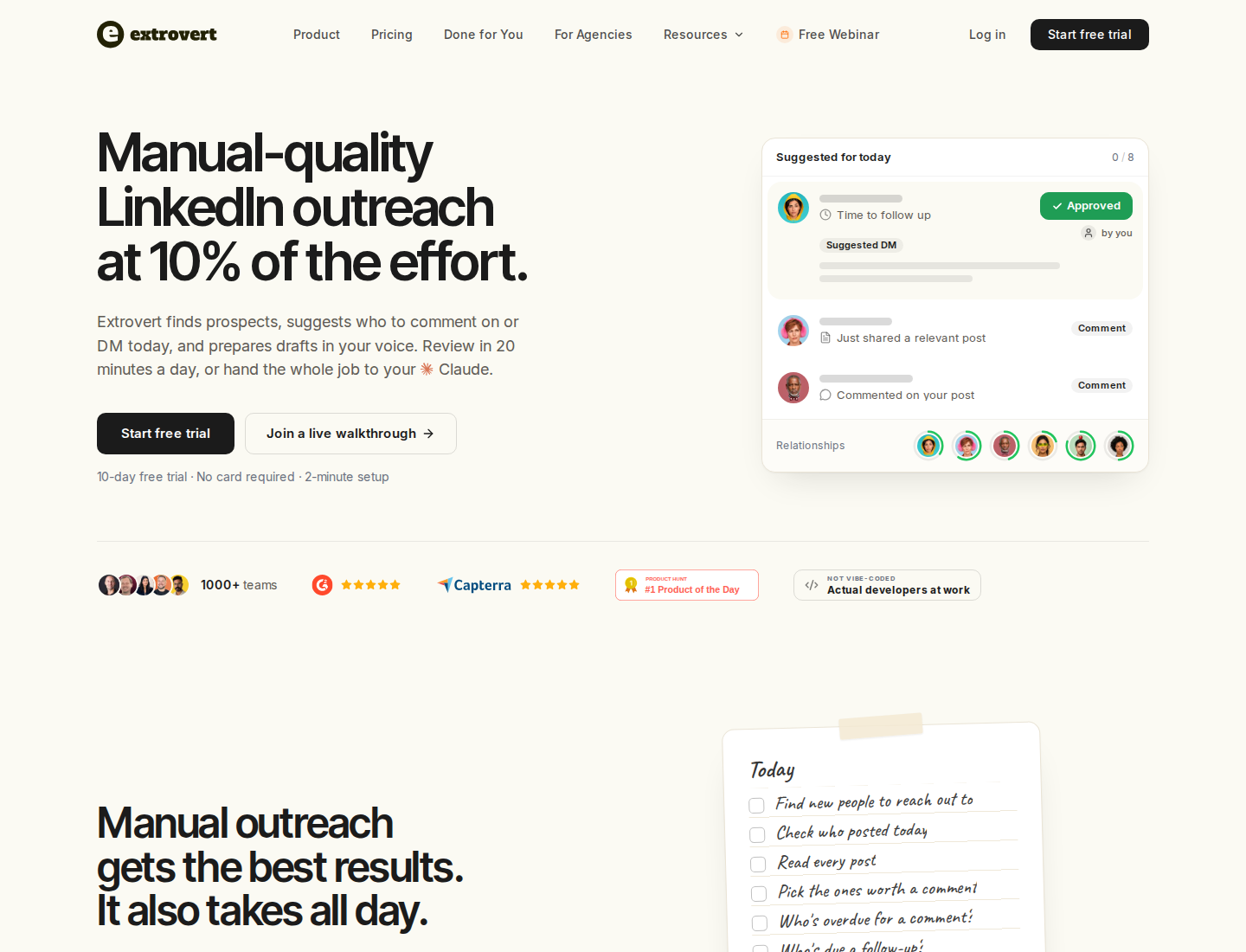
Extrovert brings prospect discovery, relevant engagement and follow-up into a daily LinkedIn workflow.
For founders, SDRs and account executives, Extrovert helps you find prospects, join relevant conversations and follow up with a useful reason to message.
Find people who fit your market
Lead Finder searches a B2B database by role, seniority, skills, location and company attributes, then adds matching people to a campaign. That search does not run through your LinkedIn account. You can also import people from CSV, your CRM or Sales Navigator.
Intent Signals finds people who engage with a chosen post, company or topic. Filters narrow the results to your target market, and each signal shows the person's activity. You choose who enters a campaign; activity is a reason to investigate, not proof of purchase intent.
Illustration: a radar sweeping LinkedIn activity. Most of it is passed over; three people are found by what they did: commented on a post about your topic; engaged with a competitor's post; connected with a competitor's sales team.


Stay visible, then follow up with context
People and topic campaigns bring relevant posts into your feed. Extrovert drafts comments in your Voice and prioritizes where to engage. You can review each comment, approve a batch or enable automatic commenting for a selected campaign. Campaigns can also include connection requests and DMs.
Recommended DMs and follow-ups help you decide which conversation needs attention. You can review the suggested message and its reason, then send or snooze it.
Illustration: the DM workspace on its Recommended tab, 5 conversations due for a message today, each with its reason. Connected 2 days ago: First DM. No reply for 9 days: Follow-up. New role at their company: Restarter signal. Promised a call 2 weeks ago: Follow-up. Quiet for 3 months: Keep in touch. The first one is open, with the first DM drafted and the buttons Send and Snooze.


For existing relationships, Conversation Restarters use a prospect's new post to suggest a relevant message instead of another generic check-in. You can edit, send or snooze the suggestion.
Illustration: Extrovert reads the prospect's posts. hot take, thought leadership, motivation, promotion are skipped. One post, went to sf tech week, is a Restarter signal. Extrovert suggests the DM "Seen you went to SF Tech Week. How did it go?", and the prospect replies.
This supports both first-touch prospecting and longer-term LinkedIn nurture. Keep open deals, customers and previous conversations in separate campaigns.
Through MCP, an assistant such as Claude or ChatGPT can review the work and take actions you permit. API and webhooks are included.
Pricing and scope
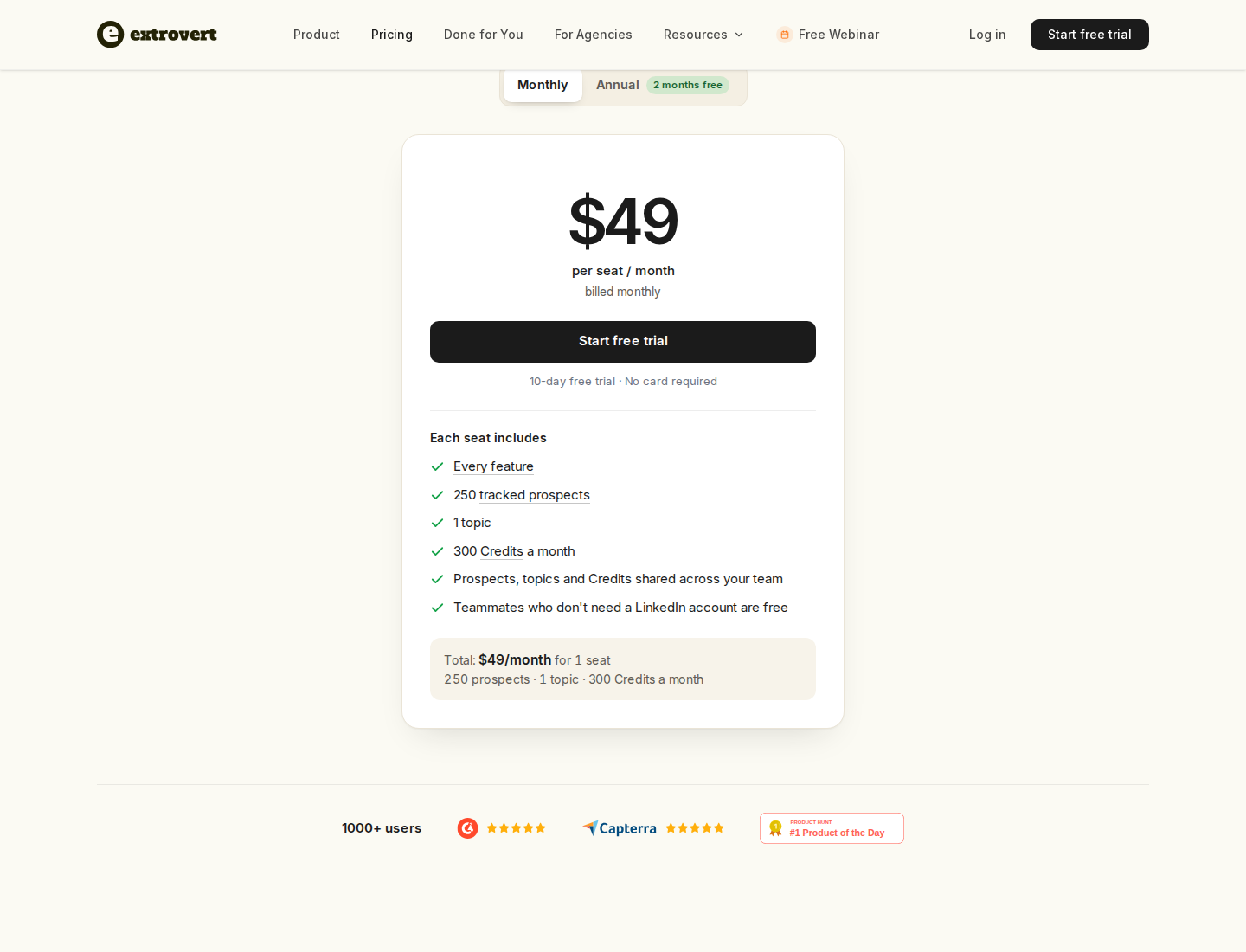
One LinkedIn seat is $49/month with monthly billing. Teammates who do not need a LinkedIn account are free.
Every feature is included. Each seat adds 250 tracked prospects, one topic and 300 monthly Credits, shared across the team. Lead Finder costs one Credit per delivered prospect; Intent Signals costs 25–250 Credits per delivered prospect, depending on the signal.
Extra capacity costs $20/month for 250 tracked prospects or $15/month for two topics. Credit top-ups start at $29 for 2,000 Credits. Extrovert pricing explains annual and volume discounts. The trial lasts 10 days and requires no card.
Extrovert replaces the discovery, engagement and nurture part of LinkedIn prospecting. If your switch depends on endorsement campaigns or bulk profile visits, keep those action requirements separate. Prospect tracking also does not replace your deal-stage CRM.
2. Linked Helper: desktop automation with a lower entry price
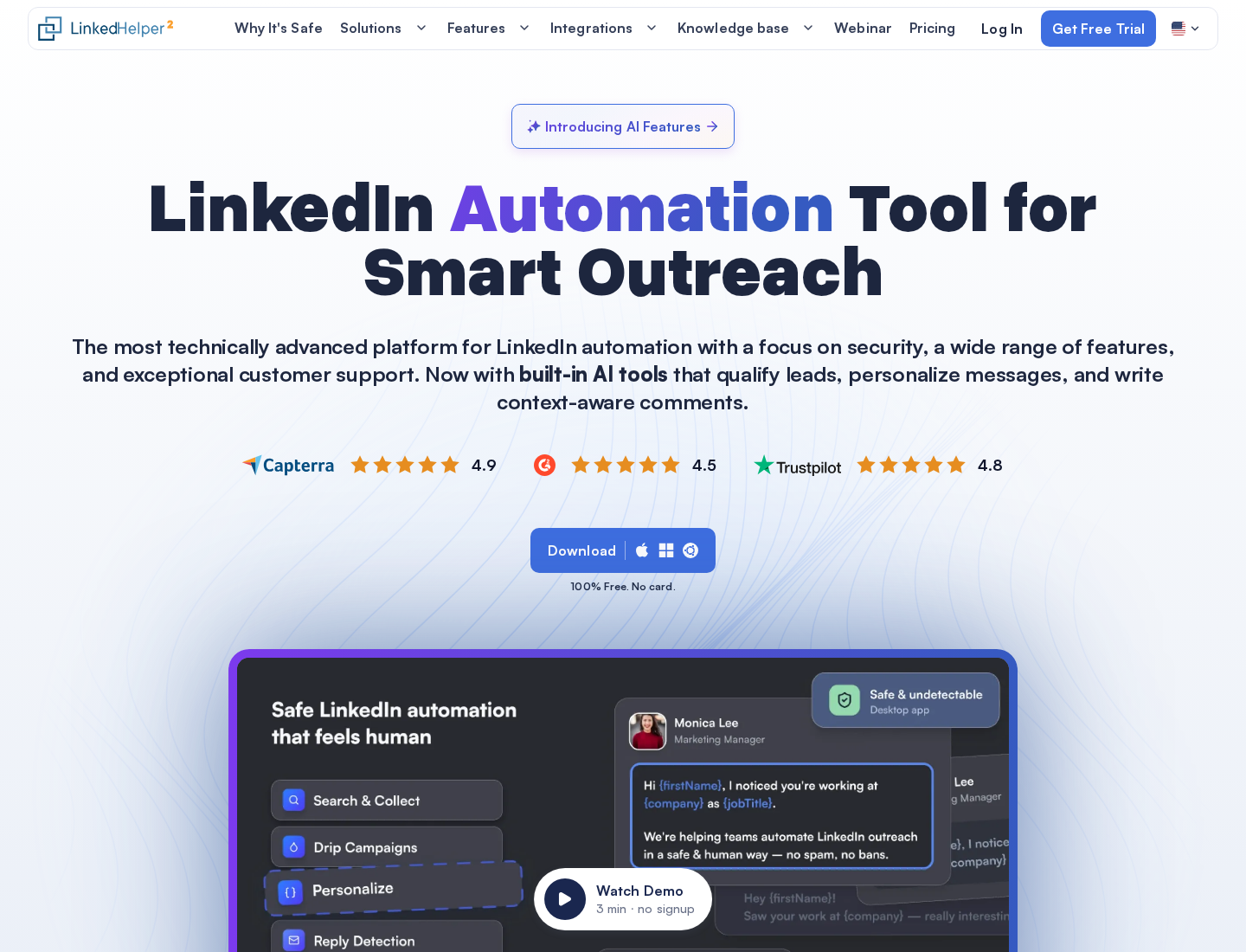
Linked Helper runs LinkedIn campaigns in a desktop application.
Linked Helper covers connection requests, message sequences, reply detection, InMails, endorsements and profile-data collection. Its campaign builder has more than 30 action types. Contact management, tags and campaign analytics help organize the people moving through those workflows.
AI features include profile-based personalized messages, ICP detection, comments and reply assistance. Generated personalized messages wait in a drafts queue for individual or bulk approval. Standard and Pro include the AI features; their allowances differ.
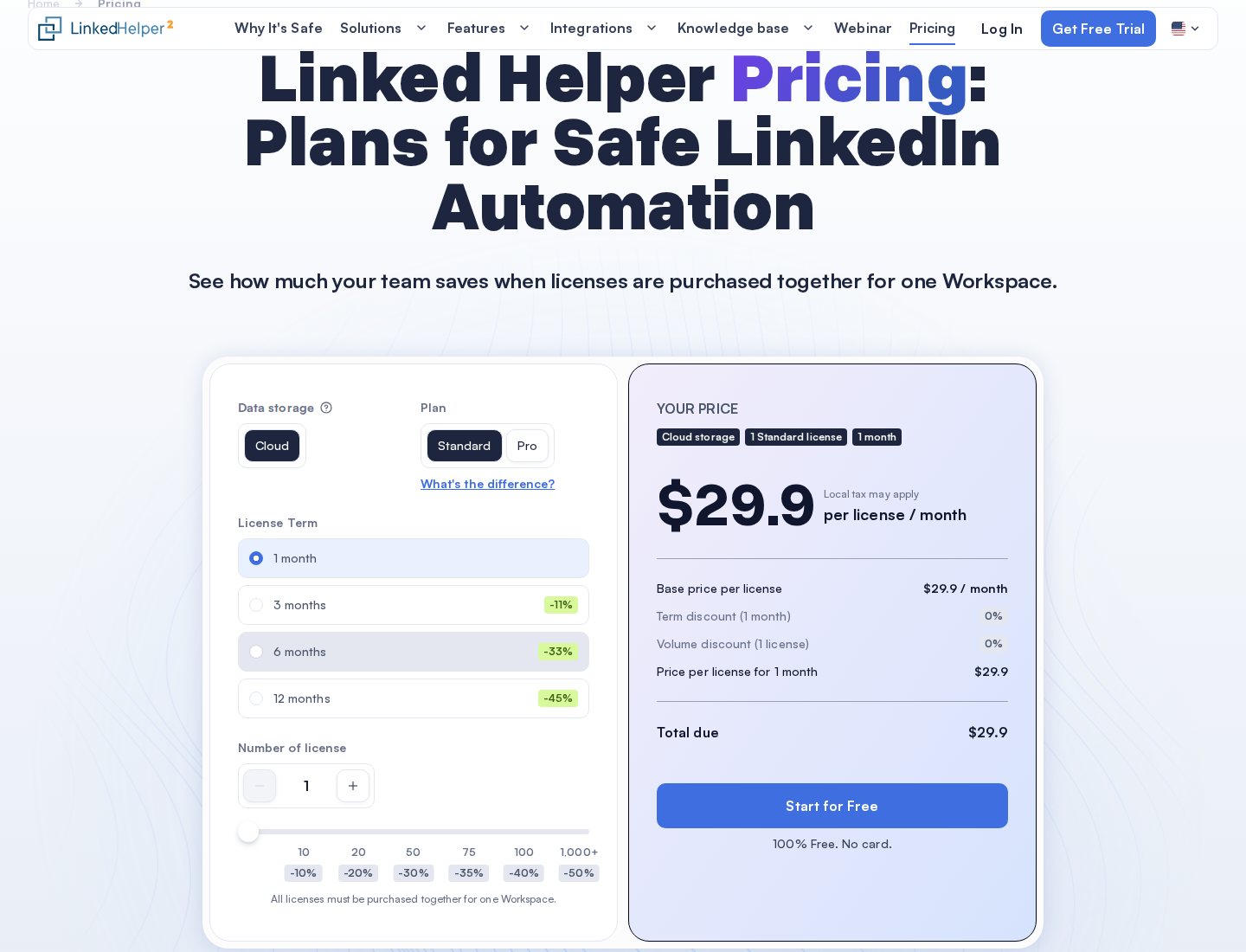
The pictured Standard configuration uses Cloud data storage for one license on a one-month term: $29.90. Local data storage has a separate $15 one-month entry price.
Pricing: Standard with Local data storage starts at $15 per license/month on a one-month term. The displayed 12-month equivalent is $8.25/month. One license runs one LinkedIn account at a time. Longer terms, volume and Cloud data storage change the total.
What to check: Both Local and Cloud data-storage versions execute automation on your computer or VPS. The app and machine must stay running. Cloud storage adds shared data, automatic backups and incoming webhooks; it is not hosted campaign execution. Included AI credits are granted by license term, rather than replenished monthly. Standard caps several advanced actions at 20/day, including likes/comments and native CRM/webhook transfers. A Standard license cannot be upgraded to Pro until it expires, so check those limits before buying a longer term.
3. Dux-Soup / STACKED: LinkedIn sequences and CRM-connected contacts
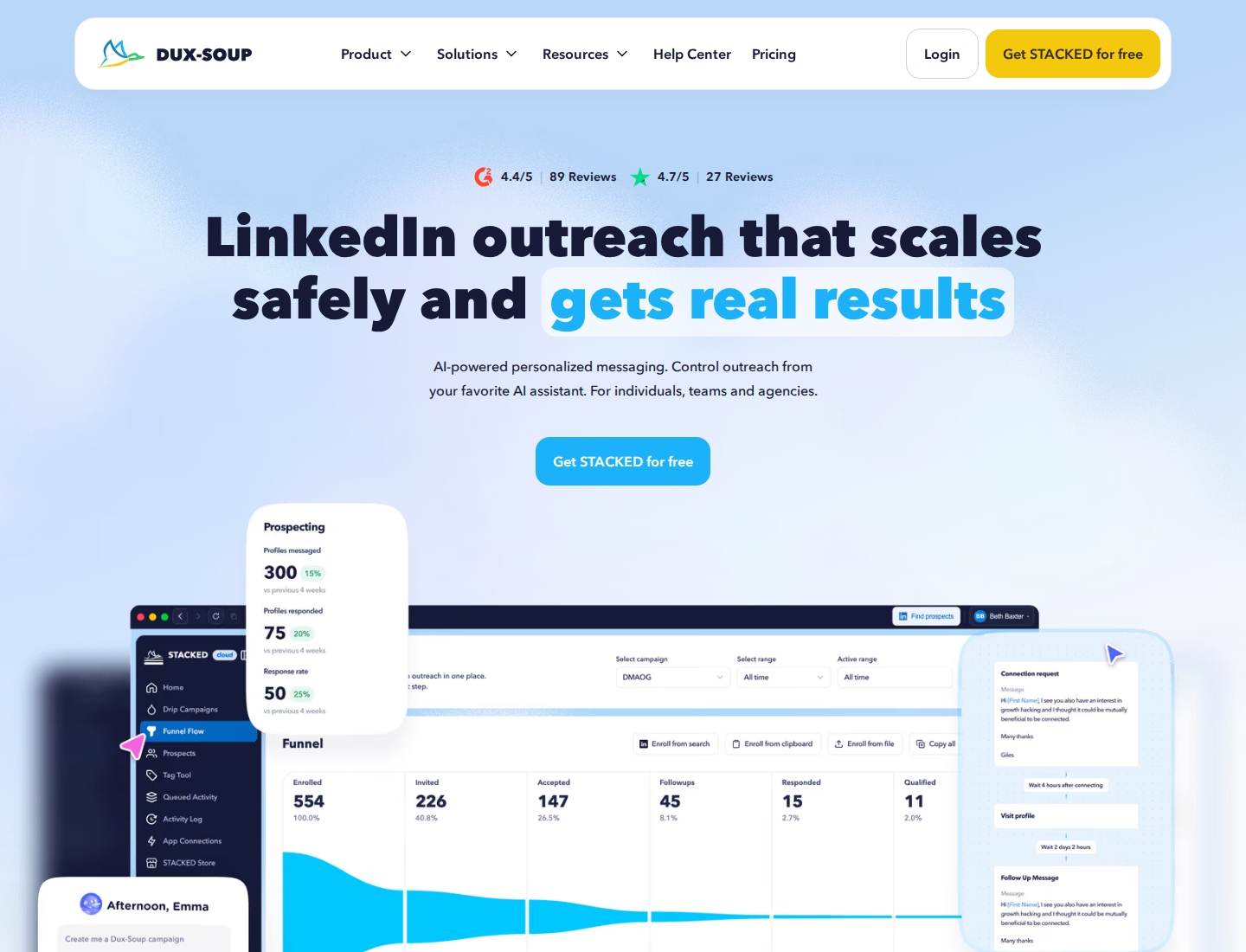
STACKED is Dux-Soup's current offer, with Local and Cloud execution.
STACKED includes drip campaigns, contact management, campaign statistics and exports. Campaign actions cover visits, connection requests, messages, InMails, endorsements, follows and post likes. Response detection can pause campaigns.
Native integrations include HubSpot, Salesforce and Pipedrive, alongside Zapier and Make libraries. Contact tags, action history and prospect progression help you track contacts across LinkedIn campaigns and your CRM.
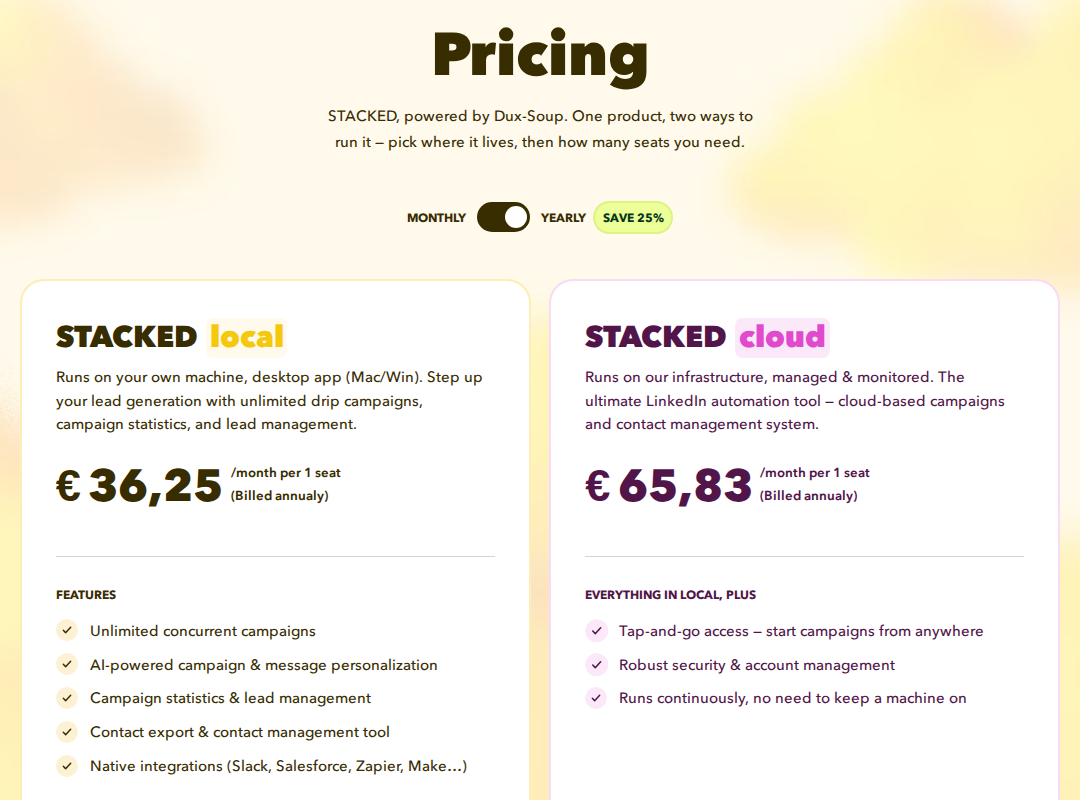
The euro pricing shown uses annual billing: Local €36.25 and Cloud €65.83 per seat/month. Dollar pricing is listed below; currency and billing selection change the displayed amount.
Pricing: Local is $55 per seat/month with monthly billing, or $41.25/month with annual billing. Cloud is $99 monthly, or a displayed $74.17/month with annual billing.
What to check: Local is a desktop app for Mac and Windows. Cloud runs on the vendor's infrastructure without keeping your machine on. Match that choice to how your team works. The Dux-Soup alternatives comparison covers the wider shortlist.
4. Dripify: cloud sequences with team-management tiers
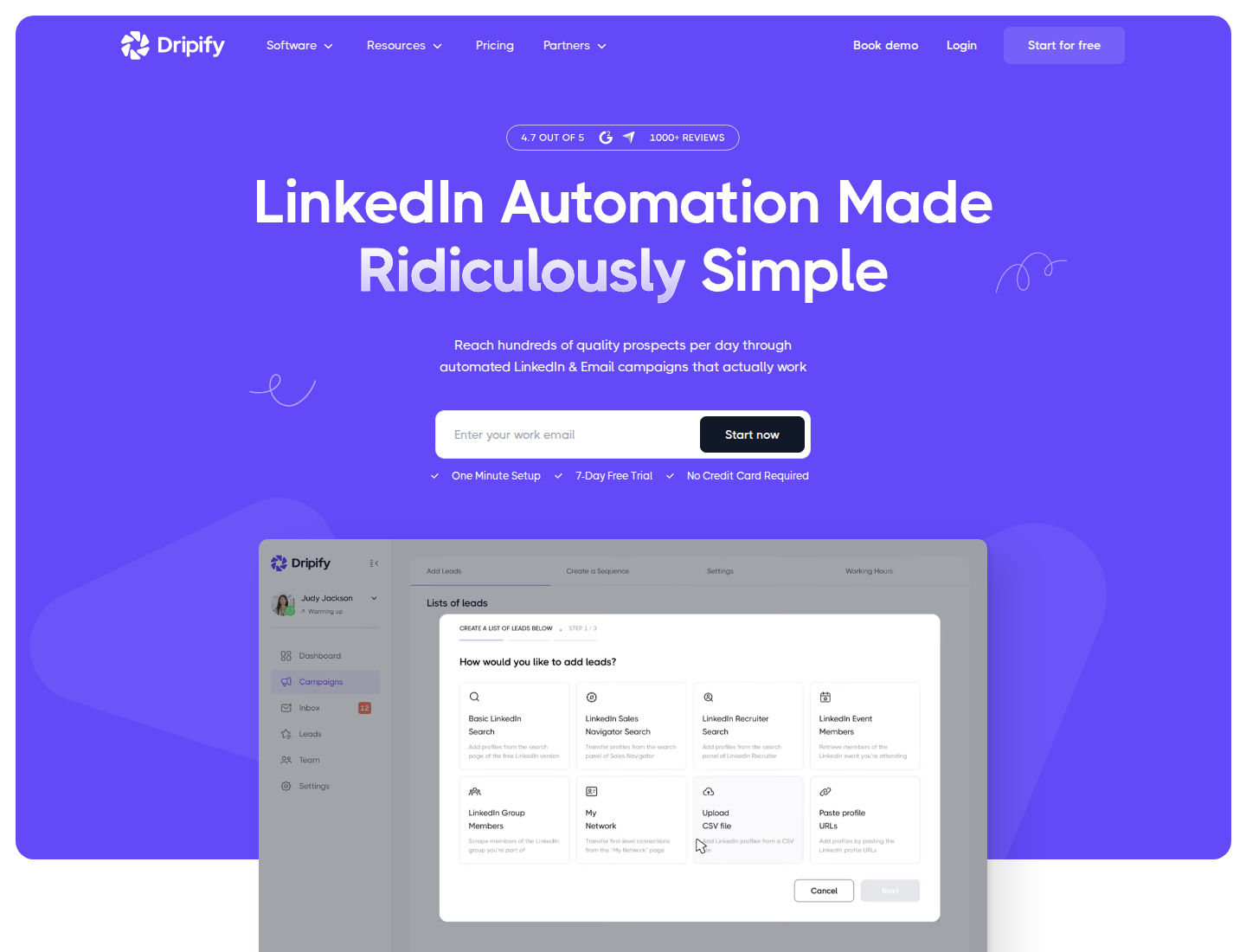
Dripify runs LinkedIn and email sequences in the cloud.
Dripify combines sequence templates, campaign analytics and scheduled LinkedIn and email steps. All paid plans include both channels and 100 email finder credits a month.
Pro adds unlimited campaigns, a dedicated inbox, CSV export, webhooks, HubSpot integration and API/MCP access. Advanced adds multi-team management, lead tagging, step analytics, A/B testing and evergreen leads.
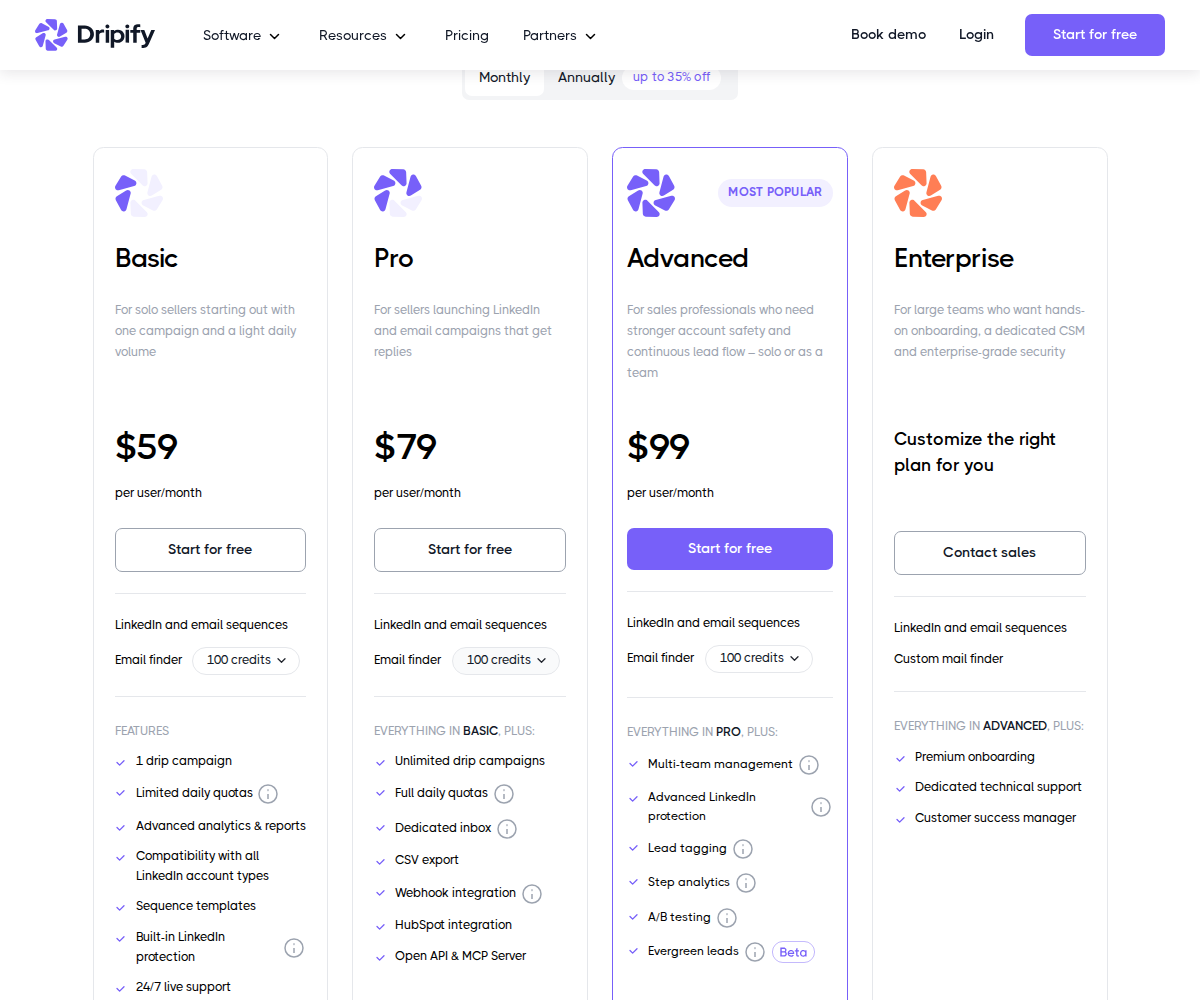
Basic, Pro and Advanced have different campaign and team limits; annual rates require annual billing.
Pricing: Basic is $59, Pro $79 and Advanced $99 per user/month with monthly billing. Annual-billing equivalents are $39, $59 and $79. Enterprise is custom-priced. There is a seven-day trial without a card.
What to check: Basic includes one drip campaign and limited daily quotas. Budget for Pro if CSV export or the dedicated inbox is required; team management is on Advanced. Keep email finder credits separate from the number of messages you can send. See the Dripify alternatives comparison for more on these workflow choices.
5. Waalaxy: prebuilt LinkedIn sequences with an email tier
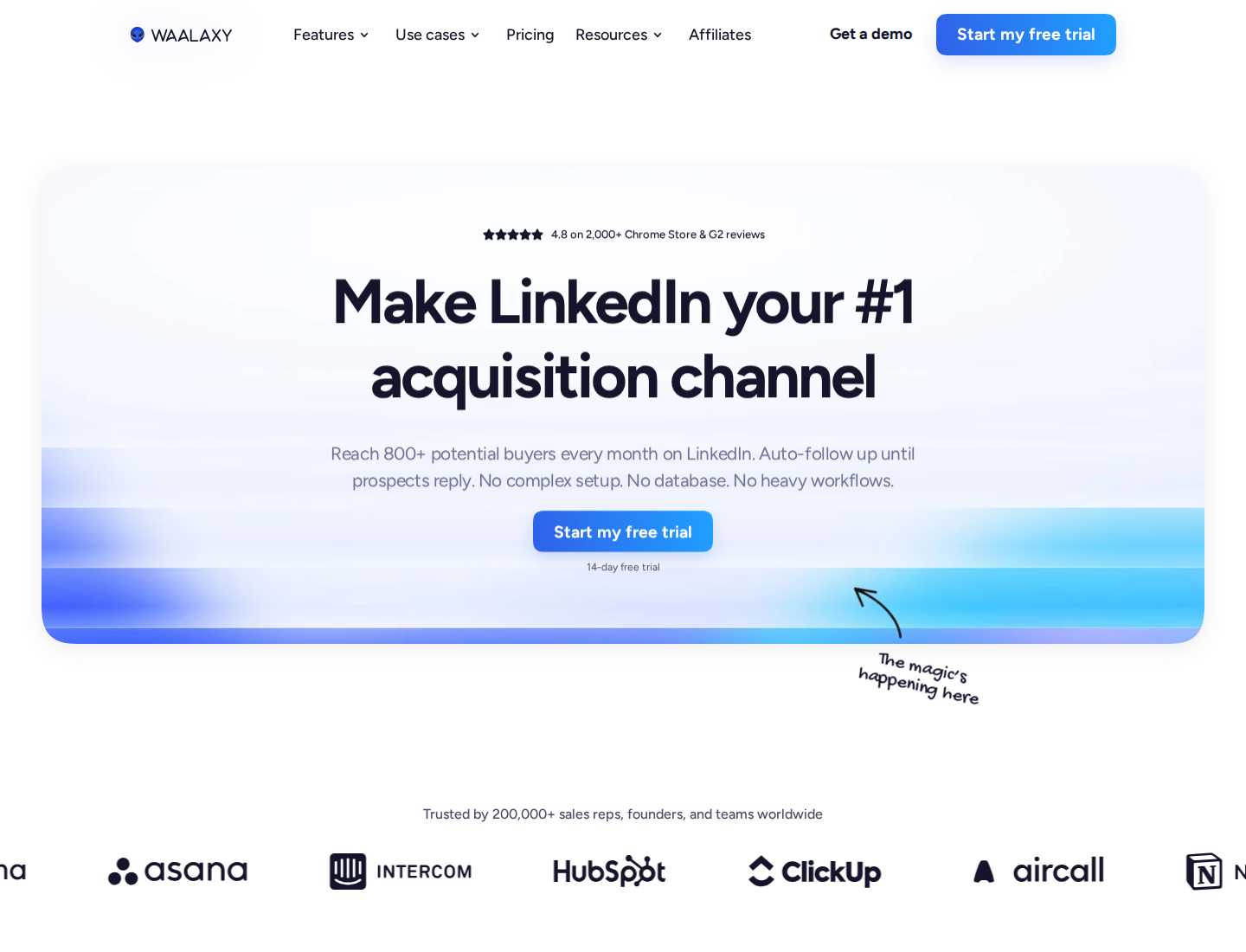
Waalaxy separates LinkedIn sequences from its Business multichannel tier.
Waalaxy runs campaigns in the cloud. Its optional Alien Copilot extension speeds up imports but is not required for campaign execution. You can paste a LinkedIn search URL into the app to import prospects.
Pro includes prebuilt sequences, automated follow-ups, CRM synchronization and team tools. Advanced adds API access and Make, Zapier and n8n modules. Business adds cold-email sequences and LinkedIn-plus-email campaigns. The LinkedIn inbox is a paid add-on.
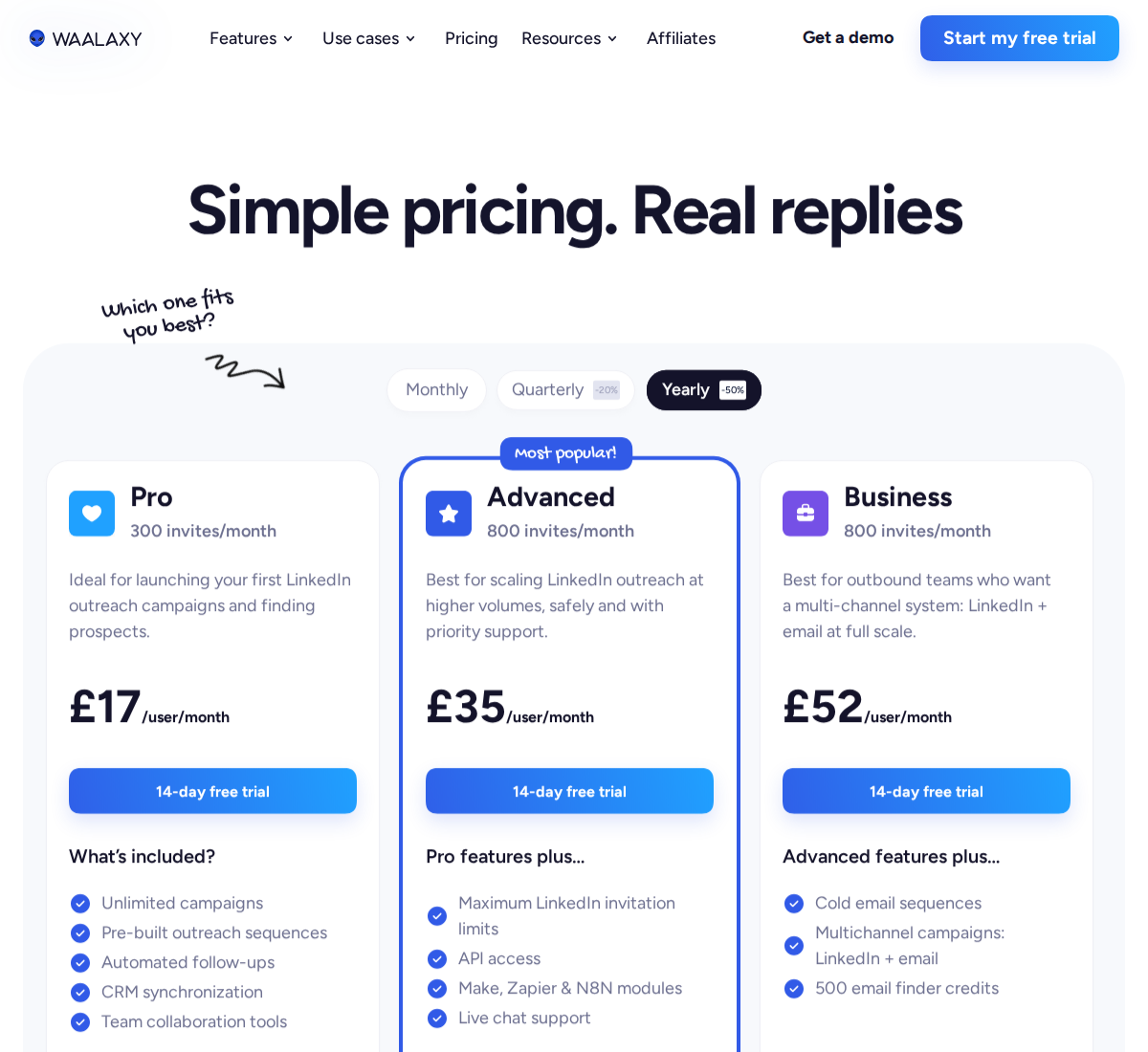
The pictured sterling annual rates are Pro £17, Advanced £35 and Business £52 per user/month. Euro annual rates are listed below; use the currency offered for your subscription.
Pricing: Annual-billing rates are Pro €19, Advanced €49 and Business €69 per user/month. Monthly and quarterly billing have different rates. There is a 14-day trial.
What to check: Pro lists 300 invitations/month; Advanced and Business list 800. These are plan allowances, not a guarantee of what LinkedIn will allow your account to send. Importing prospects and launching campaigns require a paid subscription after the trial.
6. Expandi: conditional cloud campaigns
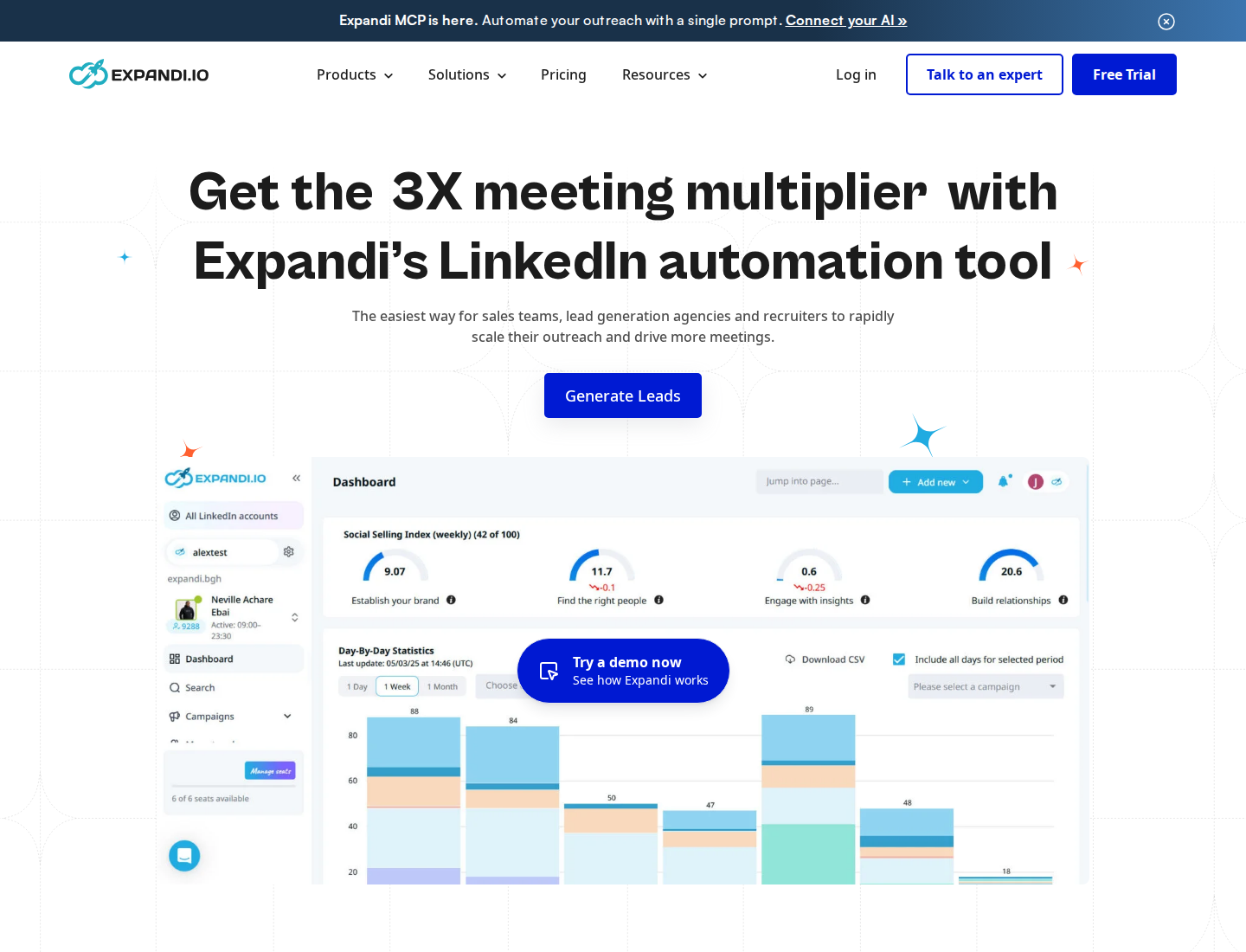
Expandi uses conditional steps to build LinkedIn campaigns and email follow-ups.
Expandi's if/action sequence builder supports scheduling, campaign priorities and email follow-ups. Campaign statistics, conversation tags and notes, integrations and a centralized dashboard help manage outreach.
Business includes a dedicated country-based IP, configurable activity limits and profile warm-up. Agency arrangements add roles, centralized campaign management and white-label options.
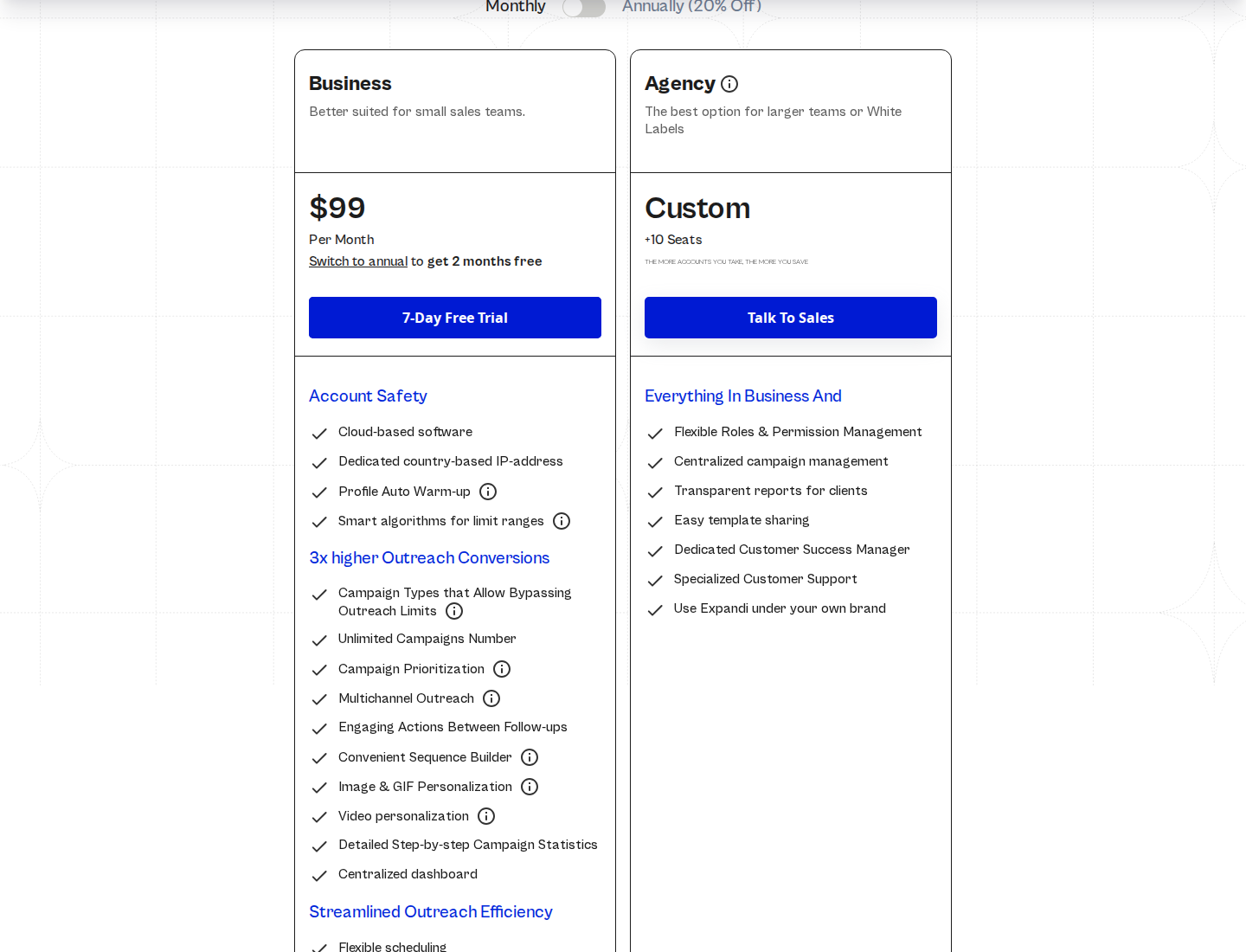
Business has a per-account subscription; Agency pricing is custom.
Pricing: Business is $99 per LinkedIn account/month, or $79/month with annual billing. The trial lasts seven days. Image/GIF and video-personalization services can add costs.
What to check: Define the branches and stop conditions your campaign needs before comparing builders. Confirm which personalization services are included in your budget. The Expandi vs Extrovert comparison goes deeper into scheduled sequences and ongoing engagement.
7. HeyReach: multi-sender LinkedIn campaigns
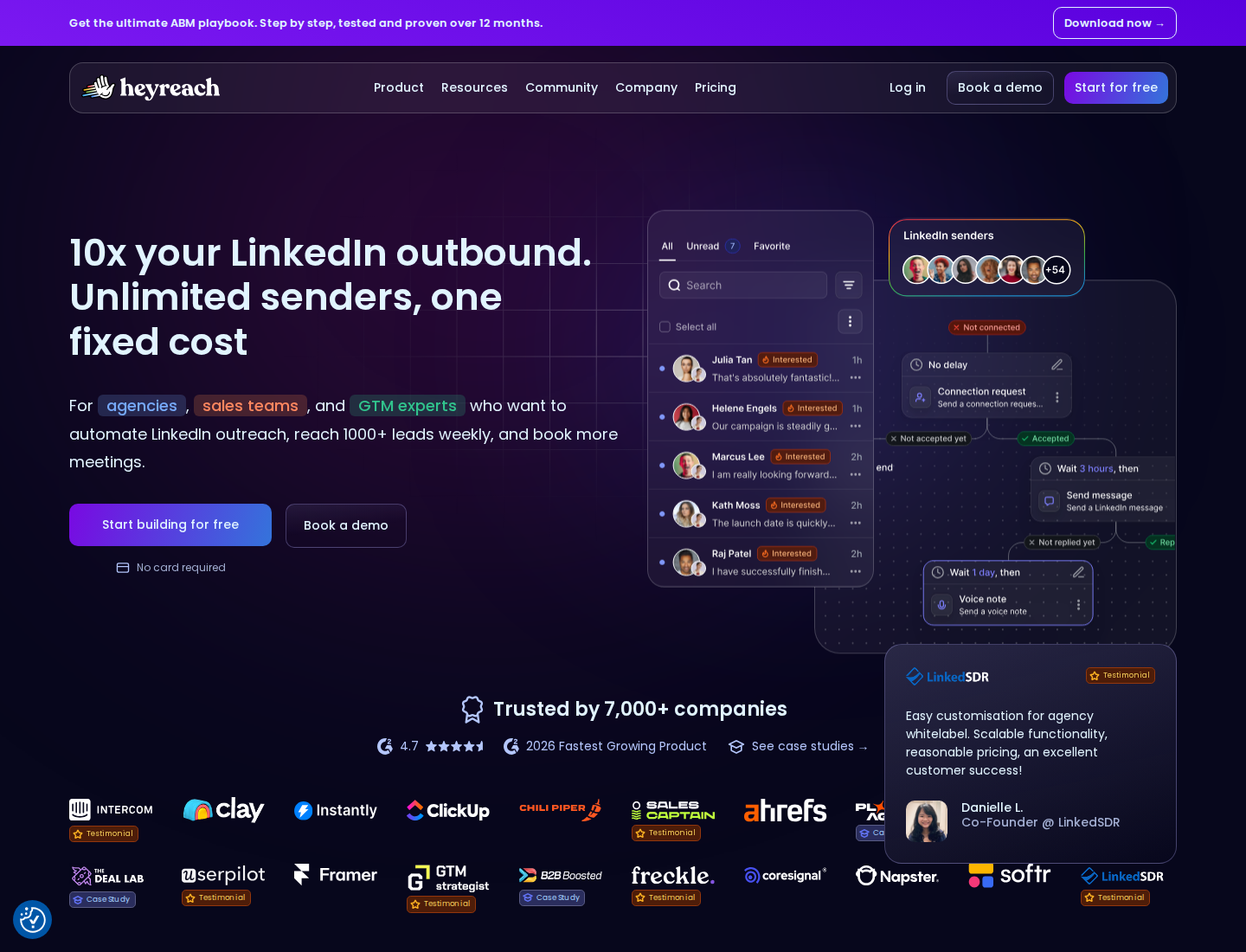
HeyReach centralizes LinkedIn campaigns across multiple sender accounts.
HeyReach combines sender rotation, a unified inbox, workspaces and permissions. Growth includes API, webhooks, integrations, enrichment credits and an MCP server.
Connections with email tools such as Instantly and Smartlead support multichannel workflows. Those integrations connect a separate email-sending service to LinkedIn campaigns.
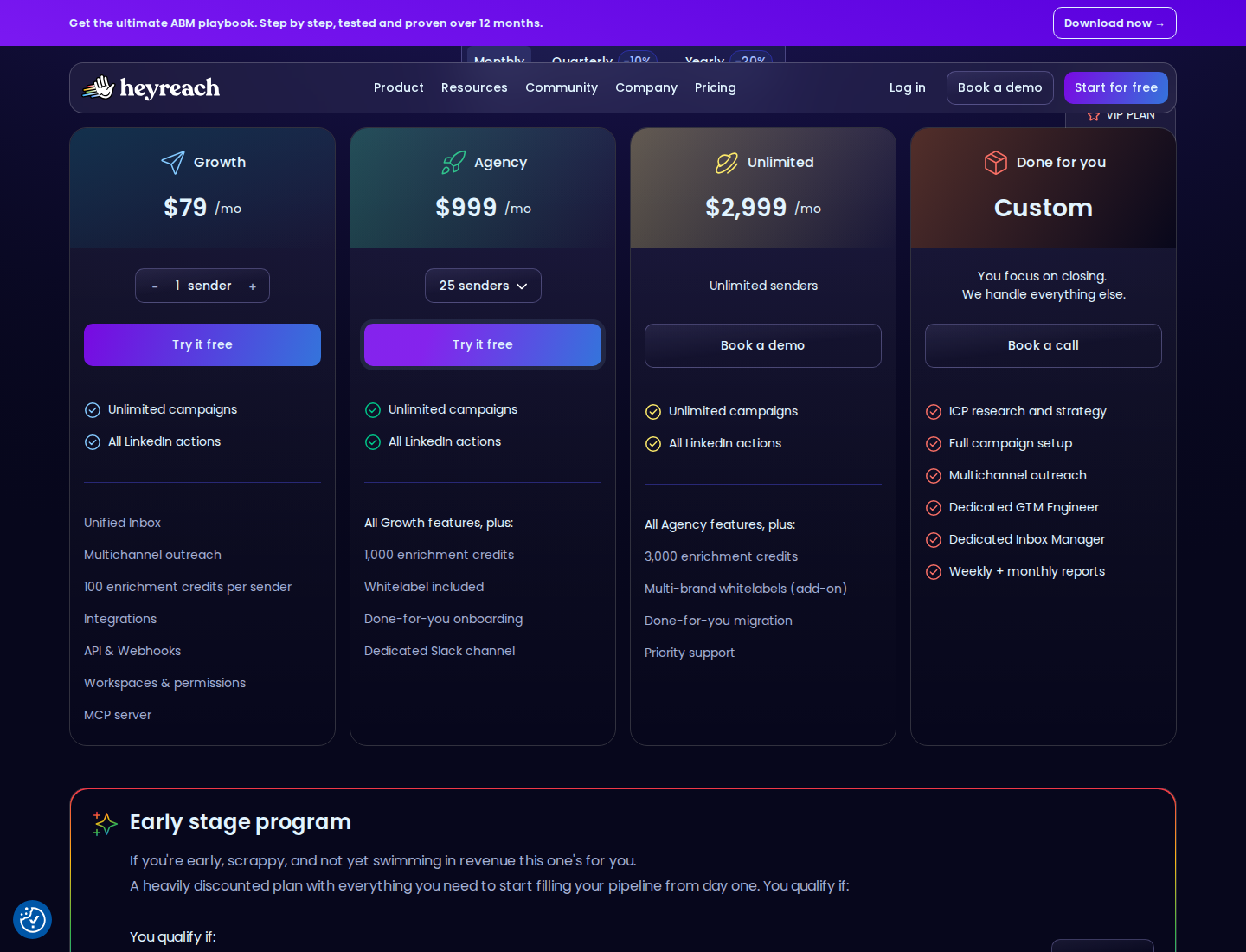
A sender is a connected LinkedIn account. Teammates, clients and virtual assistants are not additional senders.
Pricing: Growth starts at $79 per sender/month with monthly billing. The displayed annual rate is $63/month, billed $756 yearly. Agency starts at $999/month for 25 senders. Growth has a 14-day trial without a card.
What to check: Agency and Unlimited require your own proxies. Include that cost and setup in the comparison. Sender rotation distributes actions across accounts; each account still has its own restrictions. See the HeyReach alternatives shortlist for the broader workflow comparison.
Plan the switch without losing your lead history
Keep your CRM as the source of truth for deal stages, ownership and reporting. A campaign dashboard or unified inbox does not automatically migrate your history.
- Export the lists you need. Preserve profile URLs, campaign membership and any notes or statuses available in your current export. Keep a copy before changing tools.
- Map the actions and integrations. List the invitations, messages, endorsements, visits, email steps and CRM sync you depend on. Check the exact plan that supplies them.
- Stop overlapping campaigns. Pause the old sending workflow before activating the replacement for the same account and people. Review pending invitations and queued follow-ups separately.
- Test a small, defined campaign. Check import quality, reply detection, stop conditions and CRM updates before expanding. Judge conversations and qualified next steps, not only action counts.
- Separate prospecting from nurture. In Extrovert, keep active outreach, customers and open deals in campaigns with different purposes. Review their posts, choose your comment settings and add connection requests or contextual DMs where they belong.
The LinkedIn prospecting guide explains how to connect targeting, engagement and outreach.
FAQ
What is the cheapest Octopus CRM alternative here?
Linked Helper Standard with Local data storage has the lowest one-month entry price in this shortlist at $15 per license. Waalaxy Pro's €19/month is an annual-billing rate in a different currency. Compare the actions and plan you need before treating either entry price as your total cost.
Does Extrovert replace every Octopus CRM feature?
Extrovert covers prospect discovery, post tracking, comments, connection requests and contextual DMs. It does not replace endorsement campaigns, bulk profile visits or a full sales CRM. Its role in B2B outreach is to connect discovery with relevant engagement and continued follow-up.
Which tools need a browser or computer left on?
Octopus CRM depends on its Chrome-extension session. Linked Helper runs on your computer or VPS, including its Cloud data-storage version. STACKED Local runs on your machine; STACKED Cloud, Dripify, Waalaxy, Expandi and HeyReach run cloud campaigns. Extrovert can connect through a cloud session or the Chrome extension, so the connection method matters.
Is connecting by email the same as cold-email outreach?
No. Octopus CRM's connect-by-email feature is a LinkedIn invitation method. Dripify, Waalaxy Business and Expandi describe email sequences or follow-ups as separate channels. HeyReach connects with external email tools.
Can any alternative guarantee no LinkedIn restrictions?
No. Cloud execution, proxies, pacing controls and human review cannot guarantee freedom from account restrictions. Check your account's current limits and LinkedIn's rules; do not base a switch on a promise of unlimited activity.