LinkedIn cold connection-note reply rates dropped 37% in twelve months, falling to 2.2% by April 2026, based on Expandi's analysis of 13.2 million LinkedIn interactions. The reps still booking meetings on LinkedIn are not sending more messages. They're sending better-timed ones, to people who already recognize their name.
This guide covers LinkedIn prospecting from first principles: how to build the right list, warm your prospects before you reach out, and convert that familiarity into meetings without mass automation or account restrictions.
Why does most LinkedIn prospecting fail?
The dominant pattern: find a list, send a connection request, follow up with a pitch within 48 hours. Buyers see this pattern before the DM arrives. The connect-and-pitch sequence has become recognizable as the LinkedIn equivalent of a cold robocall, and most prospects screen it out on contact.
The numbers confirm it. Cold connection-note reply rates have fallen below 3% for most industries. Reps using an engagement-first approach report 10-34% reply rates on first messages, according to data from more than 1,000 founders and salespeople surveyed by Growleads.
The gap comes down to one variable: familiarity. A prospect who has seen your name in a relevant context two or three times before your DM arrives responds at a fundamentally different rate than someone receiving cold first contact.
| Approach | Avg reply rate | LinkedIn ban risk | Time to first conversion |
|---|---|---|---|
| Connect-and-pitch | 2-3% | Medium | Immediate rejection |
| Cold outreach after profile visit | 4-6% | Low | 1-2 weeks |
| Engagement-led warm outreach | 10-34% | Low | 4-8 weeks |
Step 1: Build a focused prospect list before you reach out
Prospecting on LinkedIn starts with a clear, manageable account list, not a blast of 500 names.
Work with 20-30 target accounts at a time. A tighter list means you can engage meaningfully with each person's content, which is the foundation of everything else. Track more than 30 accounts without a system and the quality of engagement drops; the workflow collapses into reactive scrolling.
LinkedIn Sales Navigator gives you the most granular filters: job title, seniority, company size, geography, and signals like "recently changed jobs" or "posted in the last 30 days." Prioritize the "posted in the last 30 days" filter. An active poster is far easier to engage with than someone who logs in once a month.
Working without Sales Navigator, Boolean search gets you further than most expect: "VP Sales" AND "SaaS" AND "Series B" pulls up surprisingly precise results in the standard LinkedIn search bar.
For a look at the tools that help with list-building and account research, see the best B2B prospecting tools.
Step 2: Does your LinkedIn profile convert when a prospect checks it?
Before you engage with anyone, assume they will check your profile. They do, almost every time.
Your headline should describe what you do for a specific buyer, not your job title. "Senior AE at XYZ Corp" tells a prospect nothing useful. "I help Series B SaaS ops teams cut their tech stack without losing workflow coverage" gives them a reason to accept your request.
The banner image is the second most visible surface on your profile. A blank blue gradient wastes it. Use it for a short proof point, a positioning statement, or a social proof signal relevant to your ICP.
Your About section closes the story. Write it in first person, for one type of reader, with one clear direction at the end. No skill lists. No award rundowns. Who you help, what changes for them, what to do next.
Check your profile through an incognito browser as a logged-out visitor before you start outreach. What you see is what prospects see. If it reads like a resume, rewrite it before you contact anyone.
Step 3: Why does engaging before connecting change everything?
This is the step that changes reply rates most dramatically, and almost every prospecting playbook skips it.
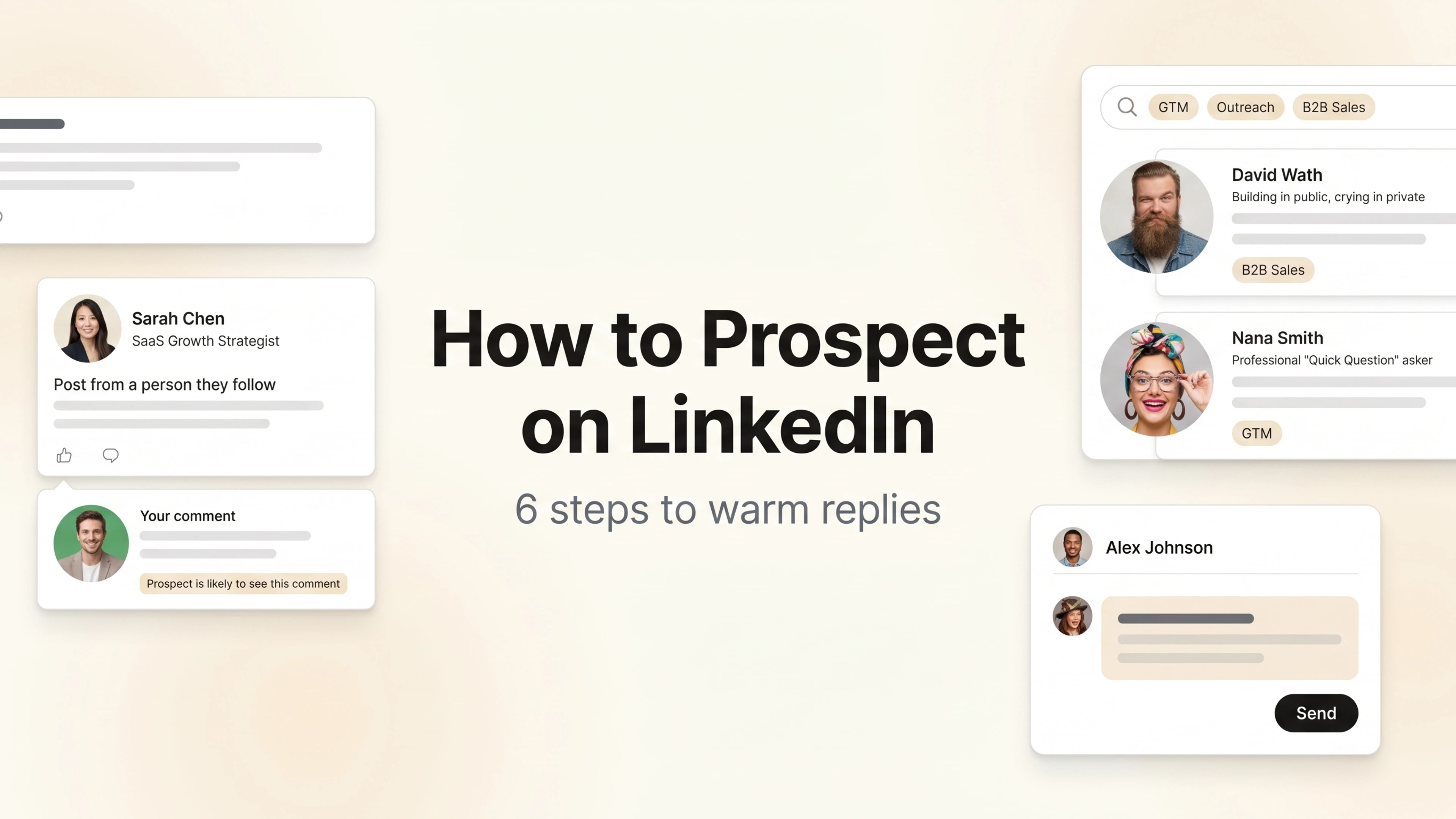
Before you send a connection request, spend one to two weeks leaving substantive comments on your target prospects' posts. Not "Great insight." Not a thumbs-up. A two-sentence observation that adds a data point, extends an idea, or asks a genuine follow-up question.
Comments carry roughly 15x more weight than likes in LinkedIn's feed-ranking algorithm. Your name and face appear in the prospect's network feed, in comment threads visible to their followers, and in the feeds of shared connections who engage with the post. By the time you send a connection request, you are not a stranger.
The LinkedIn comment generators built for sales teams can help you draft substantive, on-brand comments quickly when working through a larger target list.
The engage-first timeline in practice:
- Weeks 1-2: Follow your 20-30 prospects. Comment 1-2 times each on relevant posts. No asks.
- Week 3: 5-8 prospects have seen your name in context. Send personalized connection requests.
- Week 4+: DM after acceptance. You're already a familiar name.
Prospects who have seen your name before your request accept at roughly 3x the rate of cold contacts: 45% versus 15%, based on Botdog's analysis of 16,492 connection requests (2025).
Step 4: How should you write a LinkedIn connection request?
You have 300 characters. Use them to prove you've been paying attention.
The formula:
- Reference: something specific you saw (a post, a comment they made, a company announcement)
- Shared context: a brief reason why connecting makes sense for both of you
- No pitch: not even a soft one
A working example: "Saw your post on onboarding drop-off last week. The point about activation timing was sharp. I work with a few SaaS teams on similar problems. Worth having you in my network."
That's 185 characters. Specific, signal-rich, asks for nothing. The absence of a pitch is deliberate. Adding even a soft CTA tells the prospect the connection is transactional, and most will ignore the request.
For more on what makes connection requests convert across different prospect types, how to network on LinkedIn covers the full mechanics.
Step 5: What do you send in the first DM after they accept?
Wait 48-72 hours. A pitch that arrives within 24 hours of acceptance confirms exactly what the prospect suspected about the connection request.
After the wait, send one short message. The goal is a reply, not a meeting.
Message that works: "Thanks for connecting. I noticed you've been posting about [topic] recently. The point about [specific thing] was interesting. Happy to share what I've seen work in similar situations if that's useful, no agenda."
Message that kills the thread: "Hi [Name], I help companies like yours achieve [outcome]. Would you be open to a 15-minute call this week?"
The difference is intent signal. The first treats the prospect as a person. The second makes it obvious you're running a sequence, and most prospects mute or disconnect at this point.
Do not include a calendar link in the first message. That asks for too much too fast. Save it for the second or third exchange, after they've replied and signaled interest.
Step 6: Run the 90-day loop, not the 2-week sequence
Most prospecting advice ends at the first message. So does most prospecting: someone accepts, you exchange a message or two, they don't convert, and the contact goes cold.
The structural problem is the sequence itself. A two-week sequence has a built-in endpoint. When someone does not convert in two weeks, they get archived. But buying decisions on LinkedIn often take 90 days or longer to mature. You stop reaching out exactly when trust is beginning to form.
The 90-day loop replaces the sequence with a compounding presence:
| Action | Frequency | Purpose |
|---|---|---|
| Comment on their posts | Weekly, if they post | Maintain visibility |
| React to company news | As relevant | Signal awareness of their business |
| Share a useful resource | Monthly | Give before asking |
| Reply to their comments on others' posts | Opportunistically | Expand touchpoints beyond their own content |
| DM on a buying signal | Event-driven | Convert visibility into conversation |
The loop has no predefined endpoint. A prospect who has not engaged in 90 days stays in your feed. One who posts about a problem you solve gets flagged for outreach. One who changes jobs is a signal worth acting on that same week.
After 90 days of consistent, low-effort presence, you're not a cold contact. You're a familiar name. Familiar names get replied to.
Volume is not the lever. Consistency over 90 days is. One rep commenting on 20 accounts weekly will outbook five reps running a 2-week blast on 200 accounts.
How do you know when a prospect is ready to pitch?
Timing is the hardest variable in LinkedIn prospecting. Pitch too early and you waste the goodwill you built. Maintain presence for months without ever moving the conversation forward and you've built a fan club, not a pipeline.
Buying signals are the moments that tell you the context is right:
- A post about a pain your product directly solves
- A job change (new role brings new budget, new priorities, openness to new vendors)
- A spike in LinkedIn activity after a stretch of silence
- A comment they leave on your post (they came to you)
Extrovert monitors your prospect list and surfaces these signals as they happen, so you're reaching out when there's a real reason to, not on a predetermined cadence. Your LinkedIn SSI score also tracks whether the underlying behaviors (building relationships, engaging with insights, finding the right people) are calibrated correctly.
Extrovert tracks your prospects and topics, then suggests on-brand comments and DMs from your playbook. Warm and human, with every send reviewed by you first.
See how it worksFAQ
What is LinkedIn prospecting?
LinkedIn prospecting is the process of identifying potential buyers on LinkedIn, building familiarity through content engagement, and converting that recognition into sales conversations. Unlike cold outreach, the goal is to be known before you pitch, not to start with an ask.
How long does LinkedIn prospecting take each day?
A structured prospecting workflow runs in about 15 minutes a day for a list of 20-30 accounts. Most of that time goes to reviewing suggested comments and approving DMs rather than manually scrolling the feed. SDRs using LinkedIn for pipeline typically see connection acceptance rates above 45% within the first 30 days of running the engage-first system.
How many connection requests can you send per day on LinkedIn?
LinkedIn's safe threshold is 20-30 personalized requests per day for established accounts. Above that, especially with generic notes, you risk account review. Ten highly personalized requests will produce better acceptance rates and pipeline than 100 generic ones, every time.
How do you find prospects on LinkedIn without Sales Navigator?
Boolean search gets you further than most expect: combine titles, industries, and keywords in LinkedIn's standard search bar ("VP of Sales" AND "Series B" AND "fintech"). Checking who engages with posts from your ICP's thought leaders is another high-signal method. People who actively comment on relevant content are already active on LinkedIn and far easier to warm up.
What's the difference between LinkedIn prospecting and cold outreach?
Cold outreach contacts someone with no shared history. LinkedIn prospecting builds familiarity through engagement before any ask. Cold connection-note reply rates sit at 2.2% as of 2026; warm outreach delivers 10-34% according to Growleads benchmark data. The gap compounds over a full quarter. For more on the underlying mechanics, what is warm outreach covers the approach in detail. For the reply-rate benchmarks behind that gap, see how warm outreach gets 40%+ reply rates.
Can you prospect on LinkedIn without automation?
Yes, and for most B2B use cases you should. Automated connection blasts and mass DM sequences are the two behaviors most likely to trigger LinkedIn account restrictions. The engage-first approach described in this guide runs entirely without automation and operates comfortably within LinkedIn's usage guidelines.
How many prospects should I track at once for LinkedIn prospecting?
Start with 20-30. That number is high enough to build real pipeline but small enough to engage substantively with each person's content. Above 30 accounts without a tracking system, engagement quality drops and the workflow becomes list maintenance rather than relationship-building, which is the approach that stopped converting.
Sources: Expandi: LinkedIn Outreach Benchmarks 2026, Growleads: Warm Outreach vs Cold Email, Botdog: LinkedIn Connection Request Acceptance Rates (2025), HubSpot 2025 State of Sales