Comments are the fastest way to get noticed by the right people on LinkedIn. A thoughtful comment on a prospect's post puts your name in front of them and their audience, builds familiarity, and warms the ground before you ever send a DM. The problem is the blank box: knowing what to write, every day, for dozens of people, is what stops most sellers from doing it.
That is where LinkedIn comment generators come in. They draft relevant comments in seconds so you can engage consistently instead of staring at a cursor. The catch is quality and safety: a generic AI comment helps no one, and tools that auto-post at volume can get your account restricted.
This guide compares the 8 best LinkedIn comment generators in 2026. For each you get what it does, who it fits, current pricing, and an honest limitation, plus a framework to pick the right one for how you sell.
Best LinkedIn comment generators: a brief overview
Engagement-led prospecting
- Extrovert: Best for warm comments and DMs suggested from your own playbook, tied to the prospects you track.
In-feed AI commenting
If you want comments tied to the prospects you're actually trying to reach, Extrovert is the best pick because it targets the right posts instead of whatever shows up in the feed. Here's how it stacks up against the dedicated comment generators.
- Engage AI: Best for drafting comments on prospect posts without leaving LinkedIn: trades Extrovert's playbook-targeted approach for a lighter, feed-only drafting tool.
- Commenter.ai: Best for a dedicated comment generator with multiple tones and styles: trades Extrovert's prospect tracking for pure comment quality, no targeting included.
- MagicPost: Best for combining a comment generator with prospect lists and free tools: trades Extrovert's playbook-based drafting for a lighter, budget prospecting layer.
- Kleo: Best for a free, in-feed comment and writing helper: trades Extrovert's prospect targeting and DM follow-through for a free, no-frills feed tool.
All-in-one creator suites
- Taplio: Best for comments as part of a full content and scheduling suite.
- Supergrow: Best for AI comments inside a simple, affordable creator toolkit.
Automated commenting
- PowerIn: Best for automated, hands-off commenting at scale: trades Extrovert's human-reviewed safety for unattended posting and the account risk that comes with it.
| Tool | Key strength | Pricing | Platforms |
|---|---|---|---|
| Extrovert | Warm comments and DMs from your playbook, tied to tracked prospects | Free trial; from $49/month | Web, Chrome extension |
| Engage AI | In-feed AI comments on prospect posts | Free tier; from around $25/month | Chrome extension, Web |
| Commenter.ai | Dedicated multi-tone comment generator | Free plan; from around $19/month | Chrome extension, Web |
| MagicPost | Comment generator plus prospect lists | Free tier; from around $12/month | Chrome extension, Web |
| Kleo | Free in-feed comment and writing helper | Free; Pro from around $20/month | Chrome extension |
| Taplio | Comments inside a content and scheduling suite | From $49/month | Web, Chrome extension |
| Supergrow | AI comments in an affordable creator toolkit | Free trial; from around $19/month | Web, Chrome extension |
| PowerIn | Automated, hands-off commenting at scale | From around $20/month | Web |
1. Extrovert, best for engagement-led warm comments
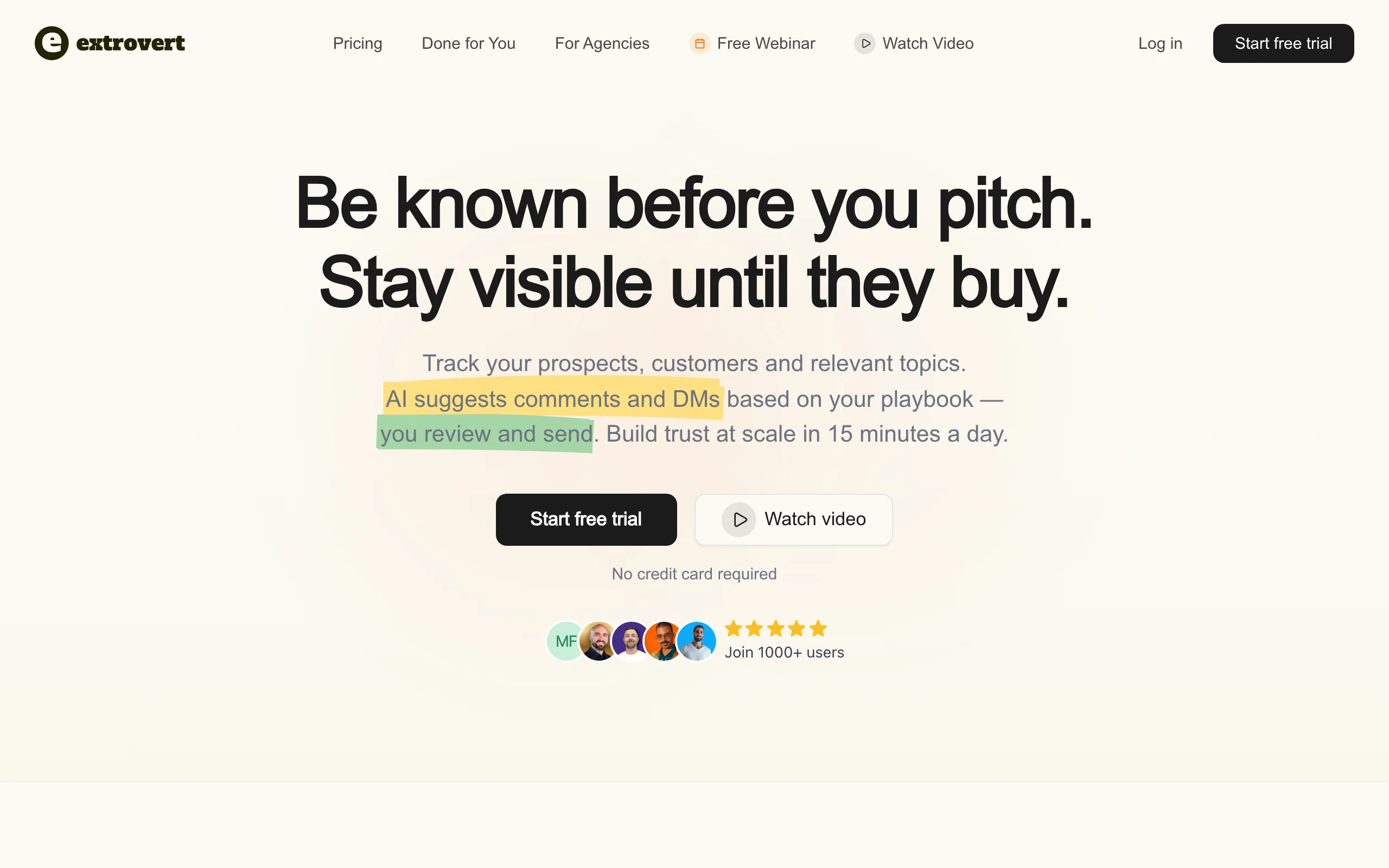
Extrovert treats comments as the start of a relationship, not a one-off task. You track your prospects, customers, and the topics they care about, and Extrovert suggests on-brand comments based on your playbook so every reply sounds like you and fits the conversation. The same engine suggests DMs timed to engagement, so commenting actually leads somewhere.
The difference from a pure comment generator is context and follow-through. Extrovert knows who you are trying to reach and why, so its comments target the right posts rather than whatever is in the feed. The whole loop fits in about 15 minutes a day, which is why it works for SDRs, AEs, and founders who want warm replies without ban risk.
Key features
- AI comments suggested from your own playbook and voice
- Prospect, customer, and topic tracking that targets the right posts
- AI-suggested DMs timed to engagement and buying signals
- Buying-signal and champion tracking across your list
- Human-in-the-loop review, so nothing posts on autopilot
Best for
- SDRs and AEs who want comments that turn into conversations
- Founders doing 15 to 30 minutes of LinkedIn a day
Pricing
- Free trial available
- Paid from $49/month (see Extrovert pricing)
Pros
- Comments are tied to real prospects, not random posts
- Keeps a human in the loop, so engagement stays on-brand and safe
- Connects commenting to DMs and pipeline, not just activity
Cons
- Focused on LinkedIn, not a multichannel tool
- Built for steady daily reps, not one-off comment blasts
2. Engage AI, best for in-feed commenting
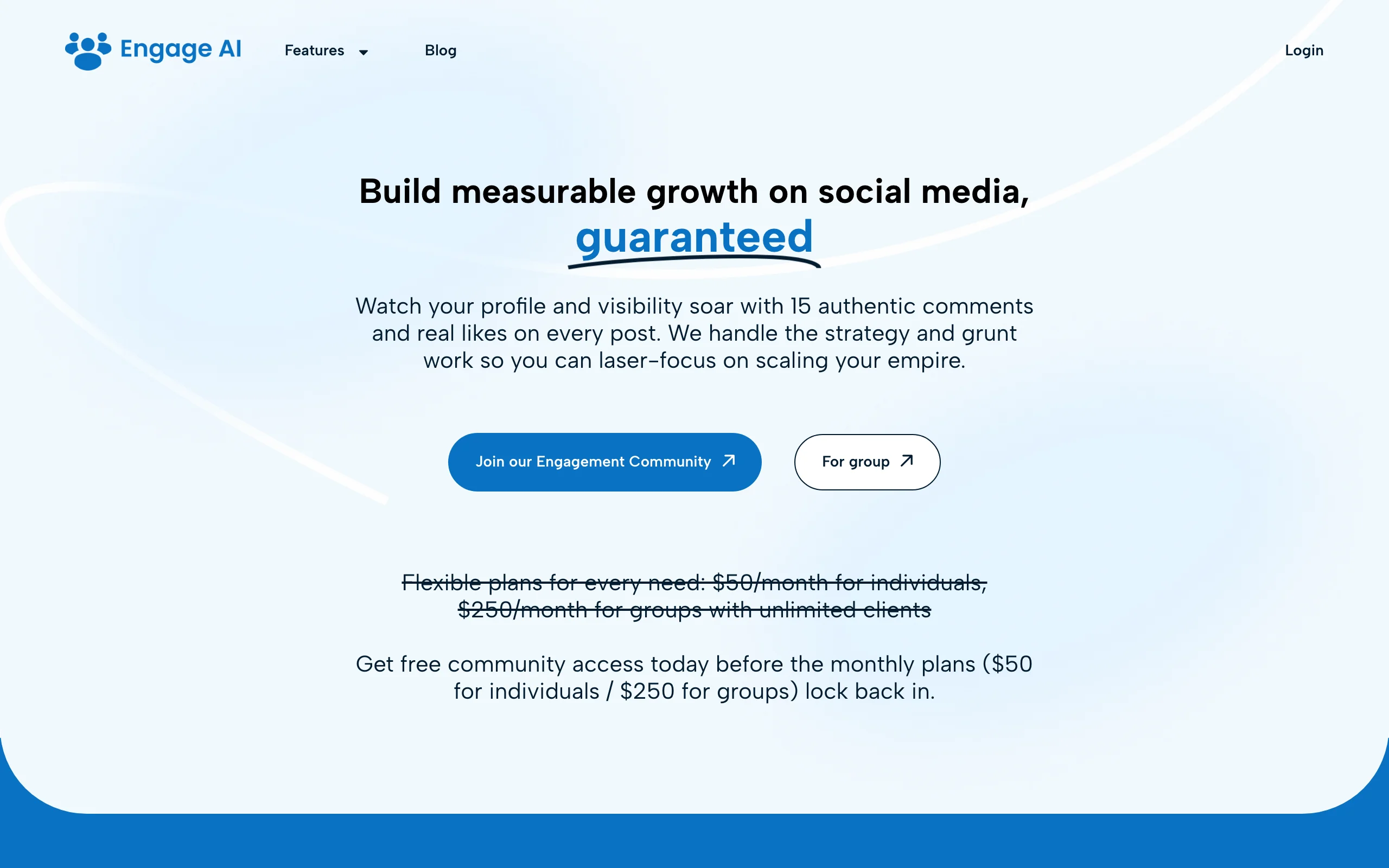
Engage AI trades Extrovert's prospect tracking and playbook for a lighter, feed-only tool. It's a Chrome extension that drafts comments on the post you are looking at, without leaving LinkedIn. It reads the post, offers a few options in different tones, and lets you edit before posting. You can save lists of prospects to engage with regularly and keep a commenting streak going.
It is one of the most established comment tools and a solid pick if your main goal is faster, in-context commenting. As with any generator, the drafts still need a human touch to avoid sounding generic.
Key features
- In-feed AI comment generation in multiple tones
- Saved prospect lists for regular engagement
- Streak and reminder features to stay consistent
- Works directly inside the LinkedIn feed
Best for
- Reps who freeze on what to comment
- Anyone building a daily commenting habit on a target list
Pricing
- Free tier available
- Paid from around $25/month
Pros
- Fast, contextual comments without breaking your flow
- Mature tool with prospect-list features
Cons
- Comment quality still depends on your editing
- Commenting only; no DM or full outreach workflow
3. Commenter.ai, best for a dedicated comment generator
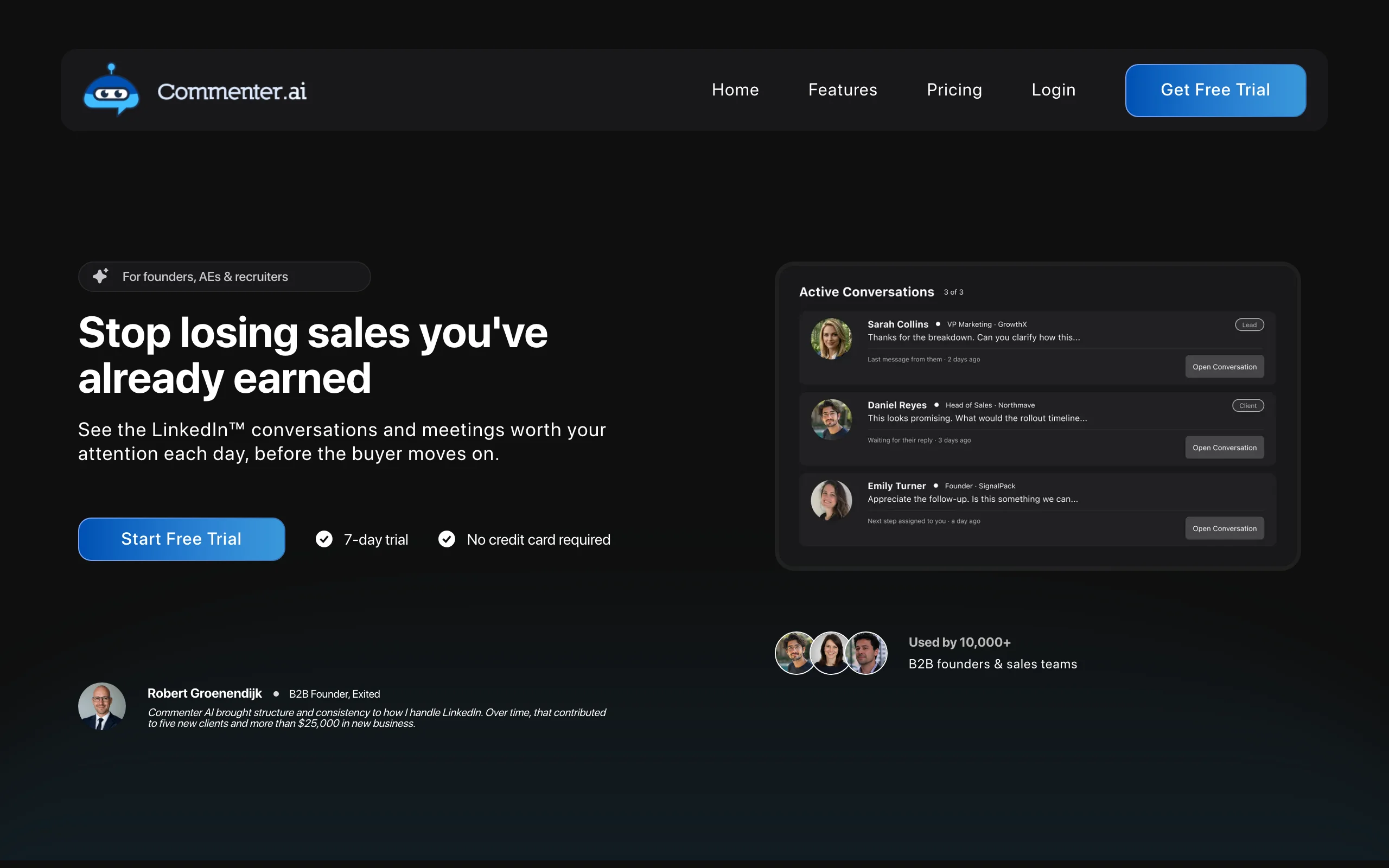
Commenter.ai trades Extrovert's prospect tracking for pure comment quality. It focuses squarely on generating high-quality comments and short posts. It offers a range of tones and comment styles, from supportive to contrarian, and aims to produce replies that read like a real point of view rather than filler. It is a good fit for people who want a purpose-built tool for the comment itself.
Because it is comment-first, it does not track prospects or manage outreach. Pair it with your own target list.
Key features
- Multiple comment tones and styles
- Short-form post generation alongside comments
- Browser-based workflow for quick drafting
- Options tuned for adding a real opinion
Best for
- Sellers and creators who want strong, varied comments
- People who already know who they want to engage
Pricing
- Free plan available
- Paid from around $19/month
Pros
- Strong, opinion-led comment quality
- Simple and focused on one job
Cons
- No prospect tracking or outreach features
- You bring your own targeting and follow-up
4. MagicPost, best for comments plus prospect lists
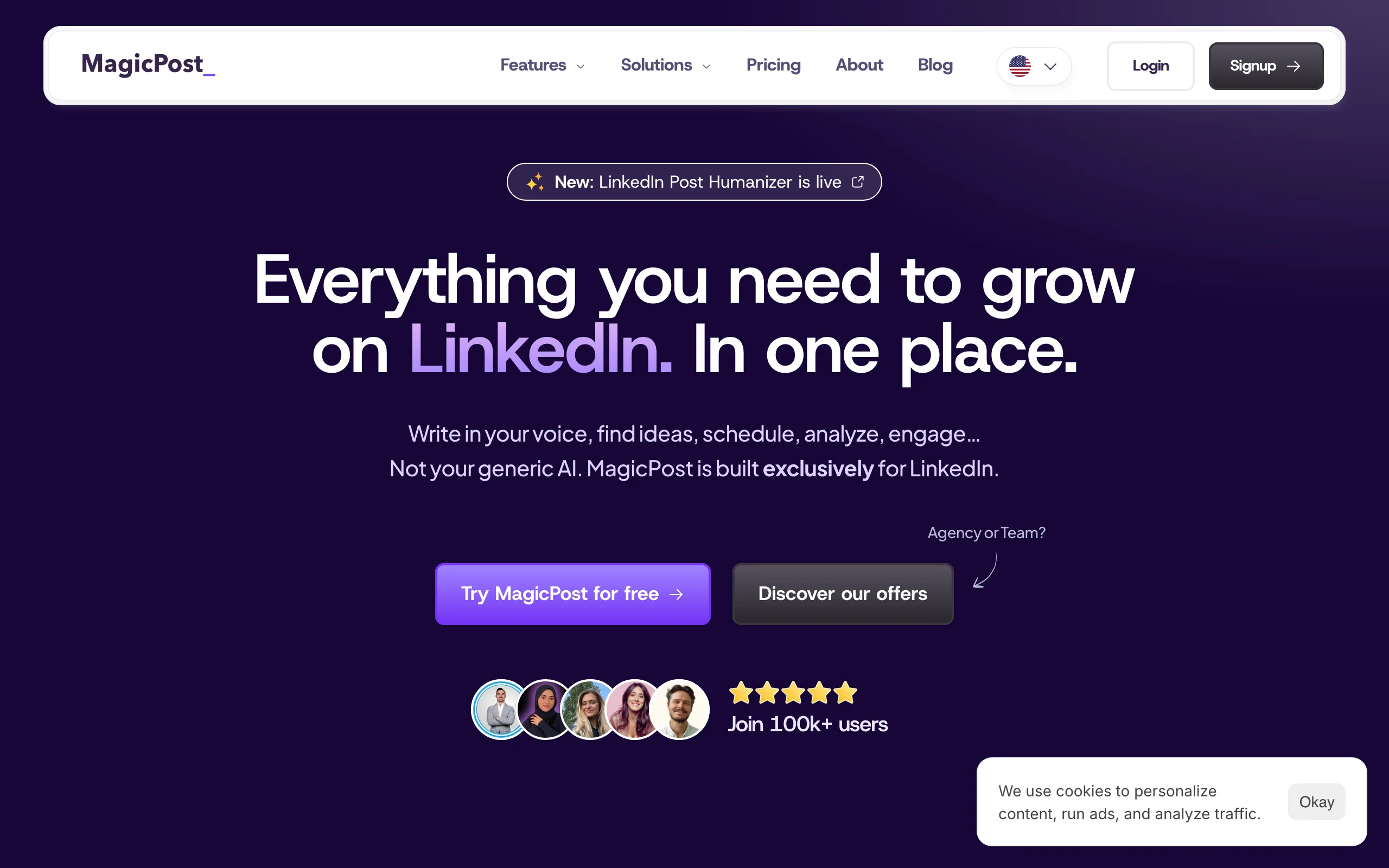
MagicPost trades Extrovert's playbook-based drafting for a lighter, budget-friendly combination. It combines an AI comment generator with light prospecting features. You can build lists of prospects and colleagues, pull their latest posts, and generate comments to engage with them, plus it offers a free standalone comment generator. That mix makes it useful for sellers who want targeting and drafting in one place.
It is more affordable than most suites, though its prospecting is lighter than a dedicated engagement platform.
Key features
- AI comment generator with a free tool option
- Prospect and colleague lists with latest posts
- Content creation and scheduling features
- Chrome extension for in-feed use
Best for
- Budget-conscious sellers who want targeting plus comments
- Anyone testing a comment habit before paying for a suite
Pricing
- Free tier and free tools
- Paid from around $12/month
Pros
- Affordable entry point with a free comment tool
- Combines lists and commenting in one place
Cons
- Lighter prospecting than dedicated platforms
- Broad feature set means less depth in any one area
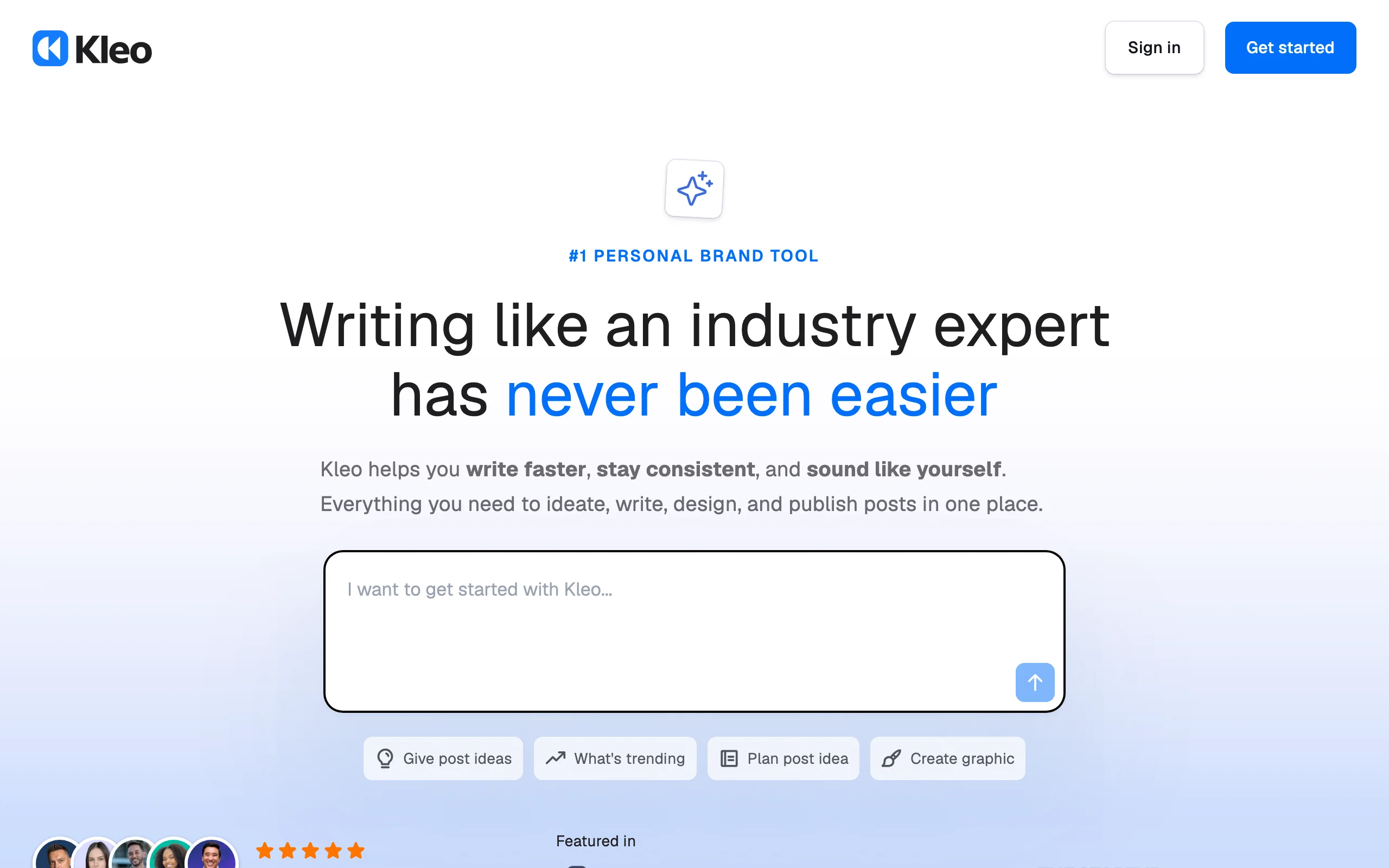
5. Kleo, best for a free in-feed helper
Kleo trades Extrovert's prospect targeting and DM follow-through for a free, no-frills feed tool. It's a popular free Chrome extension that lives inside LinkedIn. Alongside post inspiration and AI writing, it helps you draft and rewrite comments in the feed, so it takes less effort to show up every day. For people just building the habit, a genuinely useful free tier is a big advantage.
It is a great starting point for individuals, though it is lighter than dedicated prospecting tools once you scale.
Key features
- In-feed AI writing and comment rewriting
- A searchable library of high-performing posts
- Engagement context surfaced on profiles and posts
- Free core plan with no paywall to start
Best for
- Individuals starting a commenting and posting habit
- Anyone who wants a free, low-friction helper
Pricing
- Free core plan
- Pro from around $20/month
Pros
- Genuinely useful free tier
- Works right inside the LinkedIn feed
Cons
- Lighter on analytics and team features
- Not built for prospect tracking or outreach
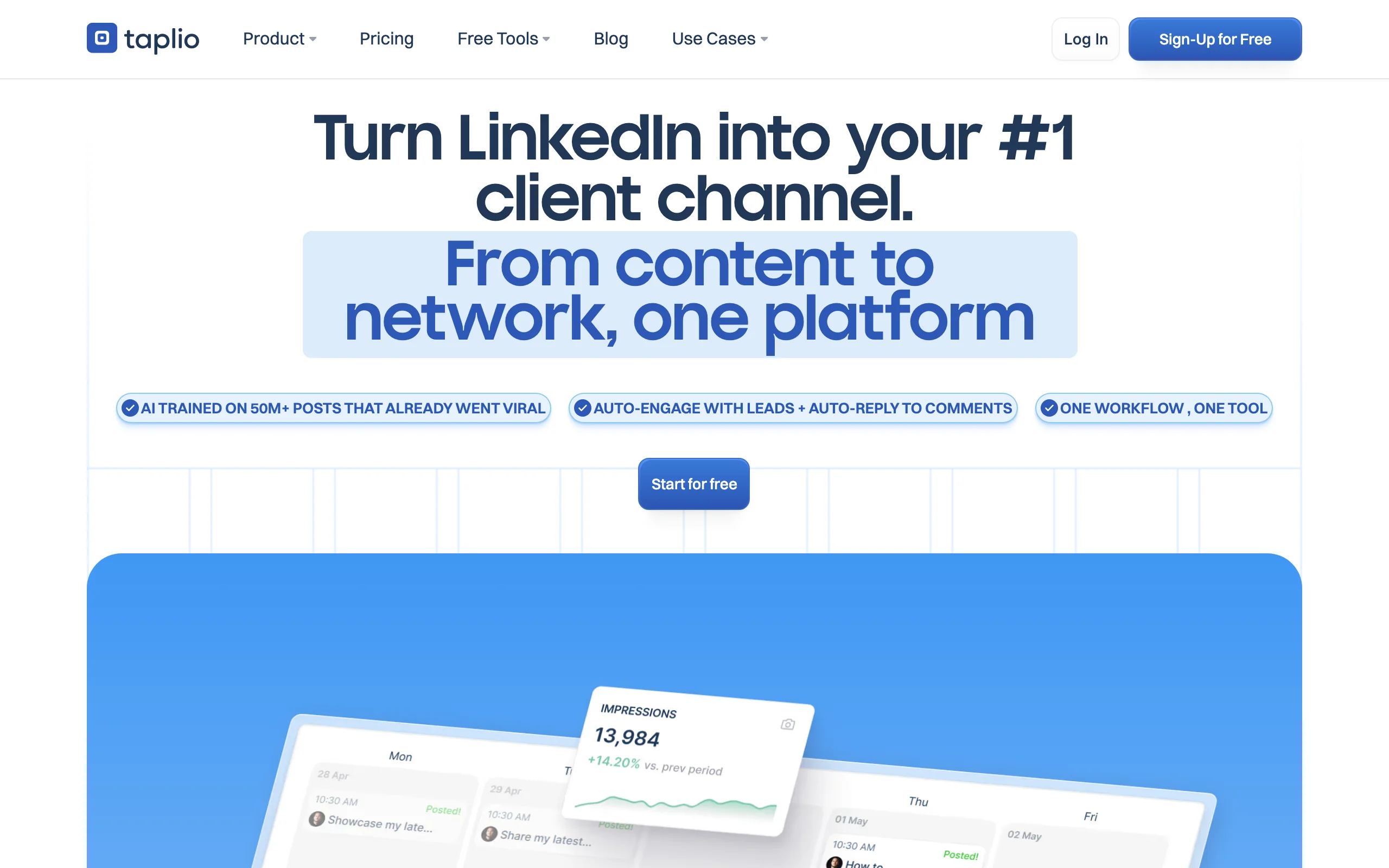
6. Taplio, best for comments inside a content suite
Taplio is best known for personal-brand content, but it also includes AI commenting and a lightweight CRM for the people who engage with you. If you already use Taplio to plan and schedule posts, generating comments in the same tool keeps your whole LinkedIn routine in one place.
It is more than you need if comments are your only goal, but strong if you also publish regularly.
Key features
- AI comment generation alongside content tools
- Post drafting, scheduling, and a swipe file
- Analytics and a CRM for engagers
- Chrome extension for in-feed actions
Best for
- Founders and marketers who post and comment
- Sellers who want one tool for content and engagement
Pricing
- From $49/month
- Higher tiers add team and analytics features
Pros
- Comments live next to your content workflow
- Strong analytics and scheduling
Cons
- Pricier if you only want a comment generator
- Content-first, lighter on one-to-one prospect targeting
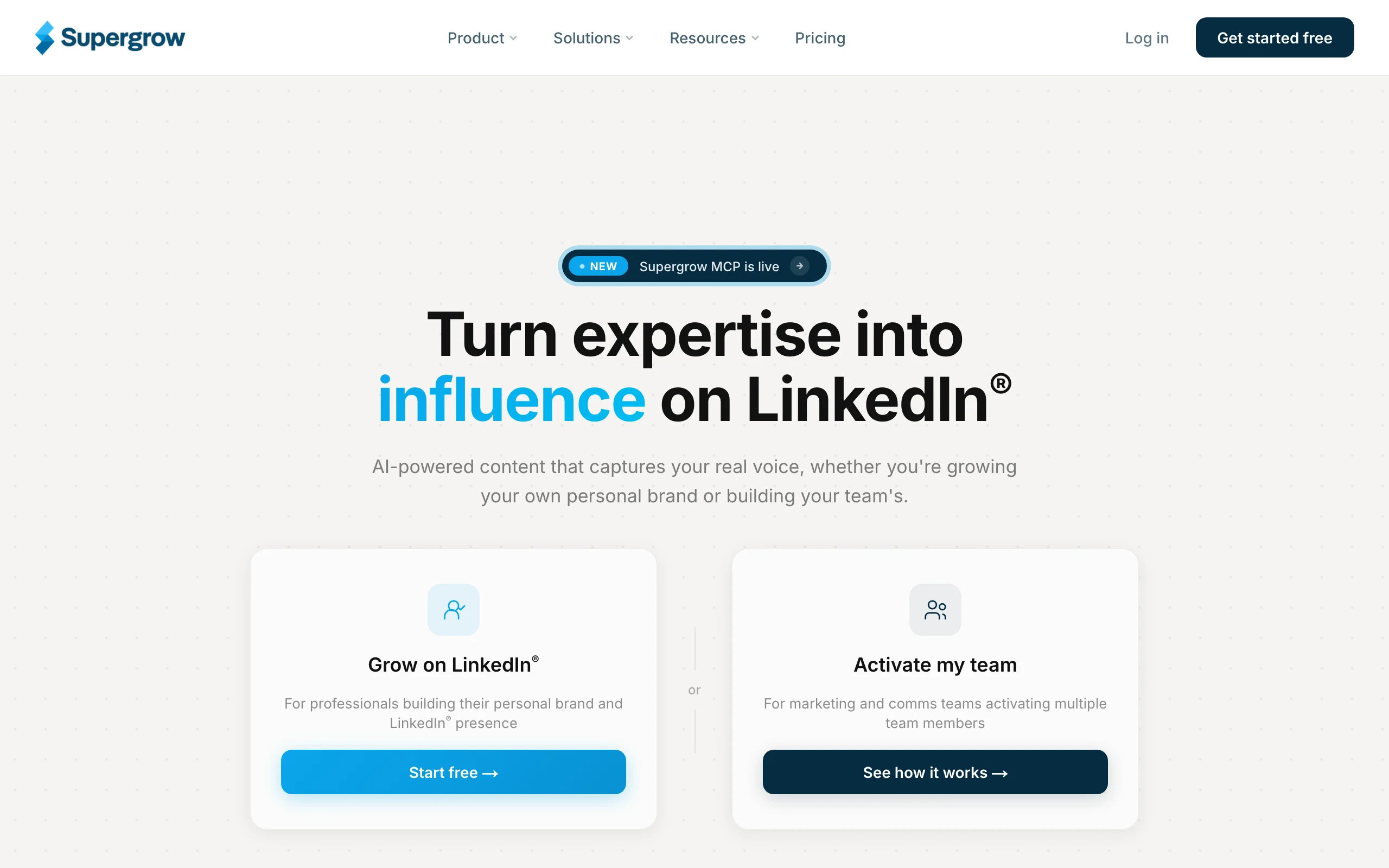
7. Supergrow, best for an affordable creator toolkit
Supergrow is an all-in-one tool for solo operators that includes AI comment generation along with post creation, scheduling, and basic engagement features. It aims for simplicity and a low price, which makes it approachable for people who want comments plus content without a steep learning curve.
It is a good fit for individuals. Teams that need reporting and coordination will likely outgrow it.
Key features
- AI comment generation with style training
- Post and carousel creation
- Scheduling and a simple calendar
- Basic engagement and lead tracking
Best for
- Solo founders and creators on a budget
- People who want comments plus content in one tool
Pricing
- Free trial available
- Paid from around $19/month
Pros
- Affordable and easy to start with
- Covers comments and content together
Cons
- Lighter analytics than specialist tools
- Not built for team coordination
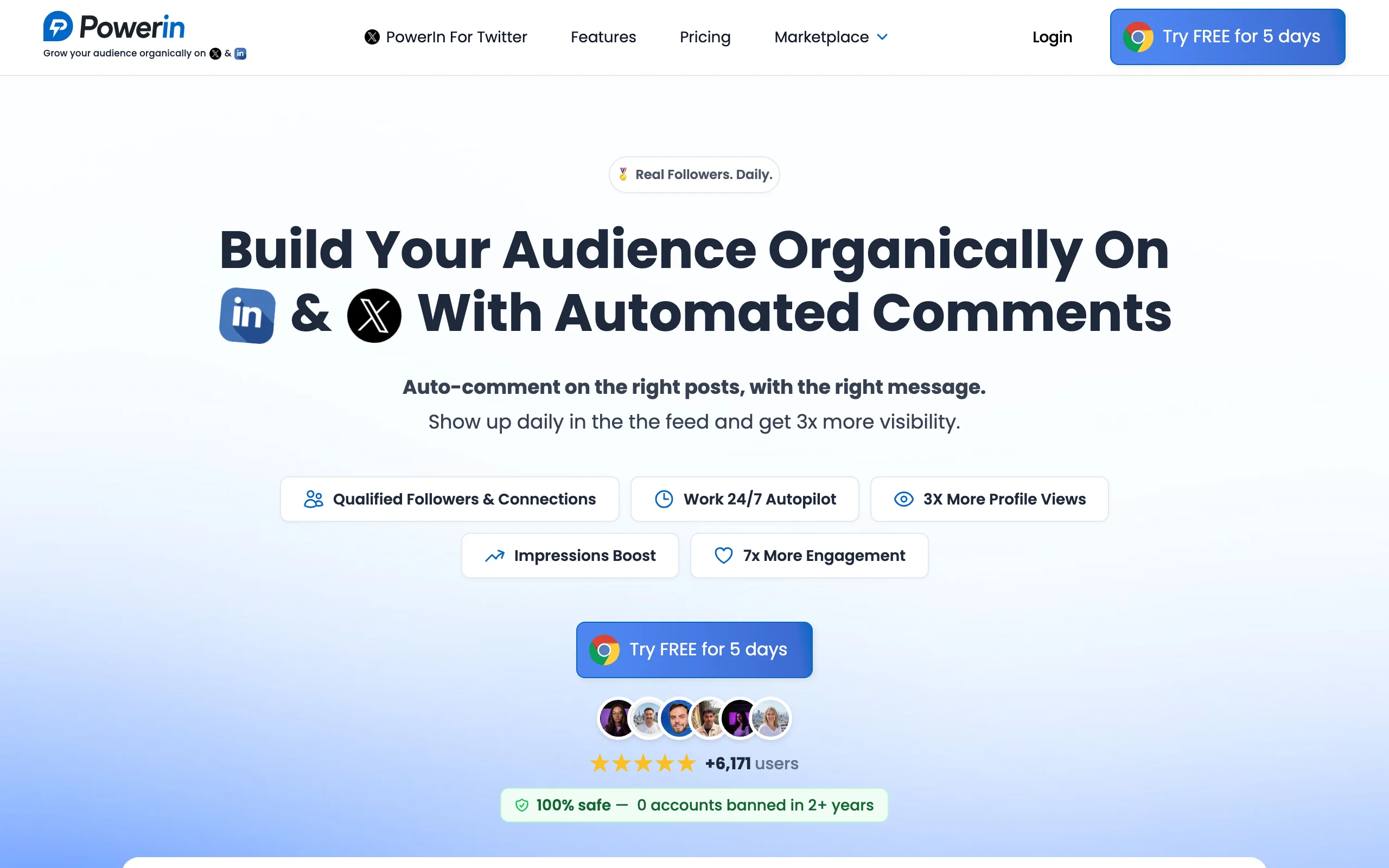
8. PowerIn, best for automated commenting
PowerIn trades Extrovert's human-reviewed safety for unattended posting. It automates LinkedIn commenting end to end. You choose the accounts or keywords to follow, and it generates and posts AI comments automatically to keep you visible with minimal effort. For people who want commenting fully hands-off, that automation is the appeal.
It is the one tool here that posts for you, and that is the trade-off. Automated commenting at volume carries real ban risk and can read as inauthentic, so use it carefully if at all. For warm, relationship-led engagement, a human-in-the-loop tool is safer.
Key features
- Automated AI comment posting
- Keyword and account targeting
- Multiple language support
- Hands-off scheduling
Best for
- People who want commenting fully automated
- Users comfortable accepting added account risk
Pricing
- Paid from around $20/month
Pros
- Truly hands-off once configured
- Keeps a baseline of visibility with no daily effort
Cons
- Automated commenting carries ban and authenticity risk
- Less control over what gets posted in your name
How to choose the best LinkedIn comment generator for your needs
The right tool depends on what you want commenting to do for you. Use these criteria to narrow it down.
Engagement-led pipeline vs faster posting
Decide whether you want comments to build pipeline or just to publish more easily. If you want comments tied to real prospects and connected to DMs, choose an engagement-led tool like Extrovert. If you just want faster drafting in the feed, Engage AI, Commenter.ai, MagicPost, or Kleo do the job well. Tools should match the outcome you are after, not just the feature name.
Human-in-the-loop vs automation
This is the most important safety choice. Tools that suggest and let you approve, like Extrovert, Engage AI, and Commenter.ai, keep your account and your reputation safe. Tools that auto-post, like PowerIn, save time but add real ban risk and can sound robotic. Buyers can tell when a comment was not written by a person, so favor assistive over automated.
Solo seller vs team and budget
Solo founders and creators on a budget are well served by Kleo, MagicPost, or Supergrow. Sellers who want comments to drive deals should look at Extrovert, and teams running many accounts, such as agencies, should weigh coordination and reporting, not just the per-seat price. Factor in total cost across whatever else is in your stack.
Whatever you choose, run a two-week test on your real account. Count the replies and conversations your comments produce, not the number of comments posted. If you would rather not run the routine yourself, a done-for-you LinkedIn option can handle the engagement for you. You can also pair any generator with our free LinkedIn tools to tighten your posts and profile.
FAQ
What is a LinkedIn comment generator?
A LinkedIn comment generator is a tool that uses AI to draft comments on posts for you. Most read the post and produce a few options in different tones so you can engage quickly. The better ones tie comments to specific prospects; the riskier ones post automatically.
Are LinkedIn comment generators safe to use?
Assistive tools that suggest a comment and let you approve it before posting are low risk. Tools that automatically comment at volume can trigger LinkedIn's spam detection and risk restrictions. Favor a human-in-the-loop tool like Extrovert over full automation, and keep your daily volume reasonable.
Do AI-generated comments actually work?
They work when you edit them to sound like you and aim them at the right posts. A thoughtful, specific comment on a prospect's post builds recognition and can start a conversation. A generic AI comment adds noise and can hurt your credibility, so always add a real point of view.
What is the best free LinkedIn comment generator?
Kleo offers one of the most useful free tiers for in-feed commenting, and MagicPost has a free comment tool. Extrovert offers a free trial if you want to see engagement-led commenting tied to prospects before paying.
Comment generator vs full engagement tool: what is the difference?
A comment generator only helps you write the comment. A full engagement tool like Extrovert also tracks prospects, targets the right posts, suggests DMs, and surfaces buying signals, so commenting connects to pipeline rather than ending at the post.
How many comments should I post on LinkedIn each day?
Most consistent sellers leave roughly five to fifteen thoughtful comments a day on a focused list of prospects. Quality and relevance matter far more than volume, and high automated volume is exactly what raises ban risk.
Can I just use ChatGPT to write LinkedIn comments?
You can, and it is fine for the occasional comment with a good prompt. The downside is the copy-paste workflow and no targeting, so it is slower at scale. Dedicated tools draft in the feed and, in the case of Extrovert, tie comments to the prospects you are tracking.