On this page
MagicPost alternatives cover several different jobs: writing posts, managing a publishing calendar, coordinating client approvals and building relationships around the content. Start with the job you want to change. Replacing your writer and scheduler is a different decision from moving prospect engagement into a comments-and-DMs workflow.
For engagement-led sales, Extrovert connects prioritized prospect posts, comments, connection requests and follow-up. For publishing, Taplio covers AI drafting, AuthoredUp focuses on formatting, Supergrow turns interviews into posts, Buffer manages multi-network publishing and Kleo includes content coaching. FlyMSG and PowerIn cover narrower commenting workflows.
Compare the workflows and starting prices
| Tool | Main workflow | Monthly-billed starting price | Condition that changes the comparison |
|---|---|---|---|
| Extrovert | Prospect engagement, comments and DM follow-up | $49 per LinkedIn seat | All features included; discovery and tracking allowances shared by the team |
| Taplio | LinkedIn content planning and AI creation | $39; AI writing from $69 | Starter does not include AI writing; Growth has credit limits |
| AuthoredUp | Formatting, previews, drafts and analytics | $19.95 for one profile | AI Coauthor is in closed beta; Business requires three profiles |
| Supergrow | AI interviews, repurposing and publishing | $39 for one account | Team approvals start at $199 for five accounts |
| Buffer | Multi-network publishing | Free; paid from $6 per channel | Profile and page are separate channels; approvals require Team |
| Kleo | Content strategy, publishing and coaching | $99 | Additional team/client profiles cost $49 each; refund guarantee rather than free trial |
| FlyMSG | Browser-assisted LinkedIn comments | Free; Growth $8.50 per user | You edit and publish the comments yourself |
| PowerIn | Creator/keyword comment campaigns | $59 | Growth has a 30-comment daily allowance |
Prices use monthly billing where available. Annual discounts are described with each product rather than mixed into the starting-price column. Each workflow has its own unit: a seat, connected profile, social channel or comment allowance.
For comparison, MagicPost’s individual monthly plans are Growth at $49 and Creator at $69; Creator includes AI content features. Agency lists $59 per client seat, with five seats totaling $295/month.
1. Extrovert: carry prospect engagement into DMs and follow-up
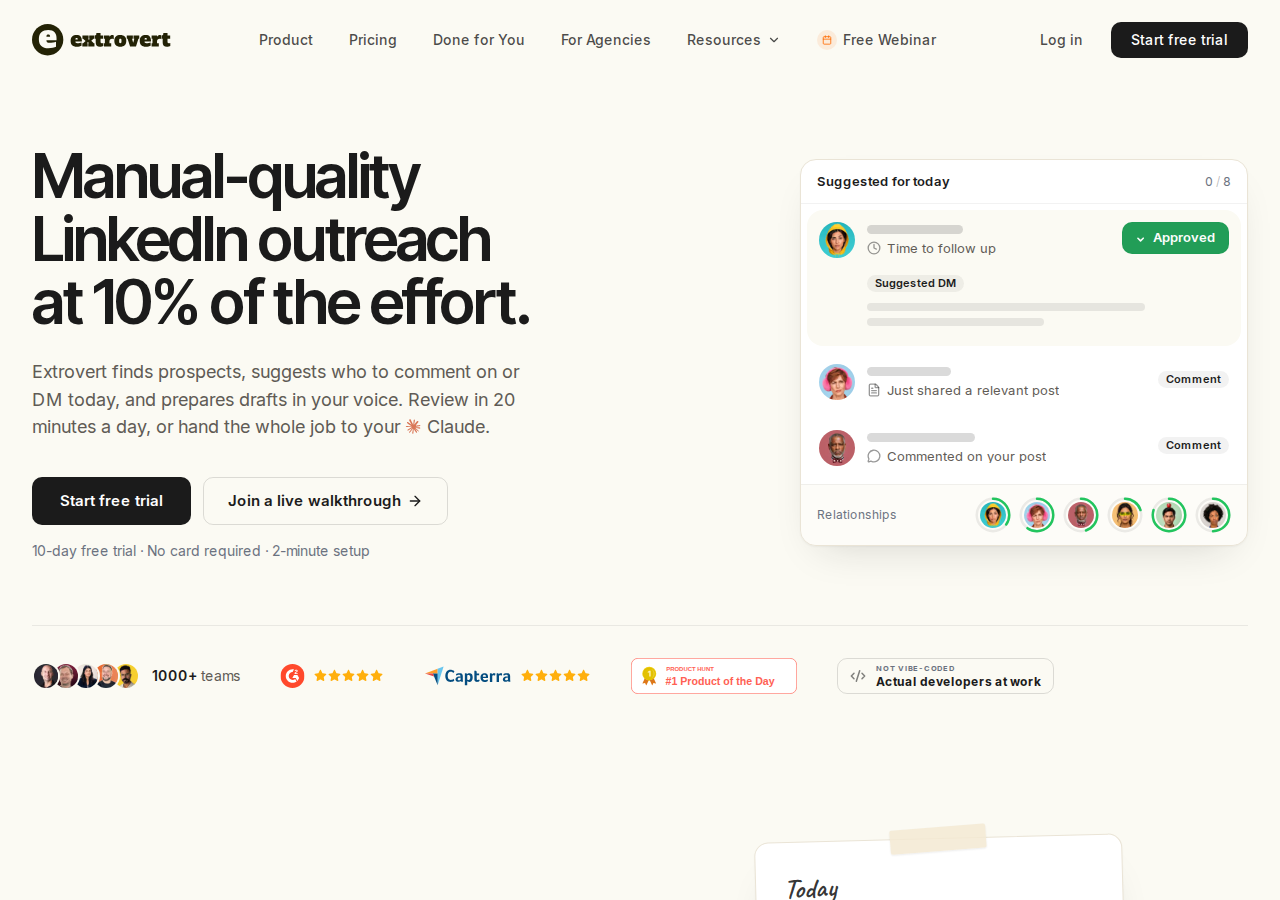
For founders, account executives and sales teams, prospect engagement means finding the next post, deciding whether to comment and remembering when to restart a conversation.
Extrovert's LinkedIn workflow organizes campaigns around people or topics. It prioritizes posts and prepares comments in your style. You can review individual drafts, approve them in bulk, or automate a campaign. Connection requests, recommended DMs and follow-ups sit alongside the commenting work, so your next action stays attached to the people you want to reach.
Extrovert replaces the engagement and relationship-building job, rather than MagicPost’s post writer, scheduler or client content approvals. This matters when you are nurturing an open deal, staying in touch with a customer or building a relationship before outreach. A queue of comments alone leaves you to manage the next conversation elsewhere.
Review the comment before it goes out
Quick edits let you give a short direction and inspect a rewritten draft before approving it. The illustration shows how to change the wording without starting the comment again.
Illustration: a draft comment on a prospect's post; your direction, typed or spoken: "Shorter. Ask what they use today."; the draft rewritten with it, shorter, with the Approve button.

Keep the next message visible
Recommended DMs show suggested conversations and the reason to contact each person. You can review the message, send it or snooze it. This gives you a follow-up step after public engagement instead of relying on memory.
Illustration: the DM workspace on its Recommended tab, 5 conversations due for a message today, each with its reason. Connected 2 days ago: First DM. No reply for 9 days: Follow-up. New role at their company: Restarter signal. Promised a call 2 weeks ago: Follow-up. Quiet for 3 months: Keep in touch. The first one is open, with the first DM drafted and the buttons Send and Snooze.


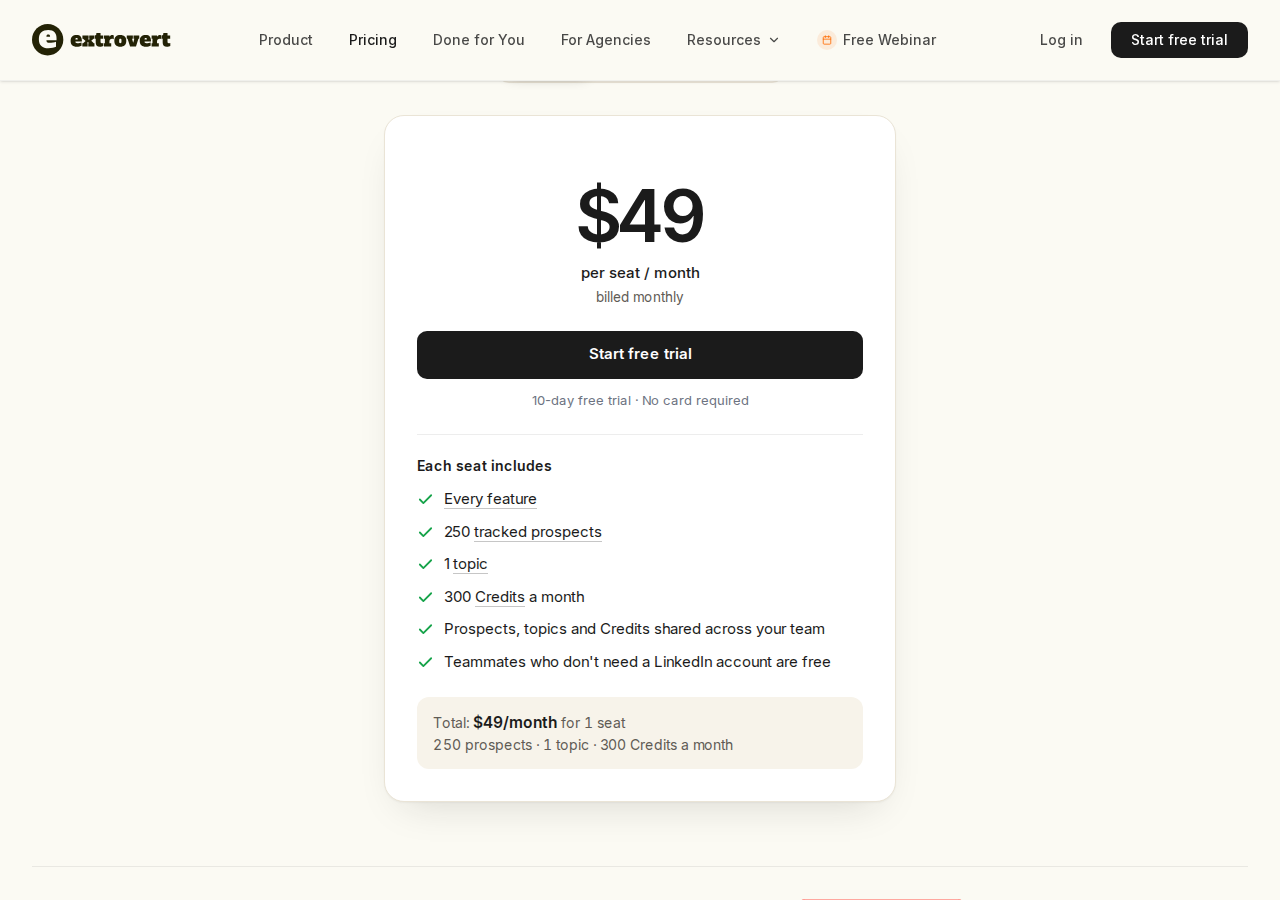
Extrovert starts at $49 per LinkedIn seat per month, billed monthly. Every feature is included. A seat adds 250 tracked prospects, one tracked topic and 300 discovery Credits per month; allowances are shared across the team. Reviewer-only teammates are free, while extra tracking capacity and Credit top-ups cost more. Credits cover discovery, not a per-comment fee.
The ten-day trial needs no card. Add the people you already want to reach, inspect the first comments and DMs, and choose what you want to approve yourself.
2. Taplio: AI content creation with a LinkedIn publishing queue
Taplio combines a post-inspiration library with AI drafting, rewrites, carousel creation and scheduling. Its Kanban view organizes drafts before they enter the publishing queue, while post analytics help identify content to reuse. That makes its publishing workflow relevant when the reason for leaving MagicPost is broader content planning rather than generating another draft.
The plan boundary matters. Starter covers scheduling and core analytics; AI writing begins with Growth. Growth also includes collaboration and engagement tools, while Pro adds unlimited AI posts and comments plus lead outreach. Replacing an AI-writing workflow therefore starts at $69/month, not $39.
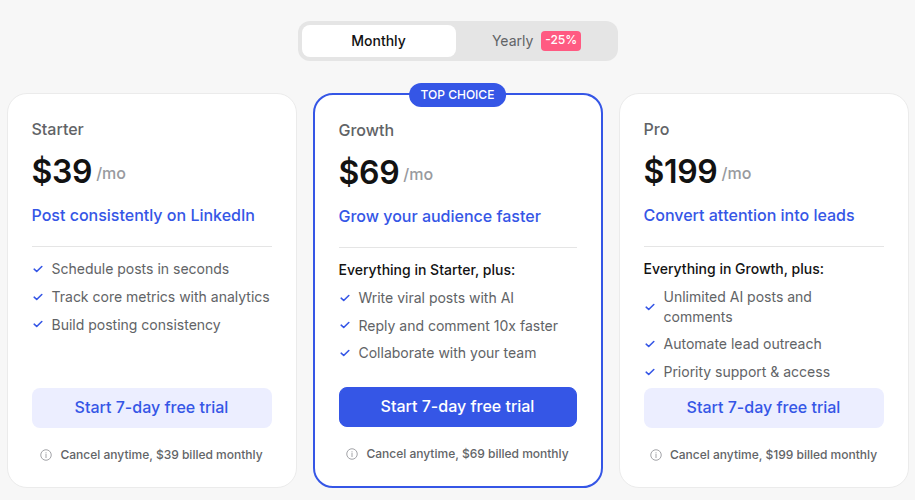
Pricing: Starter is $39/month, Growth $69/month and Pro $199/month on monthly billing. Growth lists 250 AI credits and 500 comment credits per month; Pro lists unlimited credits. A seven-day trial provides Pro access before moving to the selected plan. Taplio also advertises annual billing and team discounts.
3. AuthoredUp: formatting, previews and a reusable content library
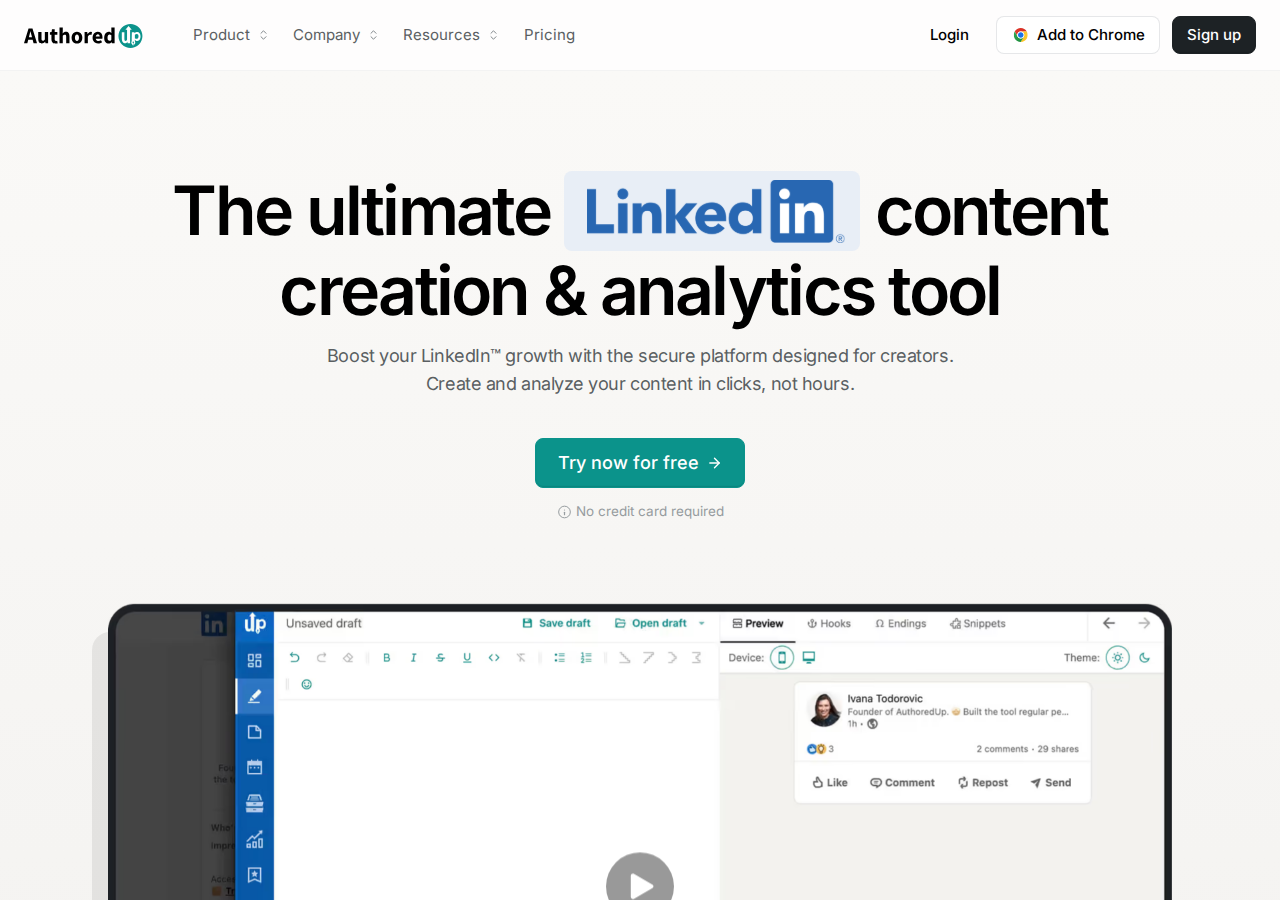
AuthoredUp centers the workflow on editing and organizing LinkedIn posts. Its Chrome extension brings formatting, drafts, scheduling and analytics into LinkedIn; the web platform also provides an editor and draft library. Desktop and mobile previews show the feed layout and “See more” fold before publication. Readability checks, reusable snippets and saved posts help writers refine and reuse their own material.
Business accounts add draft collaboration and team analytics. Company pages managed by a connected profile are included without an extra page fee. AuthoredUp’s Coauthor AI assistant learns from a user’s own posts, and is currently in closed beta.
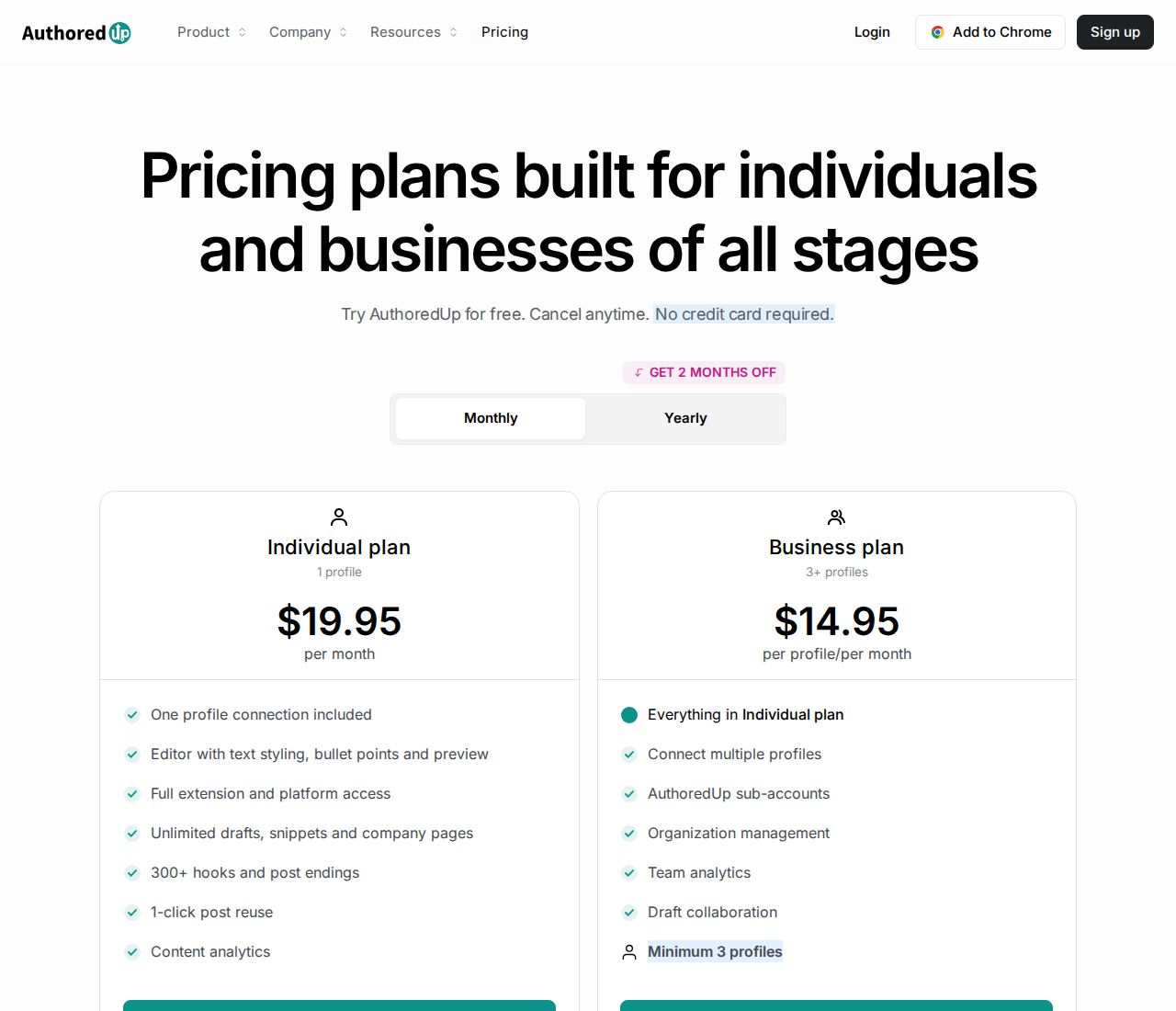
Pricing: Individual costs $19.95/month for one profile, or $199.50/year, displayed as $16.63/month. Business costs $14.95 per profile/month with a minimum of three profiles; annual billing is displayed as $12.46 per profile/month, billed at $149.50 per profile/year. The trial requires no credit card. Managers and ghostwriters do not incur a separate connected-profile fee.
4. Supergrow: interviews and source material turned into LinkedIn drafts
Supergrow starts content creation with a voice profile called Content DNA and Postcast, an AI interview workflow. Instead of supplying only a topic prompt, a subject-matter expert can answer questions about their experience and turn the conversation into post drafts. It also repurposes YouTube videos, articles and PDFs, then provides a carousel maker, Kanban board, calendar and first-comment scheduling.
For marketing teams, the distinction is what happens between draft and publication. Teams adds feedback and approval workflows, a shared calendar, publishing on behalf of members and team reporting. Those features address executive-content coordination as well as individual writing.
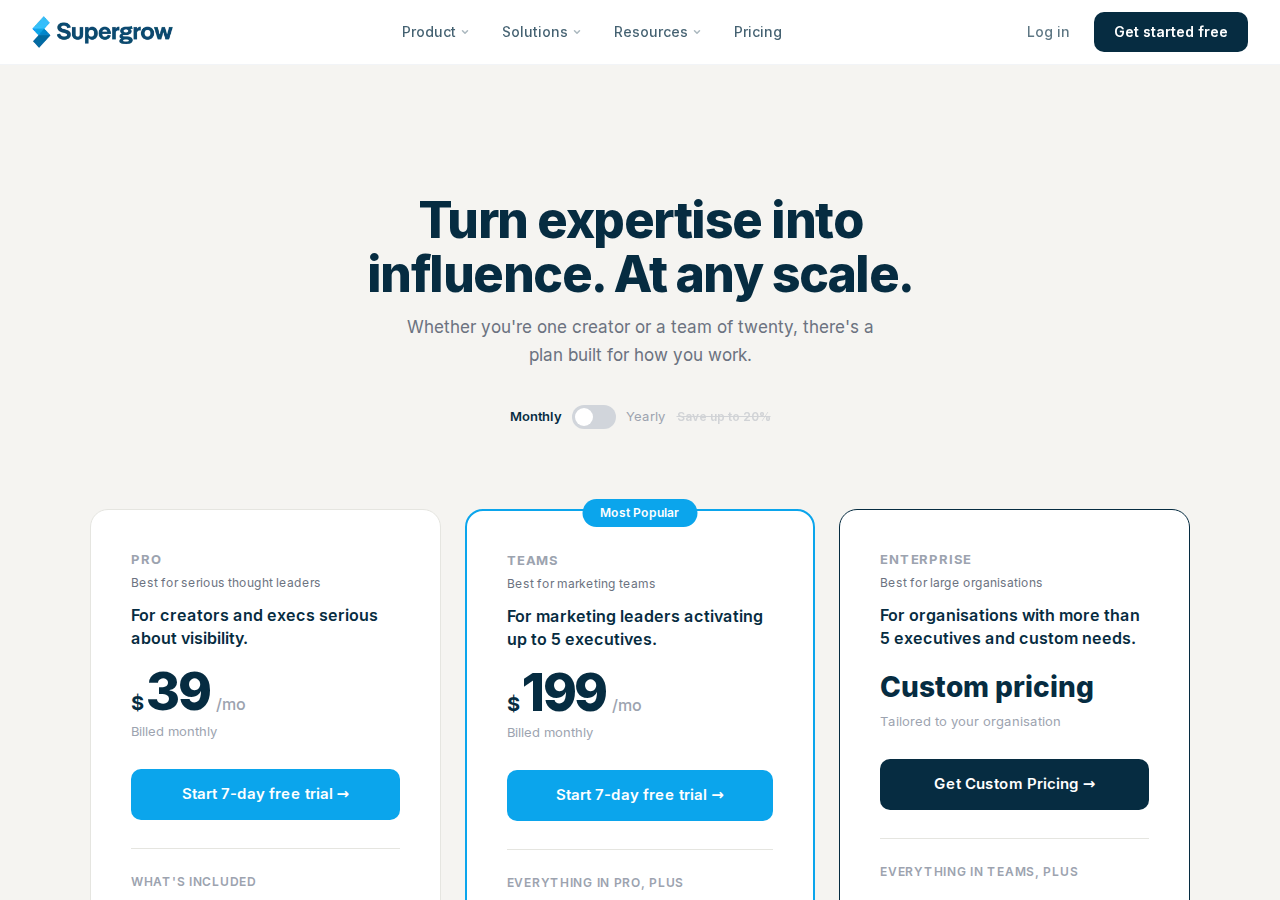
Pricing: Pro costs $39/month for one account, or $31/month billed annually. Teams costs $199/month including five accounts, or $189/month billed annually; the admin dashboard is free. More than five accounts and custom requirements move to Enterprise pricing. Plans include a seven-day trial. The annual discount differs by plan, so the advertised “up to 20%” should not be applied to Teams.
5. Buffer: publishing across LinkedIn and other social networks
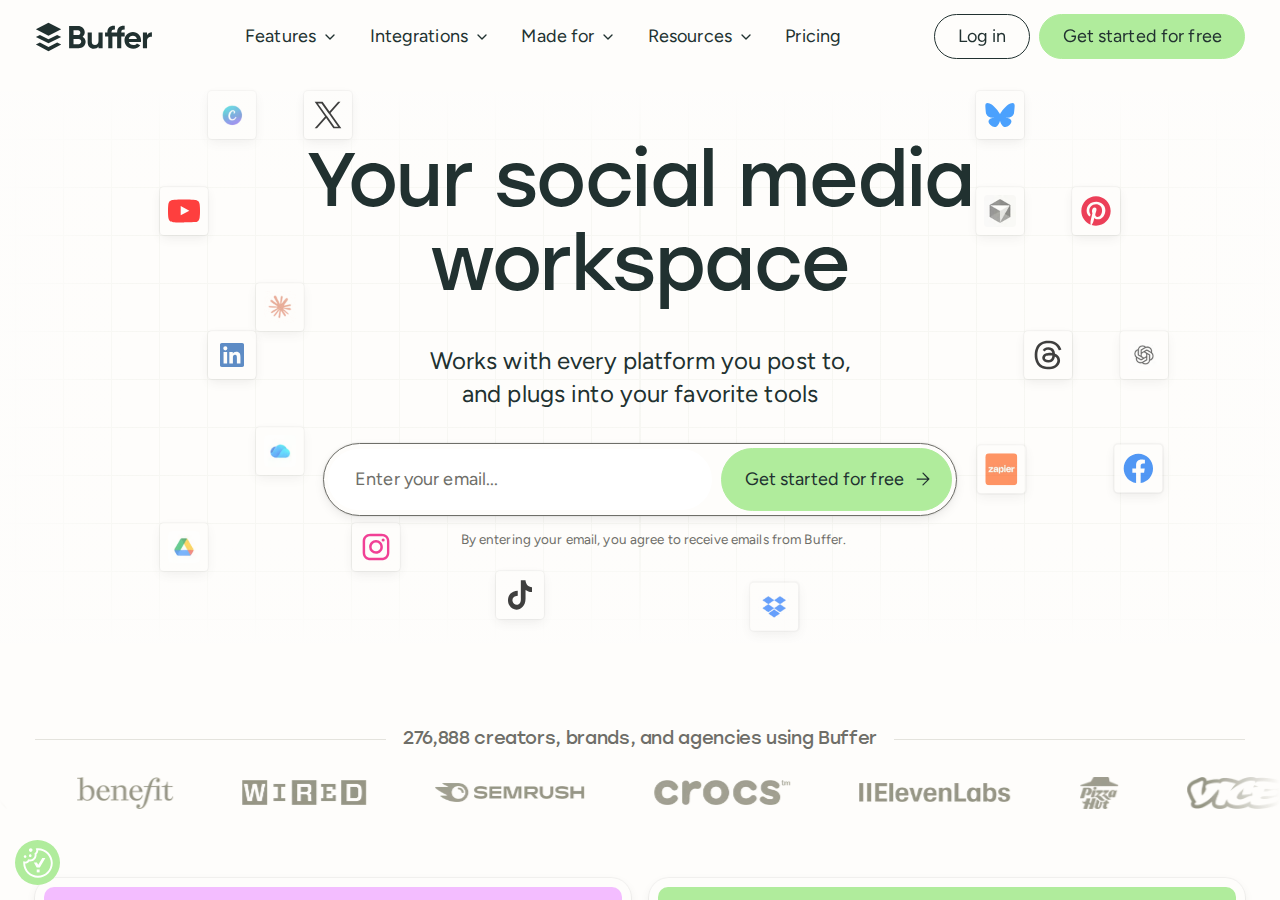
Buffer covers a different switching reason: maintaining LinkedIn alongside other social networks. An ideas board, AI assistant, publishing queue and calendar keep drafting and distribution together. LinkedIn is one channel within that workflow, alongside networks such as Instagram, Facebook, X and Threads.
Its AI assistant is included on the free plan. Paid Essentials adds advanced analytics and first-comment scheduling; Team adds approval workflows, access controls and unlimited team members. The billing unit is a connected social account, so a LinkedIn profile and a LinkedIn page count as separate channels.
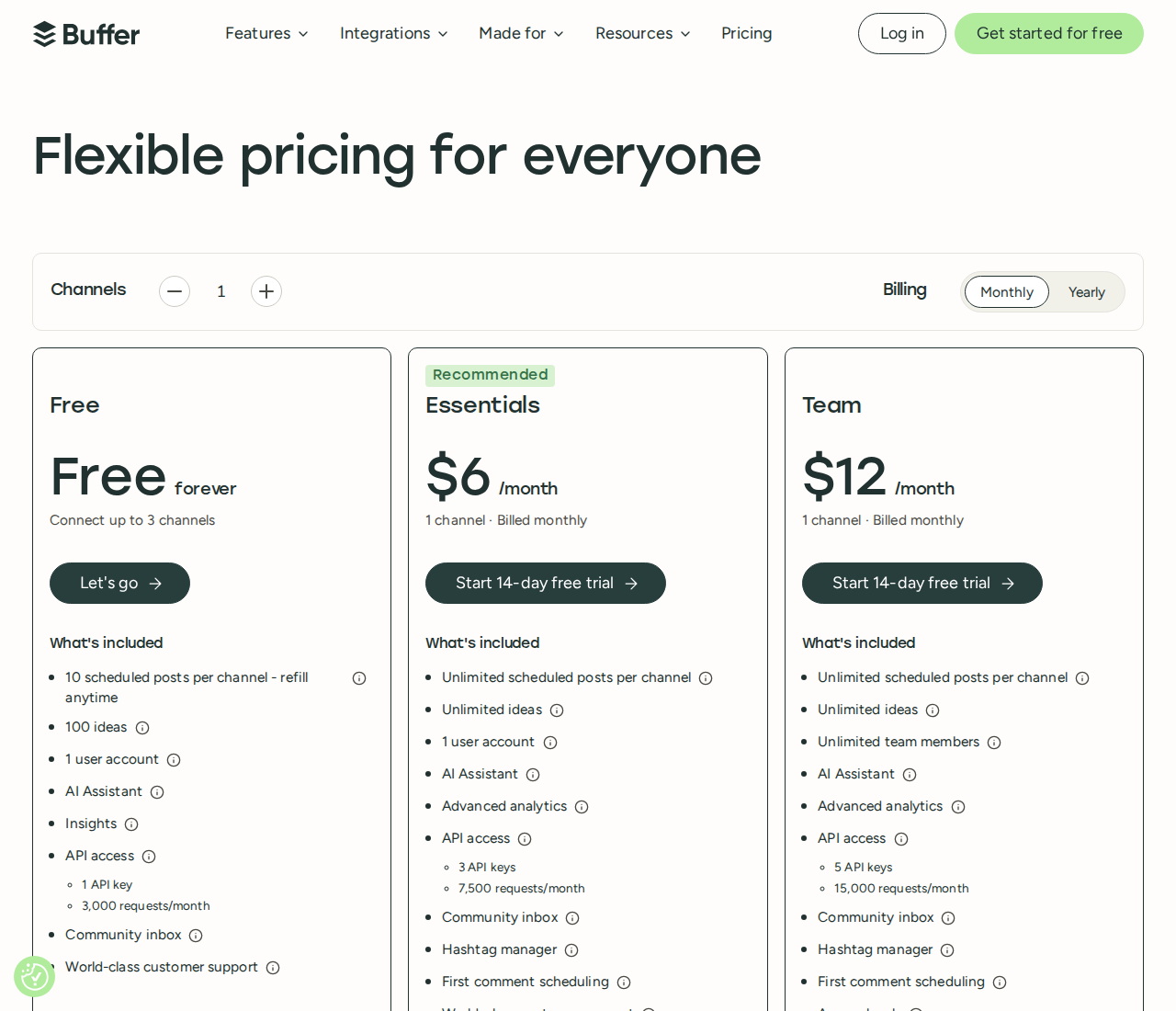
Pricing: Free includes three channels, one user and ten queued posts per channel at a time; published posts free up slots. For the first ten channels, Essentials costs $6 per channel/month and Team $12 per channel/month on monthly billing. Annual rates are $5 and $10 per channel/month, billed yearly. Paid plans have a fourteen-day trial. All connected channels become billable on a paid plan, including channels previously used free. Paid scheduling is subject to a 5,000-post-per-channel fair-use cap.
6. Kleo: content strategy, writing and scheduling with coaching

Kleo combines personalized content strategy with writing, an inspiration library, a knowledge base and publishing. Its voice and identity memory stores the context behind a creator’s posts, while templates and saved examples provide starting points. The workflow includes preview and formatting, scheduling and analytics rather than stopping at discovering posts to imitate.
The subscription also includes training, weekly live calls and a private community.
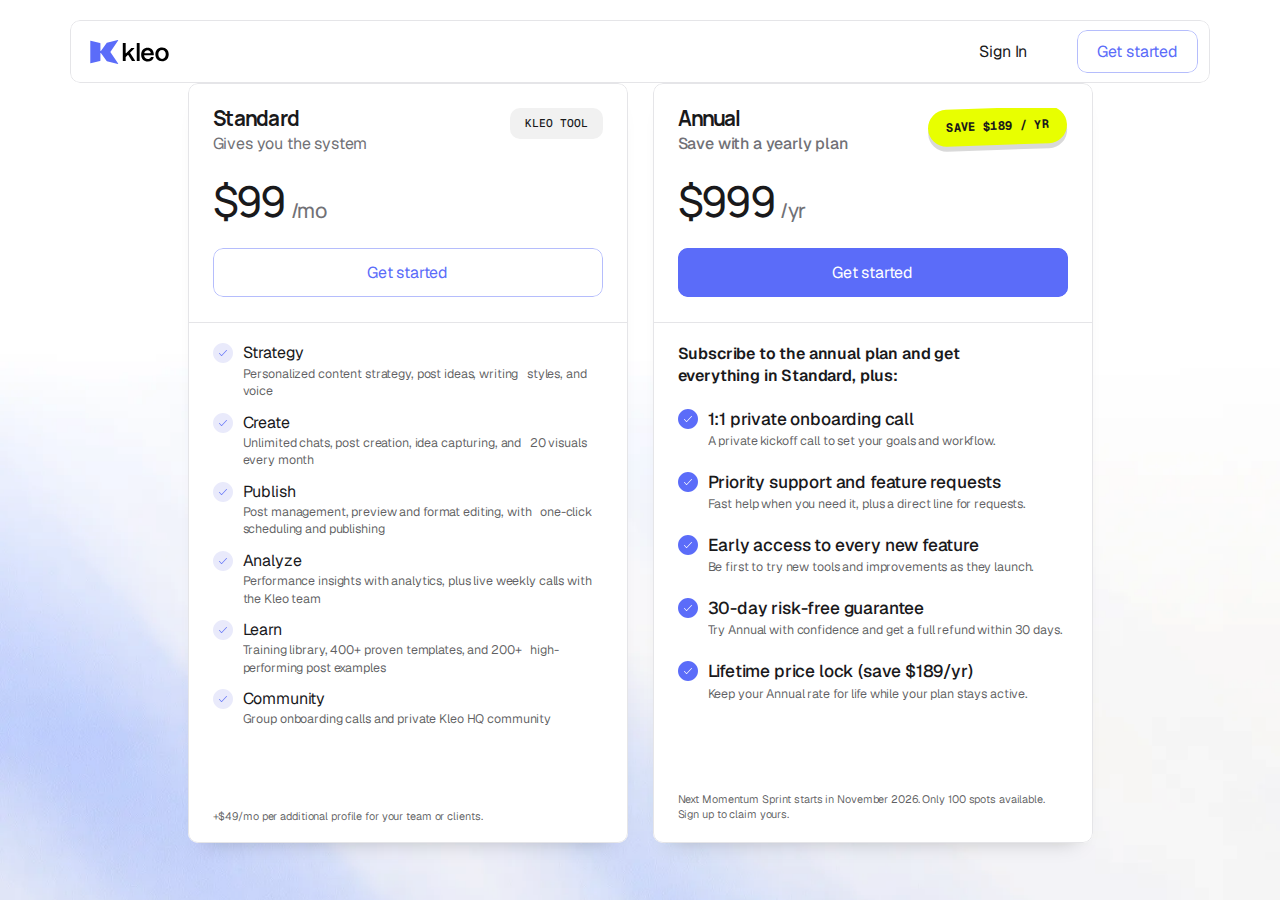
Pricing: Standard is $99/month; additional team or client profiles cost $49/month each. It includes unlimited chats and post creation, with twenty generated visuals per month. The annual subscription is $999/year and adds private onboarding and priority support. Kleo advertises a seven-day money-back guarantee for monthly subscriptions and thirty days for annual subscriptions; these are refund guarantees, not a free trial.
7. FlyMSG: draft a reply where you read the post
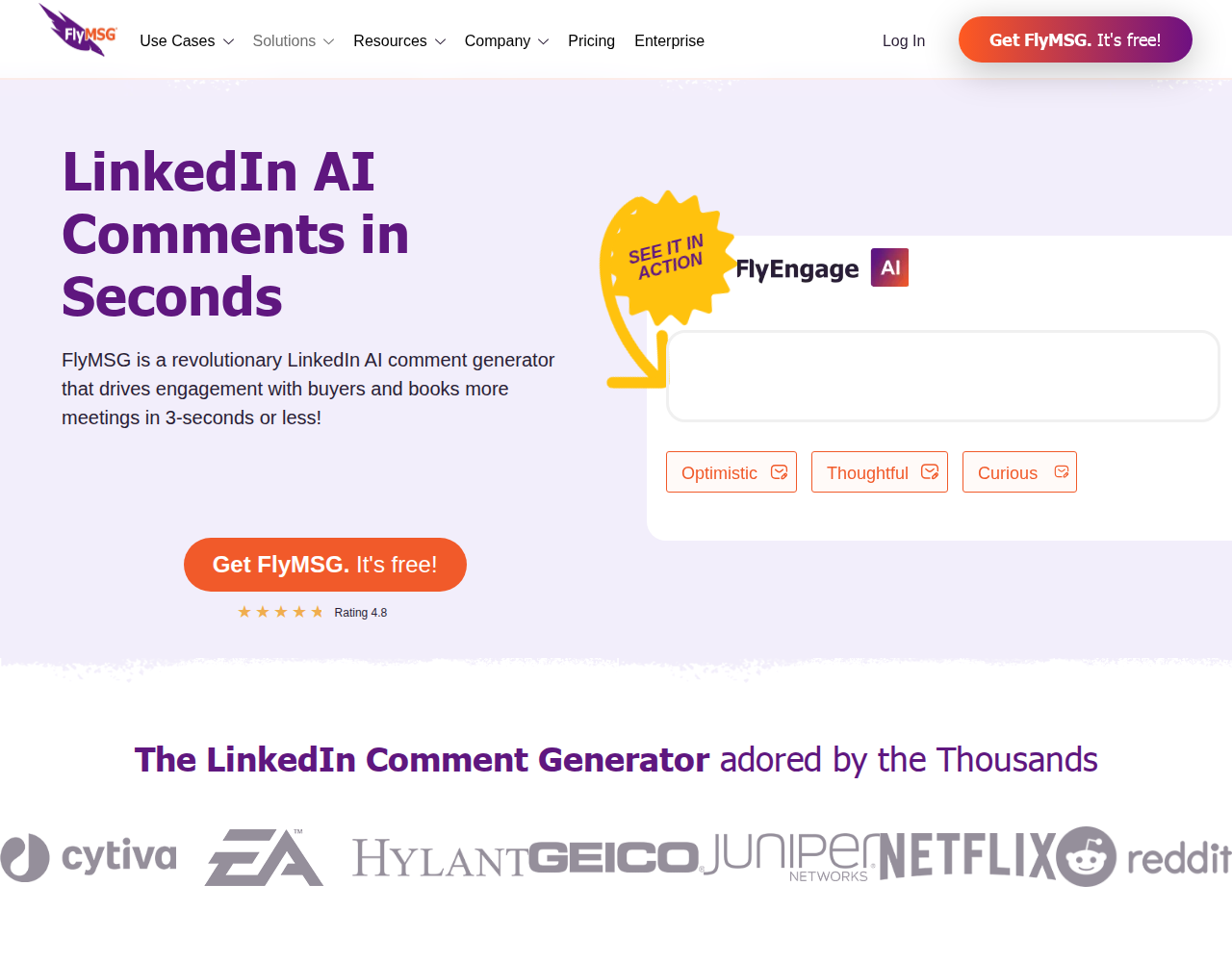
FlyMSG by Vengreso, also described as FlyEngage, generates responses to LinkedIn posts and existing comments through a browser extension. It supports LinkedIn and Sales Navigator, preset prompts, custom prompts and editing before publication. Text expansion and other writing tools are part of the same product.
Vengreso explicitly says FlyMSG does not automatically post comments. You choose the conversation, edit the suggestion and publish the reply yourself. That overlaps with MagicPost's manual commenting routine, while moving the writing step into the browser.
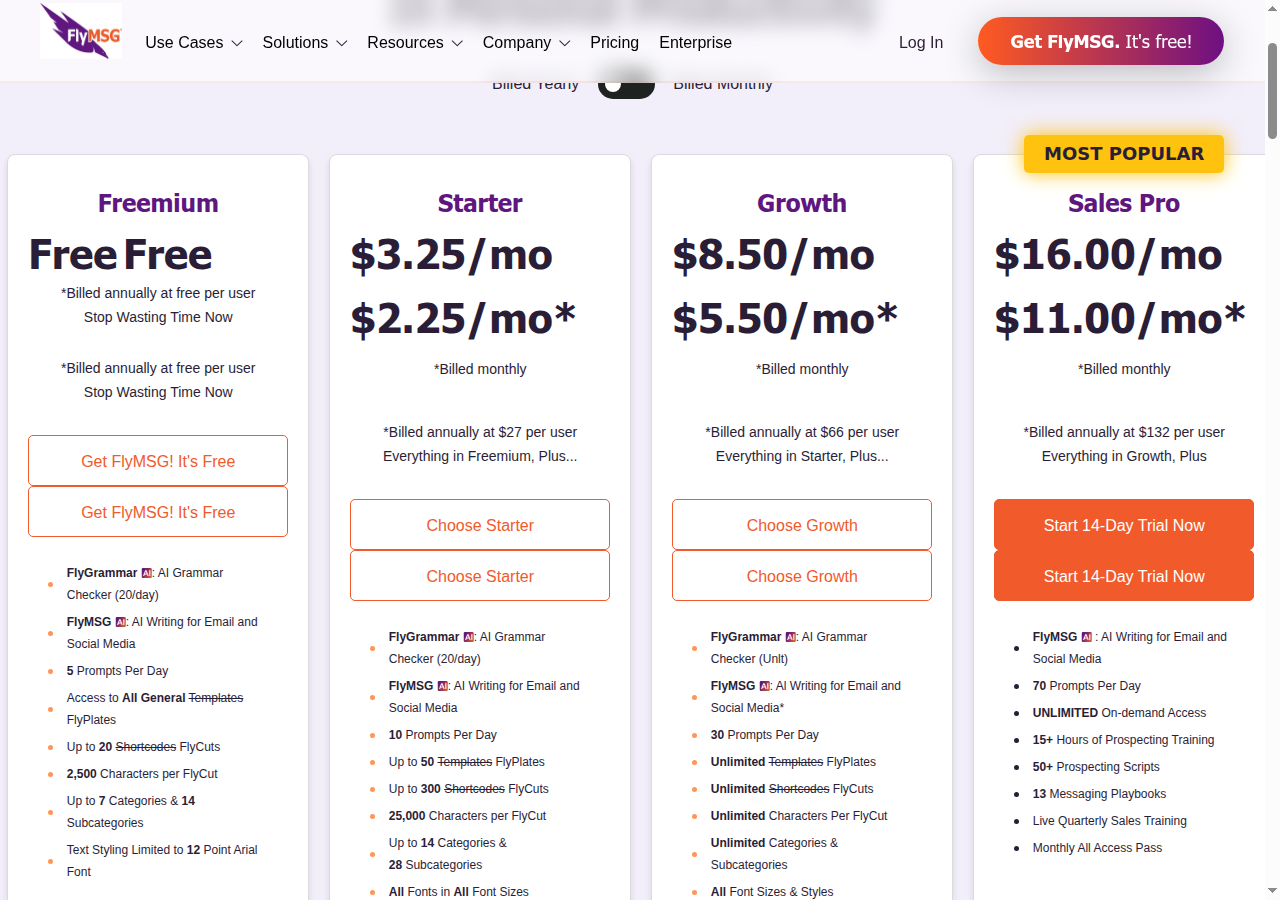
A limited free plan is available. Growth is listed at $8.50 per user per month on monthly billing, or $5.50 per month billed annually at $66 per user. The Growth plan card lists 30 prompts per day; the comparison table differs on some allowances. A paid subscription does not mean unlimited AI commenting. Its text expansion and writing tools extend beyond comments.
8. PowerIn: target creators and keywords across two networks

PowerIn supports creator and keyword targeting on LinkedIn and X. It includes tone, language and timezone settings, word exclusions, emoji controls and manual approval. Automatic comment posting is also available.
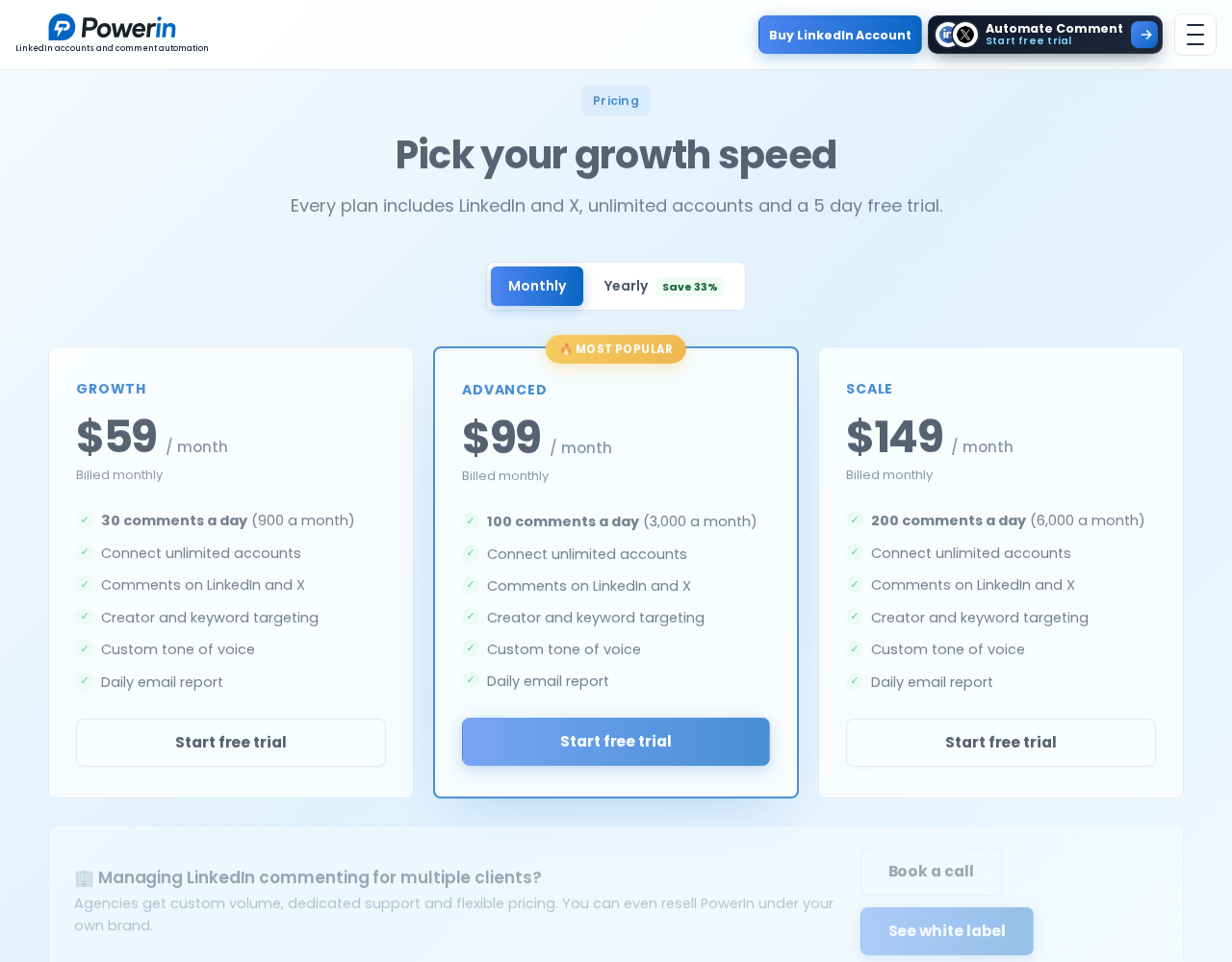
Growth is $59 per month on monthly billing, with 30 comments a day. Advanced is $99 per month with 100 comments a day; Scale is $149 per month with 200 comments a day. The plans advertise unlimited connected accounts and a five-day no-card trial. Unlimited accounts does not mean an unlimited comment allowance for each account.
A daily comment limit also measures something different from how many prospects you can track and continue talking to. Compare campaign controls and follow-through alongside volume.
What you keep or replace in MagicPost

MagicPost combines writing, scheduling, carousels and analytics with an engagement feed, reply inbox and lead workflow. Agency plans also cover client approvals and white-label reports. List the parts you use before comparing subscriptions.
MagicPost lets you build lists of up to 49 profiles each, including people and company pages. Its feed brings together each profile's latest post. You can sort and filter those posts, react, write a comment and publish it yourself. Daily or weekly goals and exportable engagement reports help track that routine.
The Reply tab collects comments on your own posts. You can reply, dismiss a comment or return to an unanswered one. Commenter details and ICP-fit scoring connect this inbox to MagicPost's Leads module, which documents HubSpot, Pipedrive, lemlist and webhook exports.
Its scheduled comments serve a different purpose. You prepare comments under your own post and set a delay of up to 15 days after publication. Several comments can have separate delays. Comments on other people's posts are written and sent manually from the engagement feed.
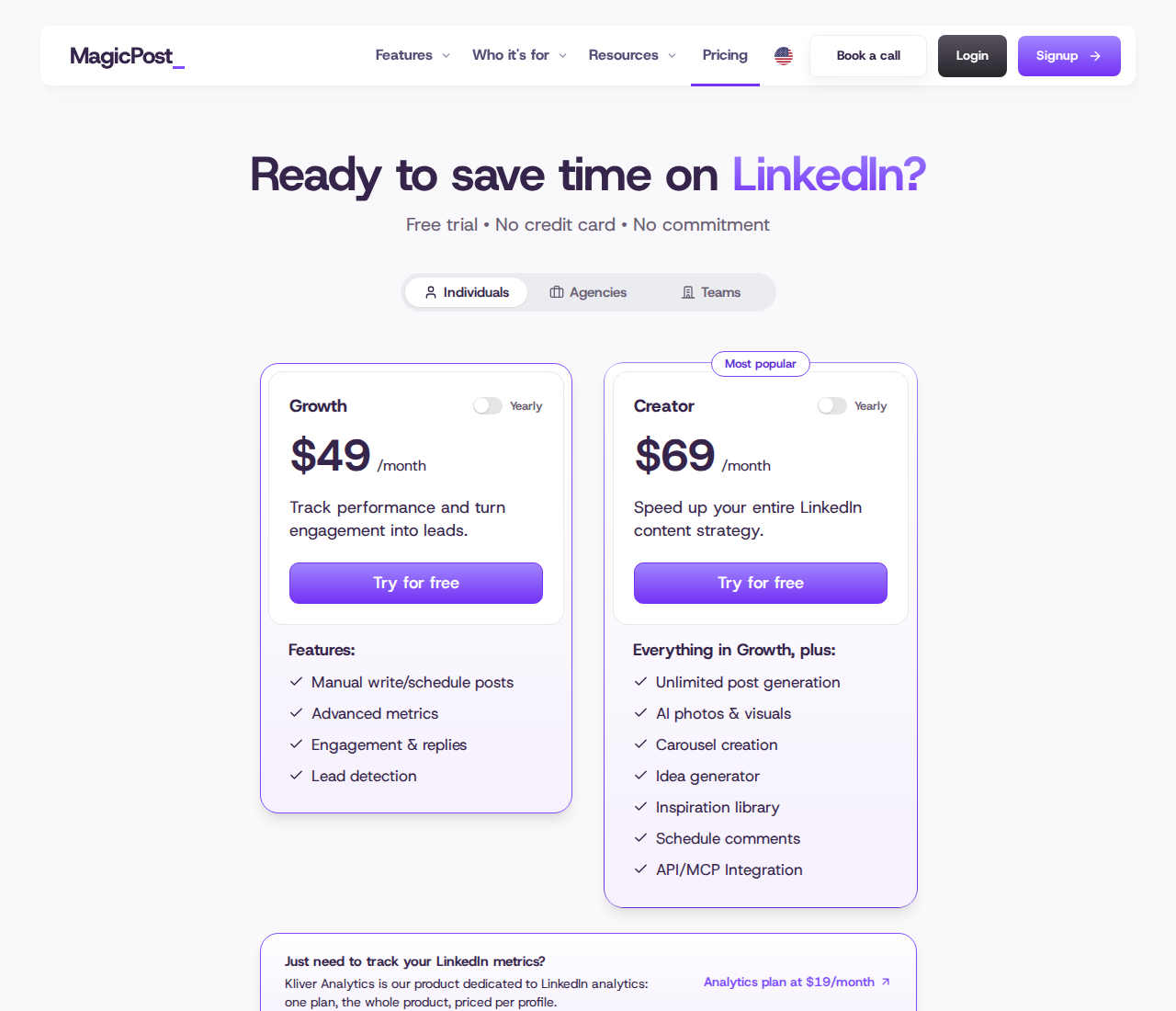
The individual monthly prices list Growth at $49 and Creator at $69. Growth includes engagement and replies; Creator adds AI content features and scheduled own-post comments. Discounted annual prices and annual totals are shown separately. Agency lists $59 per client seat per month, with five seats totaling $295 per month, plus client post approvals and white-label reports. These are broader content-workspace subscriptions, not comment-only allowances.
How to change the workflow without losing work
For a publishing move, check scheduled posts, draft libraries, carousel files, profile/page connections and who approves client content. A lower individual price does not describe the cost of replacing a team approval process. If voice matching is the reason for changing tools, compare which source material each writer accepts and how much editing remains before publication.
For engagement-led sales, keep ownership of the publishing calendar clear and move one prospect campaign into Extrovert. Review which posts it surfaces, edit comments that need your perspective and inspect the suggested next touch. You can keep your publishing workspace while putting relationship-building in a separate daily workflow.
Recommended DMs retain a reason to contact someone. Conversation Restarters use a prospect’s recent activity to suggest a relevant way to reopen the discussion; you review the message before sending it.
Illustration: Extrovert reads the prospect's posts. hot take, thought leadership, motivation, promotion are skipped. One post, went to sf tech week, is a Restarter signal. Extrovert suggests the DM "Seen you went to SF Tech Week. How did it go?", and the prospect replies.

For more detail on the writing step, see LinkedIn comment generators. For the relationship-building method behind comments and messages, read how warm outreach works.
Keep automatic posting off until campaign settings match your intent. Human review does not remove platform-policy, privacy or reputation risks. The ten-day Extrovert trial gives you time to inspect the comments, DMs and follow-up routine with the people you already want to reach.