Most B2B teams do not have a leads problem. They have enough names in the database. What they lack is a repeatable way to turn cold names into conversations before a pitch lands. The gap is usually not more contacts at the top of the funnel; it is the right approach to warming and converting the ones already there.
The tools that address B2B lead generation span a wide range: massive contact databases, LinkedIn engagement layers, enrichment workflows, cold email infrastructure, and everything in between. Each solves a different part of the problem, and the right stack depends on whether you are filling the funnel, converting it, or both.
This guide compares the 10 best B2B lead generation tools for 2026, covering pricing, core use cases, and honest trade-offs. Whether you are an SDR building outbound sequences, a founder selling to early accounts, or a marketer running account-based campaigns, the decision framework at the end will help you match tools to your actual gap.
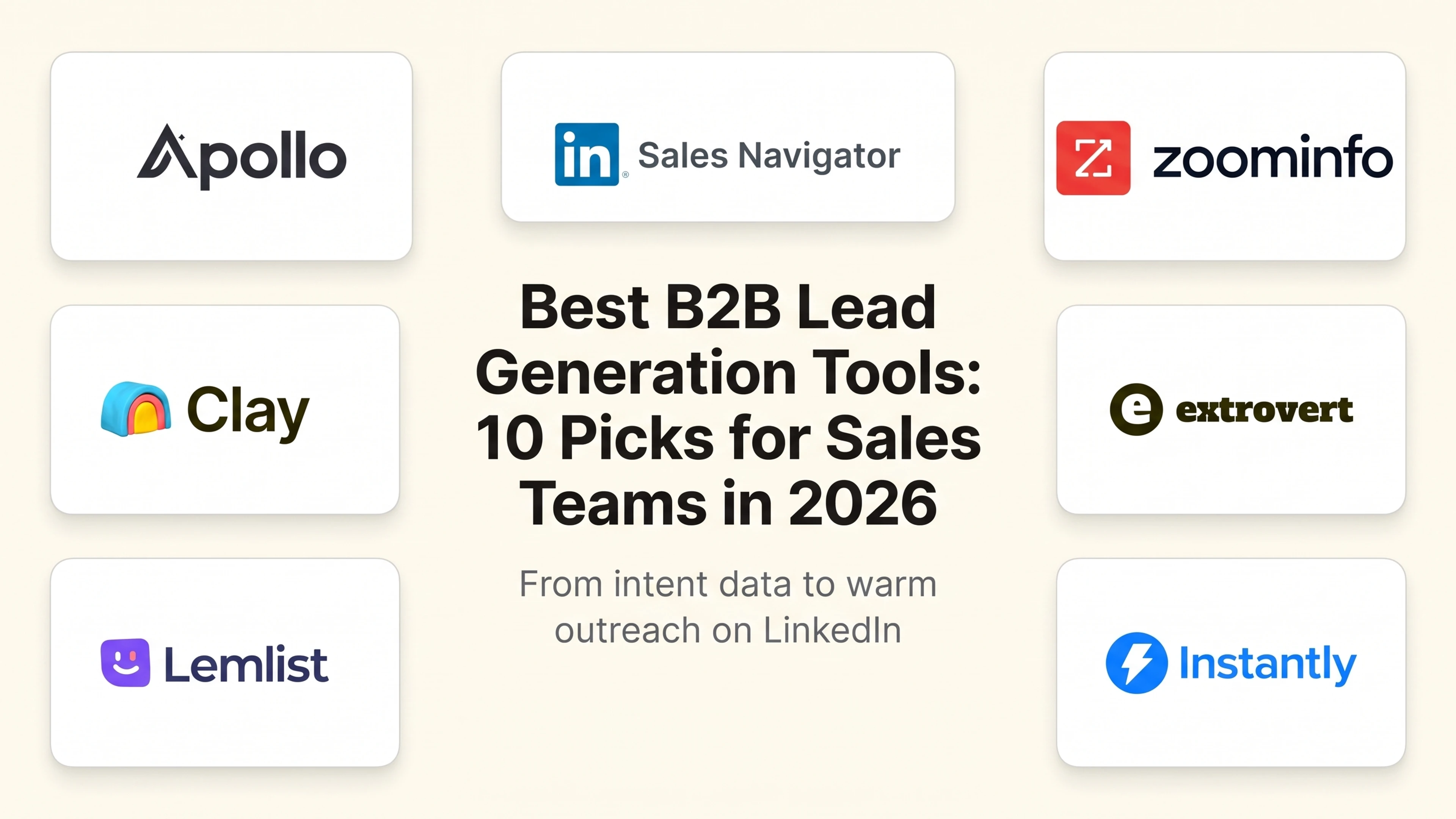
Best B2B lead generation tools: a brief overview
Data and prospecting
- Apollo.io: Best all-in-one prospecting platform: combines a 275M-contact database, sequencing, and a CRM-lite so SDRs can find, enrich, and contact leads without switching tools.
- LinkedIn Sales Navigator: Best for LinkedIn prospect discovery: gives sales teams advanced search filters, lead lists, and real-time buyer signals from inside the network.
- ZoomInfo: Best for enterprise intent data: pairs a massive B2B database with intent signals and buying-committee mapping for revenue teams running complex enterprise cycles.
- Clay: Best for custom enrichment workflows: a no-code layer that pulls from 75+ data sources to build personalized outreach lists at scale without manual research.
- Cognism: Best for GDPR-compliant European B2B data: phone-validated contacts with strong compliance coverage for teams with heavy EMEA territory.
- Lusha: Best for quick LinkedIn contact enrichment: a Chrome extension that surfaces verified emails and direct dials from LinkedIn profiles in one click.
Outreach and engagement
If you want to convert the leads already in your database instead of buying more, Extrovert is the best pick for engagement-led outreach because it builds recognition before you pitch, which is what most stalled B2B pipelines actually need. Here's how it stacks up against the outreach tools it usually pairs with.
- Extrovert: Best for engagement-led warm outreach on LinkedIn: tracks prospects and topics, then suggests AI comments and DMs from your playbook so you build familiarity before you pitch.
- Lemlist: Best for agencies running personalized cold email at volume: trades Extrovert's warm, human-reviewed LinkedIn workflow for custom visuals and multichannel cold sequencing.
- Instantly.ai: Best for teams whose bottleneck is email deliverability, not familiarity: trades Extrovert's warm engagement layer for unlimited sending accounts and automated warmup.
- Hunter.io: Best for founders who just need a verified email fast: trades Extrovert's relationship-building workflow for a narrow, affordable email-finding tool.
| Tool | Key strength | Pricing | Platforms |
|---|---|---|---|
| Apollo.io | All-in-one database, sequencing, and CRM-lite | Free tier; from $49/month | Web, Chrome extension, API |
| LinkedIn Sales Navigator | Native LinkedIn targeting and buyer signals | From $99/month; 30-day trial | Web, mobile |
| ZoomInfo | Enterprise intent data and buying-committee mapping | Custom pricing; no free tier | Web, API, CRM integrations |
| Clay | No-code waterfall enrichment from 75+ sources | Free tier; from $149/month | Web, API |
| Cognism | Phone-validated EMEA data with GDPR compliance | Custom pricing; no free tier | Web, Chrome extension, API |
| Lusha | In-page LinkedIn contact enrichment | Free (5/month); from $36/month | Web, Chrome extension, API |
| Extrovert | Engagement-led warm outreach via LinkedIn | Free trial; from $49/month | Web, Chrome extension |
| Lemlist | Multichannel cold sequences with personalization | From $39/month; 14-day trial | Web |
| Instantly.ai | Unlimited sending accounts with deliverability warmup | From $37/month; free trial | Web |
| Hunter.io | Domain-level email finding and verification | Free (25/month); from $34/month | Web, Chrome extension, API |
1. Apollo.io, best all-in-one B2B prospecting platform
Apollo.io is the closest thing to an all-in-one lead generation platform for mid-market sales teams. It combines a 275 million-contact database with email verification, LinkedIn enrichment, cold email sequencing, call recording, and a built-in CRM-lite so SDRs can run a full prospecting workflow from a single place. The filtering is granular: job title, seniority, funding round, headcount growth, technology stack, and recent hiring signals. Most teams use it as both their data layer and their outreach tool, which cuts the number of point solutions in the stack.
The free tier is legitimately useful, covering 50 email credits per month. Paid plans unlock unlimited sequences, higher credit limits, and advanced analytics. For teams doing LinkedIn for B2B sales, Apollo provides the contact-finding layer before engagement or outreach begins.
Key features:
- 275M+ contact database with email, phone, and LinkedIn enrichment
- Advanced search filters including technographics, funding signals, and hiring activity
- Cold email sequencing with A/B testing and reply detection
- Chrome extension for in-page enrichment on LinkedIn profiles
- Built-in dialer, call recording, and task management
Best for:
- SDR teams that need a unified prospecting and sequencing workflow
- Mid-market sales orgs wanting one tool instead of separate data and outreach tools
- Teams on a budget who want a strong free tier before committing to paid
Pricing:
- Free: 50 email credits/month, 2 sequences
- Basic: From $49/month per user
- Professional: From $99/month per user
Pros:
- Data and sequencing in one platform remove the enrichment-to-outreach handoff
- Free tier is useful for solo prospectors and early-stage testing
- Chrome extension works cleanly across LinkedIn profiles and company websites
Cons:
- Data accuracy varies by region; verification sometimes misses recent role changes
- CRM functionality is thin compared to a dedicated tool; most teams still connect HubSpot or Salesforce
2. LinkedIn Sales Navigator, best for LinkedIn prospect discovery
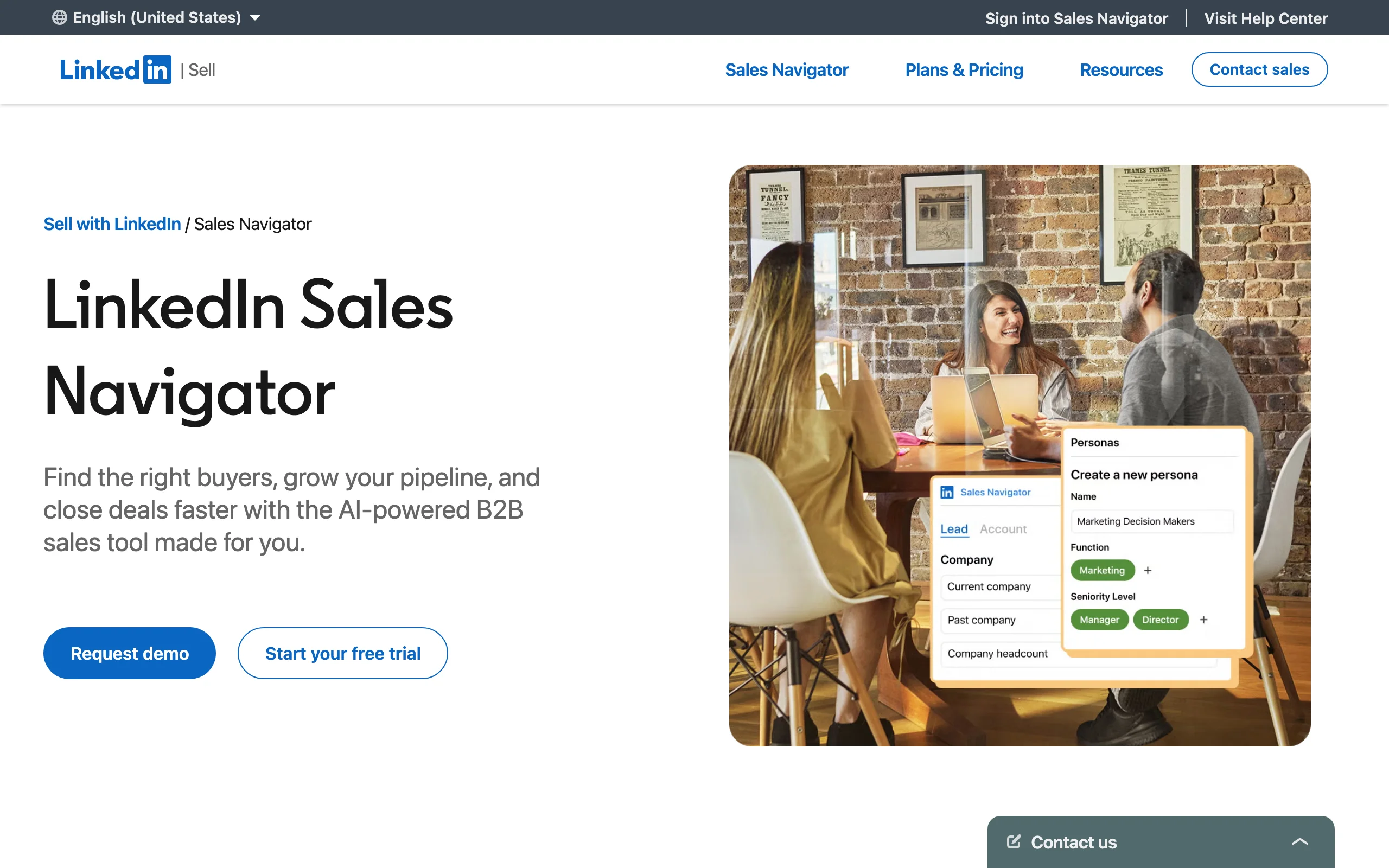
Sales Navigator is the prospecting tool built by the people who run the network. It gives sales teams advanced search filters that the free LinkedIn interface hides: seniority level, department, company headcount, growth rate, content posted in the last 30 days, and connection degree. You can save lead and account lists, set alerts when a key contact changes jobs or posts, and see who has viewed your profile recently.
For teams focused on LinkedIn-native outreach, Sales Navigator is usually the first tool in the stack, used to build targeted lists before handing them off to a sequencer or engagement layer. It does not send automated messages or emails natively, so it pairs well with tools that do.
Key features:
- Advanced search with 40+ filters unavailable in free LinkedIn
- Lead and account lists with real-time alerts on job changes and activity
- InMail credits (50/month on Core) for reaching outside your network
- TeamLink for mapping warm introduction paths through your team's connections
- Salesforce and HubSpot integration for list syncing
Best for:
- SDRs and AEs who prospect primarily through LinkedIn
- Account-based sales teams that need signal-enriched, up-to-date account lists
- Recruiters and founders doing targeted, LinkedIn-native outreach
Pricing:
- Core: From $99/month per user
- Advanced: From $179/month per user (team features, usage reporting)
- 30-day free trial available
Pros:
- First-party data means contact records are more current than scraped databases
- Job-change alerts catch warm moments before competitors do
- TeamLink surfaces warm paths that cold databases miss entirely
Cons:
- InMail reply rates are low and credits run out quickly without a deliberate approach
- No built-in sequencing or email capability; requires pairing with another tool
- Cost adds up fast for teams where not every rep uses it daily
3. ZoomInfo, best for enterprise intent data
ZoomInfo is the market leader for enterprise B2B data. Its core value is contact and company data at scale, backed by intent signals (aggregated web research behavior), technographics, and buying-committee mapping. When a prospect is actively researching solutions similar to yours, ZoomInfo can surface that signal before the deal shows up in a competitor's CRM.
It is built for revenue teams running long, complex enterprise sales cycles with multiple stakeholders. Data quality in North American markets is strong. Integrations with Salesforce, HubSpot, Outreach, and Salesloft mean it sits cleanly at the top of an existing stack without requiring workflow changes.
Key features:
- 100M+ business contacts with email, direct dial, and verified mobile numbers
- Intent data tracking 4,500+ B2B topics to surface in-market buyers
- Buying-committee mapping to identify all relevant stakeholders in an account
- Technographic and firmographic filters for precise ICP targeting
- Deep CRM and SEP integrations
Best for:
- Enterprise revenue teams with complex, multi-stakeholder sales cycles
- Ops teams building intent-enriched outbound pipelines
- North American-focused teams with budget for the premium tier
Pricing:
- Custom pricing only; no public rates
- No free tier; trials available on request
- Typically $15,000+ per year for team plans
Pros:
- Intent data surfaces in-market buyers ahead of their first inbound signal
- Data quality in the US and Canada is among the strongest available
- Buying-committee maps help AEs cover the full account, not just the champion
Cons:
- Pricing is opaque and high; small teams and startups are effectively priced out
- Data quality drops in EMEA and APAC compared to North American coverage
- Onboarding is heavy; teams often underuse advanced features without dedicated ops support
4. Clay, best for custom enrichment workflows
Clay is a data enrichment and workflow builder that sits between your CRM and your outreach tool. You connect it to 75+ data sources (Apollo, LinkedIn, Clearbit, Hunter, Crunchbase, and more), write waterfall logic to fill in contact fields in priority order, and output a clean, enriched list to your sequencer. The result is personalized outreach at the precision of manual research, but at list scale.
Teams use Clay to build triggers like "funded in the last 90 days + hiring SDRs + new VP of Sales" and auto-enrich everyone who hits those filters. Some RevOps teams run entire outbound motions inside Clay before the lead ever touches the CRM.
Key features:
- Waterfall enrichment from 75+ data sources in a single workflow
- AI rows for writing personalized opening lines at scale
- Webhook and CRM triggers to enrich inbound leads automatically
- LinkedIn URL finder and data lookup within platform terms
- Direct exports to Salesloft, Outreach, HubSpot, and custom webhooks
Best for:
- RevOps and growth engineers building trigger-based outbound systems
- Teams doing account-based prospecting with high targeting precision
- SDR teams that want personalized first lines at volume without manual research
Pricing:
- Starter: Free (limited rows and credits)
- Explorer: From $149/month
- Pro: From $349/month
- Credits scale with usage; costs increase quickly for large lists
Pros:
- Waterfall enrichment prevents paying for the same contact across multiple sources
- AI row generation produces genuine personalization, not just variable substitution
- Integrations cover virtually every tool in the modern outbound stack
Cons:
- Steep learning curve for non-technical users; spreadsheet-logic thinking required
- Credit costs scale fast for high-volume outbound programs
- Data source accuracy varies; human review is still needed for high-stakes accounts
5. Extrovert, best for engagement-led warm outreach on LinkedIn
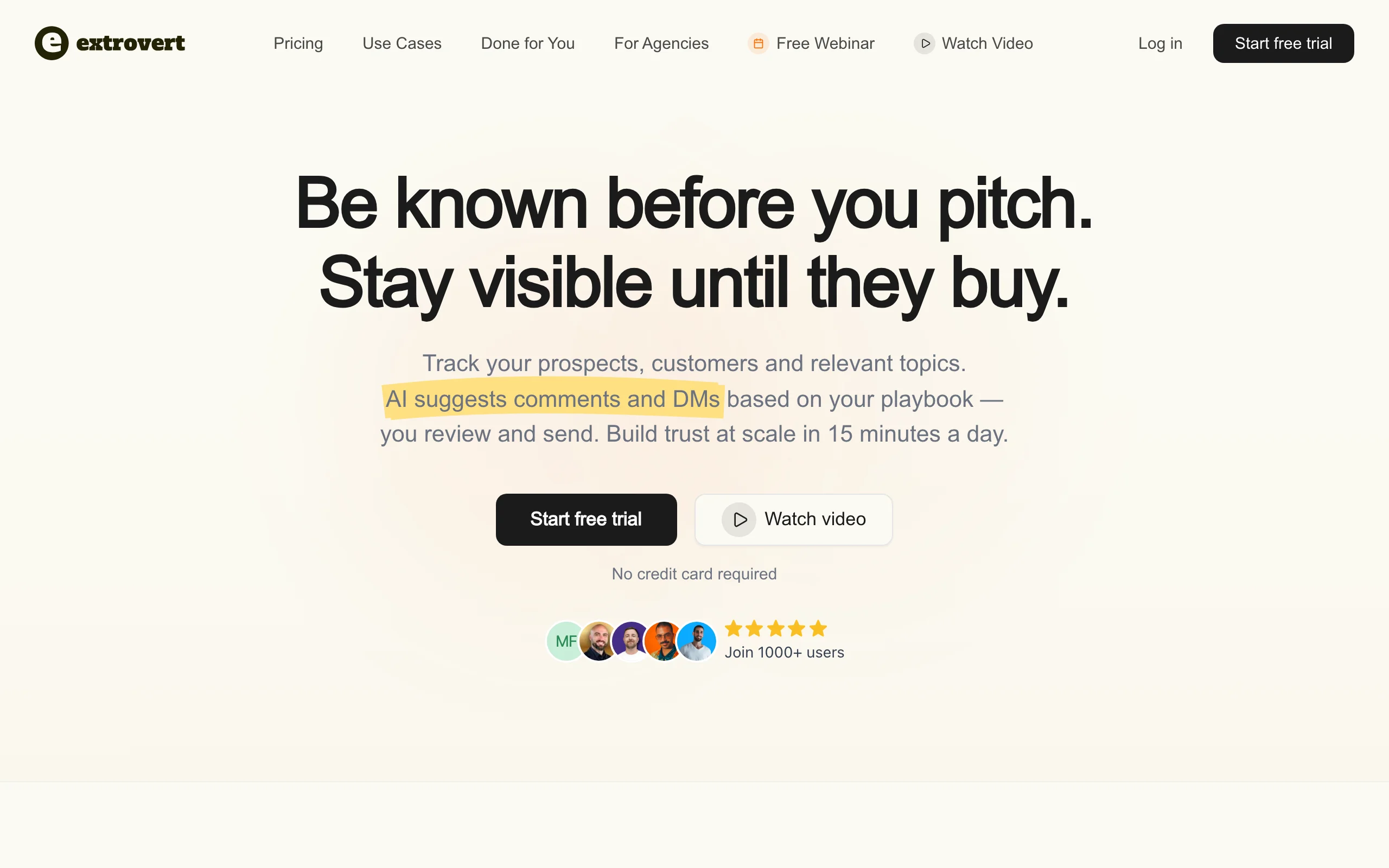
Extrovert is built on a different premise than most lead generation tools. Instead of starting with a database and sending cold outreach, it starts with the prospects you already know you want to reach and makes sure they recognize your name before you ever send a message. You add people and topics to your LinkedIn feed, Extrovert surfaces their posts and relevant industry conversations, and its AI suggests on-brand comments and DMs based on your custom playbook.
Most users spend 15 minutes a day: review a handful of AI-suggested responses, approve the ones that fit, and stay top of mind across their entire prospect list without treating LinkedIn like a broadcast channel. For teams doing LinkedIn for SDRs or founder-led marketing, Extrovert acts as the awareness layer that makes downstream cold outreach convert at a meaningfully higher rate because the prospect already recognizes the sender.
Key features:
- Prospect and topic tracking in a curated LinkedIn feed
- AI comment and DM suggestions trained on your voice and playbook
- Buying signal and job-change alerts to time outreach at the right moment
- Human-in-the-loop review: you approve every message before it sends
- Engagement reporting to track pipeline influence over time
Best for:
- SDRs and account executives who warm up target accounts before sequencing
- Founders doing relationship-led sales without a full SDR team
- Agencies managing LinkedIn engagement across multiple client accounts (see Extrovert for agencies)
Pricing:
- Starter: From $49/month
- Pro: From $99/month
- Agency plans available; see Extrovert pricing
- Free trial available
Pros:
- Human-in-the-loop design keeps accounts safe from LinkedIn automation restrictions
- 15-minute daily workflow fits the reality of a full sales calendar
- Comments build visibility with the prospect's entire network, not just the prospect
Cons:
- LinkedIn-only; not a multichannel cold-email or dialer tool
- Engagement-led approach requires 4-8 weeks of consistent activity before pipeline impact shows; not a fix for end-of-quarter gaps
6. Cognism, best for GDPR-compliant European B2B data
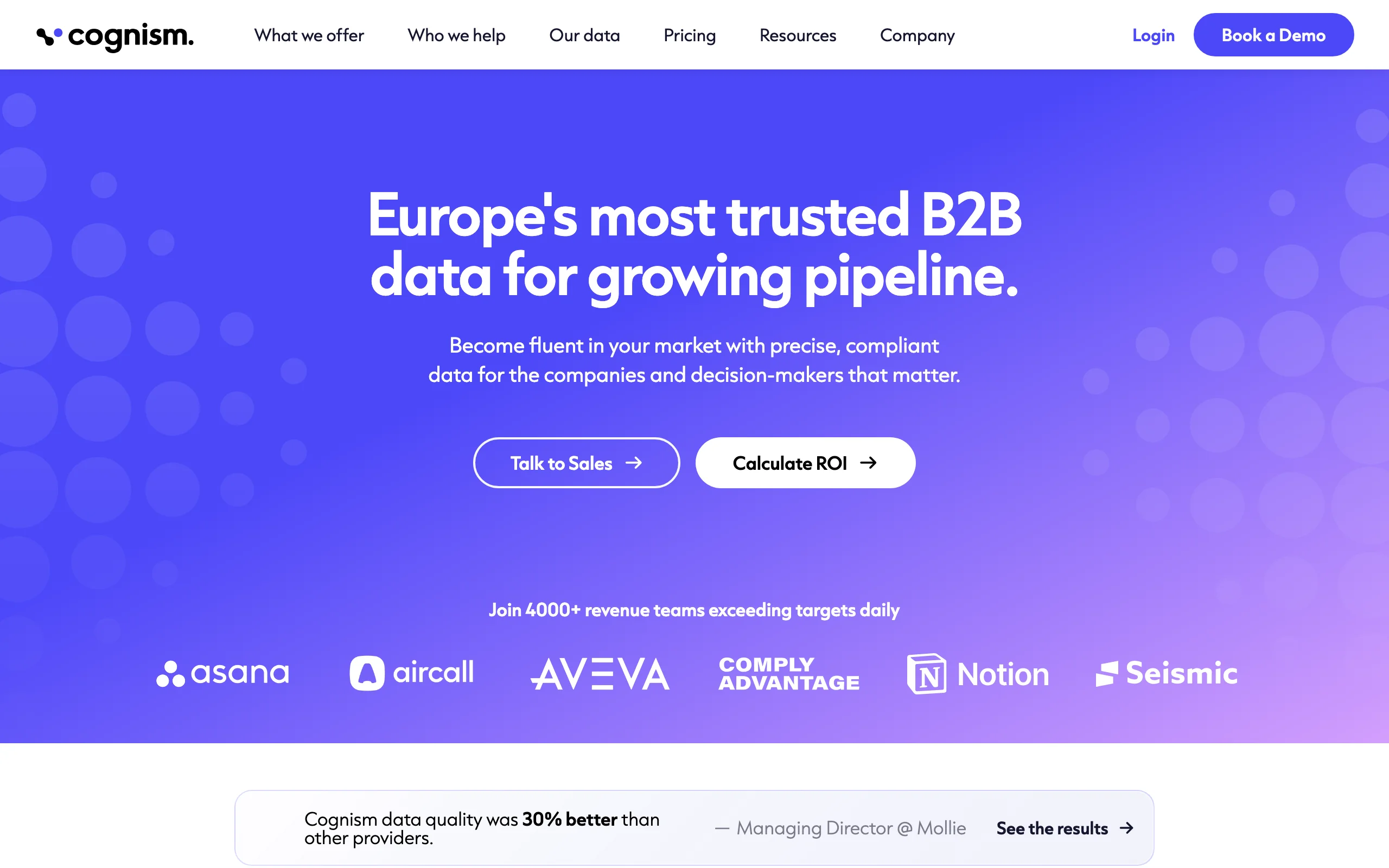
Cognism is the go-to B2B data provider for teams selling into Europe. It focuses on verified mobile numbers (phone-validated, not just scraped), GDPR-compliant data processing, and strong coverage of EMEA markets where other databases often have thin or outdated records. The Diamond Data tier offers phone-verified mobiles that connect at consistently higher rates than unverified numbers.
The tool includes intent data through a Bombora partnership and a Chrome extension for in-page enrichment on LinkedIn. For revenue teams with European territory, Cognism often replaces ZoomInfo or Apollo as the primary data source because the compliance layer and data accuracy are both meaningfully stronger for that region.
Key features:
- Phone-validated mobile numbers (Diamond Data tier)
- GDPR and CCPA-compliant data with consent-based records
- Intent data via Bombora integration
- Chrome extension for LinkedIn and company website enrichment
- Integrations with Salesforce, HubSpot, Salesloft, and Outreach
Best for:
- Sales teams with heavy EMEA territory and compliance requirements
- Teams that rely on cold calling and need verified direct dials
- Enterprise orgs with legal requirements around data sourcing
Pricing:
- Custom pricing; no public rates
- No free tier; demo and trial available on request
Pros:
- Phone-validated mobile numbers reduce wasted dials significantly
- Compliance-first data handling reduces legal risk for GDPR-regulated markets
- EMEA data quality is meaningfully stronger than US-centric competitors
Cons:
- Pricing is opaque and high; hard to evaluate ROI without going through a full sales process
- North American coverage is less comprehensive than ZoomInfo or Apollo
- No self-serve option; requires a sales conversation to get started
7. Hunter.io, best for simple, affordable email finding
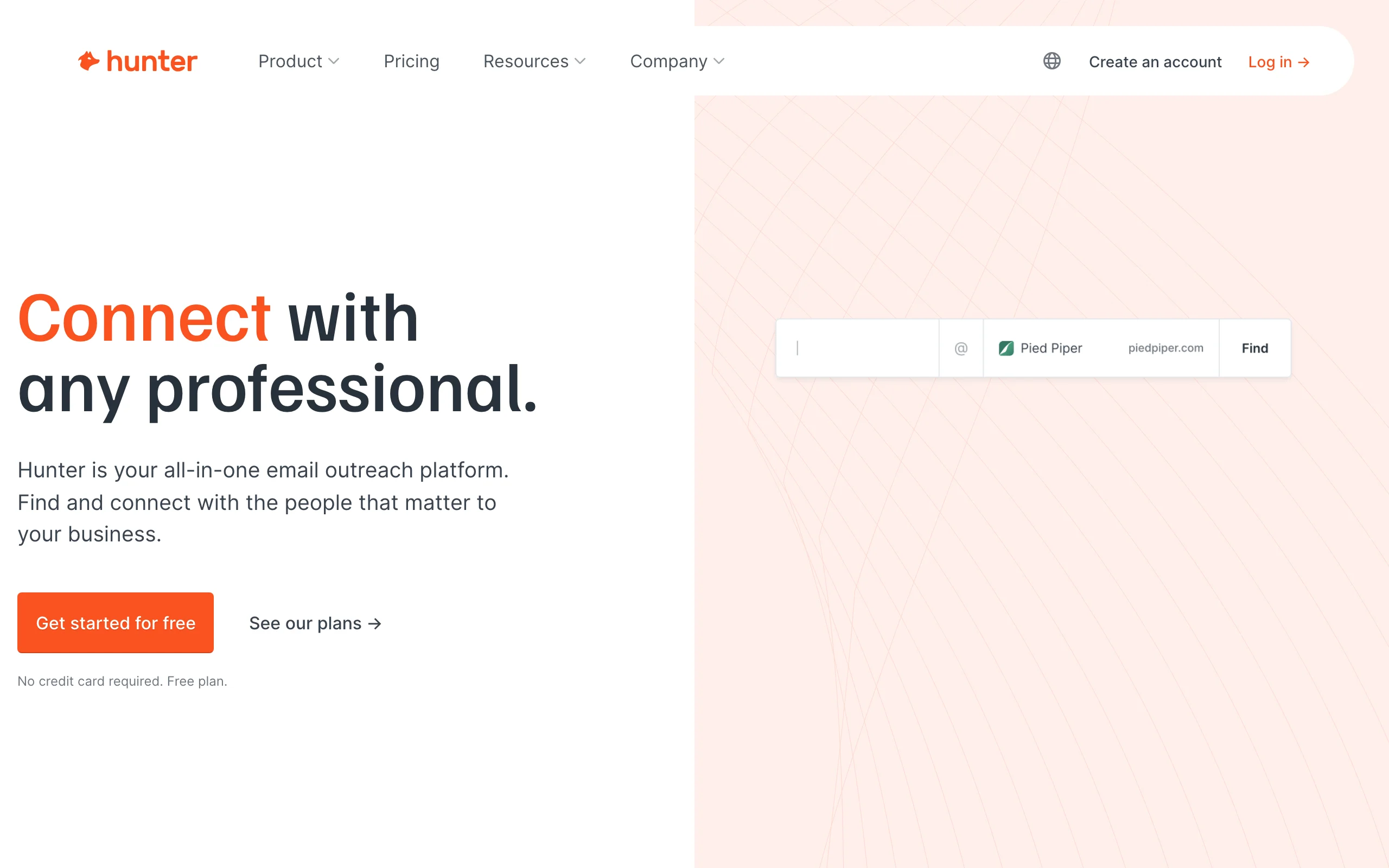
Hunter.io trades Extrovert's warm, human-reviewed engagement workflow for a narrow job done well: it finds and verifies professional email addresses. Enter a company domain and Hunter returns all the email addresses it has indexed for that domain along with a confidence score for each. The Chrome extension adds a one-click email finder to any website or LinkedIn profile. For small teams, founders, and anyone doing targeted outreach at low volume, it is often the most efficient contact-finding layer in the stack.
Hunter does not offer a contact database to browse, does not send emails, and does not provide phone numbers. That narrow focus is its advantage for teams that already know who they want to reach and need a fast, reliable way to get a verified email without paying for a platform they will underuse.
Key features:
- Domain search: returns all email addresses indexed for any domain
- Email Finder: surfaces individual emails by full name and company domain
- Email verification with deliverability confidence scoring
- CSV import and export for list building
- Chrome extension for in-page email finding on websites and LinkedIn
Best for:
- Founders and solo prospectors doing targeted, low-volume outreach
- Content and partnership teams finding editorial and PR contacts
- Teams that use a separate sequencer and need a clean, affordable email-finding layer
Pricing:
- Free: 25 searches/month, 50 verifications
- Starter: From $34/month (500 searches)
- Growth: From $104/month (5,000 searches)
- Business: From $349/month (50,000 searches)
Pros:
- Clean, fast interface with a minimal learning curve
- Free tier is genuinely useful for occasional, targeted prospecting
- Confidence scores help filter risky sends before they bounce
Cons:
- No database to browse; you must already know who you are targeting
- No phone numbers, no sequencing, and limited LinkedIn integration
- Credit limits on lower tiers are restrictive for teams building large lists
8. Lemlist, best for personalized multichannel cold sequences
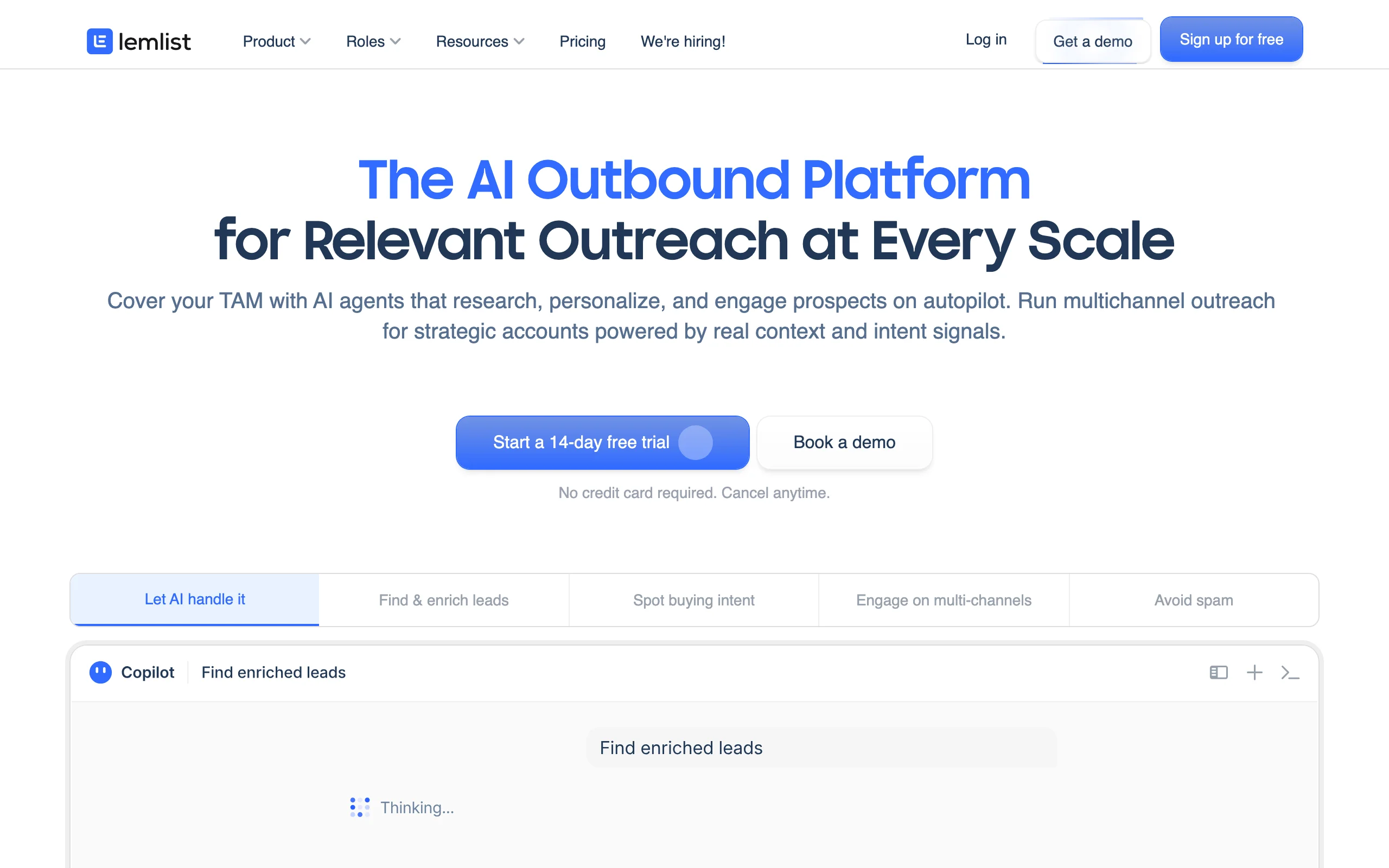
Lemlist trades Extrovert's warm, engagement-led LinkedIn workflow for cold outreach personalized at scale. Where most sequencers send the same email to a list with a name swap, Lemlist lets you embed custom screenshots, personalized landing pages, and dynamic image variables that make each message feel individually crafted. It handles email, LinkedIn steps, and cold calling in a single sequence builder.
Lemlist also includes its own lead database and AI sequence generation, so teams can go from prospect list to first contact without leaving the platform. Deliverability tooling, including Lemwarm for email warmup, is built in. For teams pairing warm LinkedIn engagement with cold email, Lemlist handles the email side cleanly while Extrovert manages the LinkedIn layer.
Key features:
- Dynamic personalization: custom images, screenshots, and landing pages per recipient
- Multichannel sequences combining email, LinkedIn steps, and calls
- Built-in email warmup tool (Lemwarm) for deliverability
- AI sequence writer and personalized icebreaker generation
- Lemlist Database for prospect sourcing within the platform
Best for:
- SDRs doing multichannel cold outreach who want higher reply rates through personalization
- Agencies running outbound campaigns for multiple clients
- Teams switching from a basic email tool and needing deliverability infrastructure built in
Pricing:
- Email Outreach: From $39/month per user
- Multichannel Expert: From $69/month per user
- Outreach Scale: From $159/month per user
- 14-day free trial
Pros:
- Personalized visuals improve reply rates on cold email campaigns
- Multichannel steps keep prospects engaged across email and LinkedIn in one workflow
- Lemwarm reduces deliverability issues for new or recovering domains
Cons:
- Setup and sequence configuration takes longer than simpler sequencers
- LinkedIn steps are semi-manual; full LinkedIn automation requires careful volume limits
- Database quality is inconsistent; many teams use Apollo or Hunter for data and Lemlist for sending
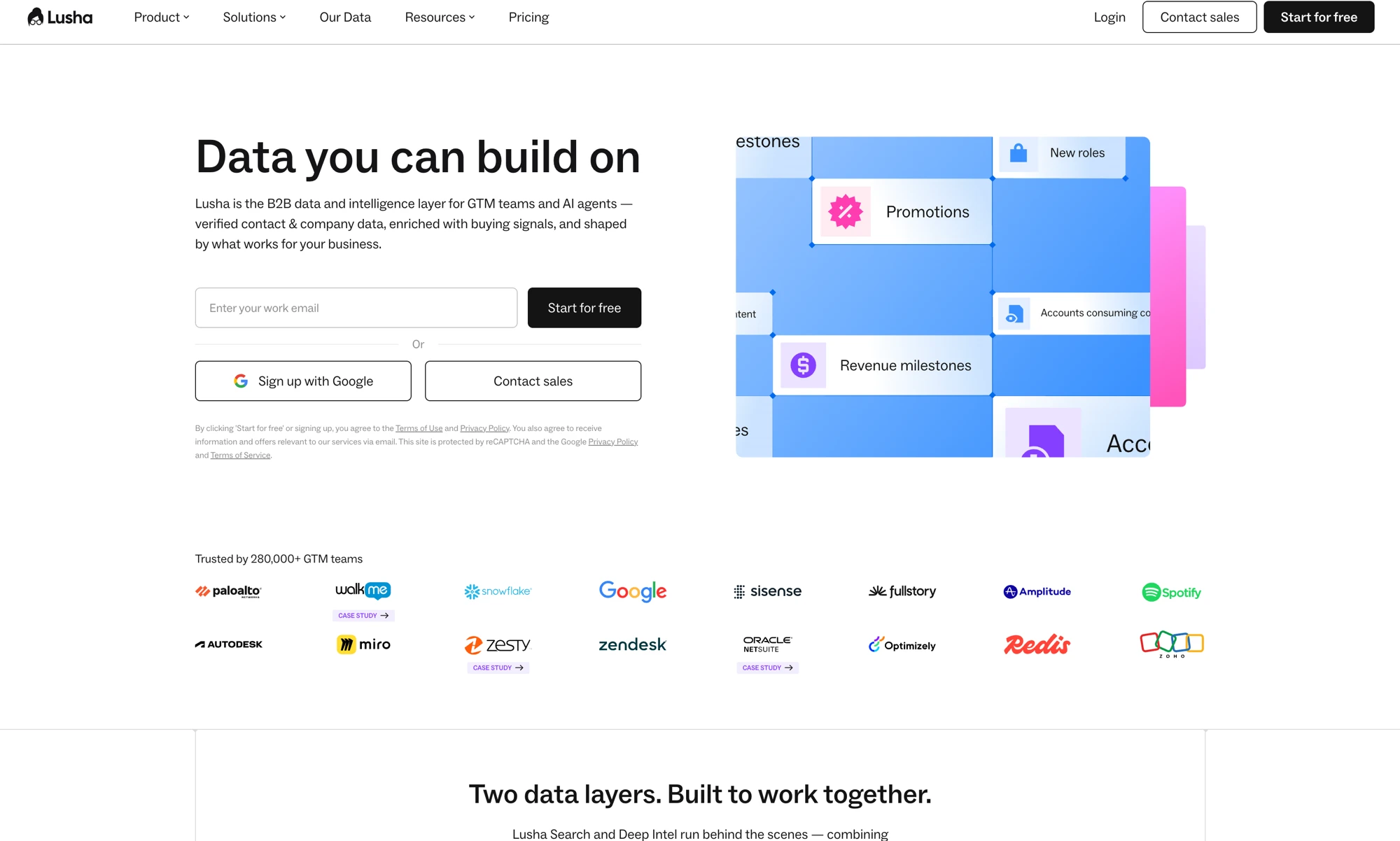
9. Lusha, best for quick LinkedIn contact enrichment
Lusha is a contact enrichment tool that lives primarily as a Chrome extension. Open a LinkedIn profile, click the Lusha extension, and it surfaces the person's verified email address and direct dial in seconds. It also integrates with Salesforce and HubSpot to enrich records in bulk and offers a web app for list building from its database of 100M+ contacts.
For SDRs who work primarily inside LinkedIn and need fast contact data without switching tabs, Lusha is efficient. The free tier covers 5 credits per month, which is enough for occasional prospecting. Teams doing higher volume move to paid plans quickly.
Key features:
- Chrome extension for instant email and phone lookup from LinkedIn profiles
- 100M+ contact database with job title, company, and location filters
- Bulk enrichment for CRM contact records via Salesforce and HubSpot integration
- One-click data push from the extension to connected CRM
- API access for custom enrichment workflows
Best for:
- SDRs doing LinkedIn-based prospecting who need instant contact data
- Teams enriching a CRM with missing email and phone information
- SMB and mid-market sales teams wanting affordable, fast contact enrichment
Pricing:
- Free: 5 credits/month
- Pro: From $36/month per user (40 credits/month)
- Premium: From $59/month per user (80 credits/month)
- Scale: Custom pricing for teams
Pros:
- Extension workflow is fast; email and phone surface in one click from any LinkedIn profile
- Free tier works for occasional, targeted prospecting
- CRM sync keeps records clean without manual data entry
Cons:
- Credit limits on lower tiers are low for high-volume SDR work
- Data coverage is thinner in smaller markets and niche industries
- Phone number accuracy varies; some direct dials route to generic company lines
10. Instantly.ai, best for cold email infrastructure at scale
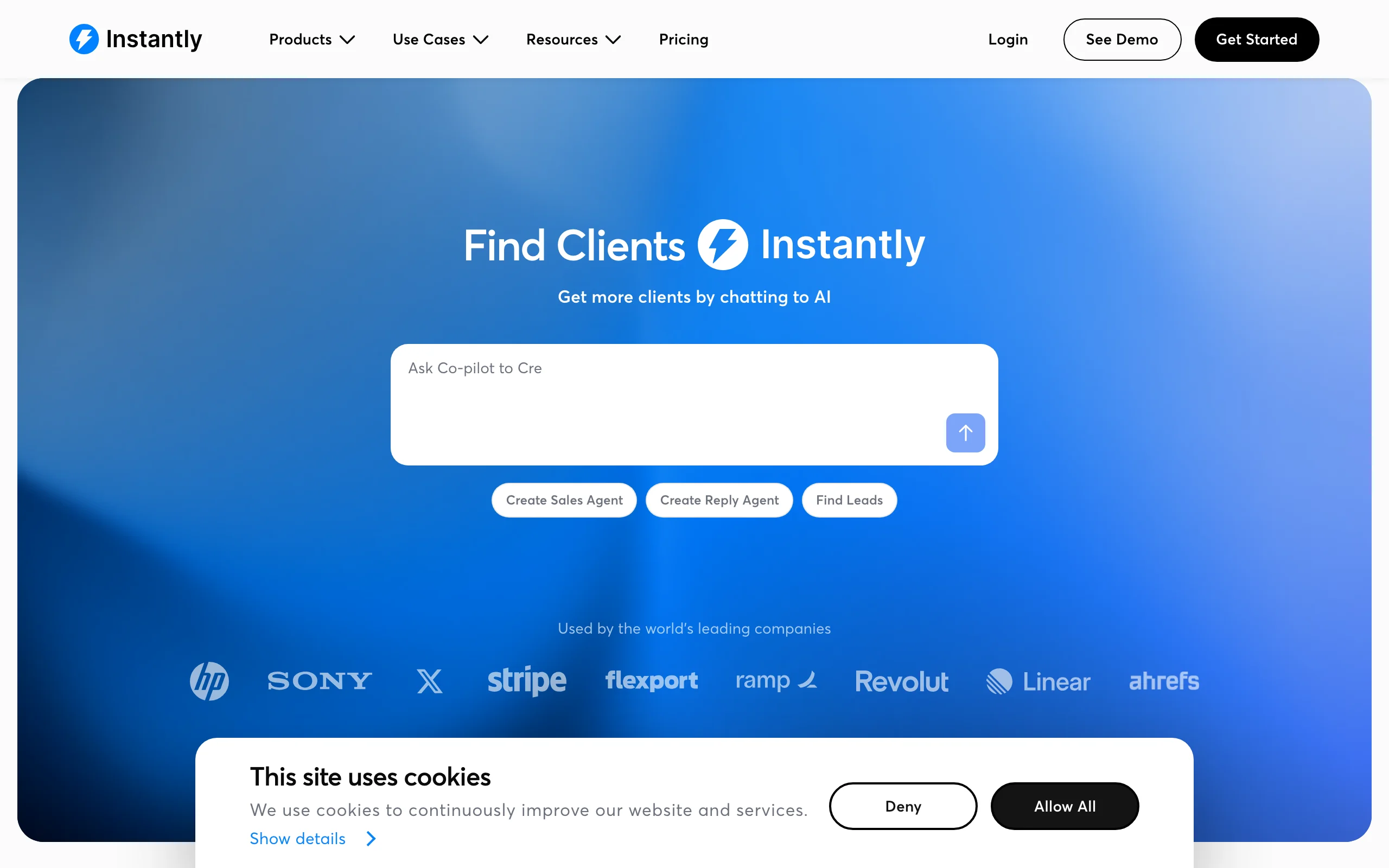
Instantly.ai trades Extrovert's warm, human-reviewed engagement layer for raw cold-email volume. It is built for teams sending cold email at high volume who want deliverability infrastructure as the foundation, not an afterthought. The standout feature is unlimited sending accounts: connect as many domains as you want and rotate sends automatically. Combined with an automated warmup system that runs in the background, Instantly helps new domains build sender reputation before a campaign goes live.
The campaign builder is clean and fast. A/B testing is straightforward, reply detection pulls positive responses into a unified inbox, and analytics show domain-level deliverability scores alongside campaign metrics. For agencies or growth teams sending thousands of emails per day, Instantly handles the infrastructure so they can focus on copy and targeting.
Key features:
- Unlimited sending accounts and domain rotation on all plans
- Automated email warmup with a real-account warmup network
- Unified inbox for managing replies across all campaigns
- A/B testing on subject lines, bodies, and sending schedules
- Campaign analytics with deliverability and domain health scores
Best for:
- Agencies and growth teams sending high-volume cold email across multiple domains
- Teams scaling outbound where deliverability is the primary bottleneck
- Founders and SDRs who want simple, fast campaign setup with strong deliverability defaults
Pricing:
- Growth: From $37/month (unlimited accounts, 5,000 active leads, 5,000 emails/day)
- Hypergrowth: From $97/month (25,000 active leads, 100,000 emails/day)
- Light Speed: From $358/month (500,000 emails/day)
- Free trial available
Pros:
- Unlimited sending accounts remove the cost ceiling on domain rotation
- Automated warmup reduces the manual setup required for new domains
- Clean interface with a short learning curve; teams can launch in under an hour
Cons:
- Database and enrichment are thin; most teams need a separate data tool alongside
- Heavy sending volume can still trigger spam filters without careful copy and targeting
- LinkedIn and multichannel steps are not available; email-only
How to choose the best B2B lead generation tool for your needs
Start with where your funnel actually breaks
Before picking a tool, locate the real gap. Most teams have one of four problems:
Not enough leads at the top: You need a data tool. Start with Apollo or Sales Navigator to build lists, then add Hunter or Lusha for contact enrichment.
Enough leads but low reply rates on cold outreach: You may have a familiarity problem, not a volume problem. Engagement-led prospecting through Extrovert builds recognition before the pitch arrives, which consistently lifts the rate at which cold messages land.
Reply rates are fine but deals stall after first contact: This is likely a multi-stakeholder or champion-tracking problem. ZoomInfo's buying-committee mapping or Sales Navigator's account alerts address it.
High outreach volume but poor deliverability: Instantly handles the infrastructure. Pair it with Clay for enrichment and Lemlist for personalization if multichannel reach matters.
Warm outreach vs. cold outreach
Cold outreach tools (Apollo, Instantly, Lemlist) assume the prospect does not know you. They optimize for volume, personalization, and deliverability.
Warm outreach tools (Extrovert, Sales Navigator combined with manual engagement) assume you build familiarity first. They optimize for trust-building, signal detection, and timing.
Most teams need both layers: Extrovert to warm up target accounts over 4-6 weeks, then a cold sequence tool to convert the warmed list. The sequence arrives after the prospect already recognizes the sender's name, and reply rates reflect it. If your team does LinkedIn for SDRs, the warm layer is often the highest-ROI investment because it lifts every downstream metric: reply rates, call booking, and deal velocity.
Solo founder vs. full SDR team
Solo founders and small teams (1-3 reps) should start lean: Apollo for data, Hunter for email finding, Extrovert for LinkedIn engagement, and Instantly for sending. Total spend can stay under $150/month and cover the full prospecting cycle.
Full SDR teams (5+ reps) need platforms that scale: Apollo or ZoomInfo for data, Clay for enrichment automation, Lemlist or Instantly for sending, and a CRM to track it all. Budget $300-600 per rep per month for a complete stack.
Agencies managing outreach for multiple clients should prioritize multi-account tooling. Instantly handles domain rotation. Extrovert for agencies manages LinkedIn engagement across multiple client seats from one dashboard.
EMEA vs. North American focus
If more than 30% of your pipeline is in Europe, Cognism is worth the investment. Apollo and ZoomInfo data quality drops in EMEA, and Cognism's GDPR compliance layer reduces legal exposure. Pair Cognism with Lemlist for sequences and Extrovert for LinkedIn warm outreach.
FAQ
What is the best B2B lead generation tool for warm, engagement-led outreach?
Extrovert is the best pick when the gap is familiarity, not contact data: it tracks your prospects and topics on LinkedIn and suggests on-brand comments and DMs from your playbook so the name is recognized before a pitch ever lands. Data-heavy competitors like Apollo or ZoomInfo solve a different problem (finding contacts, not warming them).
What is the best B2B lead generation tool for small teams?
For teams of 1-3 people, Apollo's free tier covers basic data and sequencing, Hunter finds emails for targeted outreach, and Extrovert handles LinkedIn engagement starting at $49/month. This combination covers the full prospecting cycle at under $100/month total and scales as the team grows.
What is the difference between a lead generation tool and a sales engagement platform?
A lead generation tool helps you find and qualify prospects. A sales engagement platform (SEP) like Outreach or Salesloft manages the outreach workflow: sequences, tasks, call recording, and pipeline reporting. Some tools like Apollo overlap both categories. Most enterprise teams use both: a data layer feeding into a SEP.
Can I use multiple B2B lead generation tools at the same time?
Yes, and most teams do. A common stack: Sales Navigator to build target lists, Clay to waterfall-enrich them, Instantly to send cold email, and Extrovert to run LinkedIn warm outreach in parallel. The key is avoiding redundancy: if Apollo already enriches contacts, you may not need Lusha separately.
Is LinkedIn a good channel for B2B lead generation?
LinkedIn is the highest-intent B2B network: most decision-makers are active on it, and job changes, company news, and content posts surface buying signals in real time. The challenge is that automated LinkedIn outreach (connection-request spam, bulk InMails) has low reply rates and risks account restrictions. Engagement-led approaches, where you comment and build familiarity before reaching out, consistently outperform cold automation on the platform.
How do I avoid getting my LinkedIn account restricted while prospecting?
LinkedIn's Terms of Service prohibit automated connection requests, bulk messaging bots, and scraping at scale. The safest approach is manual engagement with AI assistance: read posts from your prospect list, comment authentically (Extrovert suggests on-brand comments for you to review and approve), and send DMs manually or through a human-in-the-loop tool. Avoid third-party tools that send connection requests or messages automatically at volume.
What is a good reply rate for B2B cold outreach?
Cold email reply rates of 2-4% are typical for unwarmed lists. Personalized email sent after prior LinkedIn engagement tends to run 8-15%. LinkedIn InMail reply rates average 10-20% when personalized, lower when templated. The most reliable way to lift reply rates is to be recognized before you pitch, which is the core use case for engagement-led outreach.
How long does it take to see results from LinkedIn warm outreach?
Consistent LinkedIn engagement typically takes 4-8 weeks to build visible familiarity with a prospect list. The signal is a steady increase in DM reply rates, connection acceptance rates, and unsolicited inbound from people who recognize your name. Teams that run a 15-minute daily workflow through Extrovert typically see measurable pipeline impact by week 6-8.
What is intent data and which tools offer it?
Intent data captures signals that a company is actively researching a topic or solution category, usually aggregated from web research behavior across B2B content sites. ZoomInfo and Cognism both offer intent data (Cognism through a Bombora integration). It is most useful for timing outreach around active buying cycles rather than prospecting cold from a static list.