On this page
PhantomBuster alternatives cover different jobs: collecting web data, enriching a lead list, running LinkedIn sequences, or keeping conversations with prospects moving. Start with the job you want to replace. A tool that sends follow-ups will not necessarily export the records your current Phantoms collect.
For B2B sales teams, founders, and agencies ready to engage prospects, Extrovert connects prospect discovery to relevant comments, DMs, and follow-ups. For broader extraction and data workflows, this comparison also covers Apify, TexAu, Clay, and Bardeen. Expandi, Waalaxy, Dux-Soup, Octopus CRM, and Linked Helper cover more focused LinkedIn campaign workflows.
PhantomBuster alternatives at a glance
| Tool | Main job it can replace | Workflow form | Starting price and billing basis |
|---|---|---|---|
| Extrovert | Find LinkedIn prospects and prepare daily engagement and follow-up | Shared campaigns; review, automation, or AI-assistant actions | $49 per LinkedIn account/month, billed monthly |
| Apify | Extract web data and run programmable scraping jobs | Cloud Actors, APIs, and integrations | Free with $5 usage; Starter $19/month includes $19 usage; overages extra |
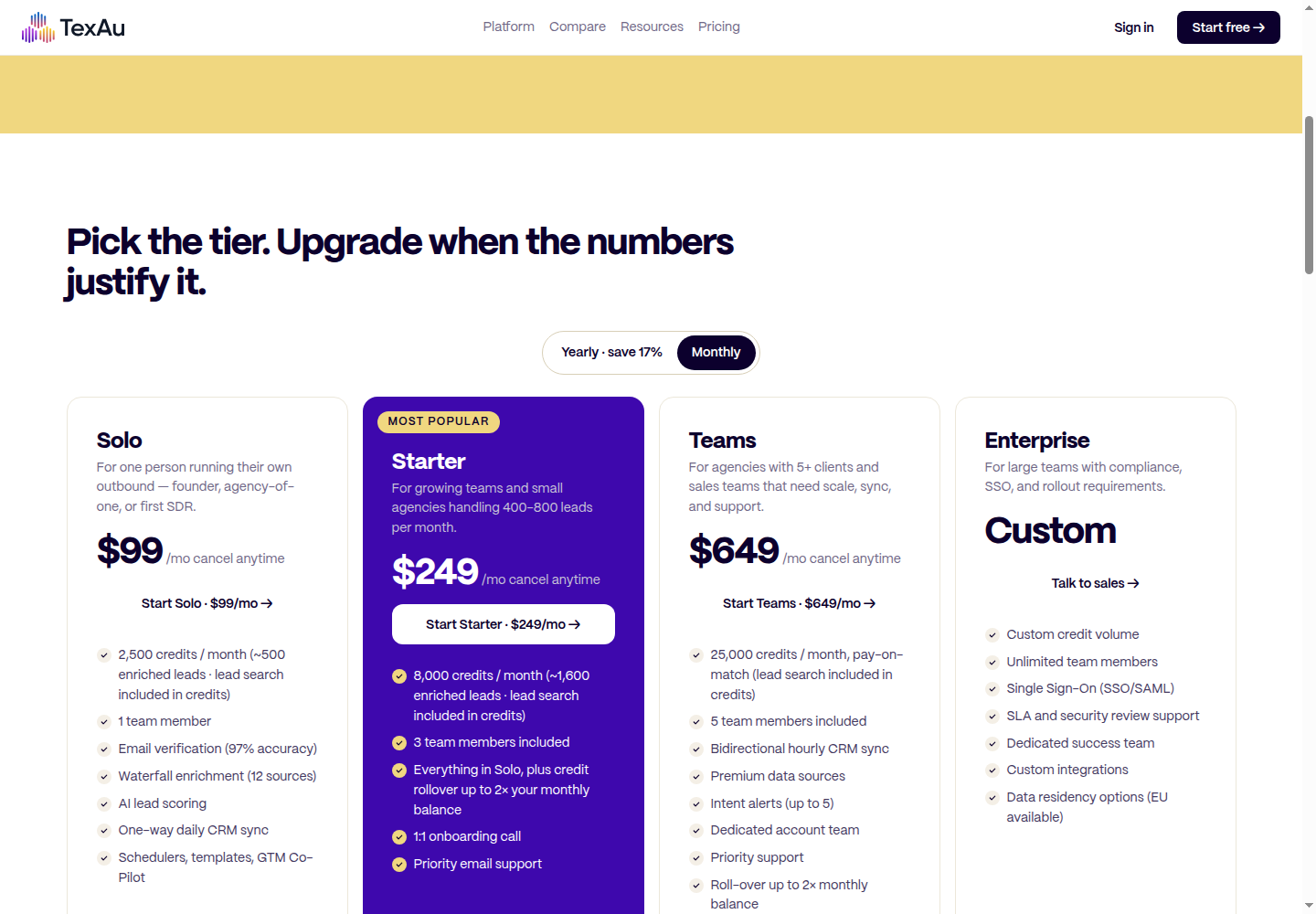
| TexAu | Source, enrich, score, and sync lead records | Lead tables and CRM workflows | Solo $99/month; 2,500 credits and one team member |
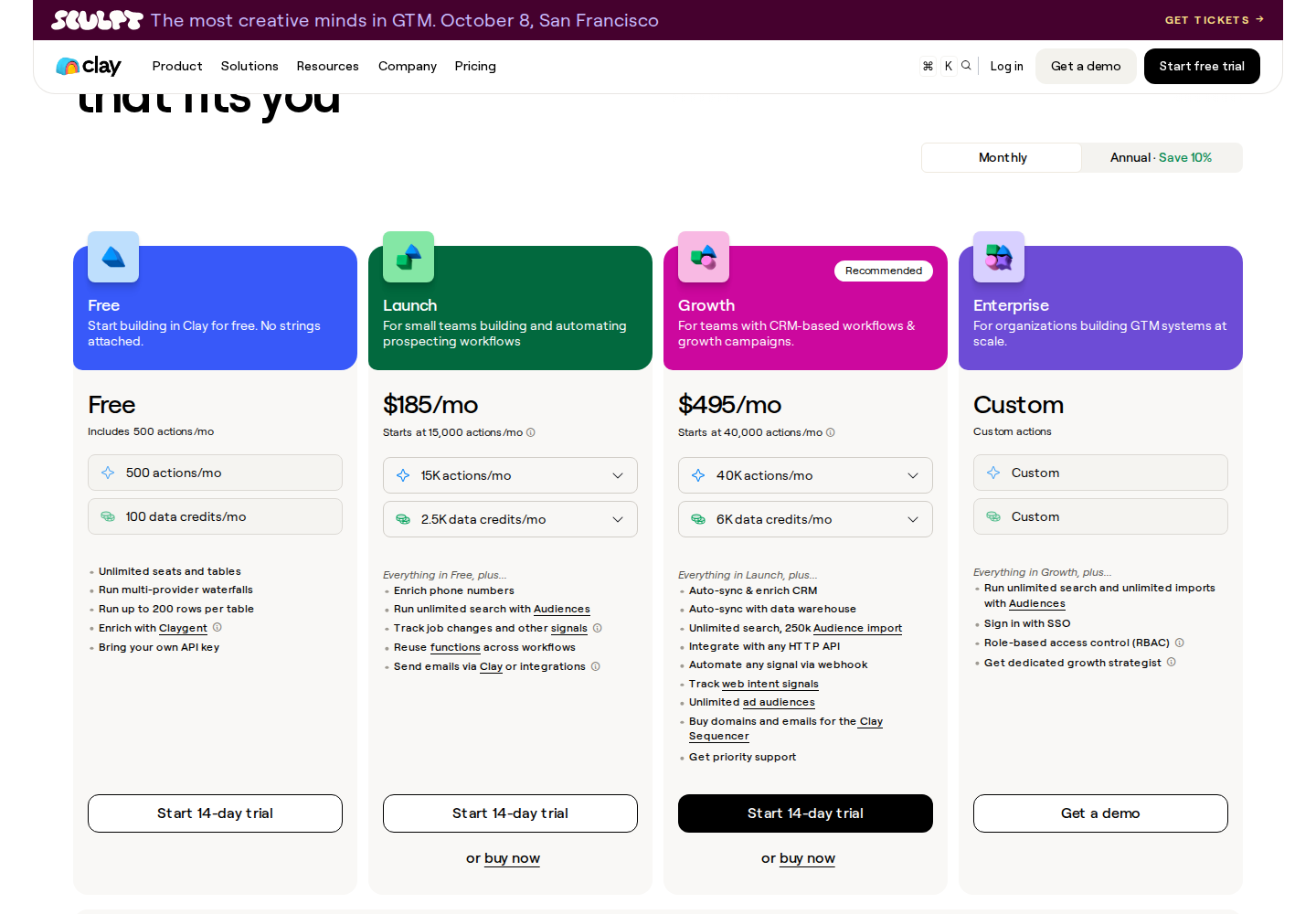
| Clay | Combine data providers and AI research in GTM workflows | Tables, enrichment waterfalls, and workflow orchestration | Free; Launch starts at $185/month, billed monthly |
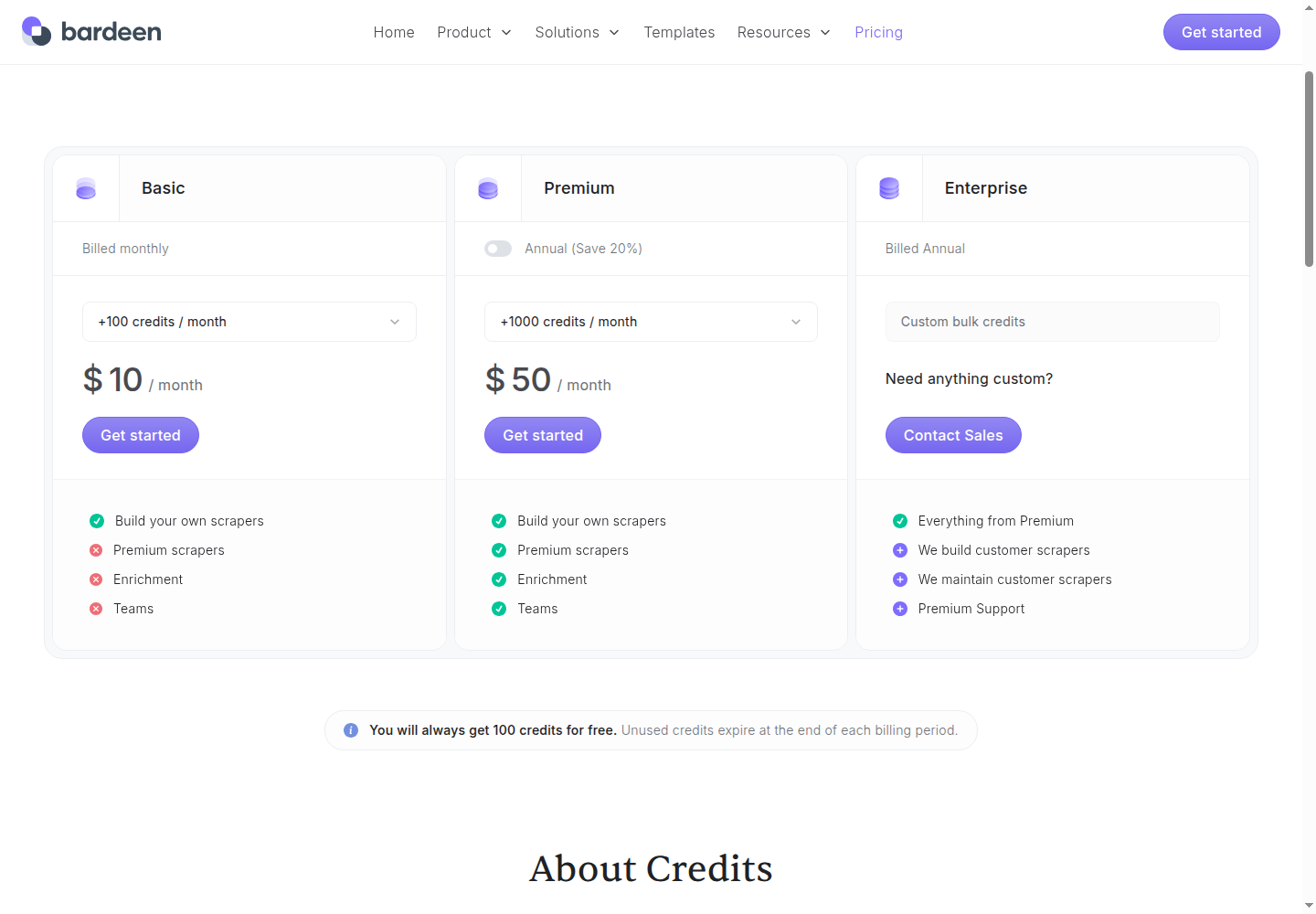
| Bardeen | Scrape and qualify leads in no-code workflows | CSV, Google Sheets, Airtable, and Notion outputs | Basic $10/month, billed monthly; 100 paid credits |
| Expandi | Run conditional LinkedIn and email sequences | Cloud campaigns | Business $99 per account/month, billed monthly |
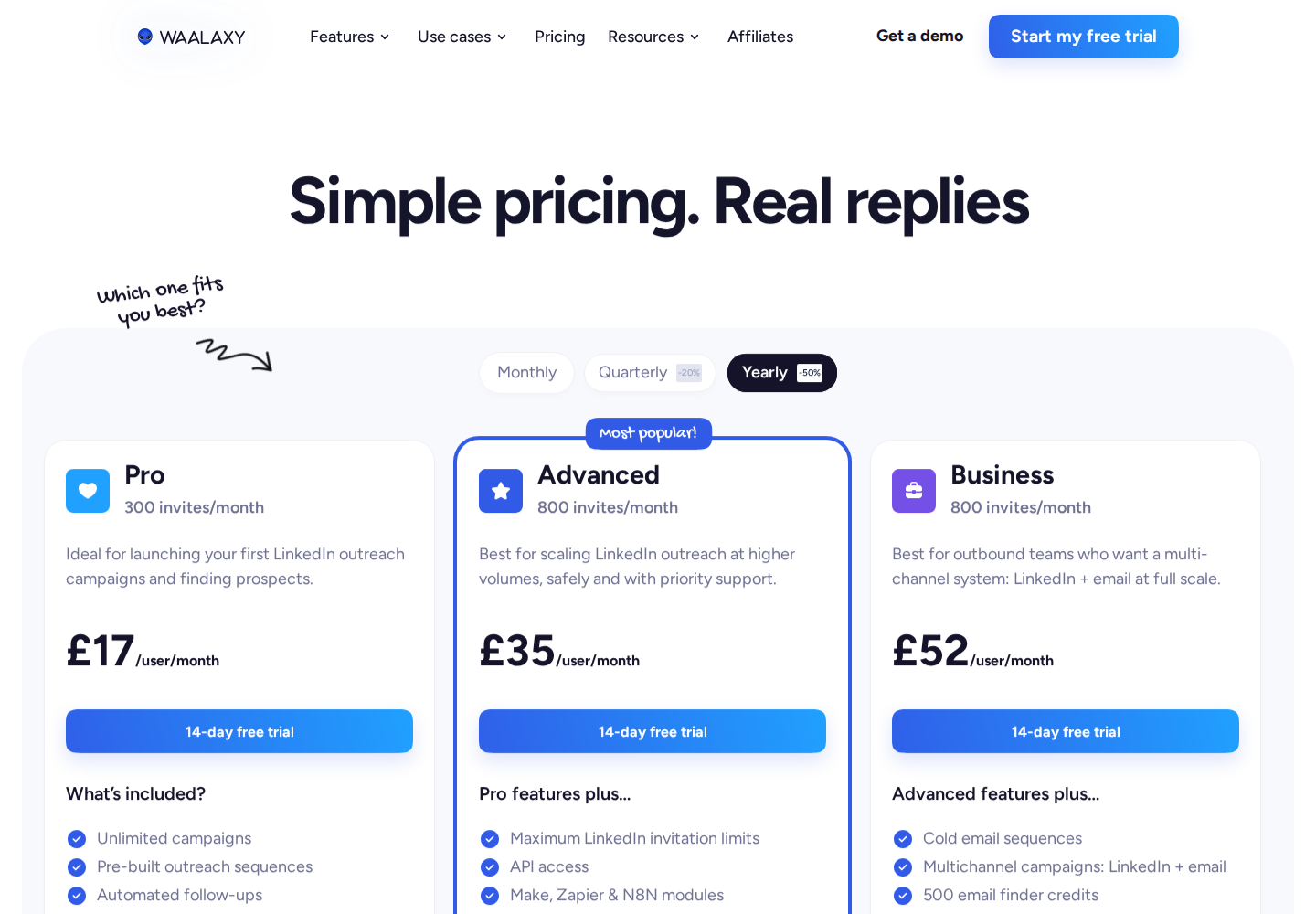
| Waalaxy | Run prebuilt LinkedIn outreach sequences | LinkedIn imports, follow-ups, and CRM sync | Pro £17/user/month, billed yearly in the GBP offer |
| Dux-Soup / STACKED | Run LinkedIn drip campaigns locally or in the cloud | Desktop app or managed cloud | Local €49/seat/month, billed monthly |
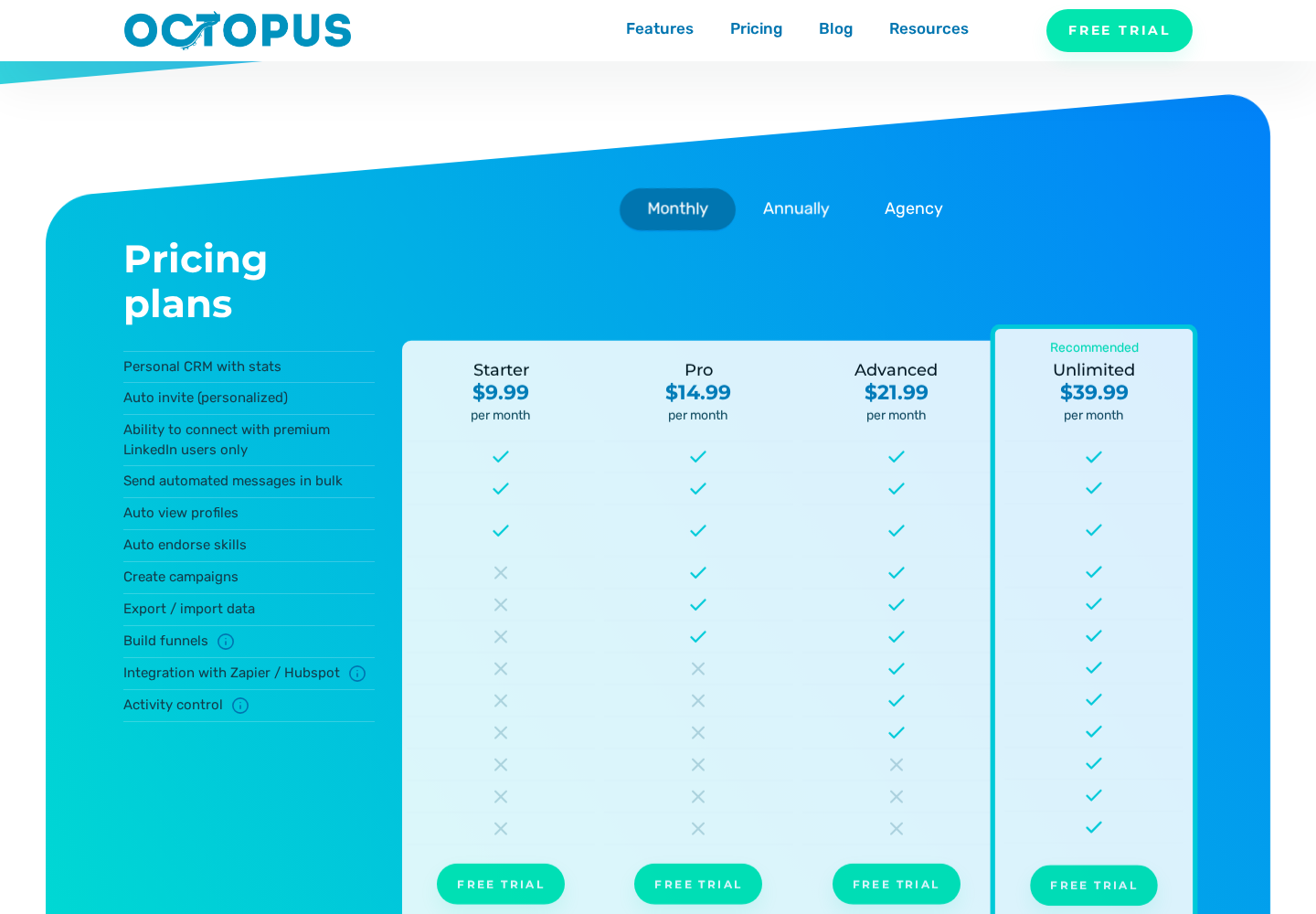
| Octopus CRM | Automate LinkedIn actions and build lead funnels | Chrome extension and campaign dashboard | Starter $9.99/month, billed monthly |
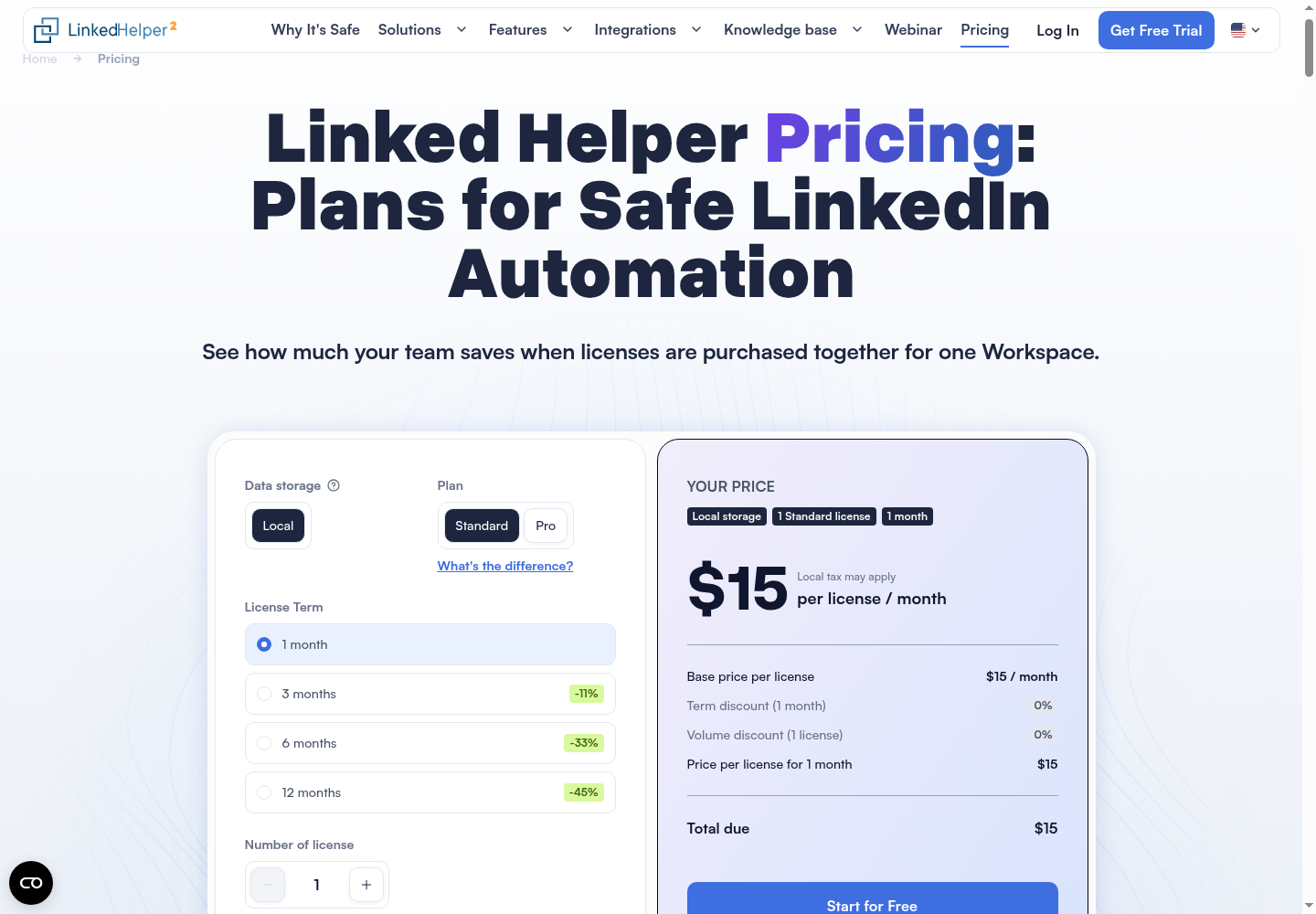
| Linked Helper | Run desktop LinkedIn campaigns and export data | Computer or VPS; built-in browser and CRM | Standard $15/license/month for one month, local storage |
Prices in GBP and EUR are kept in their displayed currencies. A credit, seat, automation slot, and compute unit buy different things; they are not interchangeable measures of capacity.
PhantomBuster itself combines extraction, enrichment, lead warming, and outreach across more than 15 platforms. Its Start plan is $56/month billed annually for a workspace with unlimited users, five automation slots, and 20 monthly execution hours. Replacing one of those workflows may need one tool; replacing the whole setup may need several.
1. Extrovert for engagement-led LinkedIn outreach
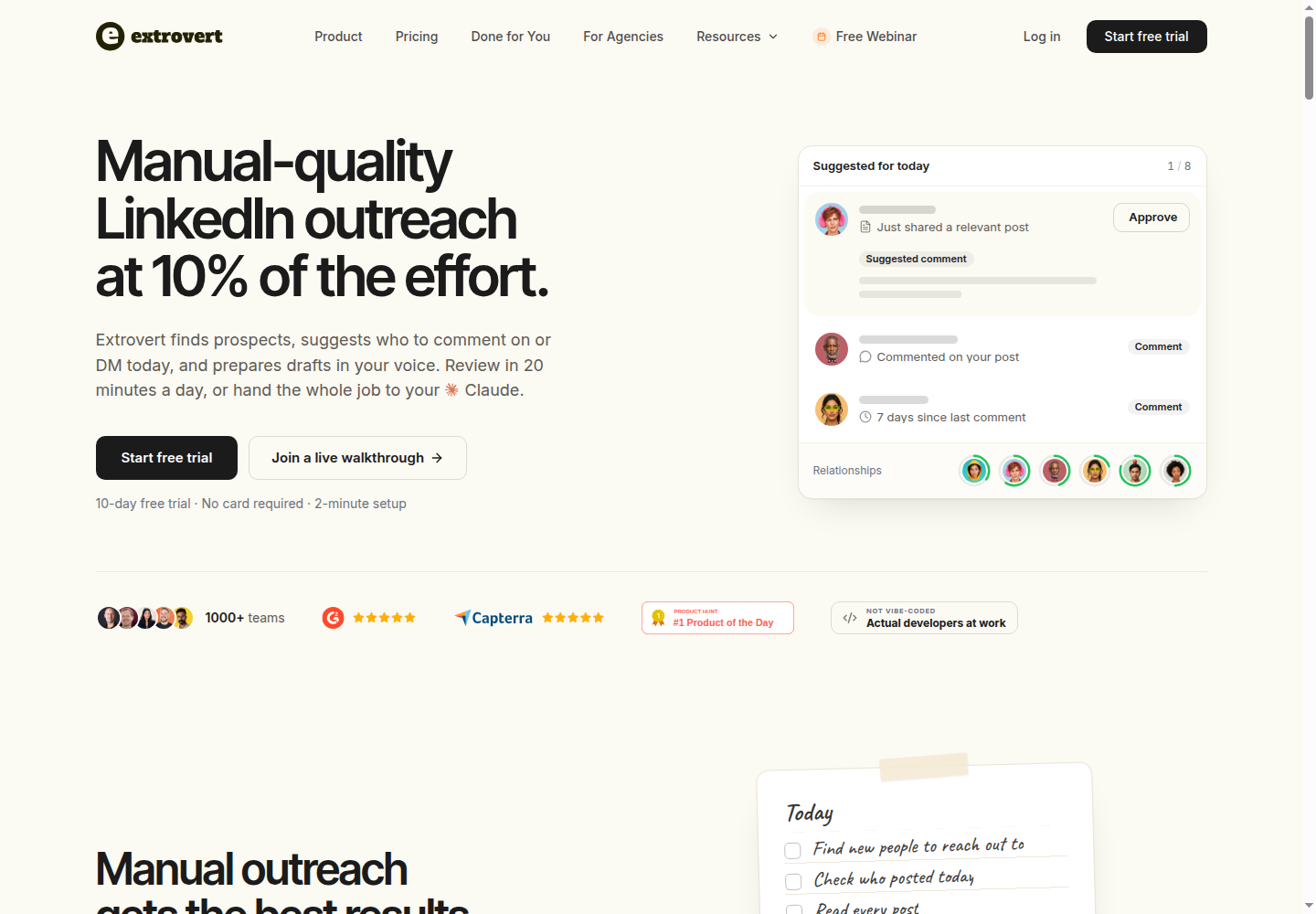
Extrovert keeps the people you want to reach, their posts, your comments, and your conversations together. Your team gets a daily feed of prospect posts to comment on and suggested conversation starters, instead of assembling separate extraction and sending jobs.
This fits LinkedIn prospecting for B2B sales teams, nurturing open deals, and staying in touch with customers. The 90-day relationship-building loop builds familiarity through relevant touches before the direct pitch. You can review the prepared outreach in about 20 minutes a day or delegate permitted actions to your AI assistant.
Find prospects and a reason to reach out
Lead Finder searches a global B2B database by role, location, company, and other criteria without using your LinkedIn account for the search. Intent Signals finds people behind relevant LinkedIn activity, such as engagement with a post or new connections with a competitor's team. You choose which people enter a campaign.
Turn a prospect's post into a conversation
Conversation Restarters uses a concrete post from someone you track to suggest a DM. It gives you a relevant opening when an existing conversation has gone quiet, rather than another generic follow-up.
Illustration: Extrovert reads the prospect's posts. hot take, thought leadership, motivation, promotion are skipped. One post, went to sf tech week, is a Restarter signal. Extrovert suggests the DM "Seen you went to SF Tech Week. How did it go?", and the prospect replies.


Review, edit, or delegate the prepared outreach
AI drafts follow your voice and campaign direction. Quick edits let you change a draft before approval, so you can keep the relevant idea and adjust the wording.
Illustration: a draft comment on a prospect's post; your direction, typed or spoken: "Shorter. Ask what they use today."; the draft rewritten with it, shorter, with the Approve button.

You can review comments individually, approve them in bulk, or automate a comment campaign. Warm outreach can send connection requests. Through MCP, an assistant such as Claude or ChatGPT can read priorities, edit drafts, and approve or send what you allow. API access and webhooks connect the workflow to your other tools.
Replacement scope: Extrovert connects discovery to engagement and relationship follow-up on LinkedIn. It supports imports and shared campaigns, including managed client accounts. Extracting and exporting data from other platforms requires a separate tool.
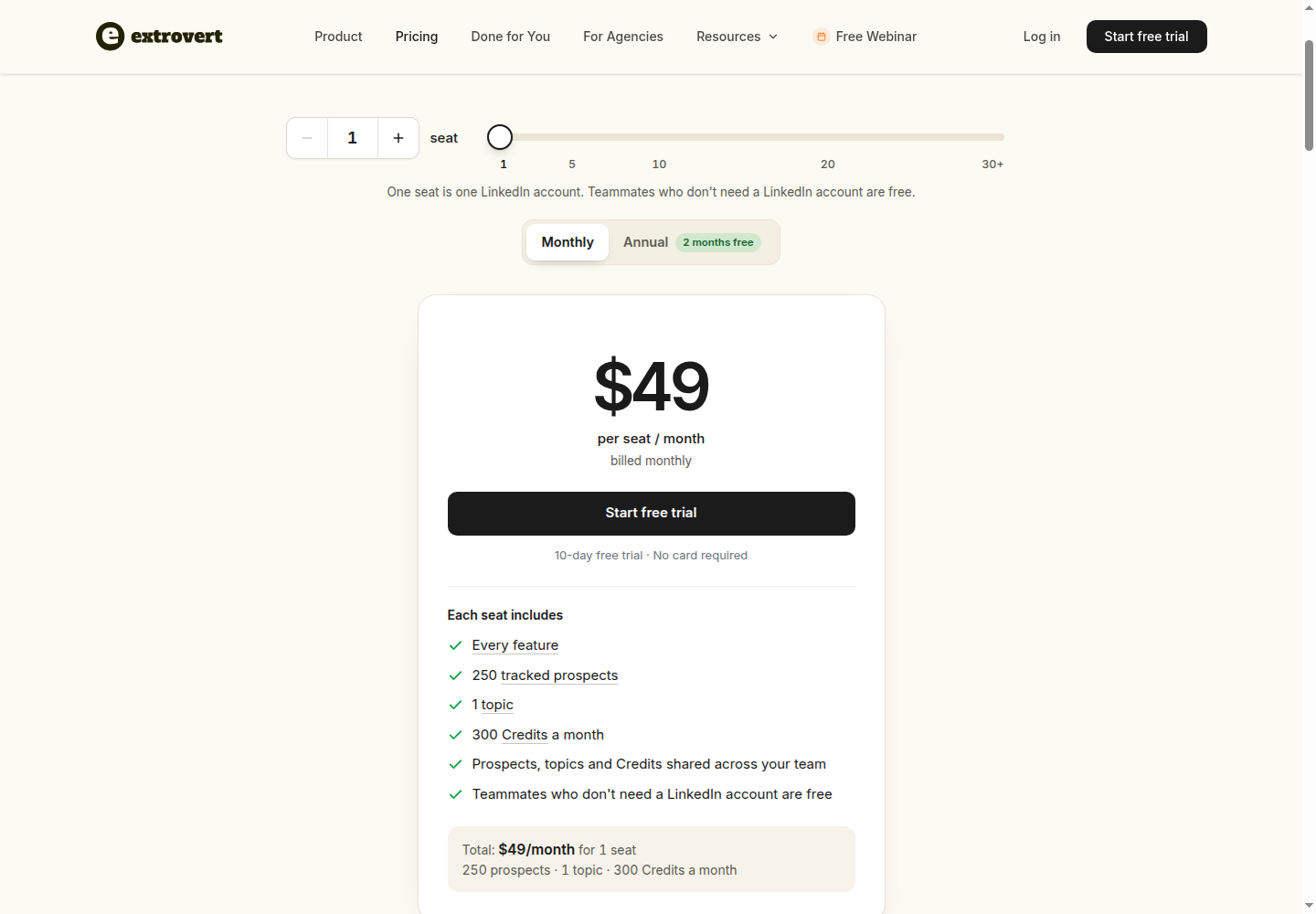
Pricing: The Extrovert plan is $49 per LinkedIn-account seat/month billed monthly, with annual and volume discounts. Every seat includes every feature, 250 tracked prospects, one topic, and 300 monthly discovery Credits, shared across the team. Teammates who only review do not need a paid seat. Extra prospects, topics, and Credit top-ups cost more. The trial lasts 10 days and requires no card.
Data extraction, enrichment, and workflow alternatives
These products address web-data collection as a standalone task, as well as research and enrichment before outreach. Compare the exact source, fields, refresh frequency, and destination you need, rather than assuming each can reproduce every Phantom.
2. Apify for web extraction and programmable jobs
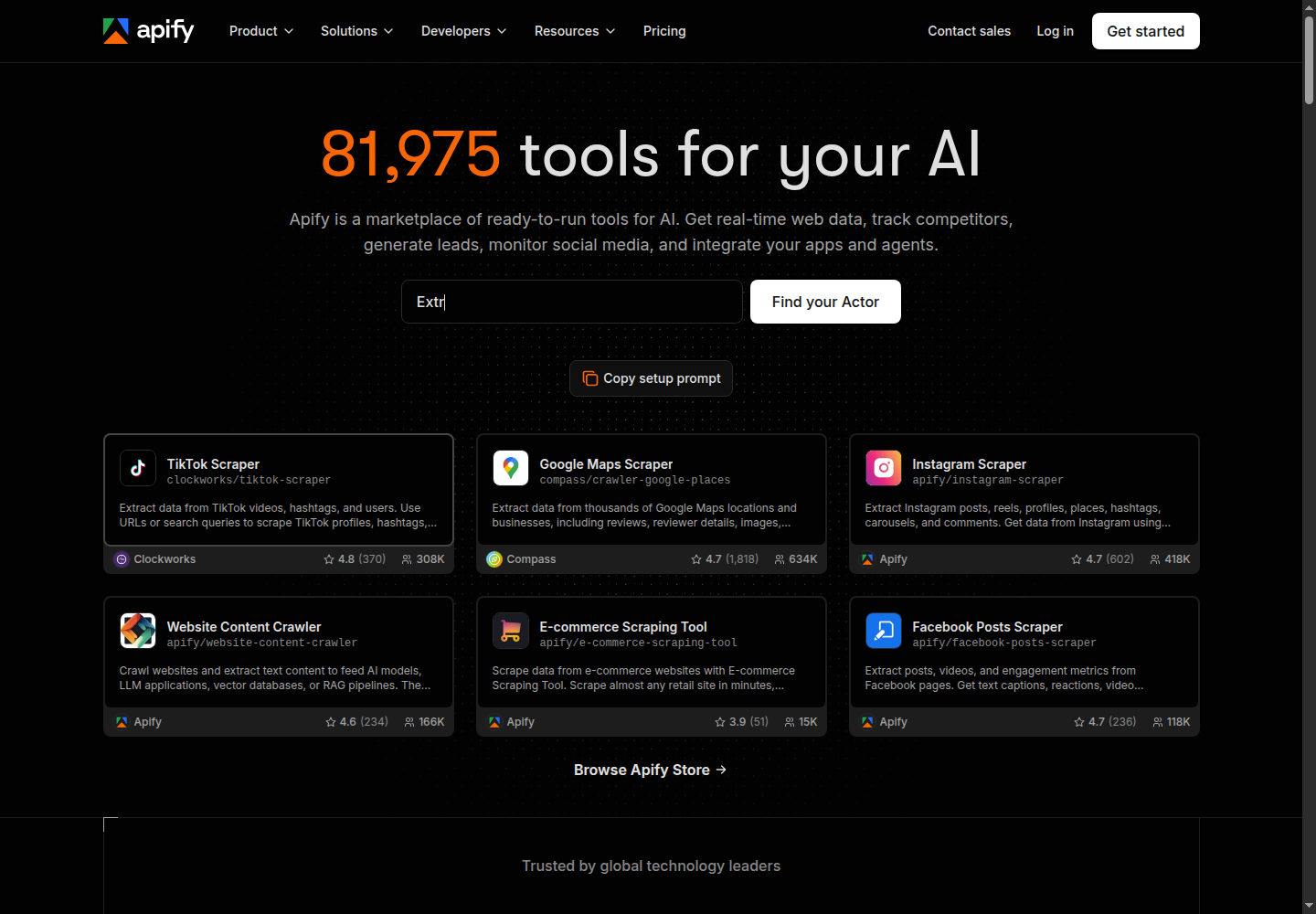
Apify runs cloud programs called Actors. Its Store contains ready-made Actors for specific websites and tasks; developers can also build their own. Outputs can feed an API, another application, or a larger automated workflow.
What it replaces: Website-specific collection and scheduled extraction jobs, including Google Maps, Instagram, TikTok, and other websites. An Actor can collect the records another part of your stack needs without also being your outreach tool.
What to check: Each Actor has its own inputs, output fields, maintenance, and pricing. Confirm that the particular Actor handles your target page and required records. Compute, proxies, storage, and data transfer can affect cost; an Actor's billing may include some platform costs or charge them separately.
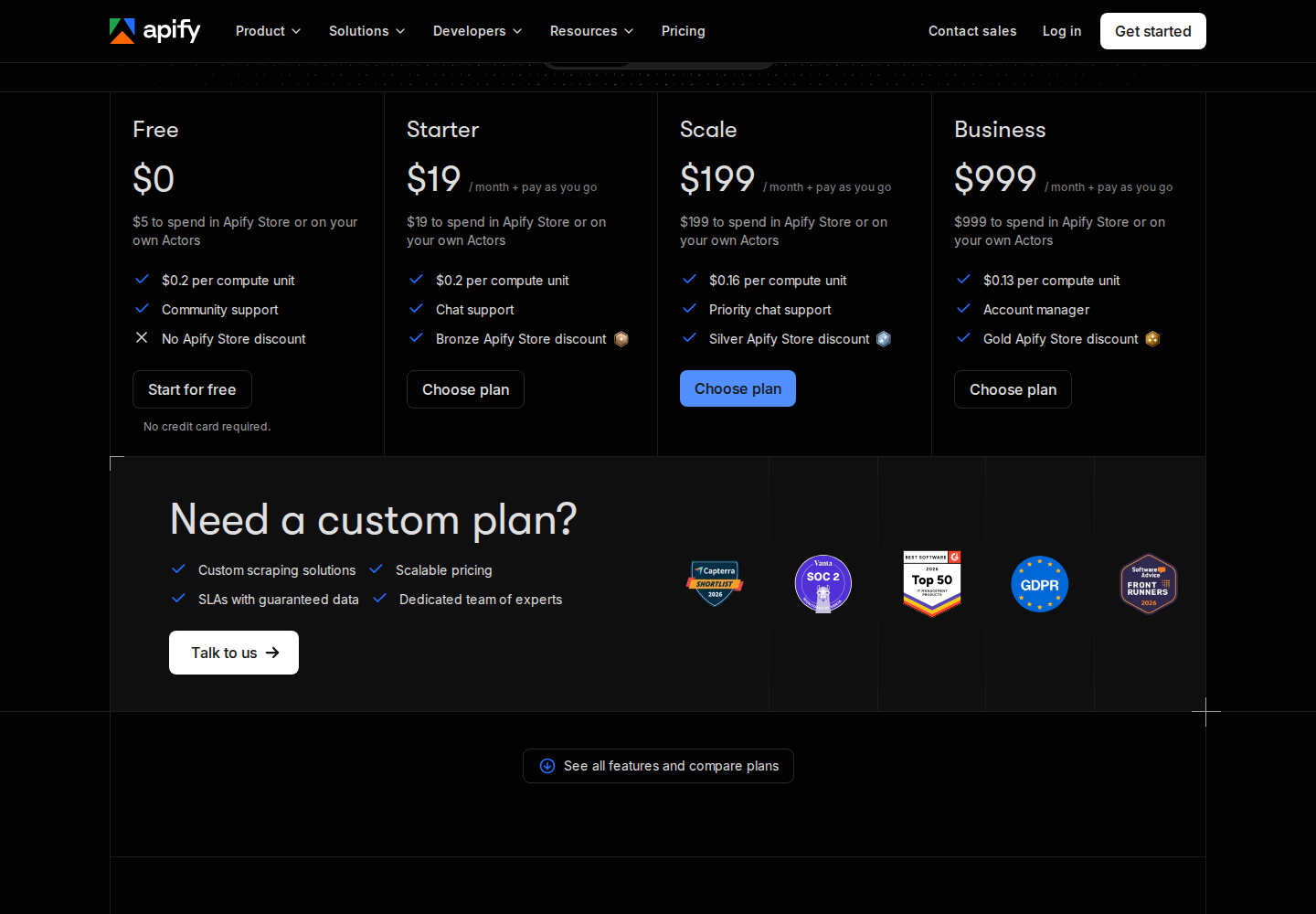
Pricing: Free includes $5 of usage. Starter is $19/month including $19 prepaid usage, with additional usage billed separately; Scale $199/month, and Business $999/month. Paid subscriptions include prepaid usage equal to their subscription price; unused plan usage expires each cycle. Actor-specific charges make a sample run more useful for budgeting than the subscription price alone.
3. TexAu for lead enrichment and CRM handoff
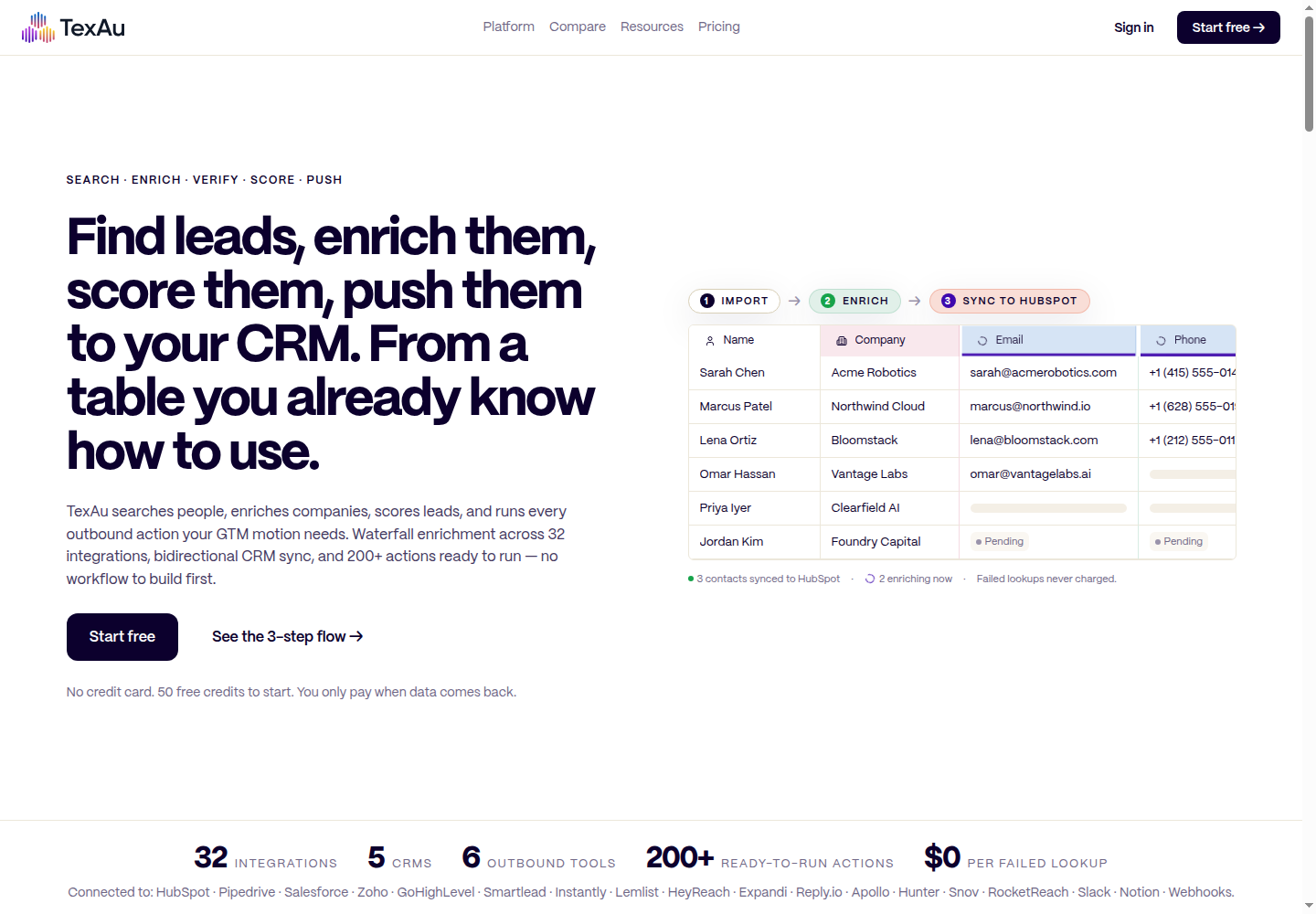
TexAu's current product combines lead sourcing, waterfall enrichment, AI scoring, and CRM synchronization. Its tables turn a raw lead list into matched contact records for sales.
What it replaces: Lead lookups, enrichment, scoring, and repeated CRM updates. The waterfall tries multiple data sources and charges for successful matches rather than failed lookups.
What to check: Credit use depends on the enrichment and verification mix. CRM synchronization also differs by tier: Solo includes one-way daily sync; Teams includes bidirectional hourly sync. Do not budget the current product using older TexAu runtime-based recipe pricing.
Pricing: Monthly plans are Solo $99 with 2,500 credits and one team member, Starter $249 with 8,000 credits and three members, and Teams $649 with 25,000 credits and five members. Enterprise is custom. Starter and above include credit rollover up to twice the monthly balance.
4. Clay for multi-source research and enrichment
Clay combines provider data, enrichment waterfalls, AI web research through Claygent, and GTM workflows in tables. It can bring several research steps together before records move into a CRM or an outbound workflow.
What it replaces: Chained enrichment and account-research steps. It combines sources and applies workflow logic to each record.
What to check: Clay bills Actions and Data Credits separately. Actions measure platform work; Data Credits pay for provider data and AI. Using your own provider API keys can avoid Data Credit charges, but Actions still apply. CRM, HTTP API, and webhook workflows are part of Growth, so an integration requirement can change the plan you need.
Pricing: Free includes 100 Data Credits and 500 Actions/month, with up to 200 rows per table. Launch starts at $185/month with 2,500 Data Credits and 15,000 Actions. Growth starts at $495/month with 6,000 Data Credits and 40,000 Actions. Those are monthly-billed starting prices; Enterprise is custom.
5. Bardeen for no-code scraper-led workflows
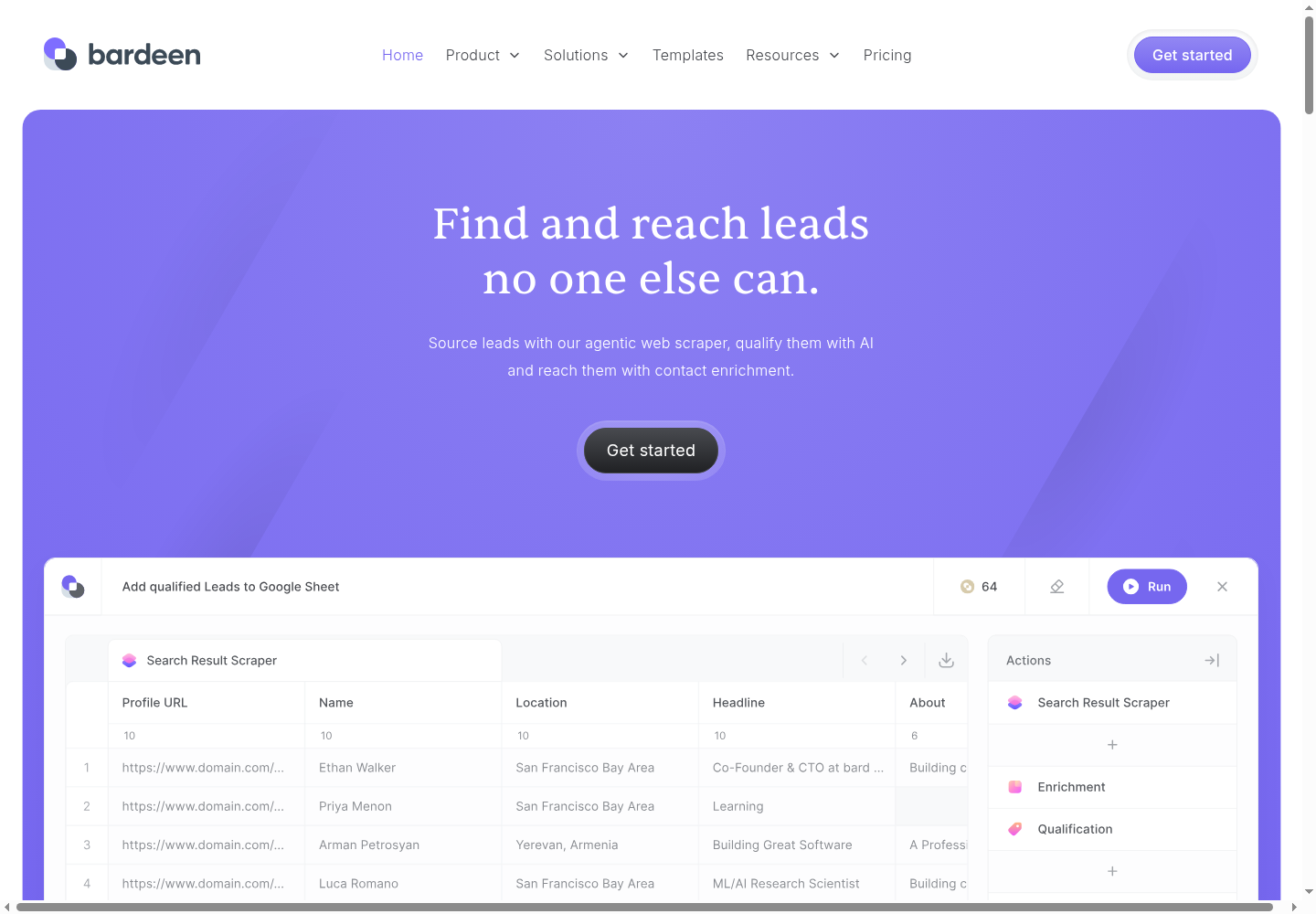
Bardeen combines custom and premium scrapers, web search, AI qualification, and contact enrichment. Its homepage shows CSV, Google Sheets, Airtable, and Notion as output destinations.
What it replaces: A workflow that collects records from a website, researches or qualifies them, and sends the results into a working list. Building your own scraper means taking on its setup and maintenance; Enterprise includes scrapers built and maintained for you.
What to check: Several actions on the same record can consume several credits. Created rows cost one credit for scraping, web search, or AI tools; enrichment rows cost three. Imports and utilities are free, as are CSV downloads. Included credits expire at the end of the billing period.
Pricing: Basic is $10/month billed monthly for 100 paid credits and building your own scrapers. Premium includes premium scrapers, enrichment, and teams; its pricing card displays $50/month for 1,000 paid credits and an annual-discount toggle. The page also offers 100 free credits. Enterprise has custom bulk-credit pricing.
LinkedIn campaign alternatives
The following tools focus on LinkedIn campaign execution. They can replace sending and follow-up jobs, but do not reproduce PhantomBuster's full multi-platform extraction library.
6. Expandi for conditional cloud sequences
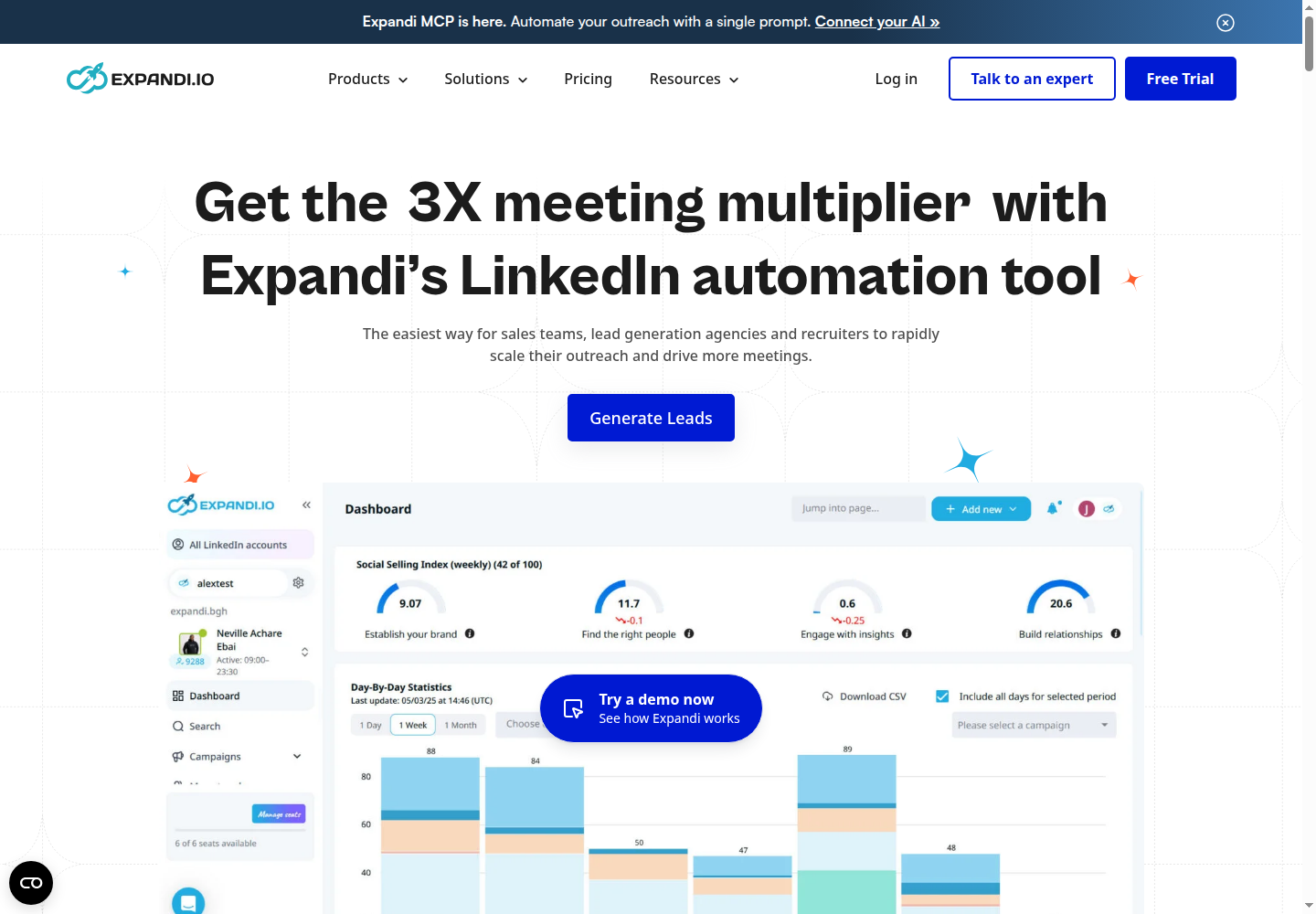
Expandi runs cloud-based campaigns with LinkedIn connection requests, messages, and email follow-ups. Its sequence builder supports conditions and actions, with campaign prioritization and scheduling. Each account has a dedicated country-based IP address, and profile warm-up adjusts activity gradually.
What it replaces: LinkedIn invitation and message sequences, including campaigns that add email steps. Agency roles, permissions, statistics, and integrations support multi-account operations.
What to check: Image/GIF and video personalization involve paid add-ons. Dedicated IPs, scheduling, and warm-up are operational controls; they do not guarantee freedom from account restrictions.
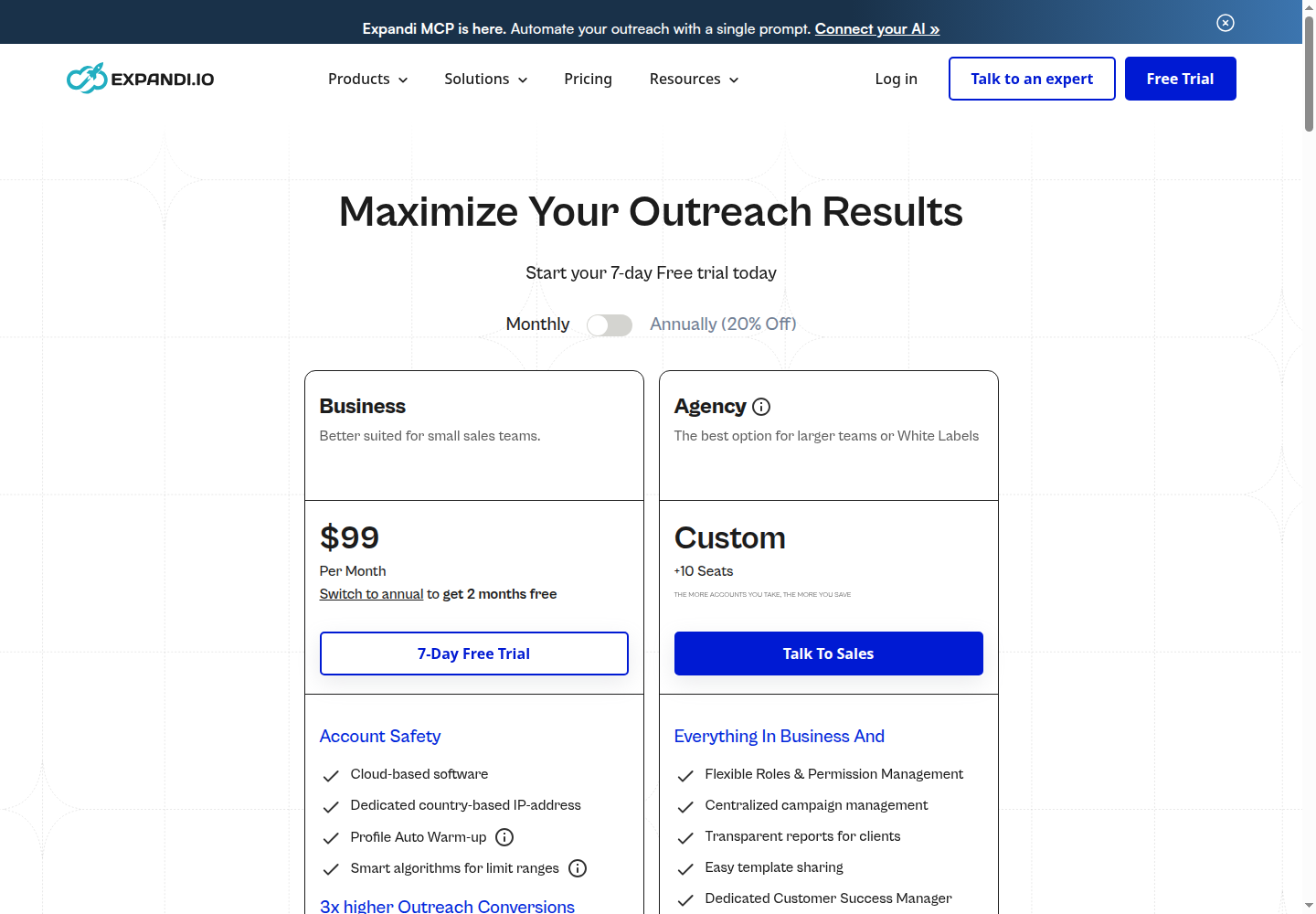
Pricing: Business is $99 per account/month billed monthly. A seven-day trial is available, and Agency pricing is custom for deployments of 10 or more seats.
7. Waalaxy for prebuilt outreach sequences
Waalaxy provides prebuilt LinkedIn outreach sequences, automated follow-ups, CSV imports and exports, and CRM synchronization. Business adds cold email and multichannel campaigns. Its Chrome extension supports LinkedIn imports; that does not mean every scheduled action requires a continuously open browser.
What it replaces: Template-based invitation and follow-up sequences. Advanced includes API access and Make, Zapier, and n8n modules. Business includes 500 monthly email-finder credits alongside the email channel.
What to check: The LinkedIn Inbox is a paid add-on. Invitation allowances describe plan capacity, not the number LinkedIn will necessarily permit your account to send.
Pricing: The GBP yearly offer lists Pro at £17, Advanced at £35, and Business at £52 per user/month, billed yearly. Monthly billing lists £34, £69, and £104 respectively. Currency and billing term change the offer. The paid plans advertise a 14-day trial.
8. Dux-Soup / STACKED for local or cloud drip campaigns
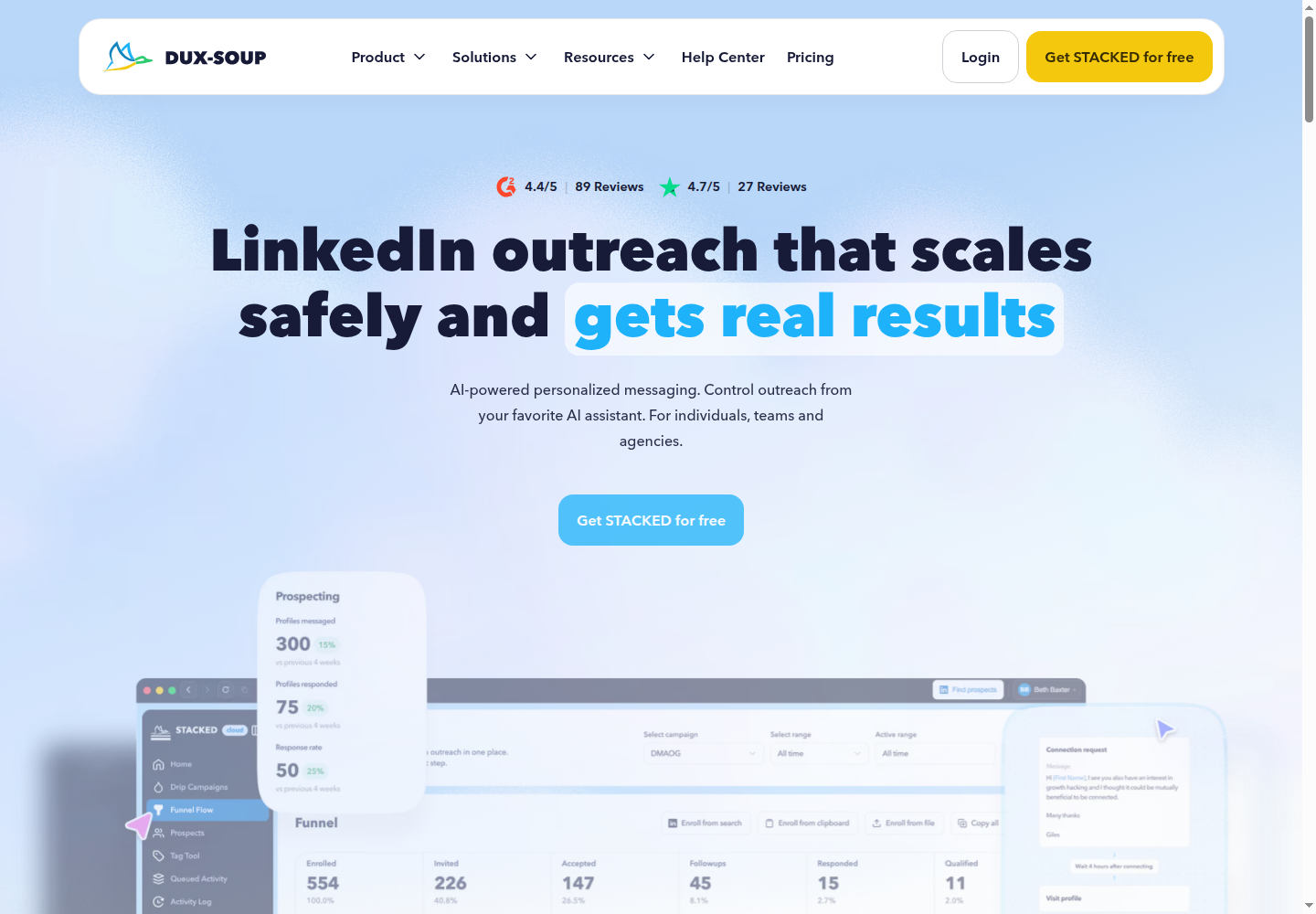
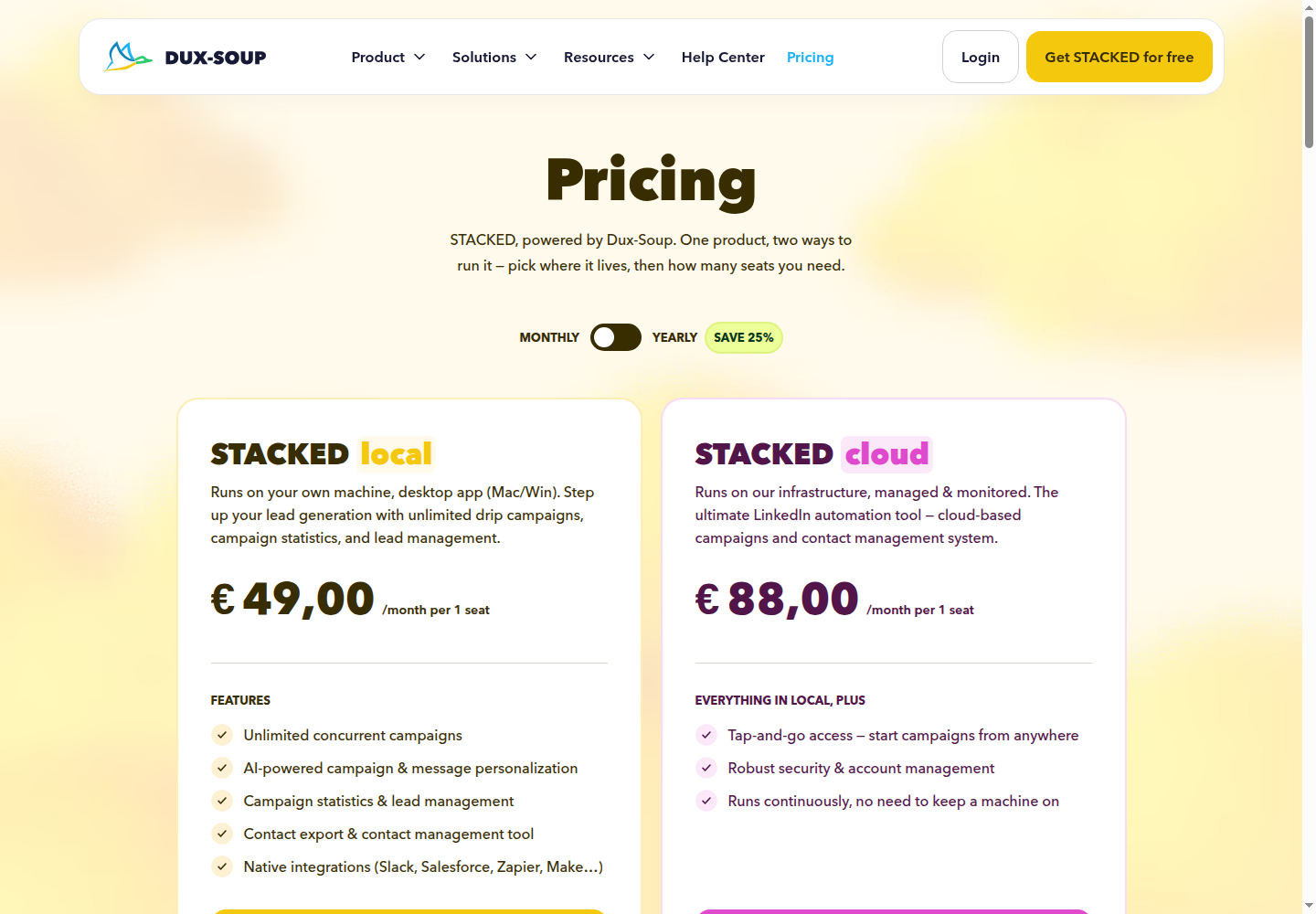
Dux-Soup's STACKED product offers two execution options. STACKED local is a desktop app for Mac and Windows that runs on your machine. STACKED cloud runs on managed infrastructure and continues without keeping your machine on.
What it replaces: LinkedIn drip campaigns, with response detection, AI message personalization, lead management, contact export, and integrations. Campaign actions include connections, messages, InMails, profile visits, and post likes.
What to check: Local execution needs your machine to stay on. Managed cloud execution removes that requirement, but LinkedIn's rules still apply. The current lineup should not be confused with older Pro Dux Chrome-extension pricing.
Pricing: The EUR offer lists Local at €49 per seat/month and Cloud at €88 per seat/month, billed monthly. Annual-billed cards display €36.25 and €65.83 per month respectively. Billing model and seat count are selected at checkout.
9. Octopus CRM for Chrome-extension campaigns
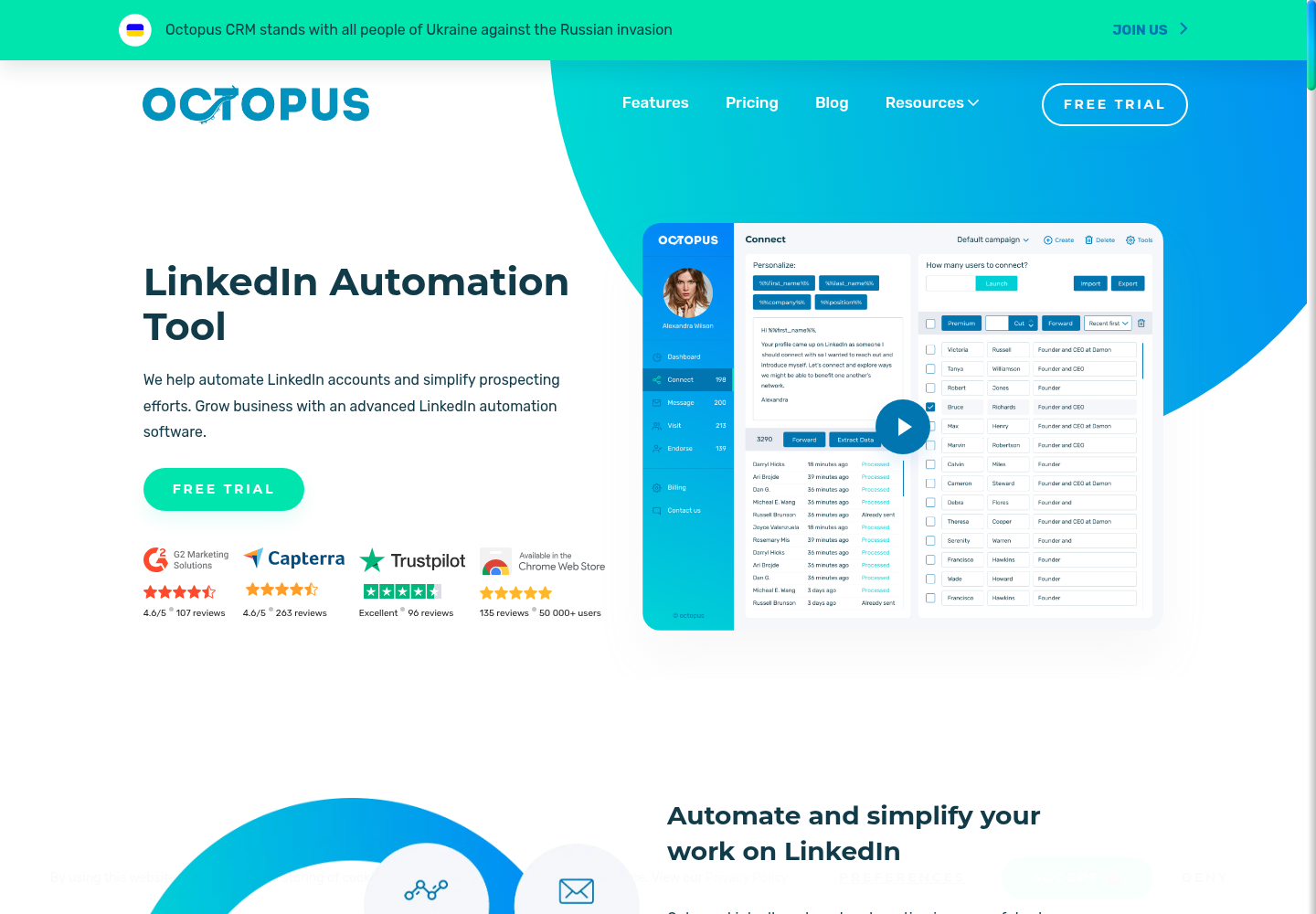
Octopus CRM automates LinkedIn profile visits, connection requests, messages, and endorsements. Its dashboard stores prospects in campaigns and shows campaign and account statistics. CSV handoff, a funnel builder, and integrations with Zapier and HubSpot support the steps around those actions.
What it replaces: Action-based LinkedIn campaigns and a personal lead dashboard. The workflow is narrower than a multi-platform extraction library.
What to check: Features and LinkedIn account compatibility vary by plan. Bulk messaging starts on Pro, imports/exports and funnels on Advanced, and Zapier/HubSpot integration on Unlimited. Starter's entry price does not buy those features.
Pricing: Monthly plans are Starter $9.99, Pro $14.99, Advanced $21.99, and Unlimited $39.99. Annual billing reduces Starter to $6.99/month. A seven-day trial requires no card.
10. Linked Helper for desktop campaigns and export
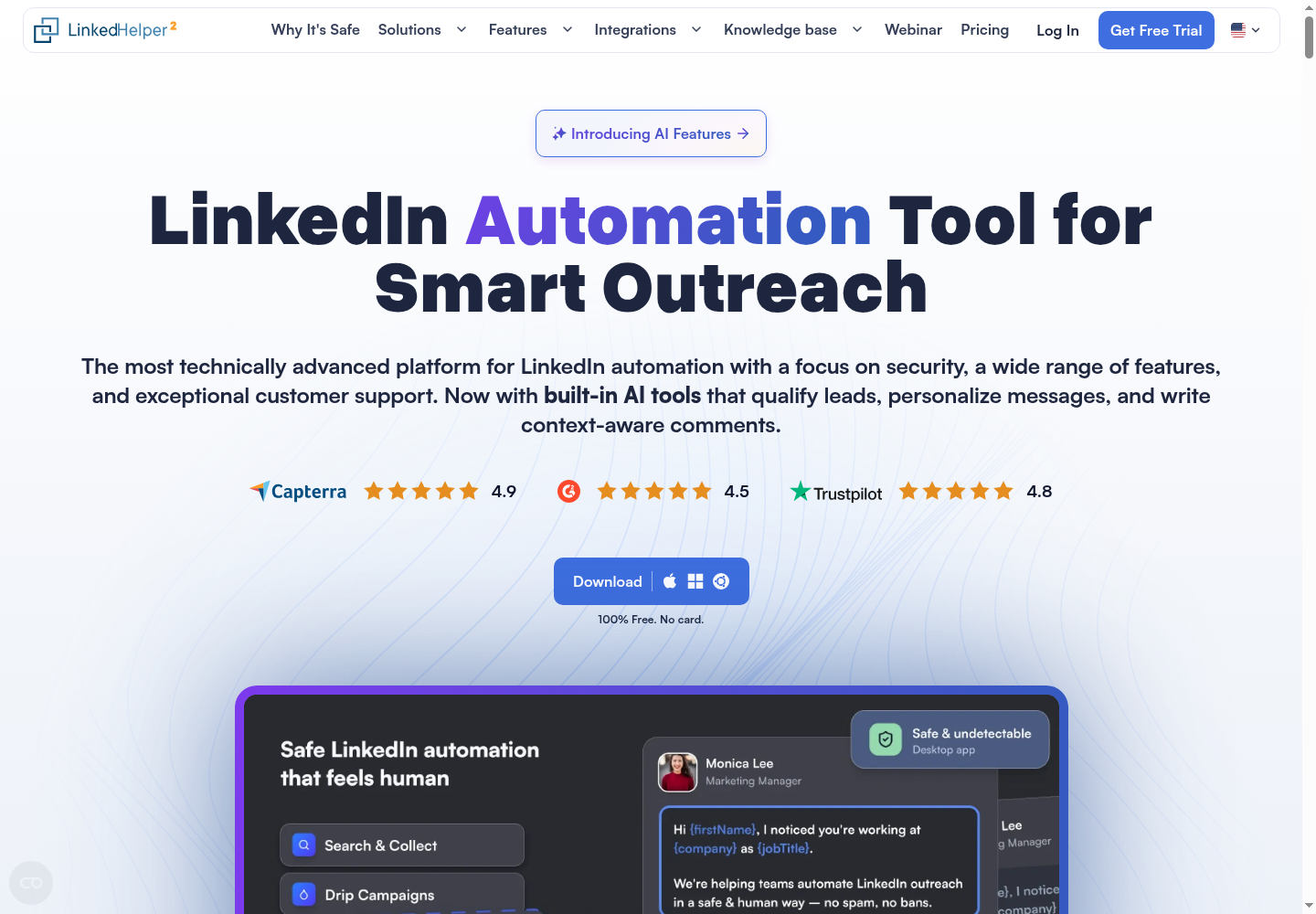
Linked Helper runs LinkedIn automation on a Windows, Mac, or Linux computer or VPS. Its built-in browser, CRM, campaign builder, and export tools support prospecting and recruiting workflows. AI features include personalized messages, an ICP filter, a commenter, and reply assistance.
What it replaces: LinkedIn campaigns and profile-data collection in a desktop workflow. It includes lead management, an email finder, full-profile and organization scraping, and CSV exports.
What to check: The app and machine must stay on for automation to run. Local and Cloud Data Storage describe where workspace data lives, not where LinkedIn automation executes. Multiple active LinkedIn accounts require corresponding licenses. Standard caps some group, event, webhook, and CRM actions at 20 per day; Pro expands those allowances, subject to platform limits.
Pricing: With local storage and a one-month term, Standard is $15 per license/month and Pro is $45. Longer terms and workspace volume bring discounts. Storage and credit requirements affect the total; the calculator's default three-month quote is not the one-month base price.
How to evaluate your PhantomBuster replacement
Separate extraction from what your team does next
List your current jobs: source records, enrich contacts, refresh a list, send invitations, or follow up. Record the fields and destinations that must survive the switch. Then identify the work still happening outside the tool.
If that missing work is deciding whose post to comment on or when to restart a conversation, Extrovert's LinkedIn outreach workflow addresses that daily task. For teams serving several clients, the agency program adds managed accounts and agency commercial options.
Check execution, permission, and approval separately
Cloud, extension, and desktop tools differ in where they run and what must stay open. Those labels do not tell you which actions require your approval, whether data collection uses your LinkedIn account, or what your assistant is allowed to send. Ask what must remain open, where the session runs, and which actions can happen automatically.
A local tool is not inherently restriction-proof. LinkedIn's User Agreement prohibits unauthorized automated methods for accessing the service, adding contacts, or sending messages. Human review controls content and recipients; it does not override those rules.
Compare the cost of one complete workflow
Include account seats, runtime, provider data, credits, storage, add-ons, and the work needed to prepare and review outreach. Keep annual commitments separate from monthly billing. Count every action needed to turn one raw record into a usable lead, rather than treating a credit as a lead.
Before retiring a working setup, test a small batch through the whole path. Check required fields, duplicates, failed lookups, exports, replies, and the handoff your team uses. Keep the old workflow available until the new one produces the records and actions you need.
FAQ
Can Extrovert replace PhantomBuster?
Extrovert covers engagement-led LinkedIn outreach: discover people, track their posts, prepare comments, connect, and follow up through DMs. It does not replace PhantomBuster's entire cross-platform extraction library. Its strongest fit is the work between finding a prospect and maintaining a relevant conversation.
Which PhantomBuster alternatives run locally?
Linked Helper runs on your computer or VPS, even when you select Cloud Data Storage. Dux-Soup's STACKED local runs as a desktop app on Mac or Windows. Both require the machine and app to stay running; local execution does not guarantee account safety.
Is Linked Helper a PhantomBuster alternative?
For LinkedIn campaigns, profile collection, and CSV exports, it can replace specific PhantomBuster jobs. It uses desktop execution and per-license pricing rather than PhantomBuster's cloud runtime and slot model. Other-platform extraction requires a separate solution.
Is there a free PhantomBuster alternative?
Apify has a Free plan with $5 usage, Clay offers limited monthly Actions and Data Credits, and Bardeen offers 100 free credits. Those allowances support small workflows, not an unlimited replacement for every Phantom. Extrovert offers a 10-day trial without a card for evaluating the LinkedIn engagement workflow.
How should I compare PhantomBuster and Extrovert pricing?
PhantomBuster Start is $56/month billed annually for a workspace with unlimited users, five automation slots, and 20 monthly execution hours. Extrovert is $49 per LinkedIn-account seat/month billed monthly, with annual and volume discounts. Compare your required accounts, discovery capacity, and workflow resources; the two starting prices do not buy the same unit.
Does human-reviewed outreach avoid restrictions?
Review helps control content and recipients, but does not guarantee account safety or platform compliance. In Extrovert, comments can be reviewed individually, approved in bulk, or automated in a campaign; warm outreach can send connection requests. Configure the modes, permissions, and limits you intend to use.