Social selling is the practice of using social networks, primarily LinkedIn, to find, connect with, and warm up prospects before you ever pitch. Done right, it replaces the cold-call model with a familiarity-first approach: you show up in your prospect's feed, add value through comments and content, and earn trust before you ask for anything. The result is outreach that feels like a conversation, not an interruption.
The tools that actually move the needle here are engagement-led prospecting tools, not automation platforms dressed up with a "social" label. This guide covers what social selling actually is and the 11 tools that support it best in 2026, grouped by job: LinkedIn engagement and warm outreach, content and personal brand, social listening and intent, and CRM integration. For each tool you'll find what it does, who it's best for, current pricing, and one honest limitation.
Best social selling tools: a brief overview
If you want social selling that actually builds pipeline, Extrovert is the best pick because it's purpose-built for the warm-first, human-in-the-loop workflow the practice requires, not a repurposed automation or content tool. Here's how it stacks up against the rest.
LinkedIn Engagement and Warm Outreach
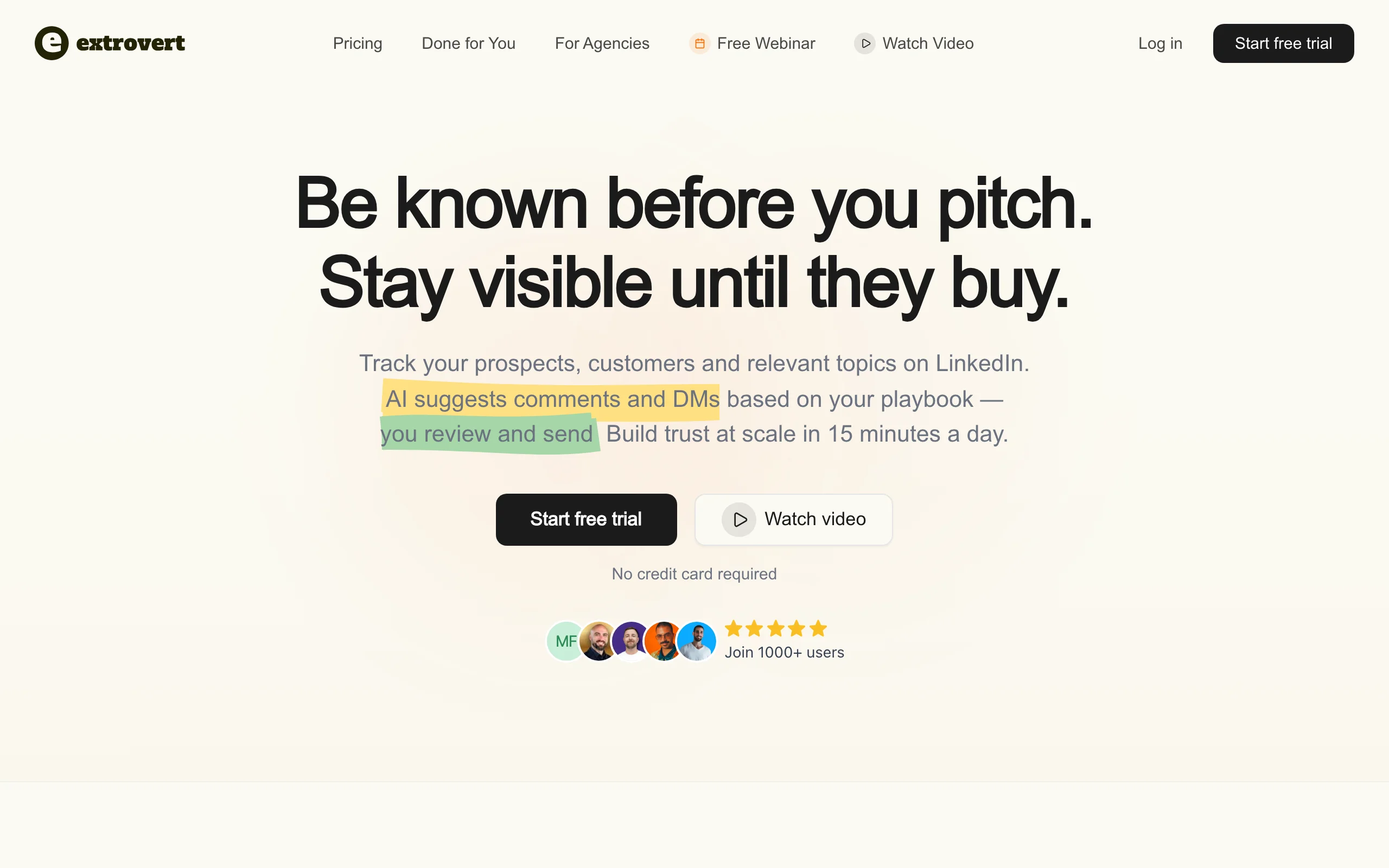
- Extrovert: Best for engagement-led social selling at scale. Track prospects and topics on LinkedIn, then approve AI-suggested comments and DMs in 15 minutes a day. Purpose-built for the warm-first, human-in-the-loop workflow that social selling requires.
- Engage AI: Best for AI-assisted LinkedIn commenting on a tight budget: trades Extrovert's prospect tracking and playbook for a lighter, feed-only drafting tool.
- Metricool: Best for measuring social selling impact. Tracks post performance, follower growth, and competitor benchmarks across channels so you can tie LinkedIn activity to pipeline outcomes.
Content and Personal Brand
- Taplio: Best for founders and sellers building an audience-driven pipeline. Content scheduling, AI drafting, and an engager export for warm prospect lists.
- Supergrow: Best for reps who need daily LinkedIn post ideas and formatting help. Starter-friendly pricing with a solid AI content assistant.
- AuthoredUp: Best for creators who want to optimize and archive their LinkedIn content. Chrome extension with rich formatting, draft management, and post analytics.
Social Listening and Intent
- Trigify: Best for catching real-time LinkedIn signals that trigger outreach. Fires alerts when prospects get promoted, post about a buying topic, or engage with competitor content.
- Sprout Social: Best for enterprise teams tracking brand mentions and competitive signals across multiple social platforms alongside LinkedIn.
- Mention: Best for SMB and mid-market teams that need real-time brand and keyword monitoring without enterprise pricing.
CRM Integration
- LinkedIn Sales Navigator: Best foundational layer for any social selling stack: trades Extrovert's engagement and messaging layer for first-party LinkedIn data, advanced filters, and native CRM sync.
- HubSpot Sales Hub: Best for teams that want social selling activity logged directly in their CRM without manual data entry.
| Tool | Key strength | Pricing | Platforms |
|---|---|---|---|
| Extrovert | AI comment and DM suggestions from your playbook; warm-first social selling | From $49/month; free trial | Web, Chrome extension |
| Engage AI | Contextual AI comment drafts for LinkedIn prospect posts | From $12.90/month; free plan | Chrome extension |
| Metricool | Cross-channel analytics, benchmarking, and reports | From $22/month; free plan | Web, mobile |
| Taplio | LinkedIn content scheduling + engager export for warm prospecting | From $39/month | Web |
| Supergrow | AI-assisted LinkedIn post writing with formatting and scheduling | From $19/month | Web |
| AuthoredUp | LinkedIn content optimization, formatting, and post archive | From $19.95/month; free plan | Chrome extension |
| Trigify | Real-time LinkedIn signal alerts for job changes, topic surges, engagements | Custom pricing | Web, API |
| Sprout Social | Enterprise cross-platform social listening and publishing | From $199/month | Web, mobile, API |
| Mention | Real-time brand and keyword monitoring across social and web | From $41/month | Web, mobile |
| LinkedIn Sales Navigator | First-party LinkedIn data with filters, alerts, and CRM sync | From $79.99/month (annual) | Web, mobile |
| HubSpot Sales Hub | CRM with native social activity logging and LinkedIn integration | Free CRM; Sales Hub from $20/seat/month | Web, mobile, API |
LinkedIn engagement and warm outreach tools
1. Extrovert, best for engagement-led social selling
Social selling is built on one principle: be known before you pitch. Extrovert is the only tool in this list designed exclusively around that idea. You build a tracking list of prospects, customers, champions, and relevant topics; Extrovert surfaces their LinkedIn activity and suggests on-brand comments and DMs calibrated to your voice and playbook. Every suggestion goes through you before it posts. No automation running unattended. No connection-request blasts. Just a consistent 15-minute daily workflow that compounds over 90 days into real familiarity.
The difference between Extrovert and every other "LinkedIn engagement" tool is the playbook layer. You define your ICP, your tone, the topics you want to comment on, and the signals that should trigger outreach. The AI generates drafts that match that spec, not generic responses that could have come from anyone. For SDRs using LinkedIn for sales, AEs managing mid-market accounts, and founders doing relationship-led selling, that specificity is what separates social selling from feed-scrolling.
Key features:
- Prospect and topic tracking across the LinkedIn feed, no manual scrolling
- AI comment and DM suggestions tuned to your playbook and ICP
- Buying-signal alerts: job changes, funding rounds, topic surges, champion moves
- Human-in-the-loop design: every action approved before it posts
- 90-day loop tracking to show relationship depth over time
Best for:
- SDRs and AEs building warm outreach pipelines on LinkedIn
- Founders doing high-ACV relationship-led selling with 20-100 target accounts
- Teams that have tried automation and paid the account-restriction price
Pricing:
- Free trial available
- Paid plans from $49/month
- Team and agency plans: see Extrovert pricing
Pros:
- The only social selling tool built around engagement-first, human-in-the-loop workflow
- Playbook tuning means suggestions match your voice, not a generic bot
- Champion and job-change tracking surfaces buying signals before competitors notice
Cons:
- LinkedIn-only: not a multichannel cold-email or multi-platform social tool
- Built for a steady daily cadence; not designed for one-off volume campaigns
2. Engage AI, best for AI-assisted LinkedIn commenting
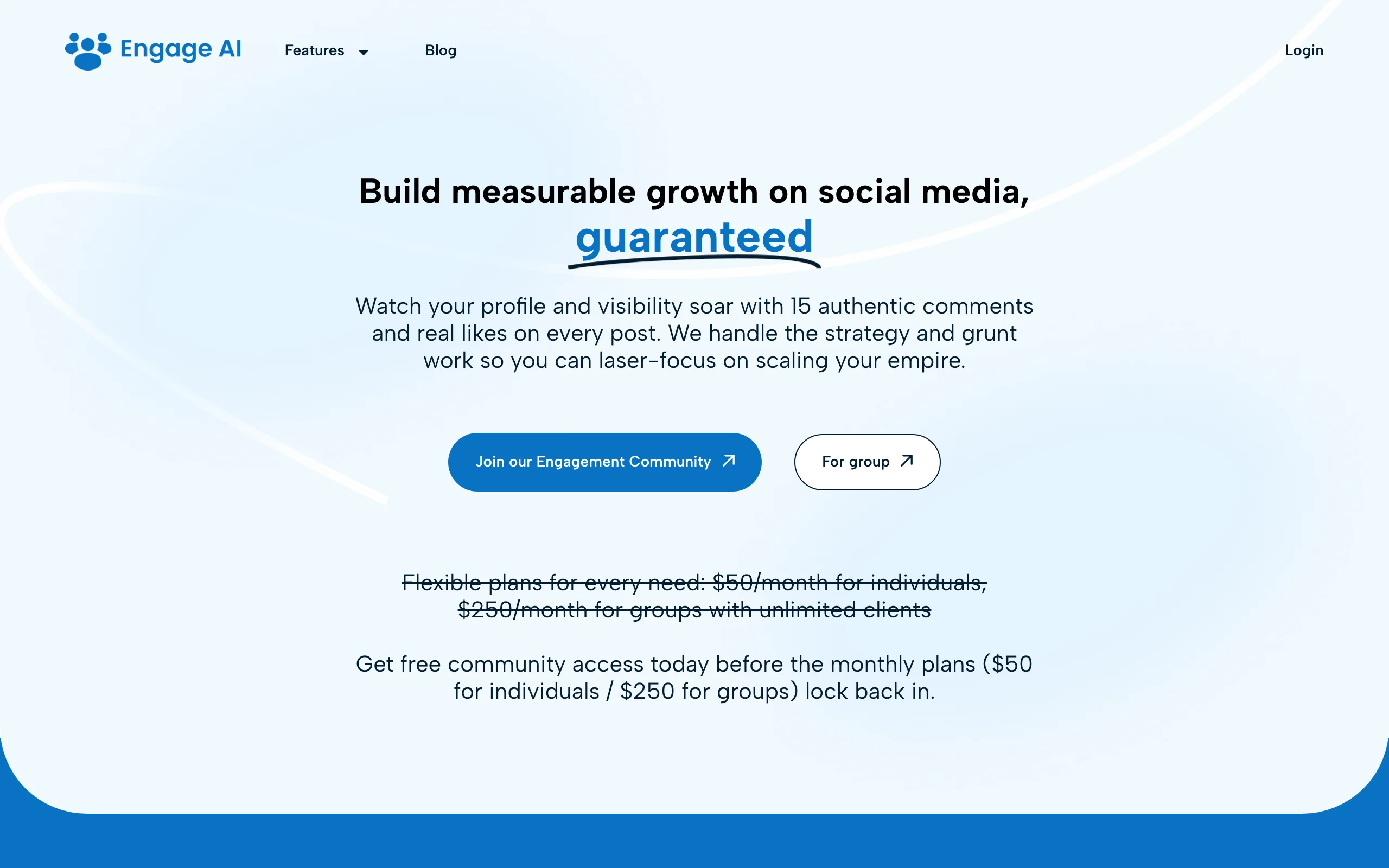
Engage AI trades Extrovert's prospect tracking and playbook for a lighter, feed-only tool. It sits inside LinkedIn as a Chrome extension and suggests comments for your prospects' and connections' posts in real time. When a target account posts something, Engage AI reads the post and generates a contextual response: not a generic "great post!" but something specific to the content. You edit and post. The free plan covers a limited number of daily comments; paid plans give more volume and additional tones.
The tool is narrow by design. It doesn't track prospects, manage your playbook, or surface buying signals. It solves one problem: the blank-page friction of figuring out what to say when a prospect posts. For reps already monitoring a small list of prospects manually, Engage AI reduces the time-to-comment from minutes to seconds. For teams that need prospect tracking, signal monitoring, and DM workflows alongside commenting, Extrovert covers that full loop.
Key features:
- In-feed comment generation: appears inside LinkedIn as you browse
- Multiple tone options (professional, curious, supportive, contrarian)
- Comment history log for tracking your engagement activity
- CRM note integration for some plan tiers
- Works on LinkedIn posts, articles, and newsletters
Best for:
- Individual contributors who need help turning posts into comment drafts quickly
- Reps with a small, manually-managed prospect list who want commenting to feel less effortful
- Teams piloting LinkedIn engagement before investing in a full social selling platform
Pricing:
- Free plan: limited daily comments
- Daily plan: from $12.90/month
- Power plan: from $34.90/month
Pros:
- Fastest path from "prospect posted" to "relevant comment posted"
- Chrome extension means zero workflow change: you use it inside LinkedIn
- Free tier is usable for low-volume individual testing
Cons:
- No prospect tracking, signal monitoring, or playbook layer
- Comment quality depends heavily on post length and clarity; short posts generate generic drafts
3. Metricool, best for measuring social selling performance
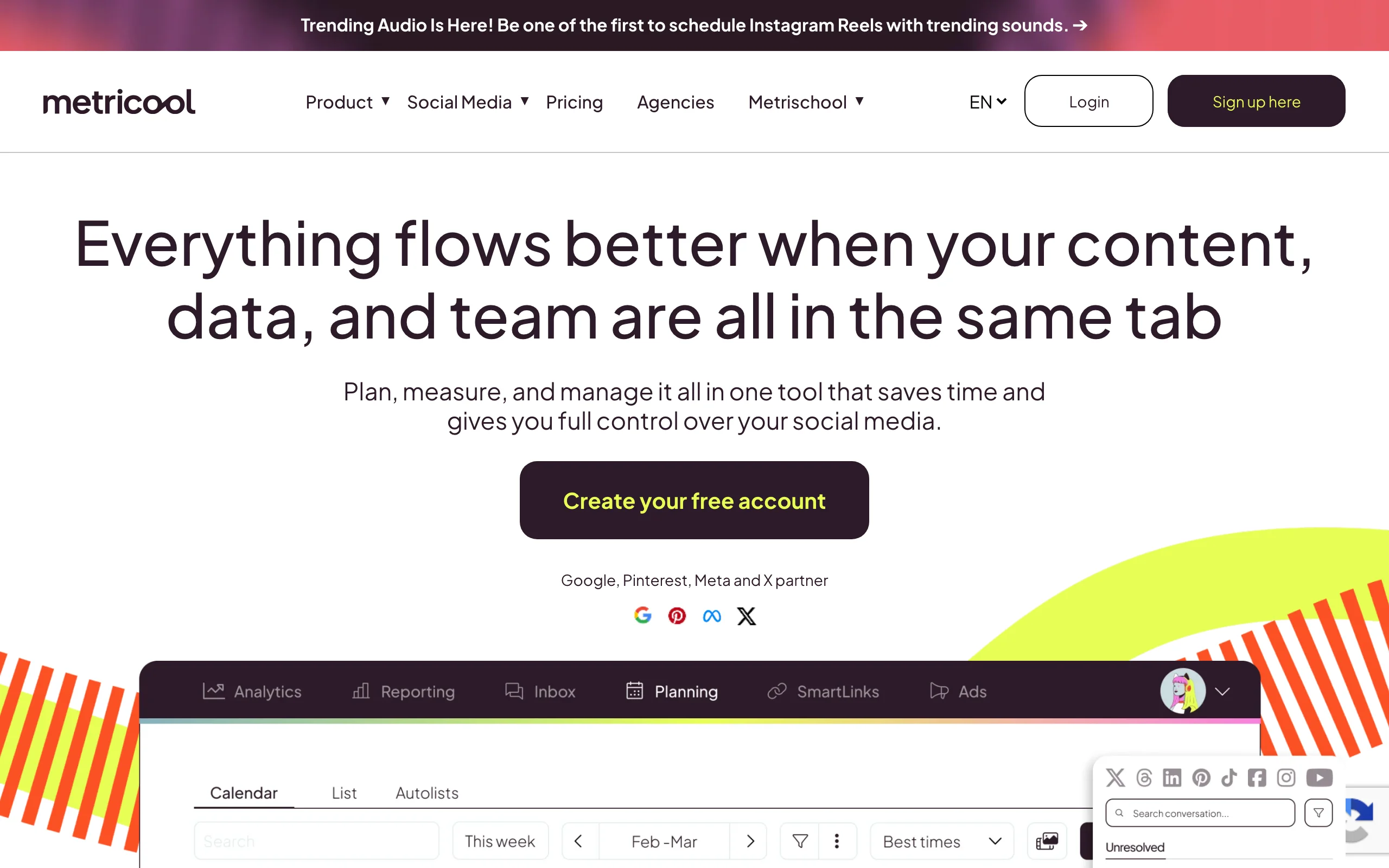
Most sales reps post on LinkedIn with no idea whether it's working. Metricool gives you the analytics layer LinkedIn's native tools hide: post-level impressions, engagement rate, follower growth, and best-time-to-post data in one dashboard. The LinkedIn SSI score is a proxy signal; Metricool gives you the actual numbers behind it.
Metricool matters for social selling teams because it closes the attribution loop. You can see which content types drive engagement, benchmark your activity against competitors, and whether your warm outreach cadence correlates with reach in your target segment. White-label reports make it easy to prove the program is working. For managers running social selling across more than just LinkedIn, Metricool pulls every channel into one view before someone asks how it is performing.
Key features:
- Post-level performance: impressions, engagement rate, and reactions over time
- Follower analytics and best-time-to-post recommendations
- Competitor benchmarking against accounts in your space
- White-label PDF reports for managers and clients
- Multi-platform coverage: LinkedIn plus X, Instagram, and more in one dashboard
Best for:
- Sales managers who need to report on social selling program ROI
- Individual sellers serious about optimizing their content for pipeline impact
- Teams running social selling across more than one platform
Pricing:
- Free plan: core analytics for a limited number of connections
- Starter: from $22/month (cheaper on annual)
- Team and agency plans available
Pros:
- Far more detailed than LinkedIn's native analytics, especially for reach and timing
- Competitor benchmarking and white-label reports built in
- One dashboard if your buyers live on more than just LinkedIn
Cons:
- Multi-platform scope: less LinkedIn-native depth than a dedicated LinkedIn tool
- No prospect tracking or comment and DM assistance
Content and personal brand tools
4. Taplio, best for audience-driven pipeline building
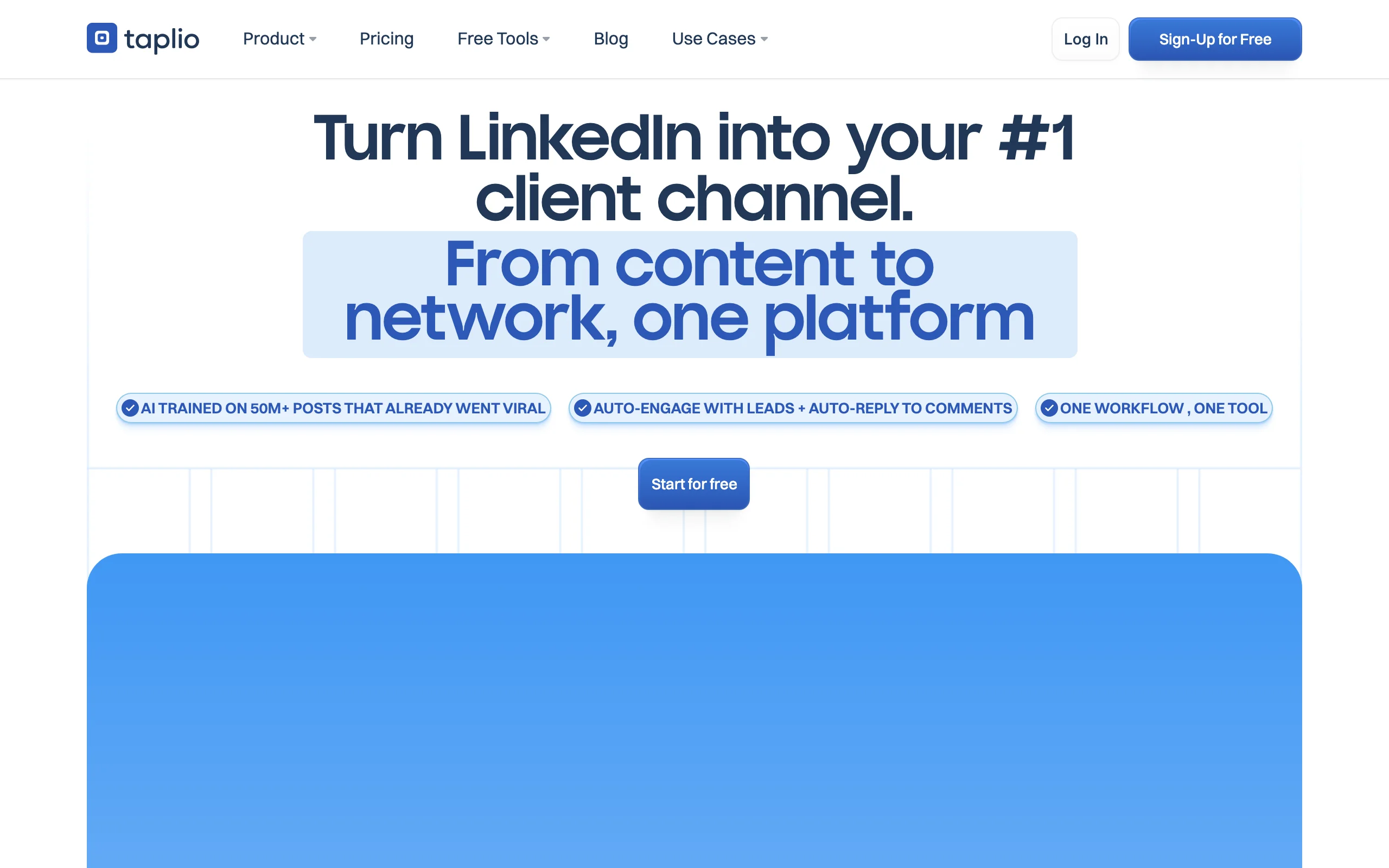
Taplio is built for sellers and founders whose pipeline runs through their content. You draft, schedule, and analyze LinkedIn posts from a central dashboard, and Taplio's AI helps fill gaps in your publishing calendar. The feature that makes it a social selling tool rather than just a scheduler: the engager export. Every person who liked or commented on your posts in the last 30 days is exportable as a warm prospect list. These are people who already know your ideas. Reaching out to them is warm outreach by definition.
Reps typically layer Taplio with a separate enrichment or outreach tool. Taplio identifies who engaged; another tool finds their email or routes them into a LinkedIn sequence. For founders doing content-led social selling with 30+ minutes per day on LinkedIn, it removes most of the manual work without automating the human touch.
Key features:
- AI-assisted post drafting with inspiration from top-performing content in your niche
- Content scheduling with optimal-time recommendations
- Engager export: pull warm prospect lists from your post's likers and commenters
- Carousel and document post creation built in
- Performance analytics tracking growth, engagement rate, and content type breakdown
Best for:
- Founders whose primary pipeline comes from LinkedIn content and inbound interest
- Consultants and agency owners building authority in a specific niche
- SDRs whose company has invested in personal-brand enablement as a top-of-funnel motion
Pricing:
- Starter: $39/month
- Standard: $65/month
- Pro: $199/month (includes team seats)
Pros:
- Engager export is one of the highest-conversion warm prospect sources available
- AI post drafting reduces the blank-page problem for reps who are not natural writers
- Clean UX compared to older scheduling tools
Cons:
- Prospecting features become irrelevant if you don't publish content consistently
- No email or phone enrichment; pairs with a separate data tool for outreach
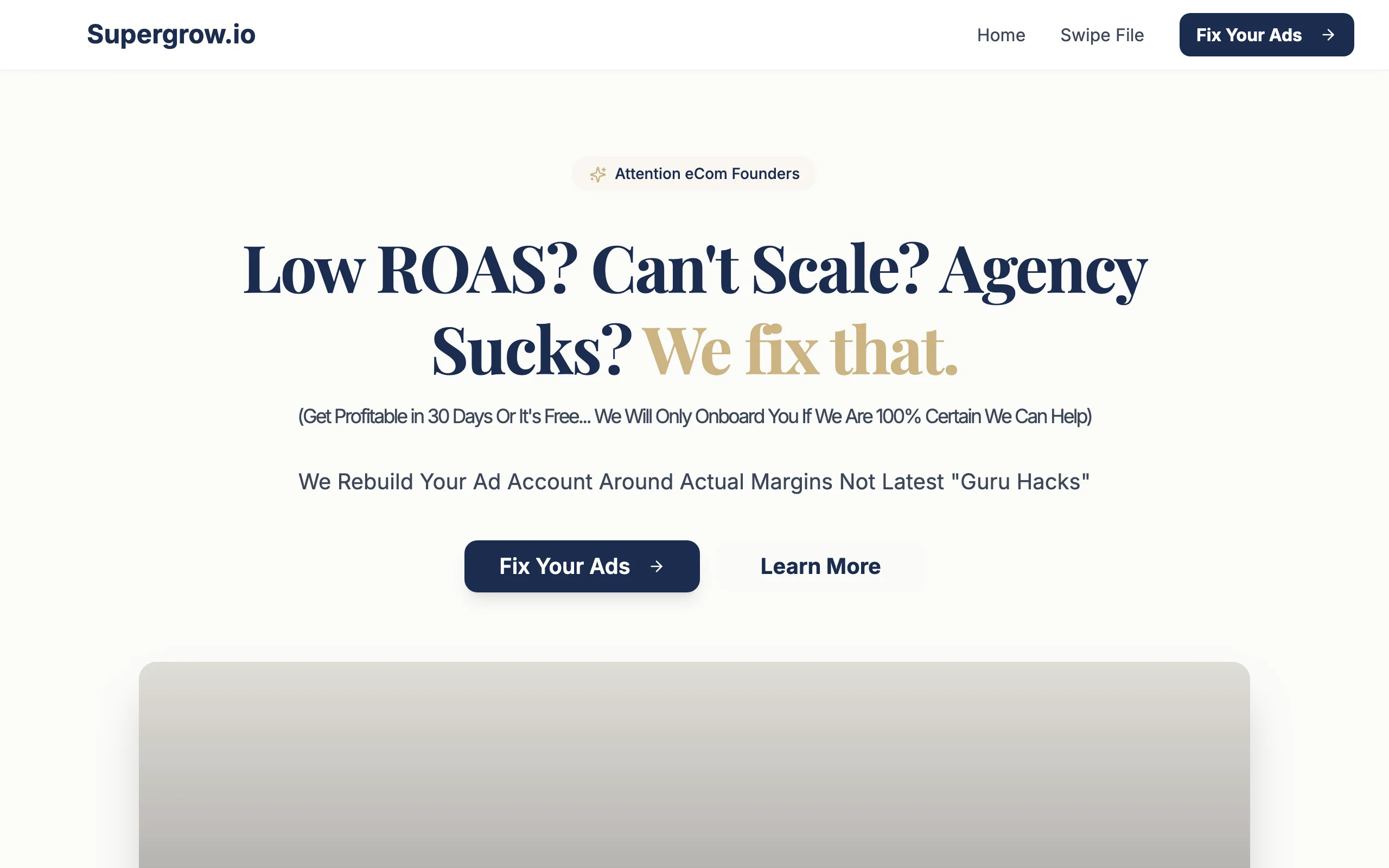
5. Supergrow, best for daily LinkedIn content on a budget
Supergrow targets reps and founders who want to post consistently but don't have a content team or a lot of time. The AI content assistant generates post drafts from a prompt, a URL, or a topic idea; you pick a format (hook-story-CTA, list, opinion, carousels) and edit to your voice. Scheduling is built in. Analytics land on the Pro tier. For teams running social selling programs where reps post two or three times per week, Supergrow keeps the content calendar moving without a ghost-writer.
The tool is intentionally lightweight. If you want deep analytics, Metricool is a better fit. If you want the full prospect-tracking and DM-workflow loop, Extrovert covers that ground. Supergrow's value is reducing the weekly time cost of maintaining a LinkedIn presence from an hour to fifteen minutes.
Key features:
- AI post drafts from prompts, URLs, voice notes, or existing post rewrites
- Format library: hooks, carousels, lists, opinion posts, polls
- Scheduling with queue management
- Engagement tracking on Pro tier
- Viral post inspiration feed for topic ideas
Best for:
- Reps and founders who want to post consistently but struggle with the writing step
- Teams scaling a social selling program where content cadence is the primary bottleneck
- Budget-conscious individual sellers ($19-39/month range)
Pricing:
- Starter: $19/month
- Pro: $39/month (includes analytics)
- Team/agency tiers available
Pros:
- Fastest path from "I should post something" to "scheduled post"
- Generous format variety means content doesn't feel repetitive
- Starter pricing is accessible for individual reps without a budget approval process
Cons:
- Analytics only available on Pro tier; Starter users post blind
- AI drafts require editing: the first output is a starting point, not a final post
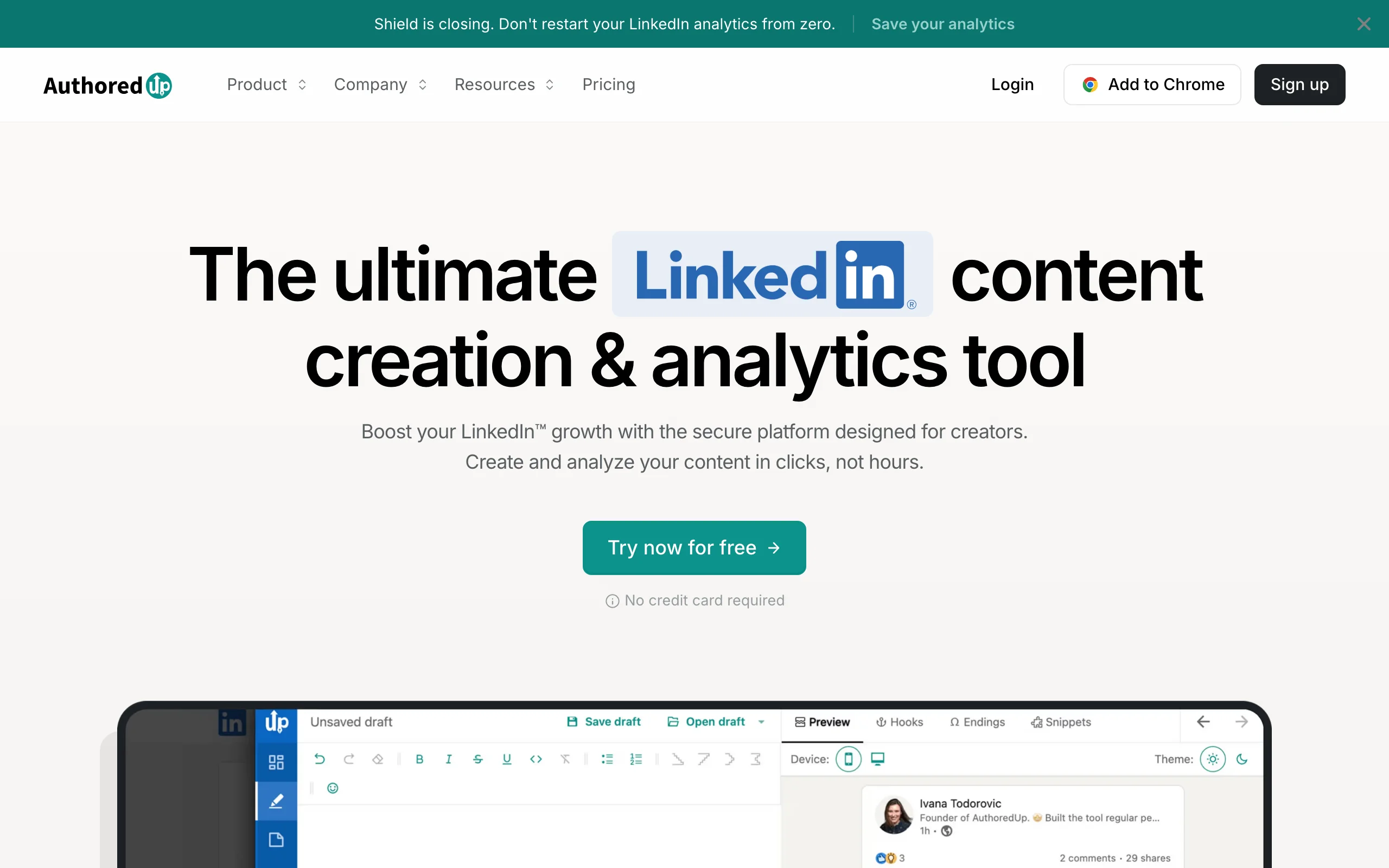
6. AuthoredUp, best for content quality and post archive
AuthoredUp lives in your LinkedIn Chrome extension and adds a formatting and drafting layer on top of the native LinkedIn post editor. Rich text formatting (bold, italic, bullet-style line breaks), draft management, post preview across mobile and desktop, and a full archive of every post you've ever published with performance data. For reps who write their own content but want it to look more professional and be easier to track, AuthoredUp fills gaps that LinkedIn's native editor ignores.
The archive is the feature that social sellers rely on most long-term. You can search every post you've written, filter by format or date, see which performed best, and repurpose high-engagement content. It functions as an institutional memory for your LinkedIn presence.
Key features:
- Rich formatting inside the native LinkedIn post editor (bold, italic, symbols, spacing)
- Post preview across mobile, desktop, and feed views before publishing
- Full post archive with search and performance data from day one
- Draft management with version history
- Post templates for repeatable formats
Best for:
- Sellers and founders who write their own content and want more control over formatting and quality
- Reps building a long-term LinkedIn presence who want to track what's working
- Teams where personal brand is a core motion and polish matters
Pricing:
- Free plan: limited drafts and archive
- Individual: from $19.95/month
- Team plans available
Pros:
- Archive loaded with historical performance data immediately on signup (pulls LinkedIn's data)
- Formatting options make posts look more intentional without extra design work
- Free plan is genuinely useful for low-volume users
Cons:
- Chrome extension only: no standalone web app or mobile support
- No AI draft generation; pairs with Supergrow or Taplio for that layer
Social listening and intent tools
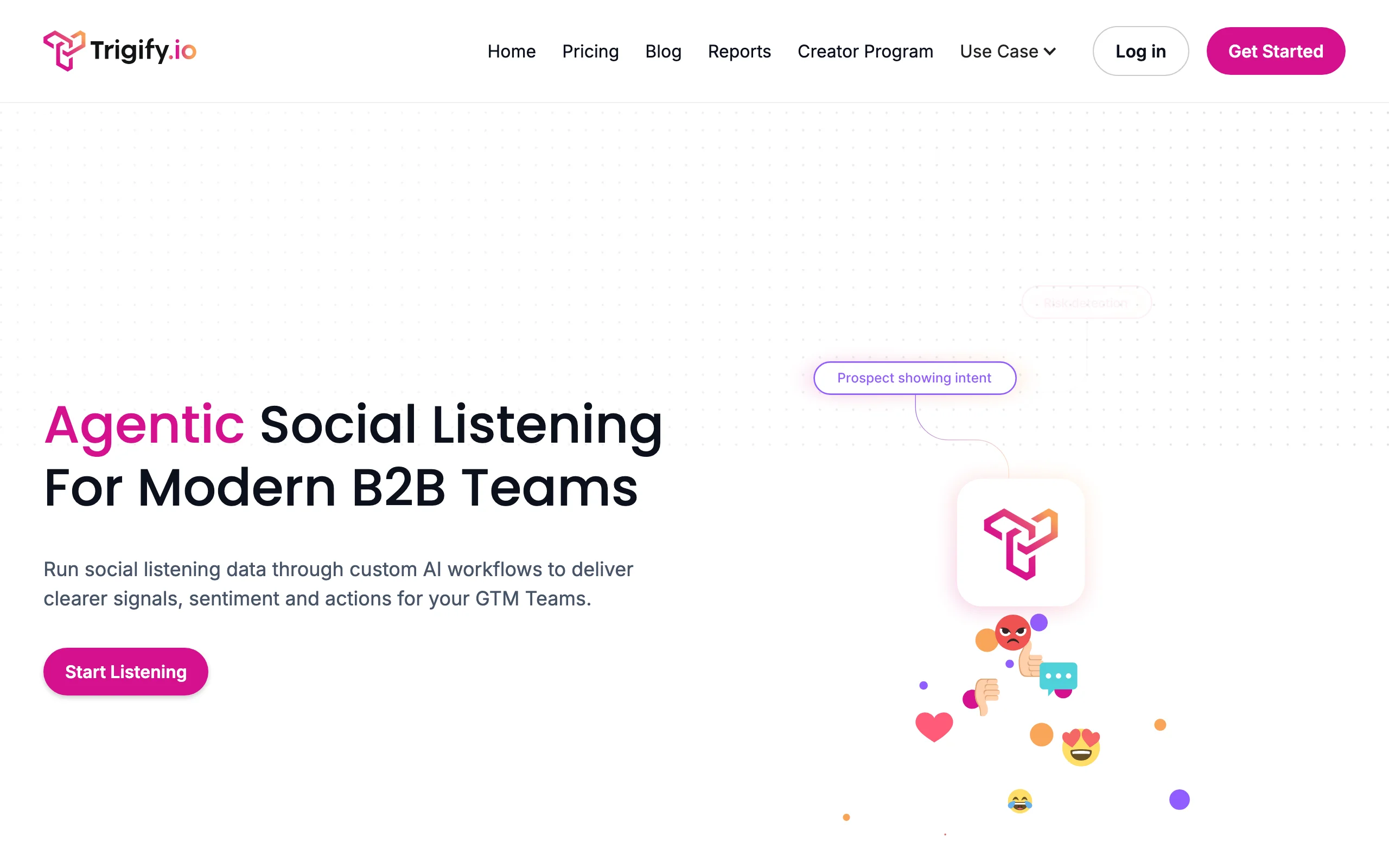
7. Trigify, best for real-time LinkedIn signal tracking
Trigify watches LinkedIn for events that indicate a prospect is ready to engage: job changes, promotions, company growth announcements, posts about topics relevant to your ICP, engagements with competitor content. When a signal fires, Trigify alerts you and surfaces the prospect for outreach. The result is a pipeline of warm, timely touches rather than cold contacts picked from a static list.
Where Trigify earns its position in a social selling stack is the specificity of its triggers. You can define signals by job title change, by company size threshold, by topic keyword in a post, or by engagement with specific LinkedIn content. Reps in r/sales frequently note that timing is the variable that moves reply rates most. Trigify systematizes the timing layer. Pair it with Extrovert for the engagement workflow and Sales Navigator for contact data, and you have the core of a signal-driven social selling motion.
Key features:
- Job change and promotion alerts for tracked accounts and contacts
- Post content signals: alerts when prospects post about topics you define
- Competitor engagement tracking: catch prospects engaging with your category
- Webhook and CRM integrations to route signals into existing workflows
- CSV export and Slack notification options
Best for:
- SDR and AE teams running account-based social selling with 50+ target accounts
- Revenue ops teams building trigger-based outreach sequences
- Teams who want to replace "spray and pray" list outreach with signal-driven timing
Pricing:
- Custom pricing; demo required
- Typically positioned as a team or program-level investment
Pros:
- Signal specificity goes beyond basic job-change alerts most CRMs already provide
- Integrates cleanly with most outreach and CRM tools via webhook
- Timing-based outreach demonstrably outperforms static list sequences
Cons:
- No self-serve pricing; sales process required before you can evaluate cost
- Signal volume can be noisy without careful trigger configuration
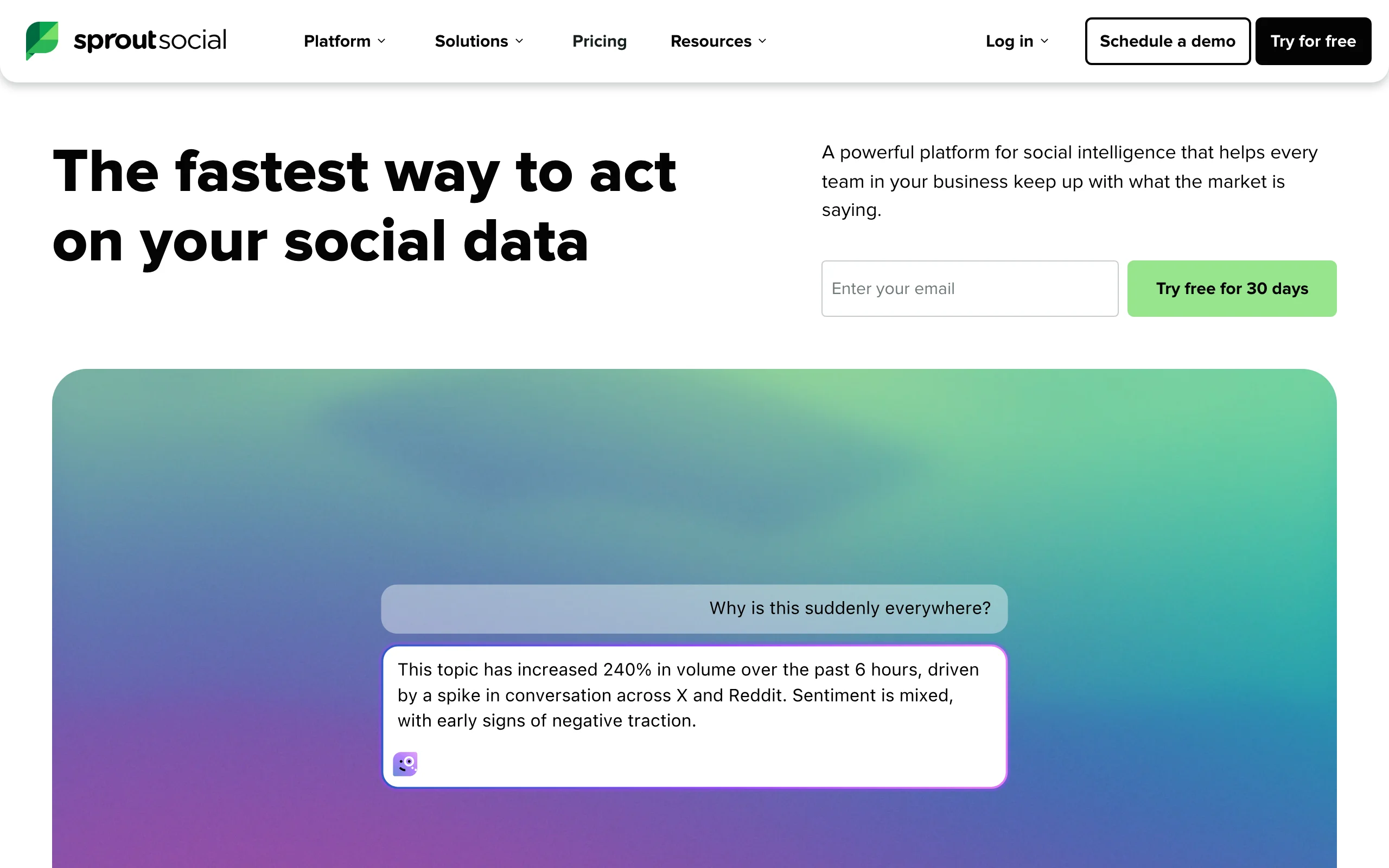
8. Sprout Social, best for enterprise cross-platform social listening
Sprout Social is the enterprise standard for teams managing social selling and brand presence across LinkedIn, Twitter/X, Facebook, and Instagram simultaneously. The social listening module tracks brand mentions, competitor mentions, industry keyword trends, and sentiment shifts across all platforms in one dashboard. For enterprise sales and marketing teams where social selling spans multiple channels and multiple users, it provides the coordination layer that point tools lack.
The LinkedIn integration is not as deep as Sales Navigator for prospect-level data, but Sprout's strength is breadth and workflow: content calendars, approval flows for regulated industries, unified inbox across platforms, and executive reporting. Teams doing volume LinkedIn social selling alongside broader social presence will find it covers most bases. Smaller teams will find the entry price hard to justify against the narrower tools in this list.
Key features:
- Cross-platform social listening: LinkedIn, Twitter/X, Facebook, Instagram, YouTube
- Brand mention monitoring with sentiment analysis
- Unified publishing calendar with team approval workflows
- Competitor benchmarking and share-of-voice tracking
- CRM integrations with Salesforce and HubSpot
Best for:
- Enterprise sales and marketing teams managing social selling programs at scale
- Teams where social listening spans multiple platforms, not just LinkedIn
- Organizations in regulated industries needing content approval workflows
Pricing:
- Standard: $199/month (5 social profiles)
- Professional: $299/month
- Advanced: $399/month
- Enterprise: custom
Pros:
- Best-in-class cross-platform listening and workflow coordination
- Competitor benchmarking helps social selling teams understand share of voice
- Executive reporting exports make program ROI visible to leadership
Cons:
- Expensive relative to LinkedIn-only social selling tools
- LinkedIn prospecting data is shallow compared to Sales Navigator
9. Mention, best for real-time monitoring on a budget
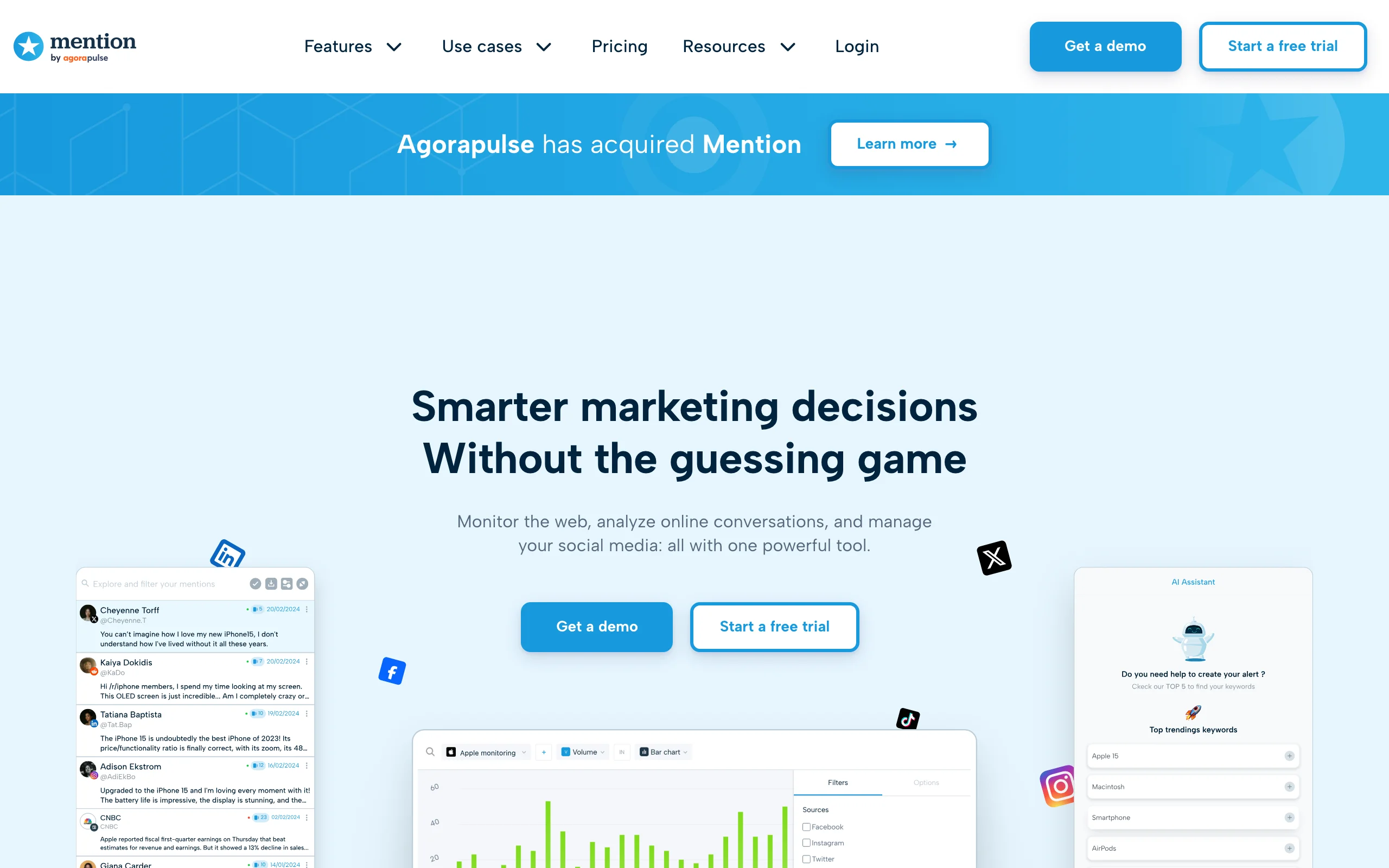
Mention tracks brand names, product names, competitor names, and custom keywords across social platforms, news sites, blogs, and forums in real time. For social selling teams, the primary use case is monitoring when your ICP is discussing problems your product solves, then entering those conversations authentically. It's a listening tool, not a LinkedIn engagement tool; you find the conversation, then decide how to engage.
Reps in social selling-focused r/sales threads often describe this as "demand listening" rather than demand generation: you're finding buyers in the moment they're aware of a problem, not manufacturing awareness through outreach volume. Mention's pricing makes that motion accessible to teams that can't justify Brandwatch or Sprout Social's enterprise tiers.
Key features:
- Real-time alerts across 1 billion+ sources: social, news, blogs, forums, review sites
- Boolean search for precise keyword combinations and exclusions
- Sentiment analysis on tracked mentions
- Competitor monitoring and comparison
- Slack and email alert routing
Best for:
- SMB and mid-market teams doing keyword-driven social listening on a budget
- Marketers tracking brand sentiment alongside sales teams monitoring purchase intent signals
- Founders monitoring competitor discussions to identify dissatisfied prospects
Pricing:
- Solo: $41/month (2 alerts, 5,000 mentions)
- Pro: $83/month (5 alerts, 10,000 mentions)
- ProPlus: $149/month (7 alerts, 20,000 mentions)
- Company: custom
Pros:
- Broad source coverage catches conversations that LinkedIn-only tools miss
- Price-accessible for teams that can't justify enterprise social listening budgets
- Real-time alerts mean you can enter conversations while they're still active
Cons:
- LinkedIn coverage is partial; not a substitute for Sales Navigator or Trigify for LinkedIn-native signals
- Mention volume can be noisy without precise boolean filters
CRM integration tools
10. LinkedIn Sales Navigator, best foundational layer for social selling
Sales Navigator trades Extrovert's engagement and messaging layer for LinkedIn's own data. It's where most serious social selling stacks start. It gives you LinkedIn's full dataset with 40+ filters, real-time job-change alerts, content-engagement signals, and CRM sync that pushes prospect activity back into Salesforce, HubSpot, or Dynamics. The social selling angle that Navigator adds beyond basic LinkedIn: you can see when a saved prospect posts content, engage company news, or interact with LinkedIn content relevant to your category.
Navigator is infrastructure, not a workflow tool. It tells you who to engage and surfaces signals about when; tools like Extrovert handle the engagement workflow itself. For reps serious about networking on LinkedIn, Navigator plus an engagement tool covers the full loop: find the right contact, get alerted when they're active, engage through a warm workflow, and log the activity back to CRM.
Key features:
- Advanced search: 40+ filters including job function, seniority, headcount growth, and posted content keywords
- Job-change and company-alert notifications for saved contacts and accounts
- InMail credits (50/month on Core) for reaching contacts outside your network
- CRM sync to Salesforce, HubSpot, and Dynamics
- TeamLink: warm paths through colleagues' existing connections
Best for:
- Any B2B sales team using LinkedIn as a primary prospecting channel
- SDRs and AEs who need first-party LinkedIn data with real-time signal alerts
- Teams running account-based social selling across 50+ named accounts
Pricing:
- Core: $99.99/month monthly, or $79.99/month billed annually
- Advanced: $149.99/month
- Advanced Plus (Salesforce CRM sync): custom
Pros:
- First-party LinkedIn data is more accurate than any scraped or enriched database
- Job-change alerts are the highest-converting social selling signal available
- TeamLink reveals warm intro paths that cold outreach misses entirely
Cons:
- InMail reply rates have declined as the format became oversaturated
- No engagement workflow: you need a separate tool to act on the signals Navigator surfaces
11. HubSpot Sales Hub, best for logging social selling activity in your CRM
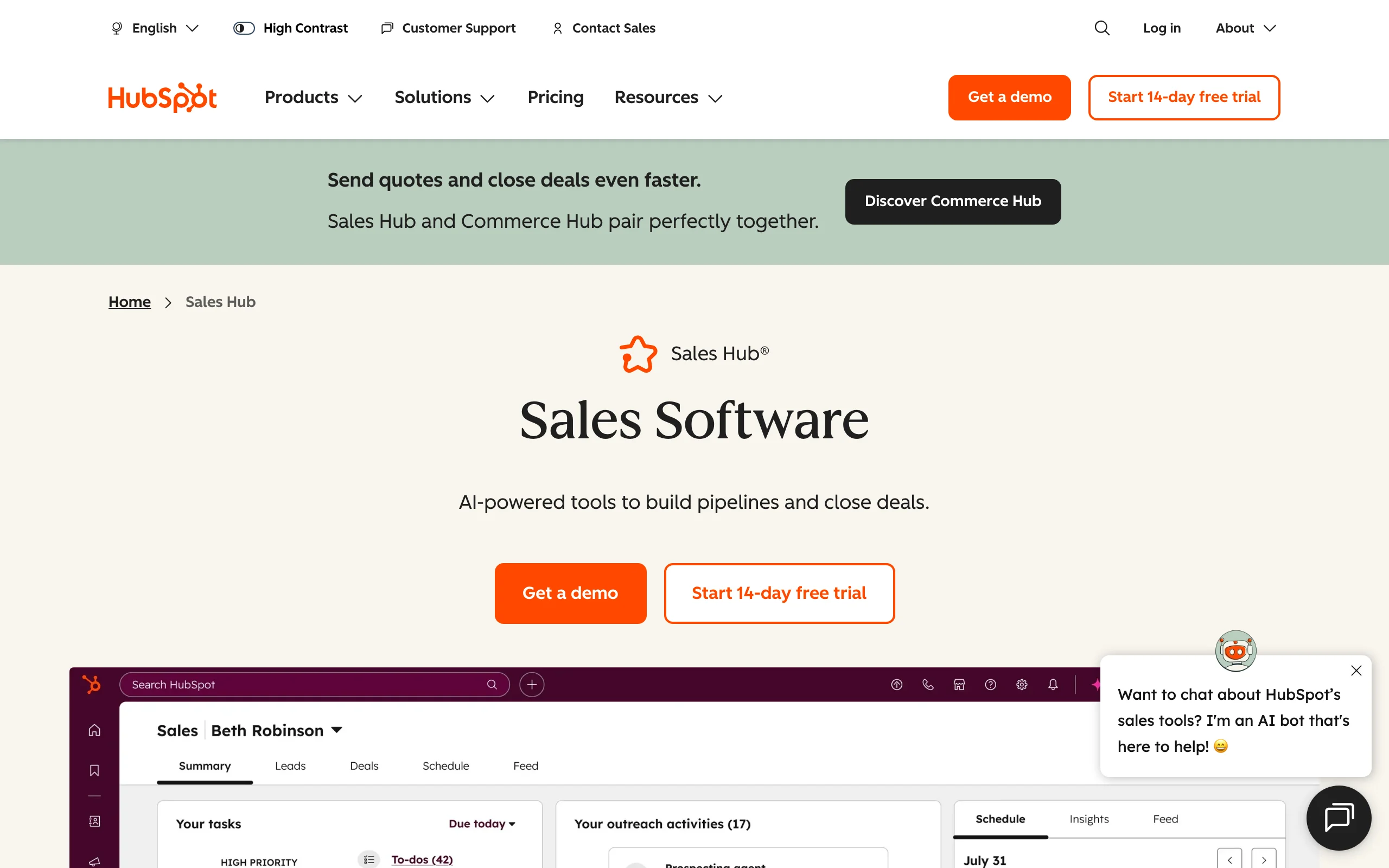
HubSpot's Sales Hub gives social sellers a CRM where LinkedIn engagement activity can be logged, tracked, and tied to deal progress. The LinkedIn Sales Navigator integration (available on higher tiers) surfaces Navigator data directly inside HubSpot contact records. Reps can see a contact's LinkedIn activity, log comments and DMs as touchpoints, and track social selling touches alongside calls and emails in one pipeline view.
The value is attribution. Social selling is hard to justify without data showing that LinkedIn engagement leads to conversations, which lead to meetings, which lead to pipeline. HubSpot gives social selling teams a place to log that chain and report on it. It doesn't replace a dedicated social selling tool; it's the system of record that makes social selling visible to the rest of the business.
Key features:
- Contact and company CRM with social selling activity logging
- LinkedIn Sales Navigator integration (Sales Hub Professional and above)
- Sequence builder for follow-up after LinkedIn engagement touchpoints
- Deal pipeline tracking with social touch attribution
- Reporting dashboards for social selling program ROI
Best for:
- Teams that want LinkedIn engagement logged alongside calls and emails in one CRM
- Sales managers reporting on social selling program contribution to pipeline
- Organizations already on HubSpot who want to add LinkedIn tracking without a new tool
Pricing:
- Free CRM: contact and deal management, no LinkedIn integration
- Sales Hub Starter: from $20/seat/month
- Sales Hub Professional: from $100/seat/month (LinkedIn Navigator integration)
- Enterprise: custom
Pros:
- Social selling activity becomes visible alongside the rest of the sales motion
- LinkedIn Navigator integration means reps don't switch tabs between tools
- Free CRM lowers the barrier to getting started
Cons:
- LinkedIn integration requires Professional tier ($100/seat/month minimum)
- HubSpot is a horizontal platform; social selling is not its primary design center
How to choose the best social selling tool for your needs
Start with what social selling actually requires
Social selling is a daily habit, not a campaign. The tools that work are the ones that fit into a rep's daily workflow without friction. Before evaluating software, answer two questions: Is your primary motion engagement-first (commenting, building familiarity before outreach) or content-first (posting to attract inbound interest)? And are you a solo seller or managing a program across a team?
Engagement-first reps need a prospect tracking layer and a comment/DM workflow tool. Extrovert covers that end-to-end. Content-first reps need a publishing tool with analytics; Taplio, Supergrow, or AuthoredUp handle that depending on how much AI assistance you want. Most serious social sellers end up using both motions, which typically means Extrovert for engagement plus a content tool for publishing.
Match tool depth to program maturity
Early-stage programs, one or two reps testing social selling for the first time, don't need enterprise tooling. Start with LinkedIn Sales Navigator (for signal alerts and list-building) and Extrovert (for the engagement workflow). Add Metricool once you have 60 days of data to analyze. Add content tools once you're posting consistently. Trigify, Sprout Social, and Mention make sense when you're running a full program across multiple reps and need coordination and reporting infrastructure.
A recurring observation in r/sales discussions about social selling: the reps who see results are the ones who pick two or three tools and use them every day, not the ones who stack a dozen tools and use none of them consistently. The LinkedIn SSI score rewards consistency (daily engagement, regular content, growing connections) more than any single campaign.
Weigh LinkedIn-native depth against cross-platform breadth
If your buyers live on LinkedIn, go deep on LinkedIn-native tools: Sales Navigator, Extrovert, Trigify, AuthoredUp. Add Metricool for cross-channel reporting. If your buyers are active across LinkedIn, Twitter/X, and industry forums, add a cross-platform listening layer: Mention for SMB budgets, Sprout Social for enterprise teams that need workflow management alongside listening.
Don't add cross-platform tools until you've maximized LinkedIn. That's where B2B buying decisions happen. Reps in r/b2bsaas threads consistently report that doubling down on LinkedIn engagement rather than spreading activity across multiple platforms drives better pipeline outcomes per hour of effort.
Think in 90-day cycles, not 2-week sprints
Social selling doesn't produce results in two weeks. The familiarity that makes outreach convert takes 30-90 days of consistent presence in your prospects' feeds. The tools in this list pay off most for sellers who commit to a 90-day minimum before evaluating results. For SDRs, the practical implication is monthly social selling reviews rather than weekly pipeline scrubs. Engagement activity from week one shows up as meeting requests in weeks eight through twelve.
FAQ
What is the best social selling tool for LinkedIn?
For engagement-led social selling on LinkedIn, the approach that actually builds pipeline, Extrovert is the purpose-built choice. It tracks your prospects, surfaces their posts, and suggests on-brand comments and DMs so you show up consistently without spending hours scrolling the feed. For reps who also need foundational data, job-change alerts, and CRM sync, LinkedIn Sales Navigator is the necessary infrastructure layer underneath it.
Is Extrovert a social selling tool?
Yes. Extrovert is built specifically for engagement-led social selling done right: you build familiarity through consistent, relevant engagement before you pitch. It automates the administrative overhead of tracking what your prospects are posting and drafting contextually relevant comments and DMs, while keeping you in the loop for every action. It's the operational tool for the "known before you pitch" approach that defines effective social selling. If you'd rather have the whole motion run for you, see done-for-you LinkedIn.
How do social selling tools differ from LinkedIn automation?
LinkedIn automation tools send connection requests and messages at volume with minimal human involvement: they run sequences while you sleep. Social selling tools assist a human-driven engagement process: they surface signals, suggest responses, and help you engage more consistently, but the human reviews and approves each action. The distinction matters practically: automation tools routinely trigger LinkedIn account restrictions; social selling tools that use a human-in-the-loop model carry meaningfully less account risk since nothing sends unattended. Extrovert, Engage AI, and Taplio fall into the social selling category. HeyReach and Expandi fall into automation.
Can social selling work without paid tools?
Yes, especially in the first 30-60 days. LinkedIn's free tier, disciplined daily commenting from a manually-maintained prospect list, and consistent posting can generate real pipeline with no tool cost. The case for paid tools becomes compelling when you're tracking 50+ prospects, when you need to know which posts are driving profile visits from your ICP, when you want AI help drafting comments faster, or when you need signal alerts rather than manual feed-monitoring. Start lean, add tools when a specific bottleneck becomes clear.
What does social selling actually cost in 2026?
A functional solo social selling stack runs $120-200/month: LinkedIn Sales Navigator Core ($80-100/month on annual), Extrovert ($49/month), and one content tool (Supergrow Starter at $19/month). Adding Metricool ($22/month) for analytics and Trigify (custom) for a more instrumented program lands in the $250-400/month range. Enterprise programs using Sprout Social and Brandwatch run significantly higher. Start at the lower end and scale spending with pipeline results, not optimism.