Quick compare
Prices checked
Best forSelected-prospect warm outreach
- Posts and DMs in one daily routine
- Free review-only collaborators
- No conditional email builder
Starting price$49/outreach seat/month10-day trial, no card
Start Free TrialBest forShared-sender campaigns
- Several senders in one campaign
- Shared LinkedIn reply inbox
- Bundle proxies cost extra
- Most steps need 3-hour delays
Starting price$79/sender/month14-day trial, no card
Read ReviewBest forMultichannel enrichment
- LinkedIn and email with enrichment
- Manual checks on Pro
- Custom sequences need Pro
- No advanced team permissions
Starting price€60/identity/month14-day trial, no card
Read ReviewBest forPrebuilt sequences
- Cloud execution
- Prebuilt campaign templates
- Email requires Business
- Inbox costs extra
Starting price£34/user/month14-day trial, card required
Read ReviewBest forConditional campaigns
- Unlimited campaigns on Pro
- Native HubSpot handoff
- Team controls need Advanced
- Inbox covers campaign leads
Starting price$79/user/month7-day trial, no card
Read ReviewLegacy lifetime-deal reviews
Best forAgency LinkedIn accounts
- Free invited teammates
- Multi-account outbound campaigns
- Multi-account is outbound-only
- Email uses a separate tool
Starting price$49/active sender/month14-day trial, no card
Read ReviewBest forBranching email sequences
- Unlimited connected mailboxes
- Conditional LinkedIn and email steps
- AI responder costs extra
- 100 warm-up slots/team
Starting price$100/seat/month7-day trial, card required
Read Review







On this page
Extrovert is our first choice among the best Expandi alternatives for sellers who want a relevant reason to contact prospects and keep conversations moving. It brings selected prospects' posts, comment drafts and context-based DMs into a daily routine. HeyReach, La Growth Machine, Waalaxy, Dripify, Aimfox and Skylead cover other switching needs, including multi-account campaigns and LinkedIn-and-email sequences. Choose the work you want to change, then compare the required plan, connected-account cost and controls.
Key takeaways
- Extrovert helps you build familiarity with selected prospects and follow up when their activity gives you a reason. It replaces the daily relationship routine, while conditional email campaigns need another tool.
- Check the plan that includes your actual workflow, not only the lowest advertised price. Email steps, inboxes, multiple campaigns and agency controls can change the cost.
- A paid sending account and a teammate who handles replies are different things. Count both needs before comparing a per-account subscription with a bundled agency offer.
- Campaign branches and context-based recommendations solve different problems. Decide which steps should run on a schedule and which messages need a fresh judgment about the relationship.
- Preserve active conversations and do-not-contact records before moving your lists. Pause overlapping campaigns so the same prospect does not receive competing follow-ups from two tools.
How we ranked these Expandi alternatives
We compared the work a buyer may want to replace: running outreach sequences, coordinating sending accounts, or deciding whom to contact and what to say. Extrovert ranks first for the selected-prospect routine, where relevant posts and conversation history shape the next action. The remaining tools cover multi-sender operations, multichannel campaigns, prebuilt sequences, tiered campaign capacity and agency account management.
Four concrete checks shape the comparison:
- Native channels: LinkedIn and email, including which plan provides each. Passing leads to an email integration is counted separately from sending email within the product.
- Conversation steps and controls: connection requests, messages and follow-ups, with campaign branches or review decisions stated explicitly.
- Account and campaign capacity: connected sending accounts, campaign limits, included prospect or enrichment allowances, and access for non-sending teammates.
- Monthly workflow cost: the month-to-month entry price and billing unit, plus the higher tier or add-on needed for the described job. Currencies remain separate rather than being treated as dollar equivalents.
The reviews and tables apply these checks across all seven products. Ratings retain their actual platform and review count; they are separate from the workflow criteria.
The best Expandi alternatives in 2026
Start with the part of your Expandi routine you want to change. An agency distributing a campaign across many accounts has a different buying decision from a seller trying to restart quiet conversations. Email requirements and custom campaign branches can also change the plan you need. Each review shows the workflow, price and important constraint before the comparison tables bring them together.
1. Extrovert, best for daily outreach to selected prospects
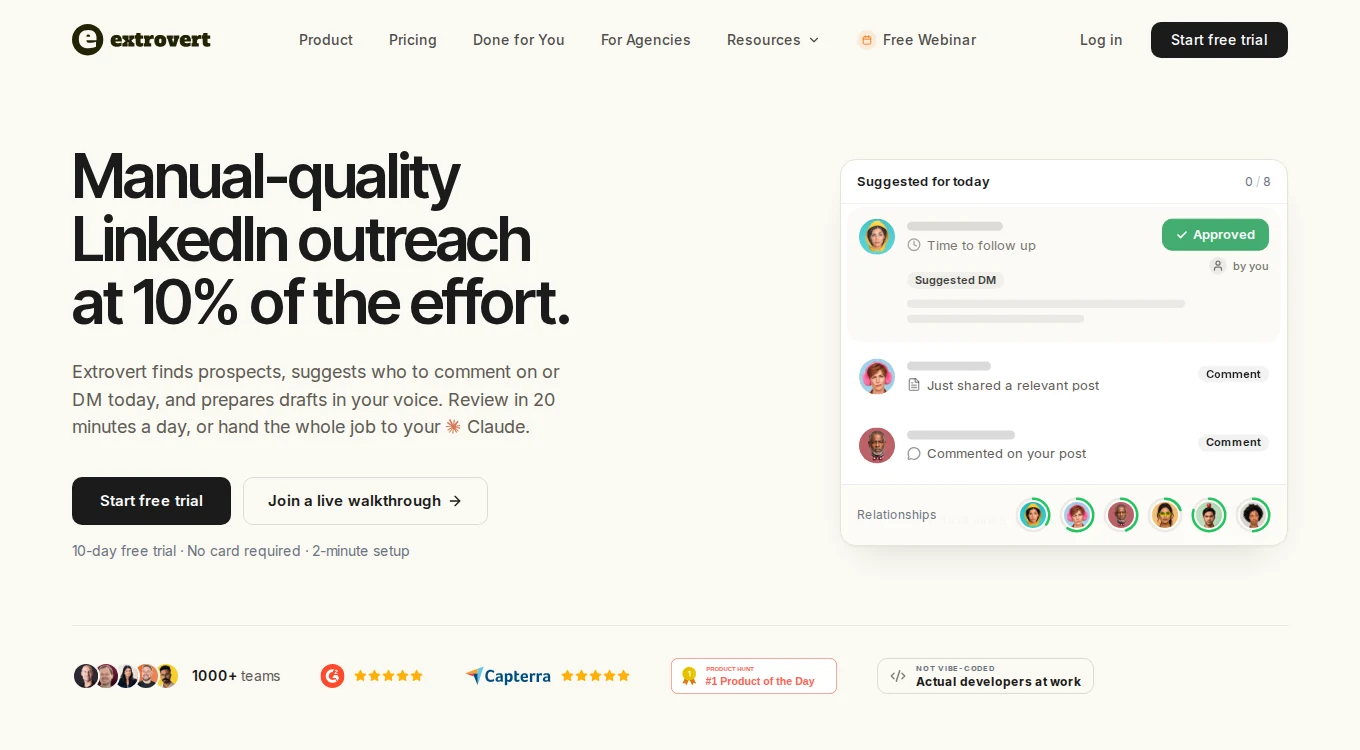
Extrovert helps you work a selected prospect list through posts, comments and context-based DMs.
Start by reading a prospect’s post and reviewing a relevant comment draft. Publishing comments builds familiarity and counts toward your configured warm-up. If enabled, Extrovert automatically sends a connection request once the prospect is ready; you choose the warm-up requirements.
After the connection is accepted and your warm-up and waiting period are complete, open DMs → Recommended. Extrovert suggests first outreach for connections you have not messaged, after checking the conversation history. You can review and edit the draft before sending. A new post does not trigger that first message.
For existing conversations, Extrovert uses message history and follow-up timing to suggest whom to contact again. Relevant posts can bring a follow-up forward and offer a reason to restart a quiet thread; unread replies keep conversations out of Recommended. Native DM recommendations do not send themselves. You can also authorize a connected AI assistant to send messages within your account permissions.
The trade-off is scope: Extrovert replaces prospect warm-up and conversation follow-through, rather than Expandi’s conditional LinkedIn/email builder.
Pricing starts at $49/month per paid outreach-account seat; an invited or created outreach account needs a paid seat even before connection. Review-only collaborators are free. Each seat adds 250 tracked prospects, one topic and 300 monthly discovery Credits to shared team pools. The trial lasts 10 days without a card. Product Hunt rates Extrovert 5.0/5 from 12 reviews.
For the comment-to-connection-to-DM steps, request the webinar slides by email. The warm-outreach replay walks through the routine with an AI assistant.
Best suited for: Sellers who want to stay close to selected prospects and make each approach relevant. Teams can share review work without buying outreach seats for review-only colleagues.
2. HeyReach, best for campaigns shared across LinkedIn senders
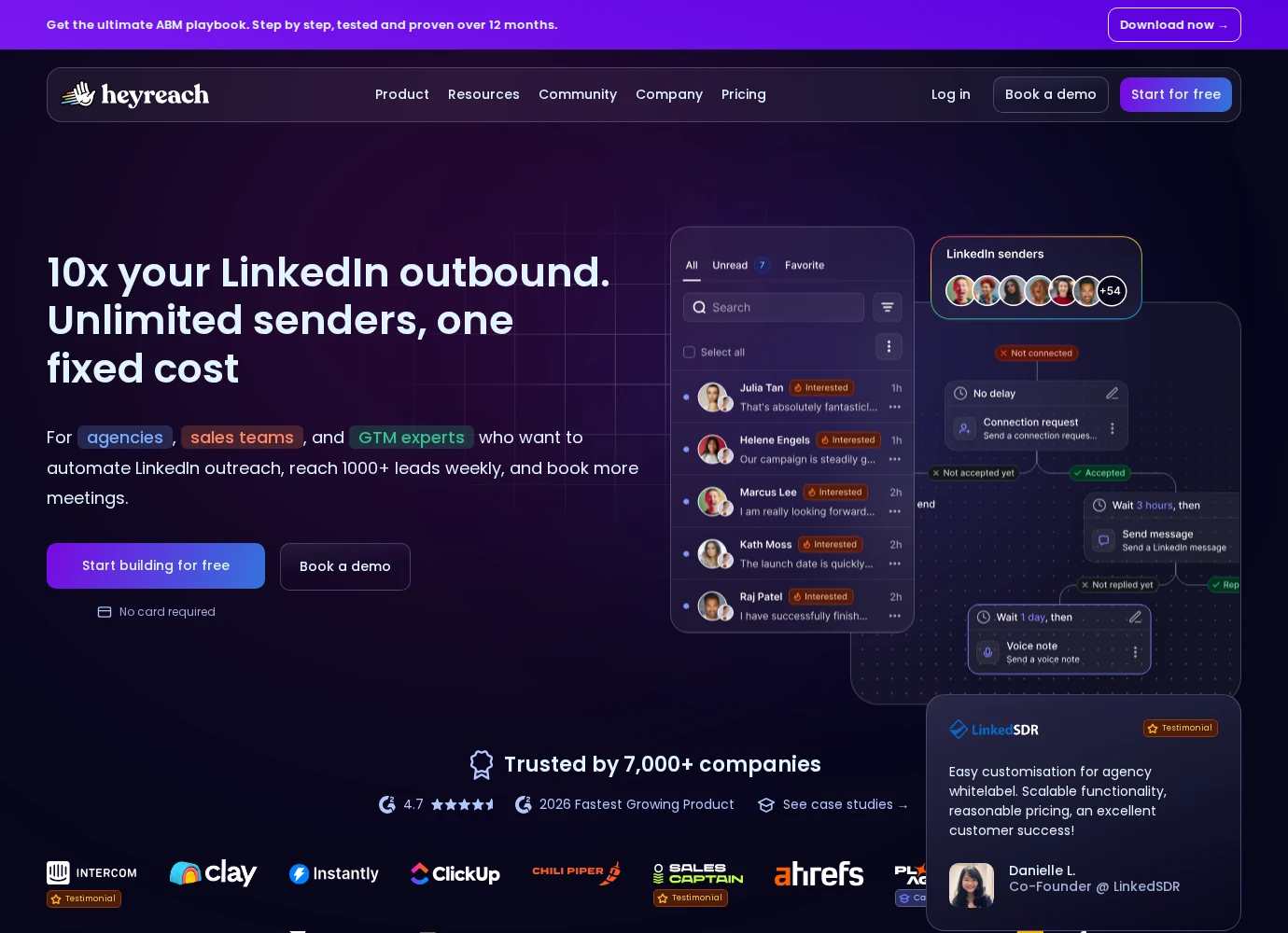
HeyReach distributes LinkedIn campaign work across connected sending accounts and brings their replies into one inbox. An agency can separate clients into workspaces while teammates handle replies on a sender's behalf. That replaces the coordination work around several accounts rather than treating each account as an isolated campaign.
Sequences include connection requests, messages, InMail, visits, follows and post reactions. Connected-status and Open Profile checks control branches; A/B variants let you compare message wording. Email steps pass people to Smartlead, Instantly or EmailBison, where the email sending happens. Keep those subscriptions in your budget if your Expandi campaigns use both channels.
Daily limits apply per sender across its campaigns. Most actions need a minimum three-hour delay, so check any workflow that relies on sending several short messages together. Exclusions and workspace blacklists help prevent repeat contact, but conversation-based exclusions depend on conversations recorded in HeyReach's inbox.
Growth starts at $79 per connected sender/month, with free invited teammates, clients and VAs. Agency costs $999/month for 25 senders or $1,399 for 50. Unlimited costs $2,999/month with a 300-sender fair-use cap; higher capacity requires a discussion. Agency and Unlimited require your own proxies, adding another cost beyond the bundle. The standard no-card trial lasts 14 days and connects up to three accounts.
Trustpilot rates HeyReach 4.1/5 from 52 reviews. InMail and Open Profile checks require Sales Navigator, so include that license where those steps matter.
Best suited for: Agencies and sales teams sharing a LinkedIn campaign across multiple sending accounts. Test reply ownership, workspace exclusions and action timing before moving active campaigns.
3. La Growth Machine, best for multichannel campaigns with enrichment
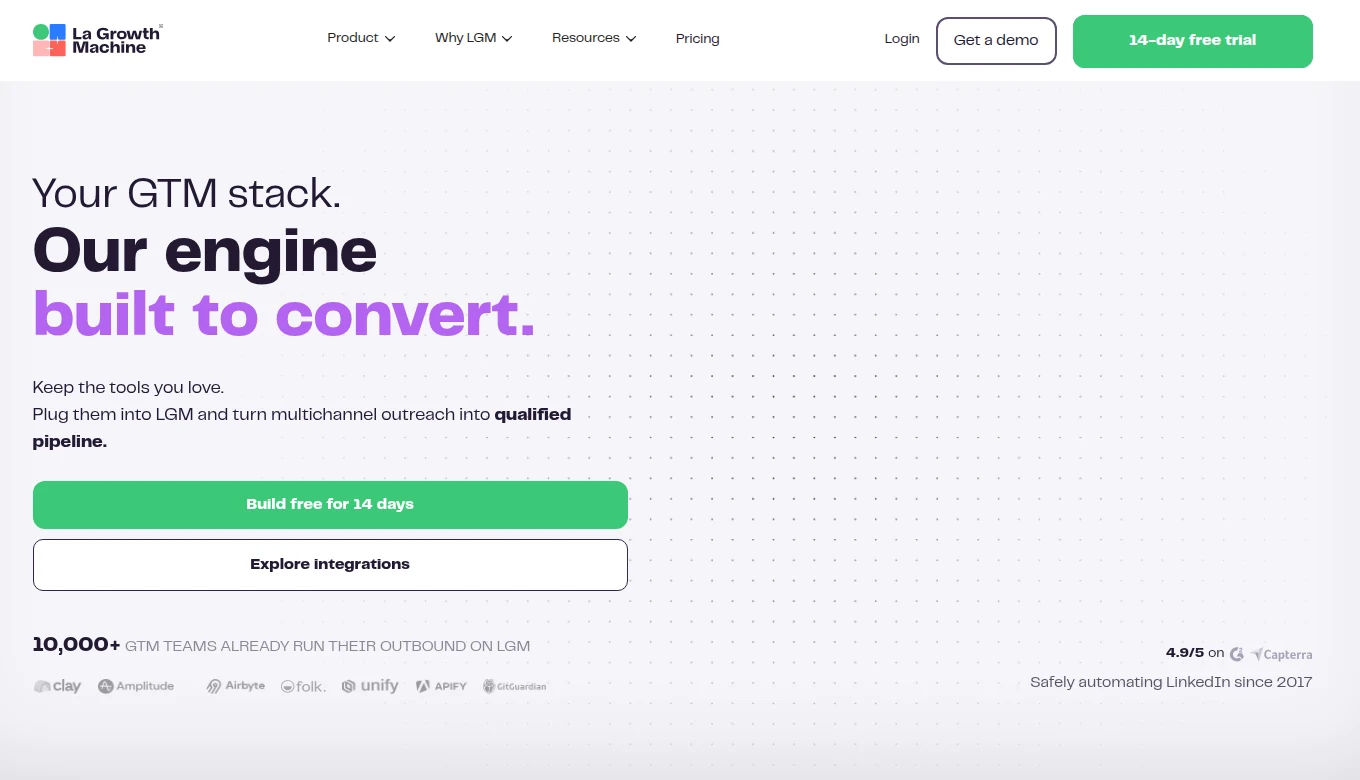
La Growth Machine combines LinkedIn and email sequences with lead enrichment. One sending identity connects a LinkedIn account and its email account or accounts. Collaborators can prepare campaigns and handle replies without each becoming another paid identity, making the identity count the starting point for your budget.
Basic includes template sequences, one sending mailbox and three running campaigns. Pro adds custom workflows, A/B testing, manual review checks, call tasks and a unified LinkedIn/email inbox. Ultimate adds X outreach and native HubSpot/Pipedrive synchronization. A call step creates a task with a script; it is not an automatic dialer. Mailbox warm-up needs a separate tool.
Monthly billing is €60 per identity for Basic, €120 for Pro and €180 for Ultimate. Annual monthly equivalents are €50, €100 and €150, with the yearly commitment. Basic, Pro and Ultimate advertise 250, 400 and 1,000 enriched leads per month. Those allowances are separate from the number of leads you store. Pro supports five sending mailboxes and six running campaigns; Ultimate supports ten mailboxes and unlimited campaigns.
Campaigns run in the cloud with sending schedules and account activity caps, and stop on a reply across channels. Pro's manual checks hold a lead for review before continuing. Team members can access the workspace's campaigns, leads and settings, so check that access model before bringing multiple clients together.
Trustpilot rates La Growth Machine 4.4/5 from 37 reviews. The 14-day no-card trial includes one identity but excludes custom sequences unless support arranges access.
Best suited for: Teams combining LinkedIn and email outreach with enrichment in the same campaign workflow. Price the plan that includes your required builder, inbox and CRM features rather than assuming Basic covers every Expandi sequence.
4. Waalaxy, best for ready-made LinkedIn outreach sequences
Waalaxy runs prebuilt outreach sequences in the cloud. Its former campaign-running Chrome extension has been removed; the optional Alien Copilot extension helps with imports instead. You can import a LinkedIn search URL, select a sequence and let follow-ups run within the configured schedule.
That template-first approach makes the sequence choice important when replacing Expandi. List your required actions and branches before choosing a template, especially if the old campaign has custom logic. Waalaxy's Product Hunt reviewers have asked for more workflow customization. Check the current templates against your own campaign rather than assuming an export will recreate it.
With monthly billing in GBP, Pro costs £34 per user, Advanced £69 and Business £104. One license covers one LinkedIn account. All paid plans include unlimited campaigns, but action allowances remain per person across those campaigns. Pro advertises 300 invitations per month; Advanced and Business advertise 800. Working hours, queue order and daily caps also affect when actions run.
LinkedIn-and-email sequences require Business, which includes 500 Email Finder credits per month. Pro and Advanced include 25 finder credits but do not unlock email sequences. Advanced adds API and automation-platform integrations. The LinkedIn Inbox is a separate add-on on every plan, so include it if reply management is part of the replacement.
Product Hunt rates Waalaxy 4.3/5 from seven reviews. A 14-day trial is offered with a card and automatic paid conversion unless canceled; confirm the selected plan and billing term during registration.
Best suited for: Sellers who want to run an existing sequence template for LinkedIn prospecting and follow-ups. Compare Business plus any Inbox cost when replacing an Expandi workflow that includes email and centralized replies.
5. Dripify, best for conditional campaigns with tiered team controls
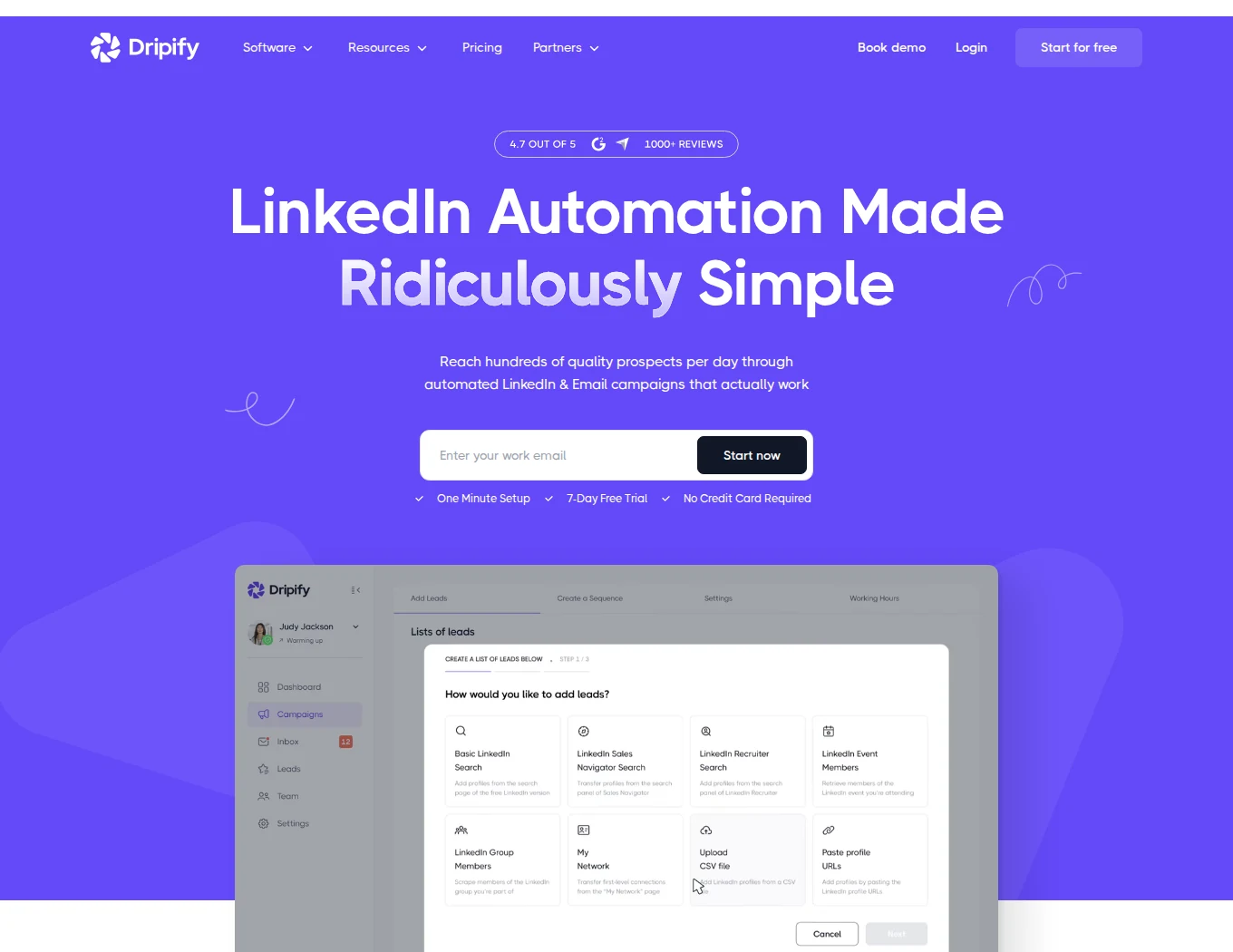
Dripify runs cloud campaigns built from actions, delays and conditions. LinkedIn steps and email sending can sit in the same sequence, with connection requests, messages, profile activity and email finding available along the way. It covers a direct Expandi replacement job when the main requirement is scheduled, conditional outreach. For a head-to-head look, see Dripify vs Expandi.
The current entry plan is Pro at $79 per user/month with monthly billing, or $59 per month when billed annually. Advanced costs $99 monthly or $79 on annual billing. One seat connects one LinkedIn account. Pro includes unlimited campaigns, a dedicated inbox, analytics, exports, HubSpot integration, webhooks and API/MCP access. Advanced adds team management, cross-account access, duplicate-outreach prevention, activity control and A/B testing.
Both paid plans include 100 email-finder/verification credits per month. Those credits pay for successful email discovery or verification, not for messages sent. Extra credit packs cost more, and the included credits do not roll over. Sending volumes and working hours can be configured separately.
The inbox needs a careful check before moving replies. It covers campaign-lead LinkedIn conversations rather than every LinkedIn thread, and automatic sync runs every 30–40 minutes. Replying through Dripify pauses that lead; replying directly on LinkedIn does not automatically pause the sequence. Its HubSpot connection sends campaign data into HubSpot rather than providing unrestricted two-way synchronization.
G2 rates Dripify 4.5/5 from 354 reviews. The seven-day trial includes Advanced features, requires no card and does not charge automatically.
Best suited for: Sellers replacing conditional LinkedIn-and-email sequences who want several campaigns under one account subscription. Teams should compare Advanced's permissions and duplicate controls, then test how their reply routine pauses outreach.
6. Aimfox, best for LinkedIn campaigns across agency accounts
Aimfox combines LinkedIn outreach campaigns with a unified inbox. Outbound campaigns reach new people; inbound campaigns work with existing first-degree connections. You can bring in prospects from searches, post engagement, events, groups or a list. That gives an agency several ways to start campaigns without mixing every audience together.
Campaigns support two primary flows for A/B testing, delays, working days and hours, and a stop when a reply is detected. Multi-account outbound campaigns distribute targets across sending accounts. Once a sender starts an invitation or InMail conversation, that target stays with the sender. Inbound campaigns do not support multiple accounts, so the same operating model does not cover every campaign type.
The $49/month Outreach Seat pays for one LinkedIn account actively running campaigns. It does not charge for every invited teammate. Agency starts at $499/month for 20 seats, then $20 per additional seat, with white-label access and permissions across workspaces. The Outreach Seat trial lasts 14 days and requires no card.
Standard campaigns hold up to 1,000 targets; List/CRM campaigns hold 10,000. Account activity limits still apply across campaigns. EmailBison integration passes leads to a separate email tool rather than adding native email steps to Aimfox. Connection-request notes require Premium or Sales Navigator.
AppSumo gives Aimfox 4.0/5 from 59 reviews, covering its legacy lifetime-deal offer. Recent Trustpilot feedback requests clearer campaign analytics, a useful check during the trial.
Best suited for: Agencies coordinating LinkedIn outreach and replies across owned client accounts. Check sender assignment, inbox handling and campaign reporting against the way your team shares work.
7. Skylead, best for branching LinkedIn and email sequences
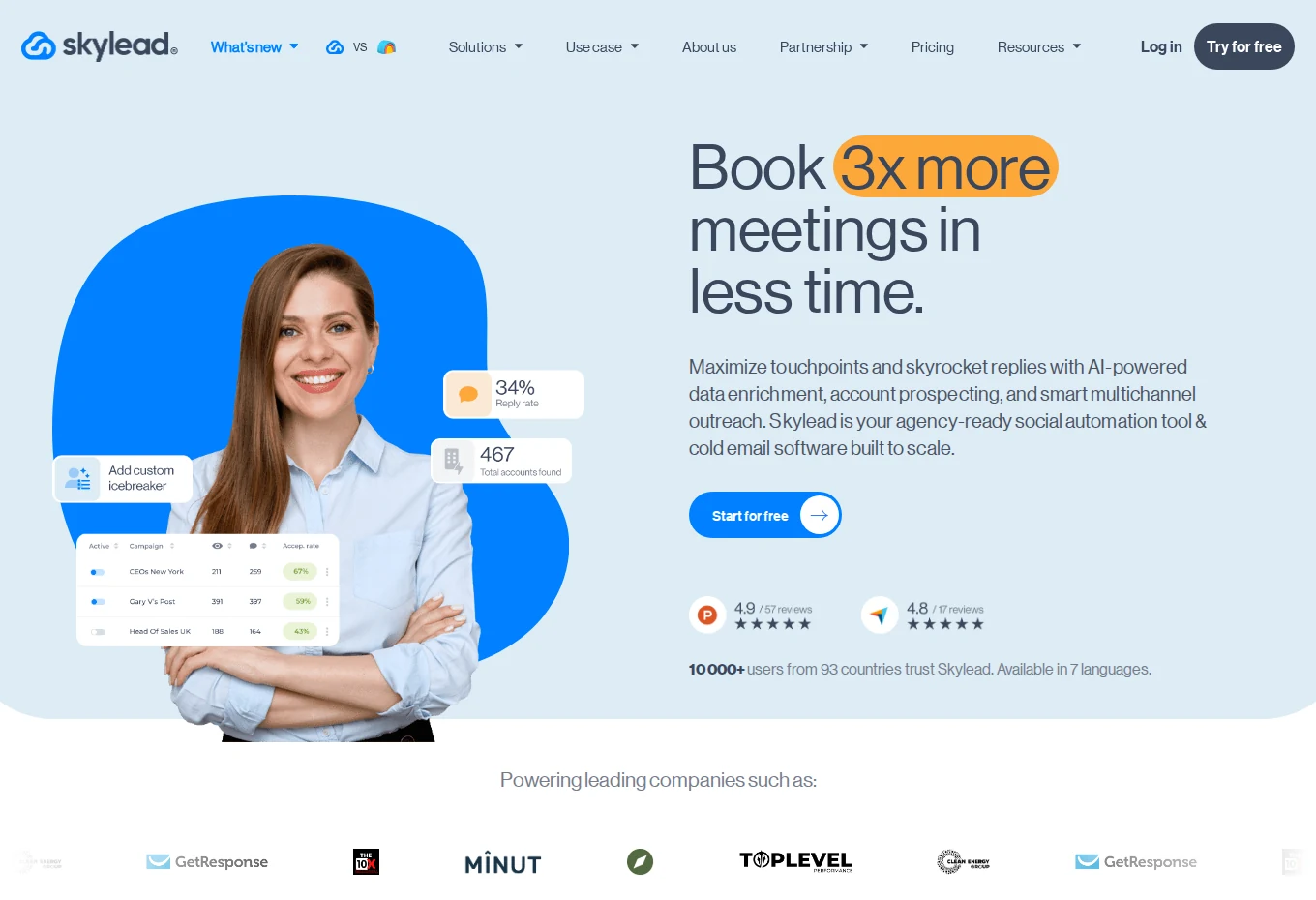
Skylead combines LinkedIn actions and email in Smart Sequences. A prospect can follow different paths after accepting a connection, opening an email or meeting another condition. You can find and verify an address within the sequence, then decide how to continue when an email or LinkedIn action is available.
Its All-in-one plan costs $100 per seat/month. It includes unlimited campaigns, unlimited connected email accounts, email finding and verification, A/B testing, a Smart Inbox, image/GIF personalization and API/webhooks. Email sending has a 100,000-message monthly limit. Unlimited connected mailboxes therefore does not mean unlimited email volume.
Daily LinkedIn action ranges are shared across active campaigns. You can set working hours and timezone, plus separate email-account limits and delays. Email health checks can pause sending. Although pricing calls warm-up infinite, the terms provide 100 email slots per team, with additional slots arranged through support. Check that allocation when connecting a large mailbox pool.
AI enrichment and AI SDR are paid add-ons. AI SDR can prepare replies for review or send automatically under its settings, so include its credit usage and intended permissions in the comparison. Do not assume the basic seat includes an unlimited AI responder.
The seven-day trial requests a card and starts charging afterward unless canceled. Agency pricing advertises $999/month for 25 seats or $1,999 for unlimited seats as a first-year promotion. Trustpilot rates Skylead 2.9/5 from two reviews.
Best suited for: Teams rebuilding LinkedIn-and-email campaigns whose next step depends on prospect behavior. Compare mailbox limits, paid AI usage and post-promotion terms before transferring the account budget.
Side-by-side comparison
Compare native channels, the next action each workflow controls, account or campaign capacity, and the monthly plan needed. Prices retain their original currencies; annual discounts and first-year agency promotions are not treated as month-to-month entry prices.
| Tool | Channels and next action | Capacity and control | Monthly starting price | Important workflow cost or limit |
|---|---|---|---|---|
| Extrovert | LinkedIn posts, comments and context-based DMs | 250 tracked prospects, 1 topic, 300 discovery Credits per paid outreach seat; review and optional comment/connection automation | $49 per outreach seat | Free review-only collaborators; separate email sequencing tool needed |
| HeyReach | LinkedIn sequences across senders; external email handoffs | Shared per-sender limits; workspaces and unified LinkedIn inbox | $79 per sender | Agency $999/25 senders; own proxies on bundles; Unlimited fair-use cap 300 |
| La Growth Machine | LinkedIn/email; Pro adds call tasks, Ultimate adds X | Basic: 3 running campaigns, 1 mailbox, 250 enriched leads/month | €60 per identity | Custom sequences and unified inbox on Pro, €120/identity; trial excludes custom sequences |
| Waalaxy | Prebuilt LinkedIn sequences; email on Business | Unlimited campaigns; 300 invitations/month on Pro, 800 on higher tiers | £34 per user | Business £104/month for email; Inbox add-on on every tier |
| Dripify | Conditional LinkedIn/email campaigns | Pro: unlimited campaigns, 100 email-finder credits/month, campaign-lead LinkedIn inbox | $79 per user | Advanced $99/month for team management, duplicate prevention and A/B testing |
| Aimfox | LinkedIn outbound and existing-connection campaigns; external email integration | 1,000 targets/campaign, 10,000 for List/CRM; sender-locked outbound conversations | $49 per active sender seat | Agency $499/20 seats; inbound campaigns do not support multiple senders |
| Skylead | Conditional LinkedIn/email sequences | Unlimited campaigns/mailboxes; 100,000 emails/month; shared account limits | $100 per seat | AI enrichment/AI SDR add-ons; 100 warm-up email slots/team |
Which Expandi alternative fits your use case
| Your situation | Product to evaluate | What the trial should establish | Plan or capacity check |
|---|---|---|---|
| You need a relevant reason to contact selected buyers and return to quiet threads | Extrovert | Posts, draft quality and suggested DMs support a routine you can keep up | Paid outreach accounts versus free reviewers; tracked prospects and discovery Credits |
| Several accounts should share one LinkedIn campaign | HeyReach | Sender distribution, reply ownership and client workspaces fit your operation | Actual sender count, bundle utilization and proxy costs |
| LinkedIn and email should branch within a campaign with enrichment | La Growth Machine | Required custom branches and reply stops match your current sequence | Pro for custom workflows; identity, mailbox and enrichment allowances |
| A ready-made sequence covers your prospecting process | Waalaxy | The template has the actions and follow-up paths you need | Business for email; separate Inbox cost |
| You need conditional campaigns and central team controls | Dripify | Campaign replies pause correctly under your team's reply routine | Advanced for team controls and duplicate prevention |
| Agency staff share LinkedIn account campaigns and inbox work | Aimfox | Sender assignment and reporting suit the client's campaign types | Paid active senders; multi-account support is outbound-only |
| You need conditional sequences with a large connected-mailbox pool | Skylead | Branches, mailbox health checks and reply settings work together | Email volume, warm-up slots, AI credits and agency renewal terms |
Expandi's baseline before you switch
Expandi Business costs $99 per seat/month with monthly billing. Its $79 monthly equivalent requires annual billing upfront. One seat serves one LinkedIn account at a time; disconnecting an account does not cancel its paid seat. Agency pricing is custom for 10 or more seats and white-label needs.
The cloud platform combines LinkedIn and email through an If/Action campaign builder. It includes unlimited campaigns, scheduling, campaign priorities, warm-up, blacklists and duplicate prevention. A reply pauses the lead so the operator can decide what happens next. Image/GIF personalization and video integration can add charges.
The seven-day trial requires billing details and charges the selected subscription afterward unless canceled. Use this baseline to compare the replacement's whole workflow, not only the first price on its pricing page.
What to keep when moving from Expandi
Before connecting the replacement, inventory the work your current campaigns perform. Preserve useful lists and context rather than enrolling every exported contact in a new sequence.
- Campaign logic: record email steps, connection requests, delays, reply stops and important conditions. Confirm that a prebuilt sequence can handle the branches you need.
- People and replies: retain do-not-contact records and identify who owns active conversations. A person who already replied needs a different next step from someone who never saw the first message.
- Integrations: check imports, exports and exact CRM field mapping. An API or webhook does not automatically provide the two-way synchronization you use today.
- Account activity: pause overlapping campaigns and coordinate limits before switching on the replacement. Keep active conversations out of competing follow-up flows.
For the detailed two-product choice, read Expandi vs Extrovert. The SDR workflow, account-executive workflow and agency setup explain how to keep engagement and follow-up organized for each role.
What results look like
The useful question is whether a new routine helps you start and continue relevant conversations. These published customer stories show different ways to do that.
- Allbound OS: founder Can Timağur reports connection acceptance rising from 15% to 32% in his Extrovert-and-GetSales workflow. He uses Extrovert for comment warm-up and nurture, with GetSales handling connection steps and outreach sequences. He also reports reducing daily DM reply time from 45 minutes to 10 with Extrovert-assisted replies.
- Unstuck: in his December 2025 comment-to-DM example, founder Sabahudin Murtić reported eight replies and two booked calls from 12 messages. He reviews comments and uses the prospect's content to shape the next DM, then keeps up with follow-ups through Extrovert and Claude Code. His wider setup also passed prospects with at least three comments to HeyReach to begin outreach.
- Starter Stack AI: Mark Dusseau described spending 15–20 minutes a day with around 40 target accounts in his July 2026 interview. The small list helps him keep up with customer priorities and relevant conversations while running the business.
Explore the customer case studies for the full workflows and each customer's reported results.
FAQ
What should an Expandi replacement cover?
List the channels, campaign conditions and reply-handling steps you use today. Then decide whether you want to reproduce those sequences or change how you engage selected prospects and choose the next message.
How does Extrovert differ from an Expandi sequence builder?
Extrovert organizes prospect posts, comments, connection warm-up and recommended DMs around the relationship. It helps you review the next conversation step rather than recreating a conditional LinkedIn-and-email builder.
What do the monthly prices include?
Expandi Business costs $99 per seat/month, while Extrovert starts at $49 per outreach seat/month with tracking and discovery allowances. Compare the plan needed for your actual campaign, including email, inbox access, extra sending accounts and paid add-ons.
How do Extrovert's tracking and discovery allowances work?
Each paid seat adds 250 tracked prospects, one topic and 300 monthly discovery Credits to shared team capacity. Lead Finder uses one Credit per processed record, including duplicates or invalid records; Intent Signals uses 25–250 Credits per prospect depending on the signal.
How can I keep control of LinkedIn activity in Extrovert?
Extrovert keeps activity within your daily limits and follows your working hours. It spaces out actions, and anything over the limit waits for the next day. You choose what to review and what to automate.
What happens before Extrovert sends a DM?
Native DM recommendations give you a draft to review, edit, send or skip; they do not send themselves. Optional automatic comments and connection requests have separate settings, and you can authorize a connected AI assistant to send DMs within your account permissions.
How should I move active conversations from Expandi?
Preserve conversation ownership, replies and do-not-contact records before importing lists. Pause overlapping campaigns, then test the replacement's reply stops and follow-up behavior with a small group before expanding.
Try Extrovert with your prospect list
Start with the people you want to build a conversation with. Bring their posts into a focused campaign. Review a comment that fits what they are discussing. Set the warm-up and connection steps you want to use. Open recommended DMs to review the next outreach or follow-up. Use the ten-day, no-card trial to see whether the routine fits your work.