Quick compare
Prices checked
Best forWarm LinkedIn-first outreach
- Comments before you connect
- Auto first DMs and follow-ups stop on reply
- No email or calls
Starting price$49/LinkedIn account/month10-day trial, no card
Start Free Trial8.3/10TrustRadius · 23 ratings
Combined reviews and ratings
Best forEmail, LinkedIn and calls in one sequence
- Email, LinkedIn, calls and SMS
- Email-only plan has unlimited users
- LinkedIn needs the Multichannel plan
Starting price$109/user/month Multichannel14-day trial, no card
Read ReviewBest forLinkedIn and email priced per sender
- LinkedIn and email on every plan
- Teammates who don't send are free
- Basic allows 3 active campaigns
Starting price€60/sender/month14-day trial, no card
Read ReviewBest forAgencies running many LinkedIn senders
- One inbox for every sender
- Flat agency price for 25 senders
- Email needs a separate tool
Starting price$79/sender/monthFree trial, no card
Read ReviewBest forContact data plus email sequences
- Large contact database
- Free plan to start
- LinkedIn steps are manual tasks
Starting price$65/seat/month BasicFree plan; 14-day paid-plan trial
Read ReviewBest forCheap high-volume cold email
- Unlimited mailboxes and warm-up
- Priced per workspace, not per user
- No native LinkedIn steps
Starting price$47/workspace/month14-day trial, no card
Read Review






On this page
Extrovert is our first pick among Reply.io alternatives if your buyers are on LinkedIn. It helps you comment on their posts before you connect, then sends the first DM and follow-ups for you and stops the moment someone replies. If email is your main channel, lemlist and La Growth Machine run email and LinkedIn sequences, and Instantly sends cold email in volume. HeyReach suits agencies with many LinkedIn senders, and Apollo.io suits teams that need contact data.
Key takeaways
- Extrovert fits teams that sell on LinkedIn and want prospects to know them before the first message. You comment on a prospect's posts before you connect, then first DMs and follow-ups can go out on Auto. A reply always comes back to you.
- Reply.io is an email-first sequencer. On the Email Volume plan, LinkedIn is a $69 add-on per account, so check which channel you really use before you pick a replacement.
- lemlist is the closest like-for-like swap. Its Multichannel plan runs email, LinkedIn, calls and SMS in one sequence, at $109 per user a month.
- Price units differ a lot. Some tools charge per user, some per LinkedIn sender and some per workspace, so compare the cost for your real team size.
- HeyReach and Instantly each cover one channel. HeyReach sends on LinkedIn and connects to an email tool, while Instantly sends email and connects to a LinkedIn tool, so you may pay for two subscriptions.
Reply.io sells email sequences priced by active contacts, from $59 a month on monthly billing. Its Multichannel plan adds one LinkedIn account, calls and SMS for $99 per user a month. G2 reviewers most often tag its learning curve, and some Trustpilot reviewers say sequences ignored their send times or kept running for contacts marked as finished. If you're weighing a sequencer against a lighter LinkedIn routine, our webinar LinkedIn automation that doesn't feel automated shows both side by side.

How we ranked these Reply.io alternatives
We looked at what each tool does for a team leaving Reply.io and what you pay to get it. Extrovert ranks first because it's the only tool here that posts comments on prospects' posts before you connect, and it hands every reply back to you. The rest follow by how much of Reply's email and LinkedIn work they cover.
- Channels the tool sends itself: LinkedIn, email, calls and SMS. An integration with another sender counts separately from built-in sending.
- LinkedIn steps it automates: connection requests, messages, follow-ups and engagement with posts. Manual reminder tasks are noted as manual.
- Control over what goes out: what runs on its own, what waits for your review, and what happens when a prospect replies.
- Monthly price and billing unit: the cheapest plan that covers the reviewed workflow, per user, LinkedIn account or workspace, on monthly billing.
- Trial terms: trial length, whether a card is needed, and what the trial leaves out.
The best Reply.io alternatives in 2026
Each tool below replaces a different part of Reply.io. Start with Extrovert if most of your pipeline comes from LinkedIn. Look at lemlist and La Growth Machine if you want to keep email and LinkedIn in one sequence. Use HeyReach, Apollo.io or Instantly when you only need one piece of the job.
1. Extrovert, best for LinkedIn-first teams that comment before they message
Reply.io adds LinkedIn steps to an email sequence. Extrovert starts on LinkedIn, with your prospects' own posts, so people know your name before your first message.
You pick the prospects. Extrovert follows their posts and drafts comments in your voice, so you show up in their feed before you ask to connect. You review each comment or let a campaign post them. After the comments, Extrovert sends the connection request.
The first DM goes out a few days after they accept. The first DM and the follow-ups each run on Auto or Manual. On Auto, Extrovert writes the message in your saved writing style (Voice) and sends it from your account. On Manual, each message waits for your review. By default, follow-ups go out 3, 7, 14 and 30 days apart, and you choose how many to send, from 1 to 5 or no limit. Activity stays within your daily limits and working hours.
When a prospect replies, Auto stops and the conversation moves to your Needs reply inbox. Auto never answers replies, so that part stays with you. If the AI isn't sure what to write next, it holds the message for your review and tells you why.
Extrovert costs $49 per LinkedIn account a month. The trial lasts 10 days and needs no card. On Product Hunt, it has 5.0/5 from 12 reviews. It has no email or calls, and connection requests go out without a note. Keep an email tool if cold email is part of the plan. Here is how Auto DM compares to a sequencer.
Best suited for
It suits founders and sales teams who sell mainly on LinkedIn and want buyers to know their name before the first DM. It also fits teams leaving Reply.io that can run cold email in a separate tool or drop it.
2. lemlist, best for email, LinkedIn and calls in one sequence
lemlist is the closest match to Reply.io's Multichannel plan. One sequence can mix email, LinkedIn steps, calls and SMS, and WhatsApp is a paid add-on. On LinkedIn it can visit profiles, send connection requests with a note of up to 200 characters, send text and voice messages, send InMail from a Premium account, like the last post and endorse skills.
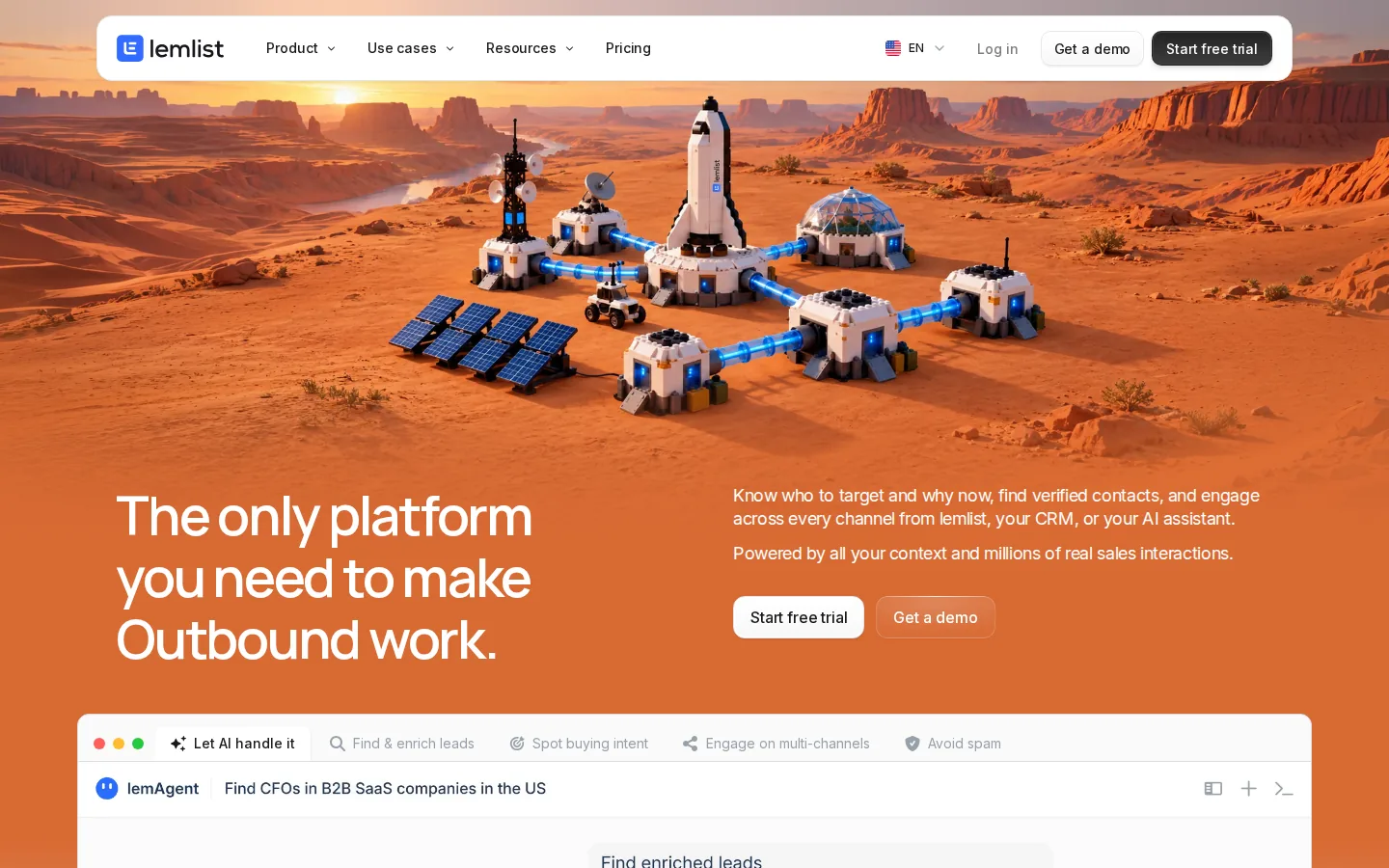
lemlist says real comments can't be automated, so it gives you a reminder task to comment yourself. lemAgent can build a campaign from a chat, and AI icebreakers draw on a lead's LinkedIn bio. The lead database lists 650M+ contacts, and extra data costs $20 a month for 2,000 credits.
Pricing has two paths. The Email plan costs $69 a month, or $55 billed yearly, for 50,000 emails with unlimited users and senders. LinkedIn steps need Multichannel at $109 per user a month, or $87 billed yearly. That is $10 more than Reply.io Multichannel on monthly billing. The 14-day trial needs no card and includes Multichannel features except in-app calls.
TrustRadius shows 8.3/10 from 23 reviews and ratings. On G2, reviewers most often tag price and a learning curve, and several say the interface feels crowded.
Best suited for
Sales teams that want one tool to run email, LinkedIn and calls together, much like Reply.io. It also suits email-heavy teams, because the Email plan has no per-user fee.
3. La Growth Machine, best for LinkedIn and email priced per sender
La Growth Machine (LGM) runs LinkedIn and email in the same sequence on every plan. You pay per "identity", which is one sender: one LinkedIn account plus its email inboxes. Teammates who only read or manage campaigns are free.
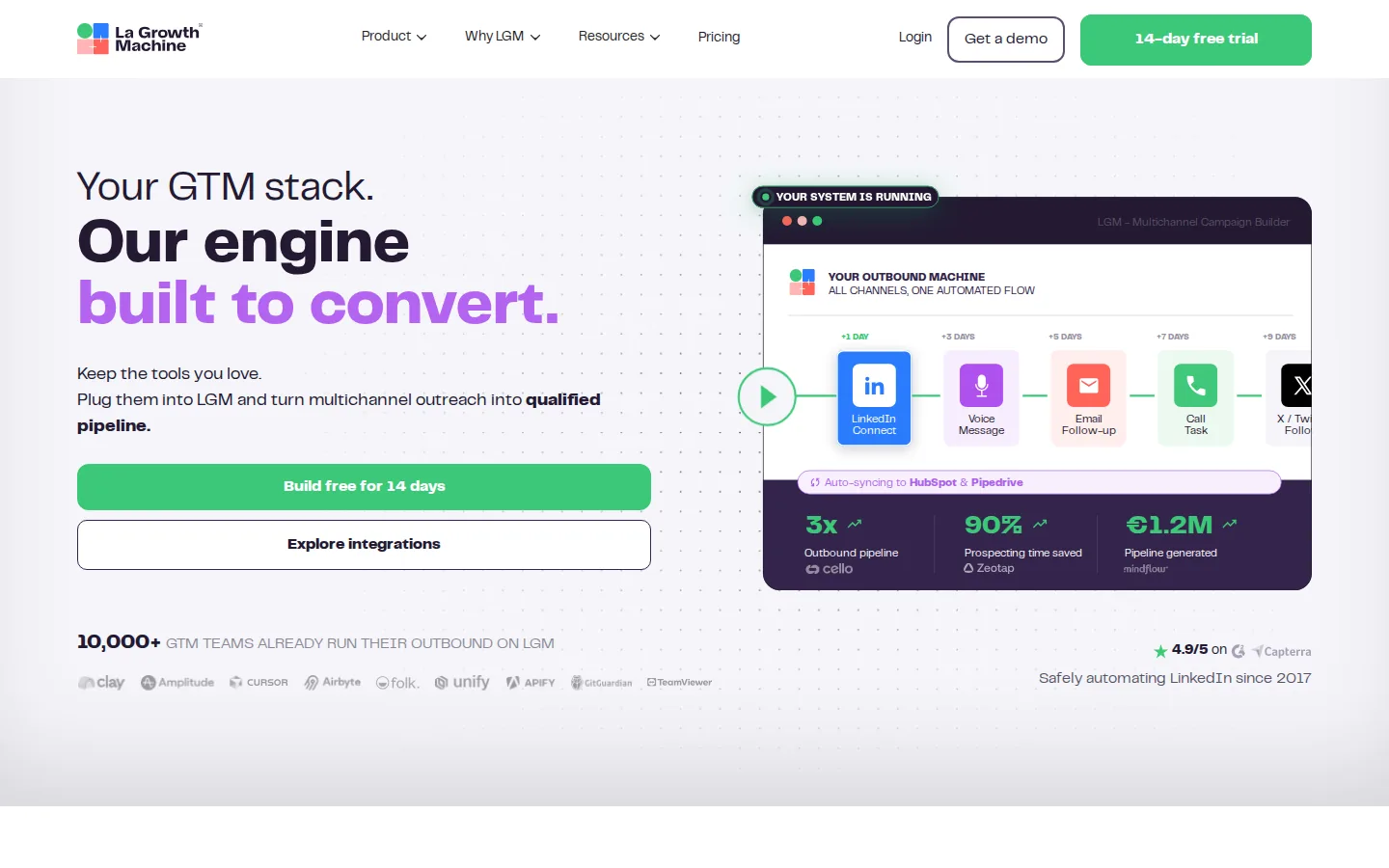
On LinkedIn, LGM can visit a profile, send a connection request with an optional note, message and send voice notes to first-degree connections, like a recent post and follow. Pro adds Social Warming, which visits, follows and likes posts before your first message. It doesn't comment on posts. AI writes messages and invite notes in ten tones.
Basic costs €60 per identity a month, or €50 billed yearly, plus VAT. It allows up to 3 identities, one inbox each and 3 active campaigns, with 1,250 data credits a month (about 250 emails). Pro costs €120 a month, or €100 yearly, with unlimited identities, five inboxes each and the shared inbox. Billing is in euros. The 14-day trial needs no card, but it only lets you use ready-made sequence templates.
Trustpilot shows 4.4/5 from 36 reviews. Negative reviews mention bugs, slow support and campaigns that sent fewer messages than the daily limit.
Best suited for
Small teams and agencies that want LinkedIn and email in one sequence at a lower price per sender than Reply.io Multichannel. It fits best when only a few people send and the rest of the team just watches results.
4. HeyReach, best for agencies running many LinkedIn senders
HeyReach is built for LinkedIn only. It runs campaigns across many LinkedIn accounts and puts every sender's replies in one inbox. Email goes through integrations with Instantly, Smartlead or EmailBison, which you pay for separately. So a Reply.io user moving here usually keeps an email tool too.
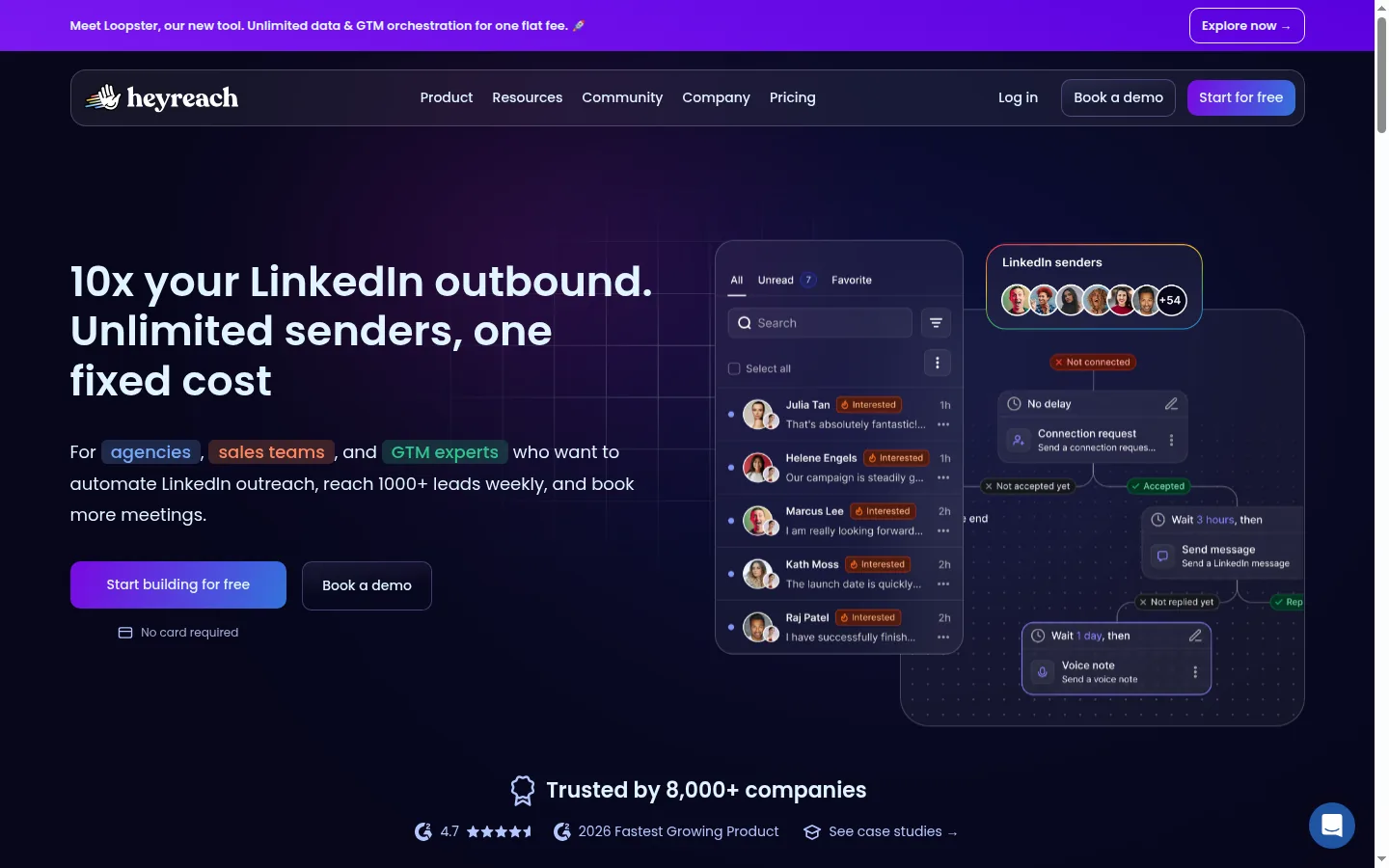
Campaign steps include connection requests with an optional note, messages and follow-ups, InMail, profile views, follows, post likes and voice notes. A "Find email" step looks up an address from the profile. There's no step for commenting on posts. Separate workspaces keep each client's data apart.
Growth costs $79 per sender a month, or $64 billed yearly. From 10 senders the price drops to $59 each. Agency costs $999 a month for 25 senders with white label, and you bring your own proxies. Unlimited costs $2,999 a month. HeyReach offers a free trial with no card.
Trustpilot shows 4.1/5 from 52 reviews. The most common complaint there is slow support, and some G2 reviewers wish it sent email itself.
Best suited for
Agencies and outbound teams that run many LinkedIn accounts and want one inbox and one bill for all of them. Pair it with your own cold email tool if email is part of the plan.
5. Apollo.io, best for contact data plus email sequences
Apollo.io is mainly a contact database with email sequences on top. It lists 240M+ contacts and 30M+ companies. Its Chrome extension shows emails and phone numbers on a LinkedIn profile.
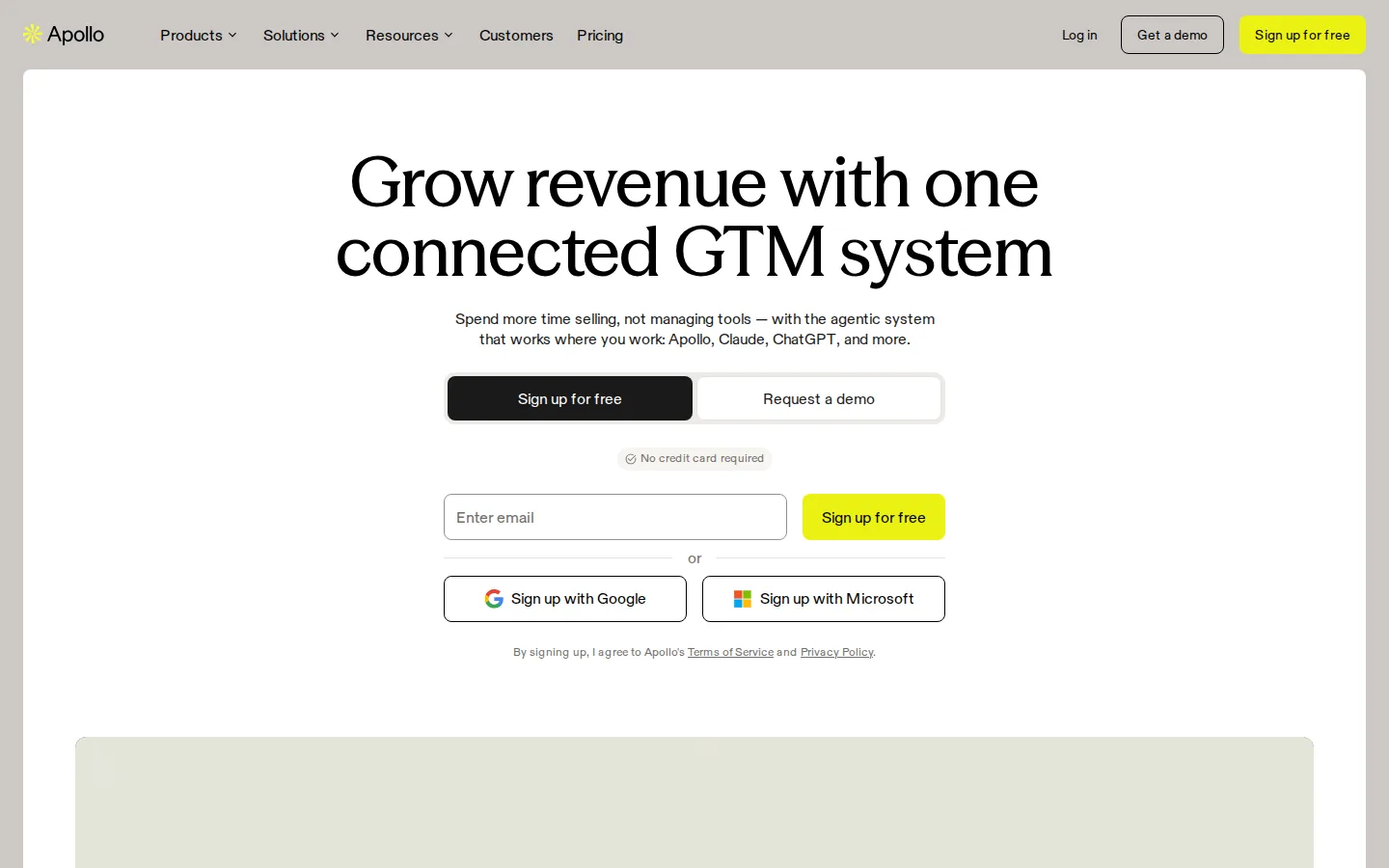
Apollo's LinkedIn steps are manual tasks. A sequence can include a connection request, a profile view, a post interaction or a message, but Apollo only reminds you. You copy the text, open the profile and do the step yourself. Email steps can send automatically, and reply rules decide whether a contact leaves the sequence. Paid plans also include a dialer for US calls, which uses credits.
Basic costs $65 per seat a month, or $49 billed yearly. It includes unlimited sequences, one mailbox per user, 250 emails a day and 2,500 credits a month. An email costs 1 credit and a phone number 8, and credits reset each cycle. Professional costs $99 a month, or $79 yearly, and adds unlimited mailboxes and A/B tests. There's also a free plan, and a 14-day trial of Basic or Professional with 75 credits.
Trustpilot shows 3.2/5 from 1,392 reviews. Reviewers there and on Capterra mention credits running out fast, wrong contact data and slow support.
Best suited for
Teams that need to find contacts and email them from one place, and do LinkedIn by hand. It fits if you need contact data more than LinkedIn automation.
6. Instantly, best for high-volume cold email on a budget
Instantly is an email tool for sending cold email at volume. Every paid plan includes unlimited email accounts and warm-up, and you pay per workspace, not per user. It has no LinkedIn steps of its own. Its Automations can pass leads to LinkedIn tools such as HeyReach or La Growth Machine, each with its own subscription.
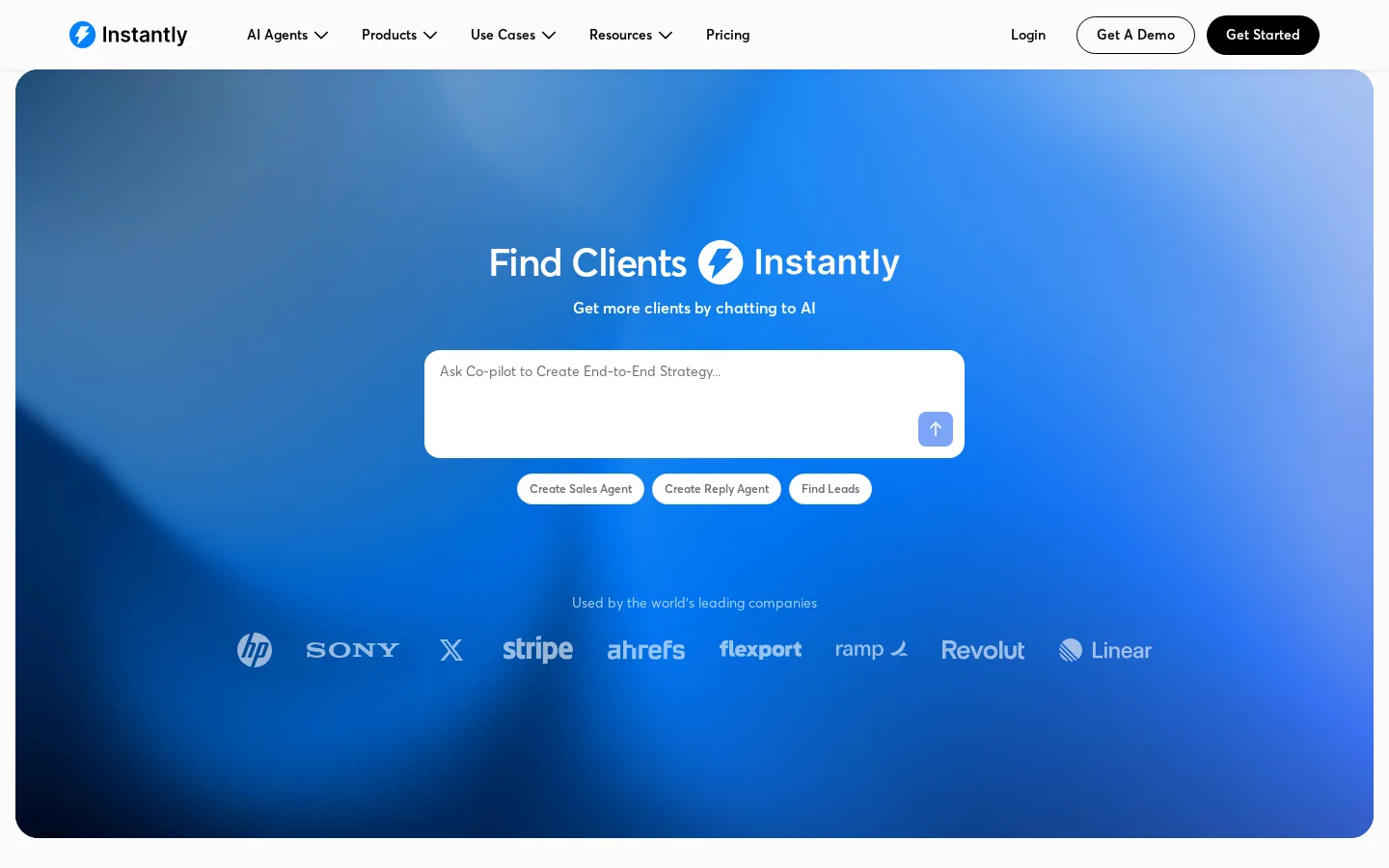
Growth costs $47 a month, or $37.60 billed yearly, for 5,000 emails and 1,000 uploaded contacts. Team invites and replying from the shared inbox need Hypergrowth at $107 a month, or $85.58 yearly, with 125,000 emails. Contact data is a separate plan, from $9 a month for 150 credits. The AI Reply Agent can wait for your approval on each reply or run on its own, at 5 credits per reply. The 14-day trial needs no card and allows 2 email accounts and 1,000 emails.
For a Reply.io user, the saving comes from flat workspace pricing and unlimited mailboxes. Growth costs $12 less than Reply's cheapest monthly plan, but you lose built-in LinkedIn, calls and SMS.
TrustRadius shows 7.9/10 from 12 ratings. Recent Trustpilot reviews often mention billing and refund problems, slow support and emails landing in spam.
Best suited for
Pick it if your outreach is mostly cold email and you want many mailboxes at a flat price. Add a LinkedIn tool next to it if you still reach people on LinkedIn.
Side-by-side comparison
Here are the same five criteria for each tool. Prices are monthly billing, before tax, for the plan that covers the workflow in each review.
| Tool | Monthly price and unit | Channels it sends | LinkedIn steps | Control and replies | Trial |
|---|---|---|---|---|---|
| Extrovert | $49 per LinkedIn account | Comments, connection requests, first DMs and follow-ups | Review or Auto; a reply stops Auto and goes to you | 10 days, no card | |
| lemlist | $109 per user (Multichannel) | Email, LinkedIn, calls, SMS | Visits, invites with note, messages, voice, InMail, likes | AI sorts and drafts replies; comments are manual tasks | 14 days, no card |
| La Growth Machine | €60 per sender (Basic) | Email, LinkedIn | Visits, invites with note, messages, voice, likes, follows | AI drafts messages; Pro's Reply Agent follows up unclear replies | 14 days, no card |
| HeyReach | $79 per sender | LinkedIn; email through other tools | Invites, messages, InMail, views, follows, likes, voice | Replies from all senders land in one inbox | Free, no card |
| Apollo.io | $65 per seat (Basic) | Email, calls | Manual tasks only | Reply rules end sequences | Free plan; 14-day paid trial |
| Instantly | $47 per workspace (Growth) | None; through other tools | AI replies with approval or on their own | 14 days, no card |
For comparison, Reply.io Multichannel costs $99 per user a month and Email Volume starts at $59.
Which Reply.io alternative fits your use case
| Your situation | Tool to look at | What to check |
|---|---|---|
| Most of your pipeline comes from LinkedIn | Extrovert | Keep an email tool if cold email still matters |
| You want email, LinkedIn and calls in one sequence | lemlist Multichannel | Per-user cost as the team grows |
| A few senders run email and LinkedIn, others only watch | La Growth Machine | Euro billing and the 3-campaign limit on Basic |
| An agency runs 10 or more LinkedIn accounts | HeyReach | Cost of the separate email tool and your own proxies |
| You mostly need contact data and email | Apollo.io | LinkedIn stays manual; credits reset each cycle |
| You send thousands of cold emails a month | Instantly | Hypergrowth for team inbox; LinkedIn needs another tool |
What results look like with Extrovert
These customers warmed people up on LinkedIn before reaching out. The numbers are their own, from their case studies.
Allbound OS founder S. Can Timağur already ran outreach sequences in GetSales. After he added one or two comments before each connection request, his acceptance rate went from 15% to 32%. His daily time on DM replies fell from 45 to 10 minutes.
At Blynked, Bojan Djakonovic Berisavljevic compared cold and warm outreach for one client with the same targeting and message. Cold outreach got a 4% reply rate. After two weeks of comments first, the reply rate was 38%.
At Titan Masterminds, Neeraj Shah commented before connecting and saw 64% of his requests accepted (109 of 171). In 10 days, two past clients bought again and three new people signed up. He spent about 14 minutes a day.
Read more Extrovert customer stories.
FAQ
What is the best Reply.io alternative for LinkedIn outreach?
Extrovert is our pick if you sell mostly on LinkedIn and want people to know you before you message them. HeyReach is a better fit if you run many LinkedIn accounts for clients. lemlist and La Growth Machine work if you also need email in the same sequence.
What is the cheapest Reply.io alternative?
Apollo.io has a free plan, but it allows 2 sequences and 75 credits a month. For paid cold email, Instantly Growth costs $47 a month for the whole workspace. For LinkedIn, Extrovert costs $49 per account a month, and HeyReach drops to $59 per sender from 10 senders. Check the plan you'd really need, because team features often sit one tier higher.
How much of Extrovert can I automate?
You can review each comment or let a campaign post comments on its own within a daily cap. First DMs and follow-ups can go out on Auto, or wait for your review. Replies to prospects are never sent automatically.
How does Extrovert control activity on my account?
Extrovert keeps activity within your daily limits and follows your working hours. It spaces out actions, and anything over the limit waits for the next day. You choose what to review and what to automate.
What happens to my email sequences if I move to Extrovert?
Extrovert doesn't send email, so you keep an email tool for that part. Many teams run cold email in a tool like Instantly or lemlist and use Extrovert for LinkedIn. Make sure the same person isn't in an active sequence in both tools at once.
How do I switch from Reply.io without losing conversations?
Export your contacts and note who owns each open conversation. Pause the Reply.io sequences for anyone you move, so nobody gets two first messages. Then start the new tool with a small group before you add everyone.
Try Extrovert free for 10 days
Pick the people you want to reach on LinkedIn. Extrovert shows you their posts so you can comment first. Your first DMs and follow-ups can go out on their own, in your own voice. When someone replies, the conversation comes straight back to you. The trial lasts 10 days and needs no credit card.