Quick compare
Prices checked
Best forLinkedIn warm-up and follow-through
- Prospect posts with comment drafts
- Review messages due for follow-up
- Email needs a separate sender
Starting price$49/seat/month10-day trial, no card
Start Free Trial3.5/5G2 · 3 reviews
Reviews before latest packaging
Best forProspecting plays and sending
- Signal-led discovery and research
- LinkedIn and email sequences
- Email plan and data can cost more
Starting price$199/seat/month, monthly7-day trial, card required
Read Review8.3/10TrustRadius · 23 ratings
Combined reviews and ratings
Best forMultichannel campaign execution
- Signal agents and campaign conditions
- LinkedIn on Multichannel
- LinkedIn costs $109/user/month
Starting price$69/month Email, monthly14-day trial, no card
Read Review8.3/10TrustRadius · 21 ratings
Combined reviews and ratings
Best forShared prospecting and outreach
- Signals, data and sequences together
- Team roles and sending controls
- Voice and Inbox need higher tiers
Starting price$600/month, annual, 2 usersFree trial available
Read Review7.6/10TrustRadius · 10 ratings
Combined reviews and ratings
Best forBuyer signals across systems
- Connects buyer and account activity
- Routes signals into sales actions
- Product signals depend on tier
Starting price$2,500/month, annual, 5 seatsRequest demo
Read Review





On this page
Extrovert is the first choice among Gojiberry AI alternatives when your missing step is daily LinkedIn warm-up and follow-through. It brings back relevant prospect posts, prepares comments and shows which conversations need a message. Valley and lemlist connect prospecting to campaign sending; Amplemarket and Common Room cover broader team workflows. Compare the part you need to replace, the channels it owns and the full buying commitment before moving your outreach.
Key takeaways
- Start with the work your team still does by hand. Extrovert covers LinkedIn relationship work before and after a first message, while email can stay in your existing sender.
- Signals help you decide whom to inspect and why. A post interaction or website visit gives context; on its own, it doesn't mean someone is ready to buy.
- Compare the plan that supplies your actual workflow. An email-only entry price does not buy LinkedIn actions, and a team package is not a separately available single seat.
- Keep sending controls and reply ownership clear. Review options can coexist with automation, and moving to a new campaign tool does not necessarily bring your whole conversation history with it.
- Test with a focused prospect list before moving everything. Check the audience, the drafts, the follow-up reasons and the handoff to any sender you keep.
How we ranked these Gojiberry AI alternatives
Gojiberry Pro provides a useful baseline: $99/month, two AI agents and up to 1,800 prospects contacted per month. It combines signal and lookalike sourcing, scoring, enrichment, LinkedIn and email. Review Mode lets you approve leads before automated enrollment; incoming AI reply drafts are reviewed before sending.
We compared four concrete parts of the replacement decision. Extrovert brings prospect posts and comment drafts into daily warm-up, followed by first messages and ongoing follow-up. Valley, lemlist and Amplemarket connect prospecting to first messages and campaign follow-ups. Common Room connects signal research and message preparation to enrollment through sales tools.
- Conversation actions: whether the product supports prospect discovery, public engagement, first outreach and ongoing follow-up. Extrovert leads for the daily relationship work around a chosen LinkedIn list; campaign and intelligence tools cover different parts of that sequence.
- Native sending channels: LinkedIn, email and calls are counted separately from integrations and signal sources. Valley and lemlist connect discovery to sending; Amplemarket adds a broader team platform; Common Room connects wider data sources to sales actions.
- Controls and reply scope: review, editing, optional automation and where conversations appear. A unified campaign inbox does not necessarily contain older conversations that started elsewhere.
- Workflow-plan cost and capacity: the relevant monthly price, commitment, included seats and stated contact or credit allowances. Annual data credits, monthly sends and tracked prospects measure different things, so they remain separate in the comparison.
The order favors focused LinkedIn relationship work first, then connected campaign execution and wider team intelligence. Ratings below retain their platform, scale and count; the workflow criteria explain each pick's role.
The best Gojiberry AI alternatives in 2026
These five products replace different parts of the same sales process. Start with the gap in your current routine, then check the plan that covers it. Each review explains the workflow, cost and main boundary. Extrovert comes first for LinkedIn warm-up and ongoing conversations.
1. Extrovert, best for LinkedIn warm-up and follow-through
Extrovert fits when you already know whom you want to reach, but need a useful way to start and maintain the LinkedIn relationship. It handles the work around that chosen prospect while your existing email sender keeps running.
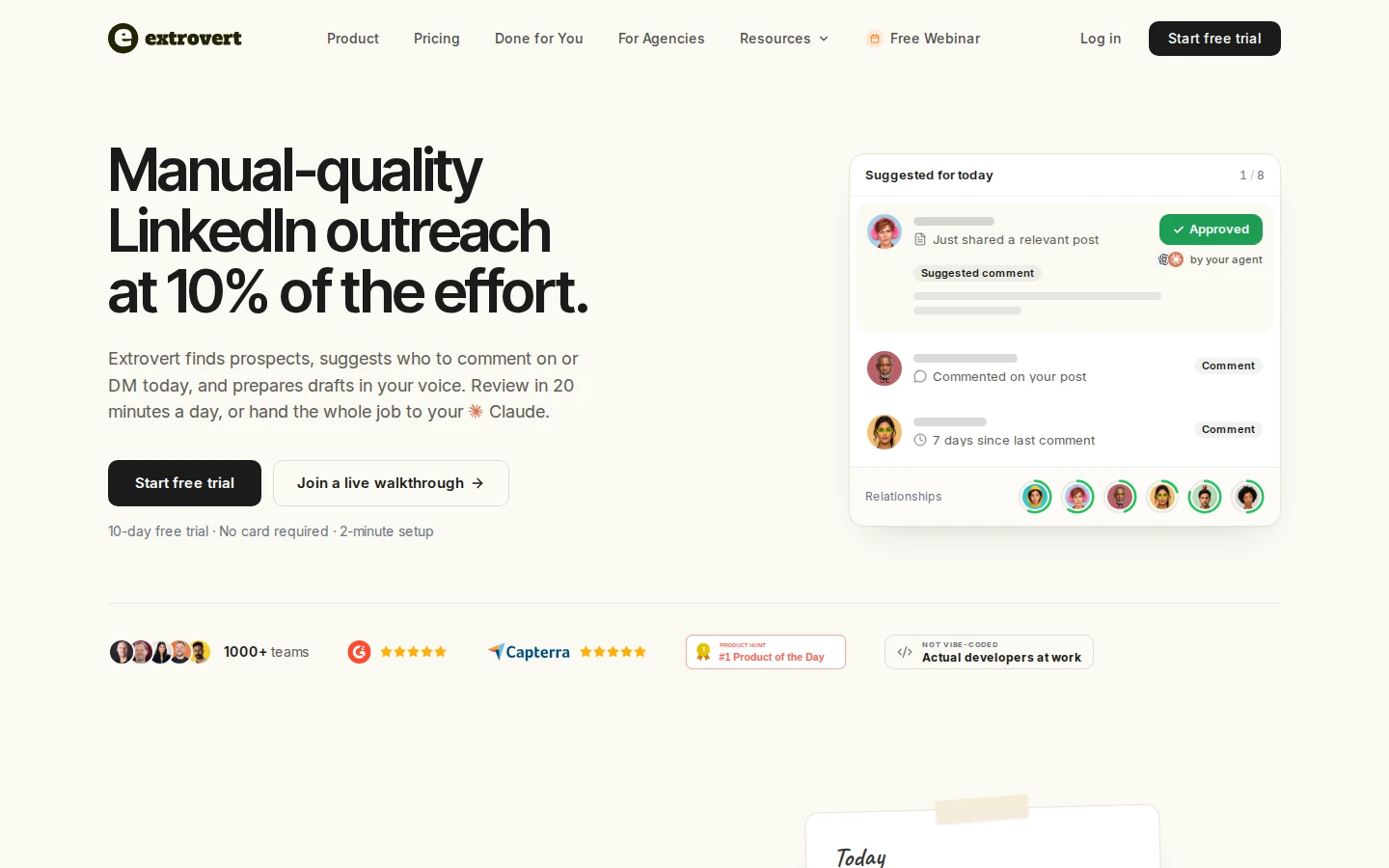
Add the person to a People campaign to see their relevant posts and suggested comments. Read the post, then edit, approve or skip the draft. That gives you a chance to contribute something useful before asking for a conversation, rather than opening with a pitch to someone who has never heard from you.
When a message is due, open the separate DMs → Recommended workspace to review a contextual draft. First-message recommendations depend on connection status, completed warm-up and your timing settings; approving one comment does not immediately produce a DM. You review and send the message. For existing conversations, Extrovert recommends follow-ups after your chosen intervals and keeps threads with unread replies out of Recommended, so you can handle the reply before another nudge.
Pricing starts at $49 per seat per month, billed monthly. Each paid seat adds 250 tracked prospects, one topic and 300 monthly Credits to the team pool. Tracking is capacity, not a monthly sending allowance; extra capacity costs more. Credits pay for optional prospect discovery and imports; comments, DMs and AI drafts do not consume them. Extrovert has 5.0/5 on Product Hunt from 12 reviews.
The 10-day free trial needs no card.
Con: Email sending stays in another tool, so Extrovert replaces the LinkedIn relationship work rather than Gojiberry’s full multichannel setup.
Best suited for: Founders and sales teams with a chosen prospect list who want to warm up LinkedIn relationships and keep conversations moving. It fits especially well when you already have an email sender you want to keep.
2. Valley, best for prospecting plays and connected outreach
Valley brings prospect discovery, qualification, research and sending into one workflow. You can start from a signal, a prospecting play, a natural-language search or your own list. Scout, its copilot, helps research the audience and prepare messages in your voice.
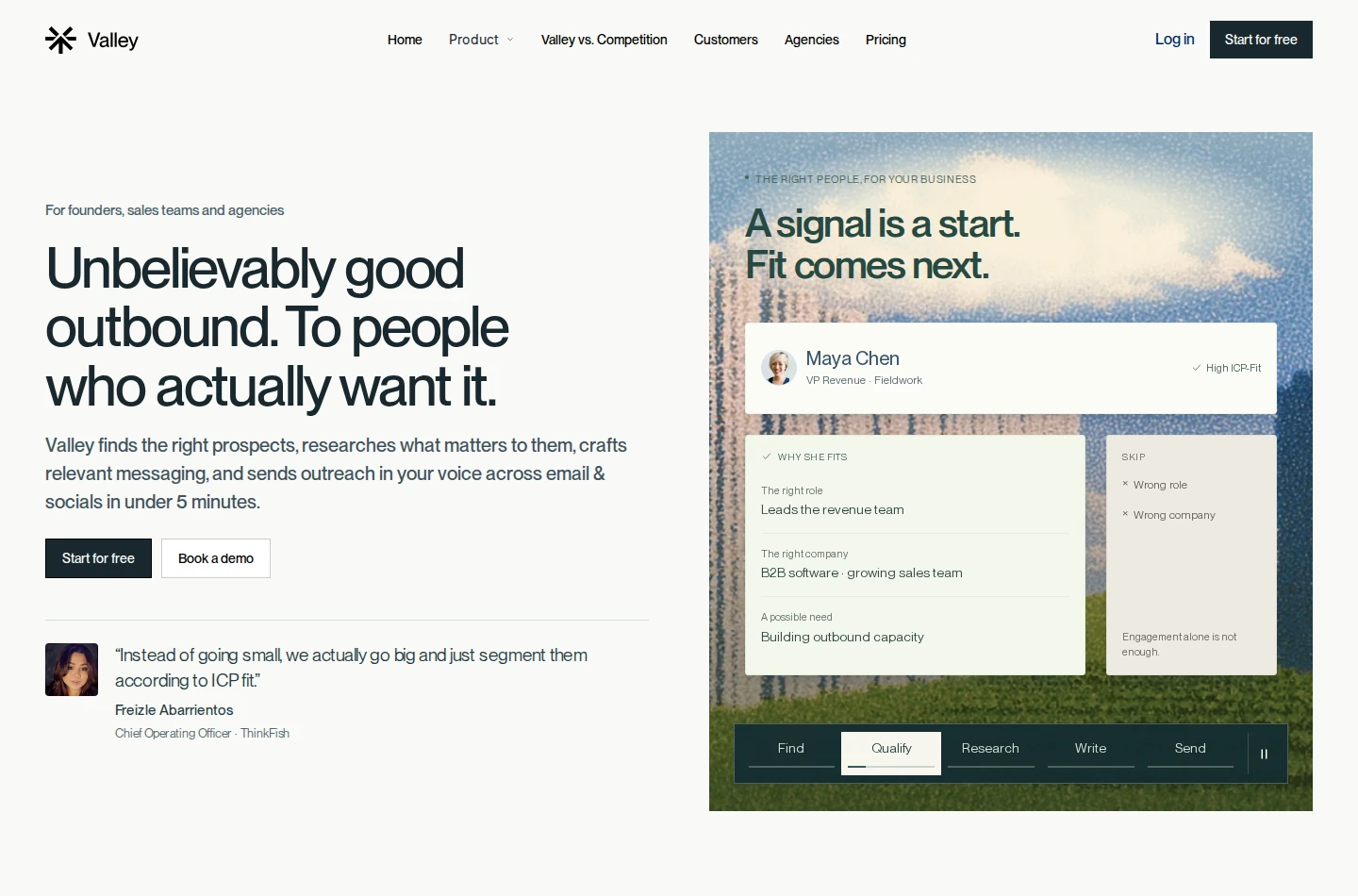
Its plays cover activity such as post engagement, hiring and competitor audiences. These give you a reason to look at a person; they don't mean the person intends to buy. You can review the audience and messages, choose the schedule and configure follow-ups. Vetted sequences can also run on autopilot, with replies collected in a unified inbox for you to continue.
Monthly billing starts at $199 per seat for Starter. Plus costs $299 and Growth $499 per seat/month; quarterly commitments have lower monthly equivalents. Starter includes LinkedIn, while email is a separately priced add-on. Plus and Growth include 1,000 email messages per seat/month, with one connected inbox per seat.
Discovery, email finding and upgraded message generation use credits. Growth adds $300 in monthly credits, which is a spending allowance rather than a promised number of prospects. Count that usage when comparing Valley with Gojiberry's contact allowance.
The seven-day trial requires a payment method and converts to paid unless cancelled. G2 lists 3.5/5 from three reviews. That small review set predates the latest packaging; individual complaints include artificial-sounding copy and cost relative to results.
Best suited for
This fits teams that want prospecting plays, research and LinkedIn-and-email sequences together. Check the sending plan and discovery spend before treating the subscription price as the full cost.
3. lemlist, best for signal-led multichannel campaigns
lemlist connects prospect research to a campaign that can use email, LinkedIn and calls. It fits a Gojiberry replacement search when the missing piece is coordinating those touches. A keyword signal agent can find people engaging with relevant LinkedIn posts, filter the audience and route matches into tasks or a campaign.
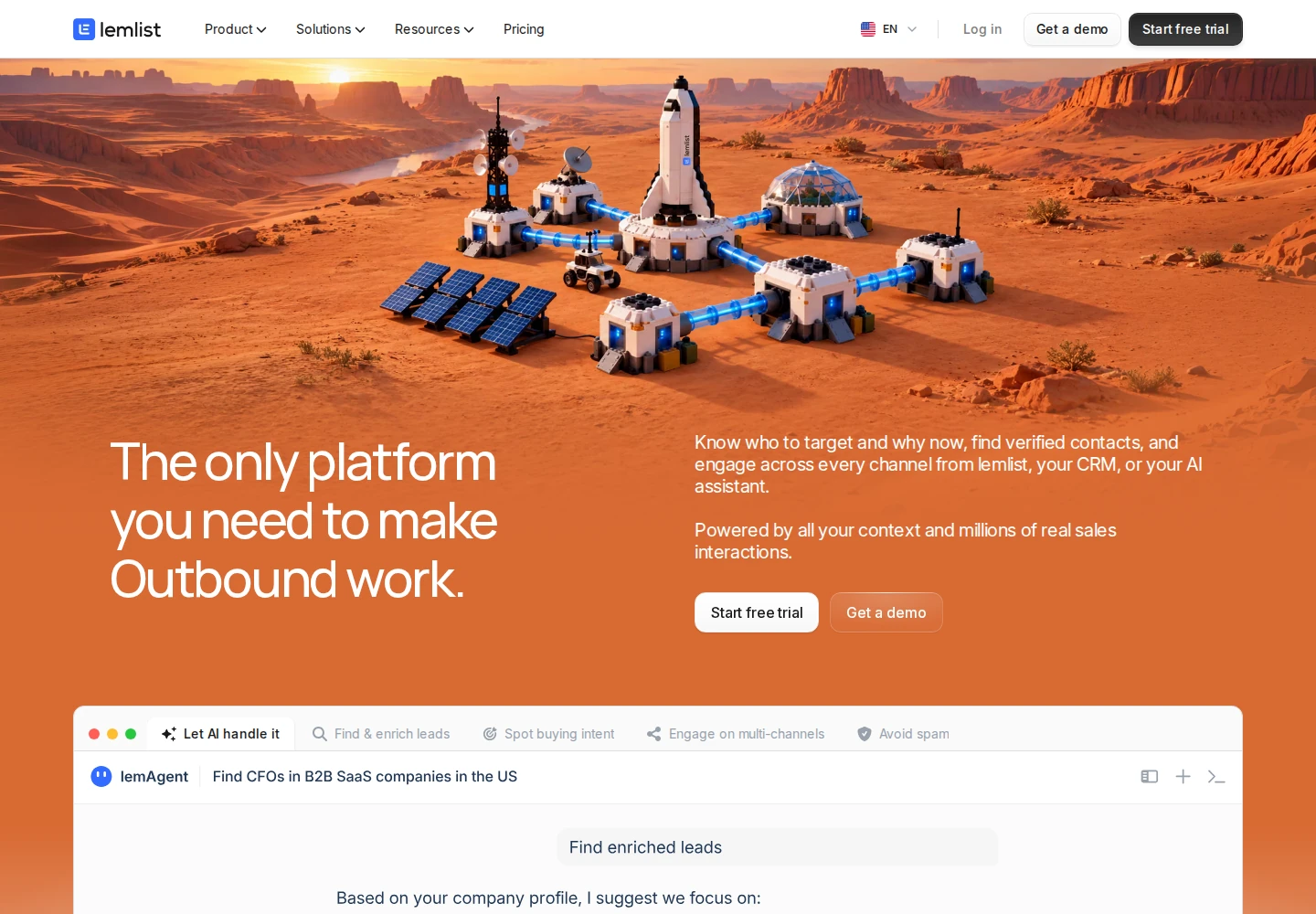
You set the audience, exclusions and daily identification cap. You can review matches manually or configure automatic campaign entry. Campaign conditions and reply settings then determine what happens next. SMS uses credits, WhatsApp is a paid add-on, and InMail uses credits from your own LinkedIn plan.
The Email plan starts at $69/month with monthly billing, but has no LinkedIn actions. The relevant Multichannel plan is $109 per user/month monthly, or $87 per user/month billed yearly. It includes five email senders per user and 400 monthly credits; that does not mean five LinkedIn profiles. Enrichment and buying-signal add-ons can increase the total.
The 14-day trial needs no card and includes 200 one-time credits, with exclusions for calling and some related services. TrustRadius lists 8.3/10 from 23 reviews and ratings. Some reviewers describe cost, configuration effort and occasional slowdowns.
A useful limit is its inbox scope: only conversations started in lemlist appear. Moving a campaign does not automatically move every older LinkedIn relationship into that workspace. For a broader comparison of campaign tools, see our lemlist alternatives.
Best suited for
Teams replacing signal sourcing and multichannel campaigns get both in lemlist. Budget for the LinkedIn-capable plan and the data your campaigns will consume.
4. Amplemarket, best for a shared prospecting and outreach platform
Amplemarket combines contact data, buying signals, research and multichannel sequences. Duo uses your company and CRM context to prepare outreach around a reason to contact someone. Reps can preview the proposed sequence, change its wording and adjust the steps before starting conversations.

That gives a team more than another message generator. Signals can include job changes, competitor reviews and website activity. Sequence conditions can change the next step according to available data or behavior. Email, LinkedIn and call steps can sit together, while WhatsApp follow-ups are described as one-click actions rather than a promise of unattended sending everywhere.
Startup costs $600/month on an annual term and includes two users. The current pricing table gives each user 13,500 email credits and 600 phone credits per year, with two mailboxes per user as the starting allowance. These are annual data allowances, not monthly send totals. Additional users and broader tiers change the cost.
Check the Duo modules you need. Copilot and signals are included on Startup, but Voice starts on Growth. Duo Inbox is a Growth add-on and included on Elite; the entry subscription does not include every Duo feature. A free trial is available through the vendor's trial request flow.
TrustRadius lists 8.3/10 from 21 reviews and ratings. Reviewers have raised concerns about learning the platform and refining generated messaging. The wider platform also means a larger setup and annual buying decision than adding focused LinkedIn relationship work beside your existing sender.
Best suited for
A team consolidating prospect data, signals and outreach can evaluate Amplemarket as one shared platform. Confirm the modules, annual allowances and included users before comparing its package with a single-seat tool.
5. Common Room, best for connecting buyer signals across systems
Common Room brings website, CRM, social and community activity into contact and account profiles. Teams can score those profiles, create segments and route the next action to a rep. It covers a wider intelligence problem than finding a reason to message one LinkedIn prospect.
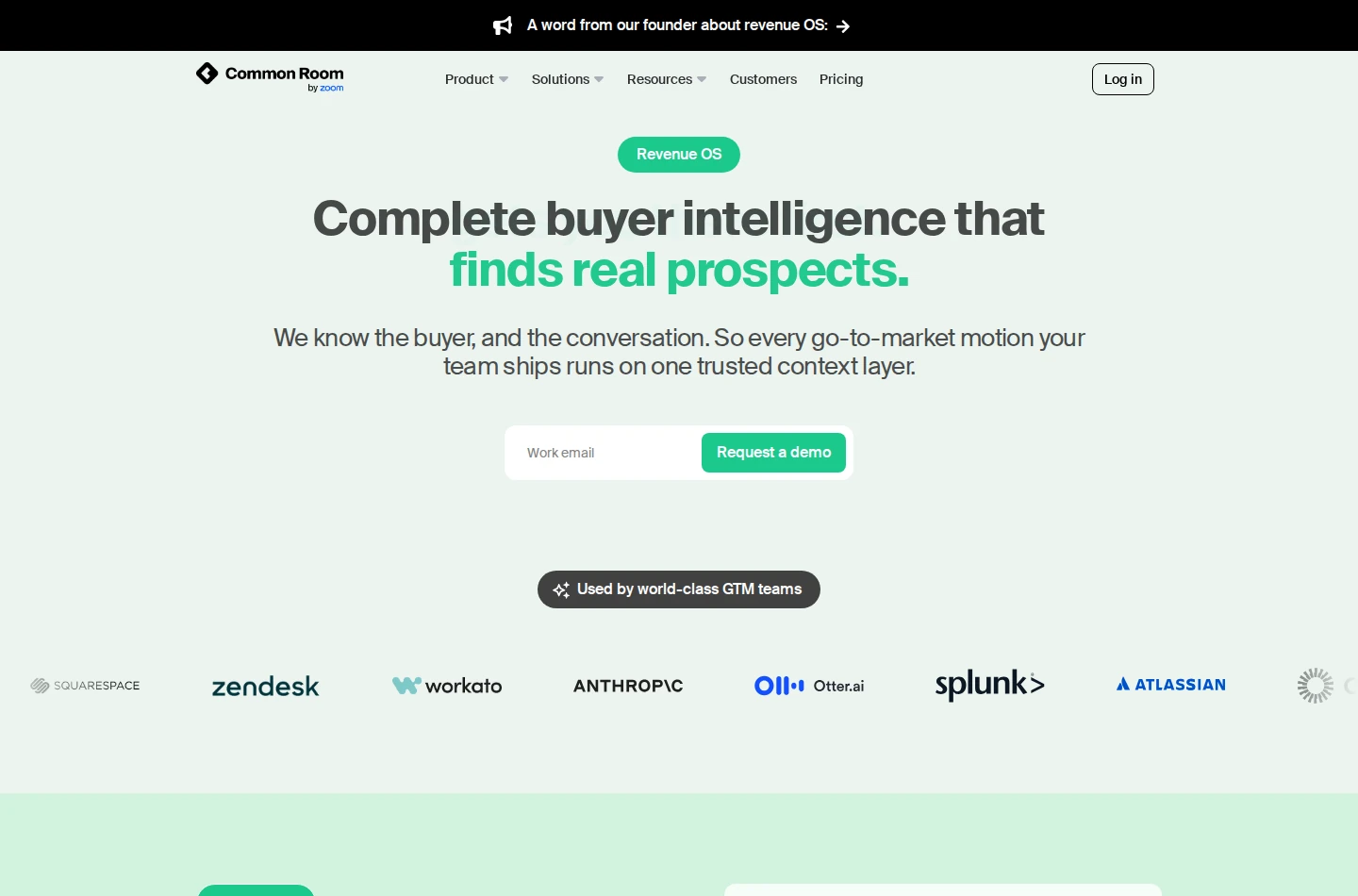
A documented workflow starts with website activity. You filter visits, inspect the person's history, alert the right rep and use RoomieAI to prepare relevant copy. Integrations can then enroll contacts in an Outreach sequence or Smartlead campaign. You can review and edit the generated message; configured workflows can also automate enrollment.
Keep the signal source separate from the sending channel. Seeing LinkedIn activity and preparing a message does not mean Common Room automatically sends LinkedIn DMs or comments. Its current Zoom Engage and Dial products also have their own execution features, so confirm their licences rather than assuming they come with the intelligence package.
Essential starts at $2,500/month, billed annually, with five seats and capacity for up to 100,000 contacts. It includes CRM, sales engagement and Slack connections. Product signals are not listed as included on Essential; they are an Advanced add-on and included on Enterprise. Export capabilities also depend on the tier or add-on.
TrustRadius lists 7.6/10 from ten reviews and ratings, spanning earlier product versions. Reviewers describe configuration, navigation and integration work as points of friction. Budget for connecting the sources and defining what each signal should cause your team to do, as well as the subscription.
Best suited for
Revenue teams with buyer activity spread across several systems can use Common Room to score and assign the next outreach action. Its annual team package suits a wider data project rather than a small addition to an existing sender.
Side-by-side comparison
Compare native sending, relationship work, controls and the plan that provides the workflow. Prices below keep their billing commitments; capacity measures are not interchangeable.
| Product | Sending channels and handoffs | Relationship or signal work | Review and reply scope | Workflow price | Capacity basis |
|---|---|---|---|---|---|
| Extrovert | Chosen prospect posts, comments, first DMs and follow-up recommendations | Separate comment and DM review; optional automatic comments | $49/seat/month, monthly | 250 tracked prospects, 1 topic, 300 monthly Credits/seat pooled | |
| Valley | LinkedIn and email | Signals, first messages and campaign follow-ups | Audience/message review or vetted autopilot; unified inbox | Plus $299/seat/month, monthly for included email | 1,000 email messages/month/seat; discovery credits separate |
| lemlist | Email, LinkedIn, calls; SMS metered | Signals, first messages and conditional follow-ups | Campaign controls; inbox for conversations started in lemlist | Multichannel $109/user/month, monthly | 5 email senders and 400 monthly credits/user |
| Amplemarket | Email, LinkedIn and call steps | Contact data, first messages and sequence follow-ups | Sequence preview/editing; roles and sending limits | Startup $600/month, annual, 2 users | 13,500 email and 600 phone credits/user/year |
| Common Room | Sending through connected sales tools; confirm separate Zoom licences | Signal research, drafted first messages and follow-up enrollment | Message preview/editing or automated enrollment | Essential $2,500/month, annual, 5 seats | Up to 100,000 contacts; credit allowances separate |
Which Gojiberry AI alternative fits your use case
| Your situation | Product | Work it takes over | Buying condition |
|---|---|---|---|
| You have a list and an email sender, but warm-up and follow-through keep slipping | Extrovert | Daily LinkedIn posts, comments and recommended conversations | Pay per outreach seat; extra tracking costs more |
| You want prospecting plays and research connected to sending | Valley | Signal-led audience preparation and LinkedIn/email sequences | Email included on Plus; discovery can add cost |
| You need to coordinate outreach across channels | lemlist | Signals, research and conditional campaign steps | Use Multichannel for LinkedIn, not Email entry |
| Your team wants to consolidate sales data and execution | Amplemarket | Shared prospecting, signals and sequences | Annual package; confirm Voice/Inbox gates |
| Buyer activity is split across website, CRM and other sources | Common Room | Identity, scoring, research and routing | Annual team package; confirm sources and sales-tool licences |
Before moving a list, decide who owns each next action. Extrovert's API and webhooks can hand a prospect to a CRM or sequencer after the number of comments you set. Pause any overlapping sender so two tools do not contact the same person at once.
What results look like
These customer stories show how founders use LinkedIn engagement to start and continue sales conversations.
- Allbound OS: Can Timağur reports connection acceptance rising from 15% to 32% after one or two comments before outreach, spaced one to two weeks apart. Extrovert handled engagement and nurture; GetSales handled connection steps and outreach. His Extrovert-assisted DM reply routine also fell from 45 minutes to ten a day. Read the Allbound OS story.
- Unstuck: In his December 2025 comment-to-DM example, Sabahudin Murtić reported eight replies and two booked calls from twelve messages. He reviewed the comments and used the prospect's content to start the private conversation. Read the Unstuck story.
- LeadLetters: Selim Uysal describes editing a prepared comment in 30 seconds, compared with five minutes starting from a blank box. He also built a feed around about 200 people from his own engagement history. Read the LeadLetters story.
Explore the customer case studies to see how teams combine engagement, messaging and their existing tools.
FAQ
What is the best Gojiberry AI alternative for LinkedIn warm-up?
Extrovert is the first choice here for finding relevant prospect posts, preparing comments and keeping conversations moving. You can keep email in your current sender while Extrovert handles the daily LinkedIn relationship work.
How do I compare prices across these alternatives?
Compare the plan that supplies your required channels, then count seats, commitment and usage separately. Tracked prospects, data credits and messages sent are different units, so the lowest advertised subscription is not the full comparison.
What changes if I need email and LinkedIn in one product?
Valley, lemlist and Amplemarket offer connected email-and-LinkedIn campaign workflows with different plan gates. Extrovert focuses on LinkedIn outreach and nurturing, with email sending in a separate tool.
How should I plan a move from Gojiberry?
Check which fields and conversation history the destination can import before transferring your list; retain anything it cannot carry over in your existing records. Preserve opt-outs, pause overlapping campaigns and assign one owner for each next action.
What does a buying signal tell me?
It tells you that a person or account did something relevant, such as engaging with a topic or visiting a page. Inspect the activity and customer fit before treating it as a reason to contact them; activity alone doesn't mean they've decided to buy.
How much control do I keep in Extrovert?
Extrovert keeps activity within your daily limits and follows your working hours. It spaces out actions, and anything over the limit waits for the next day. You choose what to review and what to automate.
What should I check during the Extrovert trial?
Use the 10-day, no-card trial with a focused list of prospects. Check whether the posts, comment drafts and recommended conversations give your team useful work to review each day.
Try Extrovert with your next prospect list
Add the people your team wants to know better. Find relevant posts without checking each profile yourself. Review comments prepared around their content and your style. Open the separate DM workspace when a first message or follow-up is due. Keep email in your existing sender and test whether the daily relationship work takes less effort.