Quick compare
Prices checked
Best forReviewed LinkedIn conversations
- Discovery, conversation history and saved reply drafts
- Separate preparation and sending actions
- Extra discovery can need more Credits
- No own-feed publishing workflow
Starting price$49/LinkedIn account/month10 days trial, no card
Start Free TrialIncludes earlier inbox-product reviews
Best forDevelopers building connected-account workflows
- Search, inbox, comments and publishing APIs
- Account-scoped API keys in v2
- Build your own approval and pacing workflow
- Minimum bill applies even for one account
Starting price$55/month minimum, up to 10 accounts7 days trial, no card
Read ReviewRating not listed
Best forLocal browser-session control
- Local browser-session control
- Profile, post and conversation reads
- Sending may create a new DM instead of a thread reply
- You maintain the browser and session
Starting priceFree software; hosting separate
Read ReviewBest forPublishing and engagement around your content
- Post drafting, scheduling and analytics
- Comment drafts and cancellable action queues
- No MCP inbox or DM-send tools documented
- Engagement entitlements vary by plan
Starting price$39/month50 free MCP calls for new accounts
Read Review4.3/5Trustpilot · 1,035 reviews
Bright Data vendor-wide reviews
Best forPublic LinkedIn data research
- Structured profile, company and post research
- Fresh scrapes and stored dataset search
- No documented LinkedIn inbox or sending workflow
- Stored dataset search is billed separately
Starting price$1.50/1,000 fresh scraped recordsShared 5,000 free credits/month
Read Review





On this page
Extrovert is the first pick if you want your AI assistant to find prospects, use LinkedIn conversation context and prepare replies you can review before sending. The best LinkedIn MCP servers serve different jobs: Taplio centers on publishing, stickerdaniel’s server gives you a local browser-backed connection, Bright Data supplies public data, and Unipile exposes connected-account APIs. Choose by the actions you need and the account access you’re willing to manage.
Key takeaways
- Extrovert connects your assistant to prospect discovery, comment workflows and DM conversations. Preparing a reply and sending it are separate actions, so you can review the exact text first.
- A server that reads profiles does not necessarily read your inbox. Compare discovery, conversation history, message sending, comments and publishing separately.
- OAuth connectors, API-key servers and local browser servers need different setup. Check the exact transport and authentication your AI client supports before buying.
- A free server can still need hosting and browser-session maintenance. Paid services may charge by LinkedIn account, minimum account bundle or retrieved record rather than by assistant seat.
- MCP gives an assistant tools; it does not supply a schedule or an autonomous sales strategy. Background work depends on your AI client, while the backend’s permissions and action limits still apply.
What a LinkedIn MCP server actually is (and what it is not)
A LinkedIn MCP server gives an AI assistant a defined set of tools for working with LinkedIn-related data or actions. MCP stands for Model Context Protocol: a shared way for the assistant to discover tools, provide their inputs and receive results. You keep using your chosen assistant; the server determines what it can reach.
That distinction matters when you ask for a follow-up. Your assistant needs the conversation history to understand what happened, a way to prepare the message, and a sending action if you want it delivered. A profile scraper may supply useful background while providing none of those inbox functions. A publishing connector may schedule your next post without being able to read a prospect’s reply.
Some servers connect to a managed product through OAuth, where you sign in and authorize access. Others use an API key for an application with connected accounts. A local server can use a browser session you maintain yourself. Those choices affect setup, account scope and who fixes a broken connection.
MCP also differs from a product’s built-in AI agent. The server supplies tools; your assistant interprets your request and decides which ones to call. Scheduled runs require a client that supports them. A connector alone does not keep working after the chat ends, and a prompt asking for confirmation is different from a backend that stores a draft and requires a separate send action. Compare those boundaries before delegating account activity.
How we ranked these LinkedIn MCP servers
The shortlist prioritizes a complete prospect-to-conversation workflow. Extrovert leads because discovery, relevant activity, saved drafts and conversation actions sit in one managed product. Unipile follows for broad conversation APIs, with review and pacing left to your integration. The local server comes next for account reads and selected sends, with more session upkeep and a thread-targeting limit. Taplio and Bright Data cover the narrower publishing and public-research jobs, respectively.
We compared documented MCP operations and their access requirements across five criteria:
- Seven action areas: prospect discovery, profile context, post context, inbox history, DM sending, comment actions and publishing. App-wide features count only where the MCP connection exposes them.
- Draft and send controls: saved drafts, separate execution, queued actions and cancellation. We distinguish those technical steps from the permission you give your assistant to act.
- Account access: OAuth, API credentials or a logged-in browser session, plus whose accounts the connection can reach.
- Client and running requirements: remote versus local transport, supported clients and whether you maintain the browser/server.
- Usable cost: starting subscription or minimum bill, account units and usage charges. Free software and included request allowances are shown separately from paid LinkedIn data retrieval.
Platform ratings add customer context to the product reviews. They do not measure MCP tool coverage or establish how well your assistant will use a server.
The best LinkedIn MCP servers in 2026
Start with the job you want your assistant to finish. Reading a profile, replying to a conversation and publishing a post require different tools. These five options give you distinct ways to connect that work to your assistant.
1. Extrovert, best for reviewed LinkedIn conversations in your own assistant
Extrovert gives your AI assistant a managed LinkedIn backend for choosing prospects and continuing conversations. The assistant interprets your instructions; Extrovert supplies account context, saved drafts and actions. Its in-app Agent is a separate interface.
Ask your assistant to read a conversation, prepare your exact reply in Extrovert and show the final text. Preparing or editing saves a draft without sending it. You can then approve sending through a separate action using that draft’s dmId. This separation supports a review-first routine; the permissions you give the assistant still determine when it may act.
Lead Finder and Signals help you choose whom to contact and why now. Through MCP, preview the first 20 database matches before approving an import, or manage Signals campaigns around prospect activity. Comments can support the relationship before a DM.
The hosted connection uses Streamable HTTP, the remote MCP transport, with OAuth sign-in to Extrovert. Claude, ChatGPT, Codex and Cursor are among the listed clients. Each teammate connects separately, with access limited by workspace and account permissions.
Pricing starts at $49 per LinkedIn account/month, including MCP, 250 tracked prospects, one topic and 300 monthly Credits per seat. Lead Finder costs one Credit per retrieved person, including duplicates; Signals costs 25–250 Credits per prospect by source. A 2,000-Credit top-up costs $29. The ten-day trial includes 300 one-time workspace Credits, rather than a monthly per-seat allocation. Product Hunt rates Extrovert 5.0/5 from 12 reviews.
Watch the Claude outreach walkthrough for the conversation workflow.
Best suited for
Choose Extrovert to carry prospect context into replies you can inspect before sending. Teams also get managed account permissions without maintaining their own MCP server.
2. Unipile MCP, best for developers building connected-account workflows
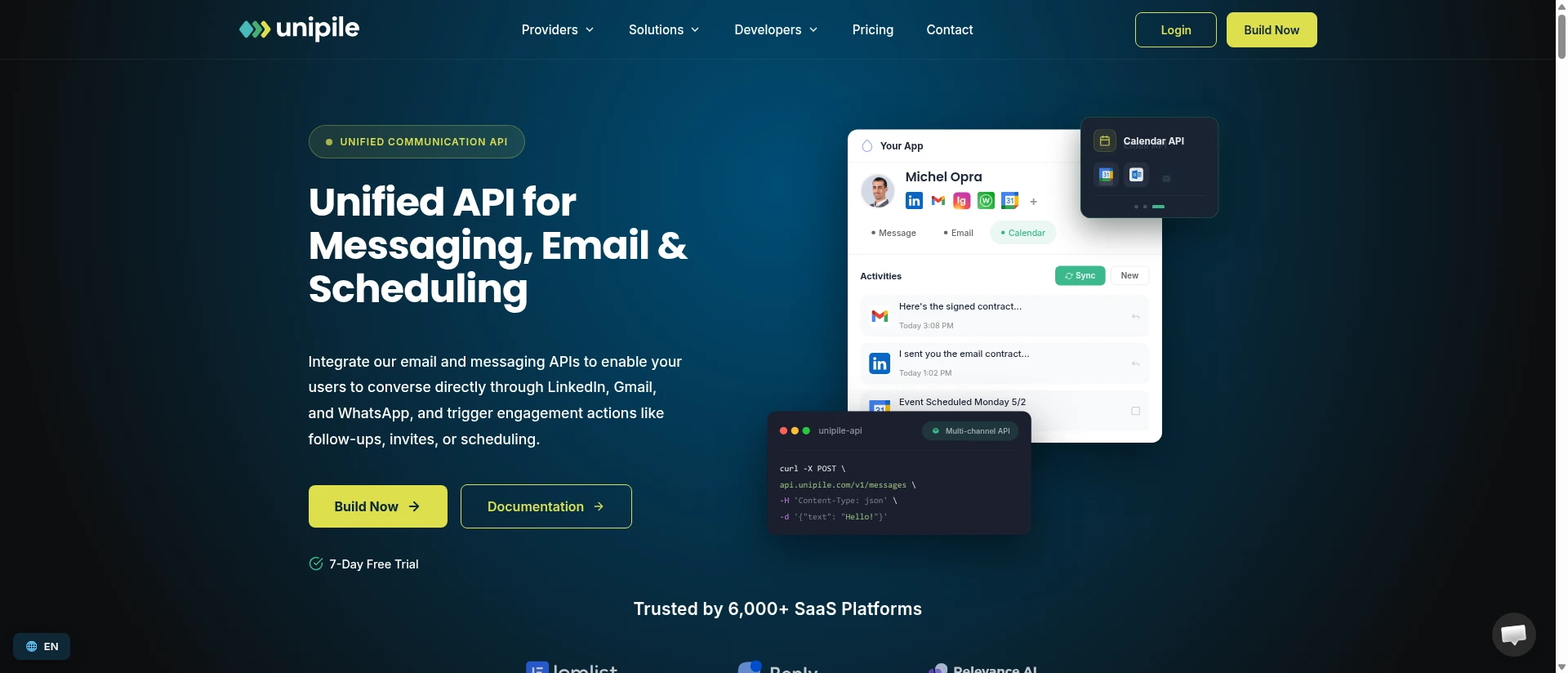
Unipile lets a coding assistant look up API contracts and execute requests against connected accounts. It covers LinkedIn search, profiles, posts, inbox history, messages, comments, reactions and publishing. Instead of a ready-made engagement workspace, you get API operations for building your own workflow.
That breadth comes with implementation work. The assistant can compose a message and call a send endpoint, but the reviewed documentation does not establish an Extrovert-style saved-draft approval queue. Your application or client needs to supply its review policy, scheduling and pacing. Unipile’s recommended activity limits are not the same as enforced daily account budgets.
For new integrations, the maintained README recommends v2 with a scoped Account API key. The scope limits access to assigned connected accounts; it does not establish separate read-only and send permissions. Do not give an assistant a broader service or global key when a scoped account key covers the job.
The remote MCP requires a client that can send its API key in a request header. Claude Code, Codex, Cursor, Claude Desktop and other coding clients have documented configurations; you configure credentials rather than complete a browser OAuth sign-in. Connecting LinkedIn to Unipile happens separately. Sales Navigator and Recruiter operations also require the corresponding LinkedIn access.
Pricing starts at $55/month for up to 10 connected accounts, excluding VAT, even if you connect only one. Billing uses the peak number connected during the period, with no extra per-message charge. G2 reports 4.0/5 from 16 reviews, including reviews of Unipile’s earlier inbox product.
Best suited for
Unipile fits developers who want broad account operations inside an integration they control. Budget for building the approval and conversation experience around the API, as well as the minimum subscription.
3. LinkedIn MCP Server, best for local browser-session control
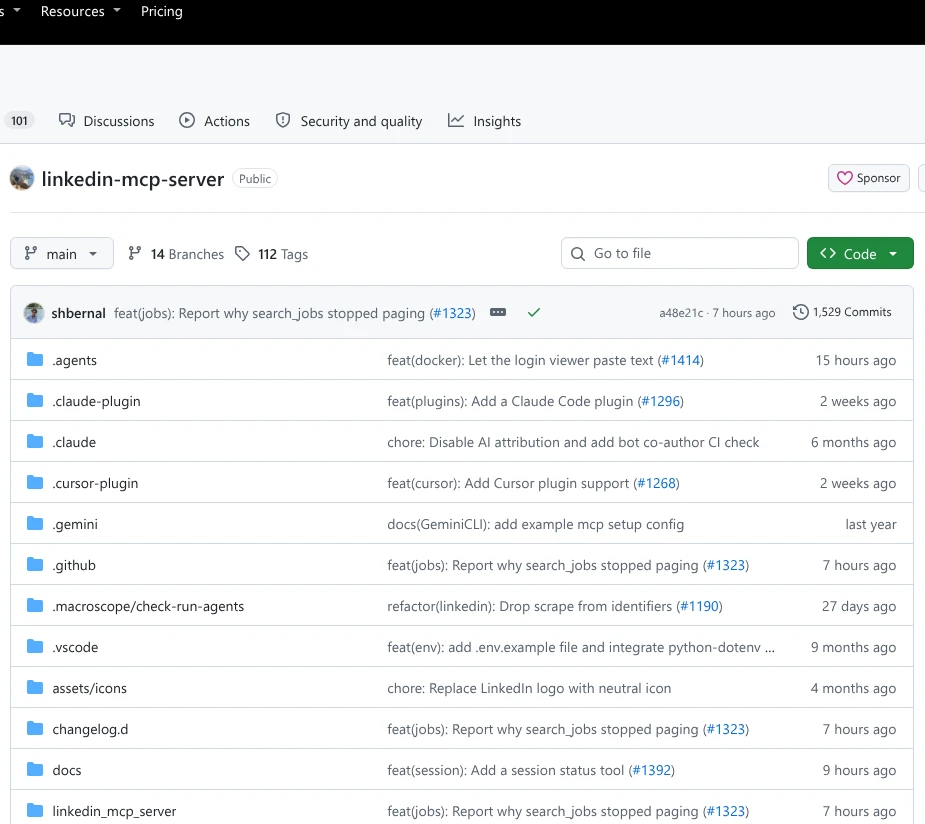
Daniel Sticker’s open-source LinkedIn MCP Server connects your assistant to a logged-in browser you operate. It reads profiles, company information, posts, feeds, search results and conversations. It also supports connection requests and messages addressed to a person’s profile.
The important limit is how messages are addressed. The current sending tool targets a person’s profile; its source warns that it may create a separate DM rather than reply to an existing recruiter, InMail or other thread. Reading a conversation does not establish that the server can safely send back into that same conversation.
Sending requires a confirmation Boolean supplied by the calling assistant. That is different from a backend storing a reviewable reply and requiring a later action against its draft ID. Keep the distinction clear when configuring what your assistant may do. Some inbox-search activity can also mark conversations as read.
The project runs locally through stdio, where your client starts and communicates with the server on your machine. Optional Streamable HTTP enables remote connections; Claude Desktop, Claude Code, Codex, Cursor and Docker are documented. You maintain the browser session, dependencies and updates as LinkedIn’s interface changes. A local configuration is not automatically a remote ChatGPT connector.
The Apache-2.0 software has no server subscription fee. Your machine or hosting, assistant usage and any LinkedIn paid plan remain separate costs. The maintainer’s current messaging source explains the thread-targeting boundary.
Best suited for
Choose this project when you want control of the local session and can maintain a browser-backed integration. It is less suitable when your priority is a managed review-and-reply workflow for existing threads.
4. Taplio, best for publishing and engagement around your content
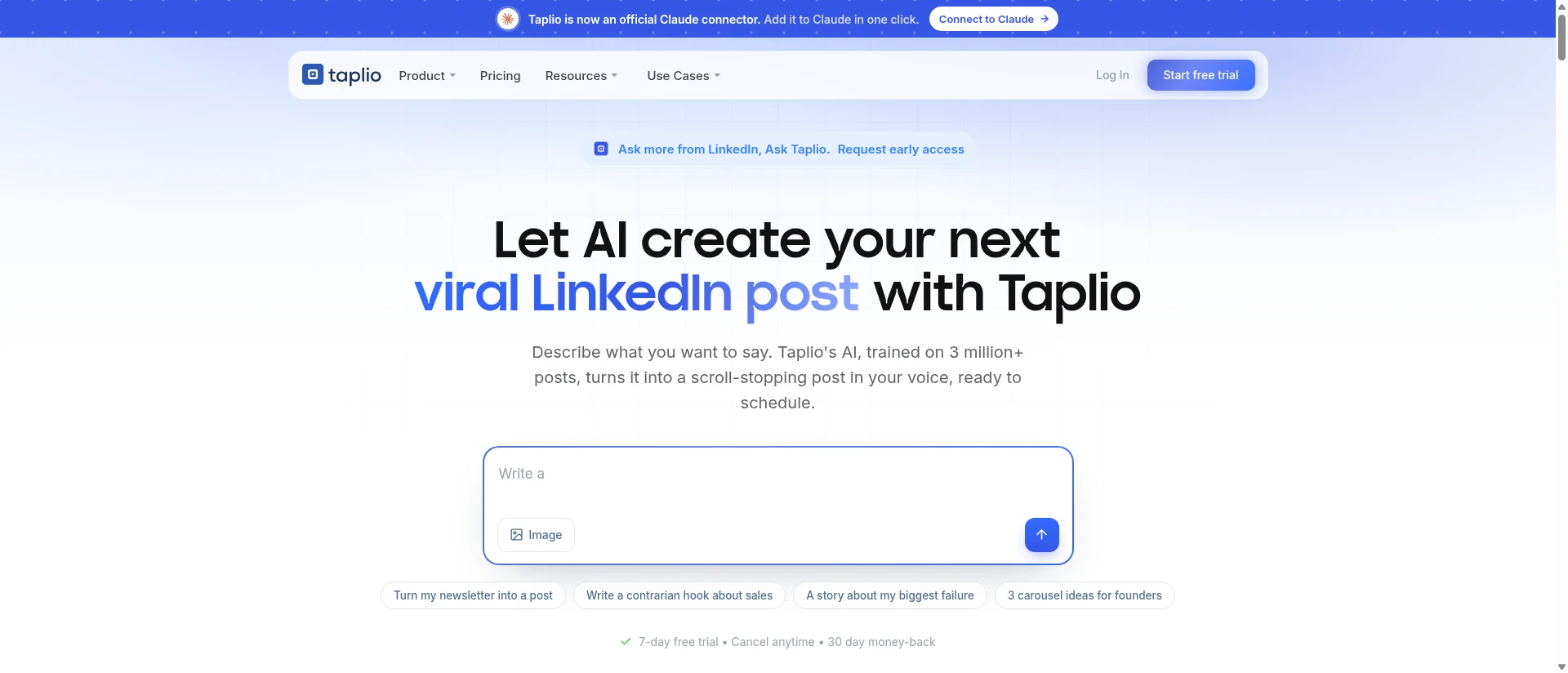
Taplio connects your assistant to a content workspace. You can turn an idea into a saved post, attach media, choose a time and inspect performance afterward. Its MCP tools also find posts to comment on, prepare replies to comments, queue likes and manage connection requests.
That makes it broader than a scheduler, but the distinction for sales conversations matters: its documented MCP inventory does not include inbox history or DM sending. Taplio’s app-level outreach features do not give your assistant an inbox through this connector. Use the publishing and engagement tools for the jobs they expose.
The workflow has several separate controls. A comment draft stays unpublished until committed to the queue. Queued comments, likes and invitations can be cancelled before sending; publishing a post immediately is irreversible. Client confirmation behavior depends on support for tool annotations, so check your assistant’s settings rather than assuming every action has a separate approval screen.
The remote connection uses OAuth sign-in. Claude, ChatGPT and Cursor have documented connection paths; interactive media panels need MCP Apps, which lets a client display a tool’s interface inside the chat. File-upload alternatives work without those panels.
Starter costs $39/month with MCP, scheduling, analytics and replies on your own posts. Growth costs $69/month and adds credits for curated-feed and lead-post comments; Pro is $199/month with broader engagement features. Check the entitlement for the individual MCP action you need. New accounts get 50 free MCP calls, and the app offers a seven-day Pro trial. Taplio has 3.6/5 from 20 Trustpilot reviews.
Best suited for
Taplio fits creators who want their assistant to prepare, schedule and measure LinkedIn posts. It also suits content-led engagement, provided inbox conversations are handled elsewhere.
5. Bright Data MCP, best for public LinkedIn data research
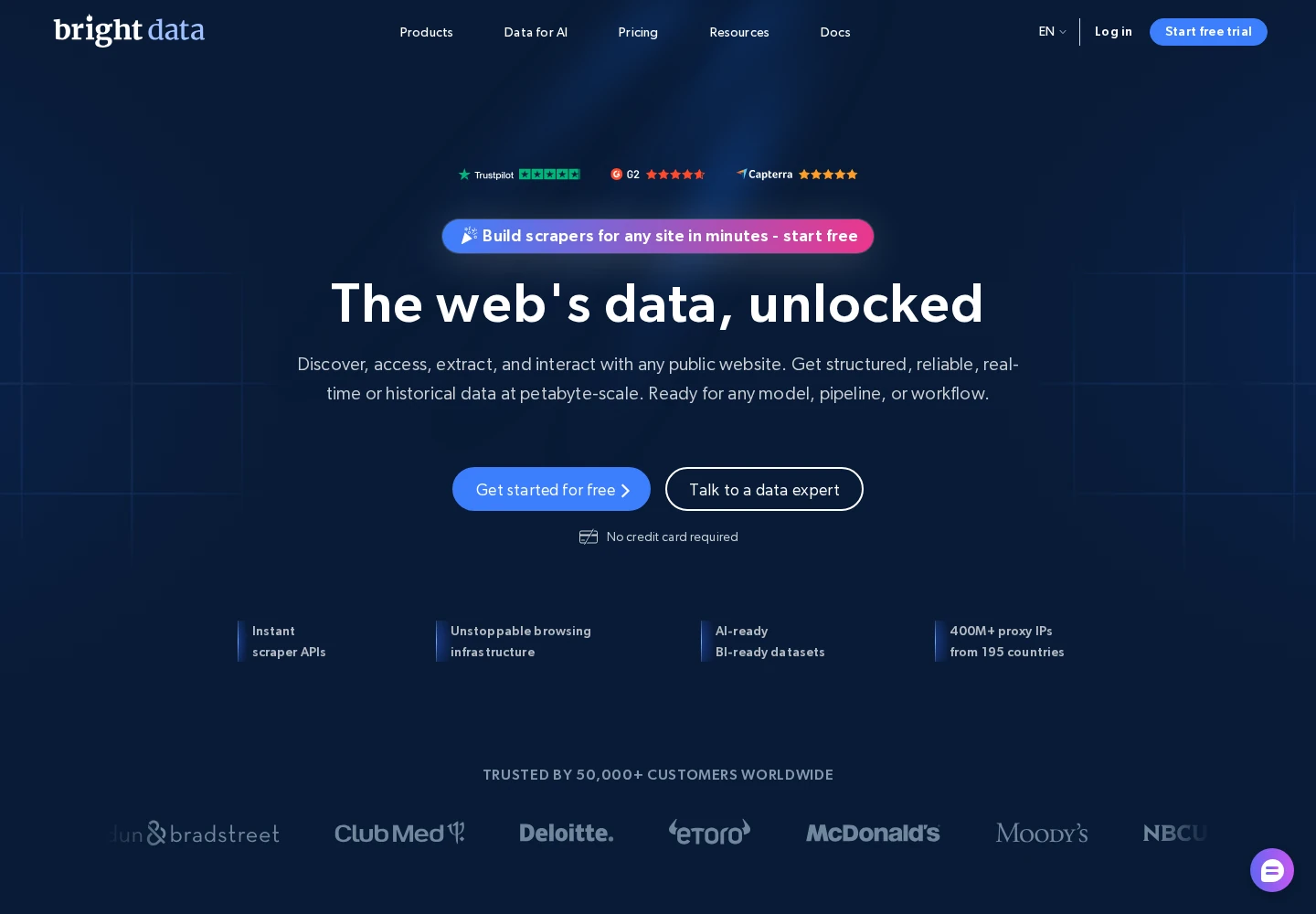
Bright Data gives your assistant public LinkedIn data without making your inbox the center of the workflow. Its scraper catalog covers people, companies, jobs and posts, including discovery methods. The assistant finds a scraper, retrieves its input schema, starts a job and collects the resulting records.
It also searches stored LinkedIn datasets. That is a different choice from requesting a fresh scrape: you are filtering an existing collection rather than asking for a new page retrieval. The MCP dataset-search tool returns up to 10 records per call with pagination, which matters when building a larger research list.
Neither path establishes LinkedIn inbox access, DM sending, comments or publishing. Bright Data also has general browser tools, but those are not a documented managed LinkedIn conversation workflow. Narrow the exposed tool groups when your assistant only needs research.
You can use a hosted connection or run the maintained server locally. The remote setup uses a Bright Data API token, with configurations for clients including Claude, Cursor and VS Code. Keep that credential within the client’s secure configuration; it authorizes billable use of the Bright Data account.
Fresh LinkedIn scraping costs $1.50 per 1,000 delivered records on pay-as-you-go pricing. A shared 5,000-credit monthly free pool includes eligible LinkedIn scraping; stored dataset search costs $2.50 per 1,000 returned records. Do not apply that free pool automatically to dataset search. Bright Data’s vendor-wide Trustpilot rating is 4.3/5 from 1,035 reviews.
Best suited for
Bright Data fits assistants doing structured public-profile, company or post research. Choose it for gathering context, with a separate backend if the same workflow must continue into private conversations.
Side-by-side comparison
Compare the actions your workflow needs before choosing a connection method. For conversations, read the inbox and sending columns together: access to message history does not guarantee a reply will reach the same thread.
| Server | Discovery and context | Inbox and DM actions | Comments and publishing | Access and running model | Starting cost |
|---|---|---|---|---|---|
| Extrovert | Lead Finder, Signals, campaign posts; permitted account context | History, saved drafts, separate send | Draft/edit/approve comments; own-feed publishing not documented | Hosted OAuth; account and workspace permissions | $49/account/month; Lead Finder 1 Credit/person, Signals 25–250 |
| Unipile MCP | Account-backed search, profiles and posts | Inbox/history and send endpoints; app supplies review UI | Comment, reaction and publishing endpoints | Hosted custom-header MCP; scoped v2 Account key | $55/month minimum for up to 10 accounts, excl. VAT |
| LinkedIn MCP Server | People/company/job search, profiles, posts and feed | Inbox reads; profile-targeted send may create another DM | Comment writing and publishing not documented | Local browser session; stdio or optional HTTP | Free software; operating costs separate |
| Taplio | Own account/posts, analytics, inspiration and engagement feeds | Inbox and DM sending not documented | Comment/reply drafts and queue; schedule or publish posts | Hosted OAuth; media panels need MCP Apps | $39/month; curated/lead-feed comments on $69 Growth |
| Bright Data MCP | Public people/company/job/post scraping; stored dataset search | No documented LinkedIn inbox or DM workflow | No documented LinkedIn comment-write or publishing workflow | API token; hosted or local; selectable tool groups | $1.50/1,000 fresh records; search $2.50/1,000 |
Which LinkedIn MCP server fits your use case
| Your job | Backend | Why it fits | Check before connecting |
|---|---|---|---|
| Continue buyer conversations from your assistant | Extrovert | Prospect context plus saved drafts and separate sending | Correct team/account, permissions and discovery Credits |
| Build messaging and publishing into your application | Unipile MCP | Broad executable API coverage | Scoped keys, review policy and account minimum |
| Run account reads through your own machine | LinkedIn MCP Server | Local browser-backed access | Session upkeep and profile-targeted message limits |
| Prepare posts and manage content engagement | Taplio | Publishing, analytics and engagement queues | Plan entitlements and client media-panel support |
| Collect structured public LinkedIn research | Bright Data MCP | Scraper jobs and searchable datasets | Freshness path and per-record charges |
What results look like
A useful backend keeps your assistant connected to the work you already do. In Leads By Me’s story, Kurt Warner uses his own agent through Extrovert MCP to prepare engagement batches and check with him for approval. That is the closest match to this article’s workflow: working through your assistant while retaining the decision to act.
Other Extrovert customer stories show what that engagement and conversation work can support:
- Unstuck: Sabahudin Murtić reported 8 replies and 2 booked calls from 12 DMs in a December 2025 comment-to-DM example. His routine combines Extrovert with Claude Code follow-up suggestions that he approves and sends. Read the Unstuck case.
- Allbound OS: S. Can Timağur reported connection acceptance rising from 15% to 32% with an Extrovert warm-up and GetSales outreach workflow. He also reduced daily DM reply work from 45 to 10 minutes using Extrovert-assisted editing. Read the Allbound OS case.
- Blynked: Bojan reported moving from 5 to 50 daily comments in 15–20 minutes. In a wider Clay, Extrovert and Aimfox setup, a client’s familiar prospects reached 61% acceptance and 38% replies, compared with 24% and 4% for cold prospects; the familiar group had seen comments for two weeks. Read the Blynked case.
The useful lesson is to connect prospect context to a relevant next action. Use the server’s tools to preserve that context, rather than treating every available send action as a reason to contact someone.
FAQ
What is the best LinkedIn MCP server for conversations?
Extrovert is the first pick for a managed prospect-to-conversation workflow: it brings discovery, activity context, DM history and reviewable replies into your assistant. Preparing a DM does not send it; sending uses a separate action against the prepared reply.
How do I know whether a server can send LinkedIn DMs?
Look for an explicit message-send tool or executable endpoint in its MCP documentation, alongside conversation-history access. A text-generation feature, inbox summary or profile scraper does not establish sending support.
How does MCP differ from a native LinkedIn AI agent?
MCP connects your chosen assistant to tools supplied by a backend. A native agent is the product’s own interface for interpreting requests and doing work, with its own behavior and limits.
How do I keep control of actions through Extrovert?
Extrovert keeps activity within your daily limits and follows your working hours. It spaces out actions, and anything over the limit waits for the next day. You choose what to review and what to automate.
What costs should I compare beyond the advertised price?
Check the minimum bill, connected-account units and the plan that includes the tools you need. Add usage costs for prospect imports or structured data, plus any separate AI-client or hosting subscription.
Can a LinkedIn MCP server work with any AI assistant?
Your client must support the server’s transport and authentication method. A local stdio configuration for Claude Desktop does not automatically work as a remote ChatGPT connector, and a custom API-key header is different from OAuth sign-in.
How can my assistant work while I am away?
It needs scheduling, continued access to the server and a way to deliver its results. The MCP connection itself supplies none of those scheduling features, and a scheduled review does not grant permission to approve or send messages.
Try Extrovert with your AI assistant
Connect your assistant to the LinkedIn context you need for your next conversation. Find prospects that fit your market. Read the conversation before choosing what to say. Prepare a reply and inspect the exact text. Keep your account limits and review choices in place as you act. Start with the 10-day trial, with no credit card required.