LinkedIn is where B2B buyers actually pay attention, which is why every sales team wants a tool to reach them there. The problem is that most LinkedIn outreach tools optimize for one thing: sending more connection requests and messages, faster. That volume is exactly what gets accounts restricted and what trains buyers to ignore the invite.
The right tool depends on whether you want to automate cold volume or build familiarity first, how many accounts you run, and how much ban risk you can absorb. Those choices matter more than any single feature list.
This guide compares the 9 best LinkedIn outreach tools in 2026, from warm engagement-led tools to multi-account senders. For each you get what it does, who it fits, current pricing, and an honest limitation, plus a framework to match a tool to your motion.
Best LinkedIn outreach tools: a brief overview
If you want LinkedIn outreach that lands familiar instead of cold, Extrovert is the best pick because it builds recognition before you ever pitch. Here's how it stacks up against the sender-focused and multichannel alternatives.
Warm, engagement-led
- Extrovert: Best for warm outreach that gets known before it pitches. Track prospects and topics, then comment and DM from your playbook so outreach lands familiar, not cold.
Automation and multi-account
- HeyReach: Best for agencies running 20+ seats: trades Extrovert's warm, human-reviewed workflow for rotating multi-account send volume.
- Expandi: Best for teams committed to automated campaigns: trades Extrovert's human-reviewed engagement for scripted personalization with safety limits bolted on.
- Waalaxy: Best for beginners testing automation on a free tier: trades Extrovert's reviewed, warm workflow for simple, low-cost LinkedIn and email sequences.
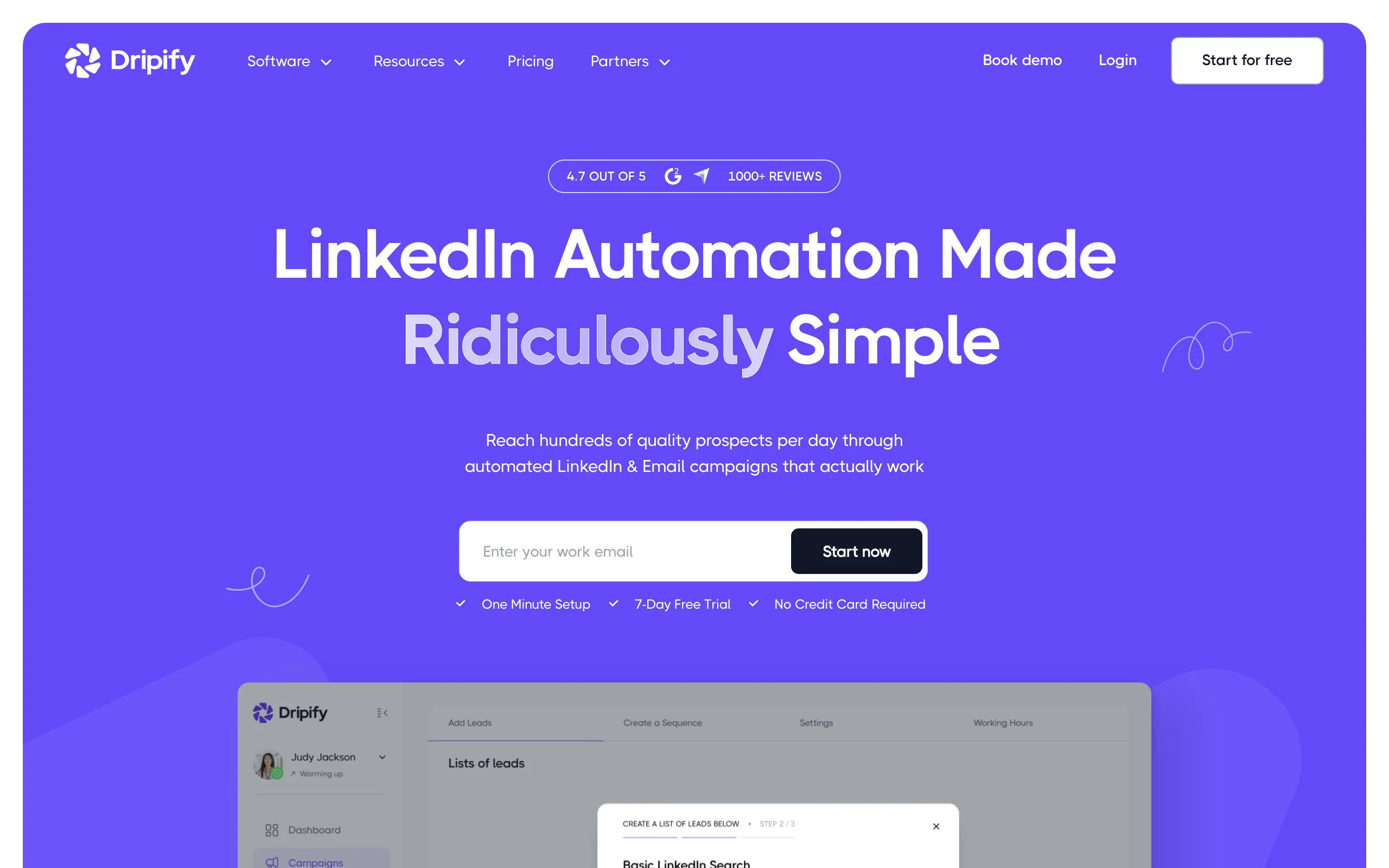
- Dripify: Best for small teams wanting hands-off drip campaigns: trades Extrovert's human review for fully automated, set-and-forget sequencing.
Multichannel (LinkedIn plus email)
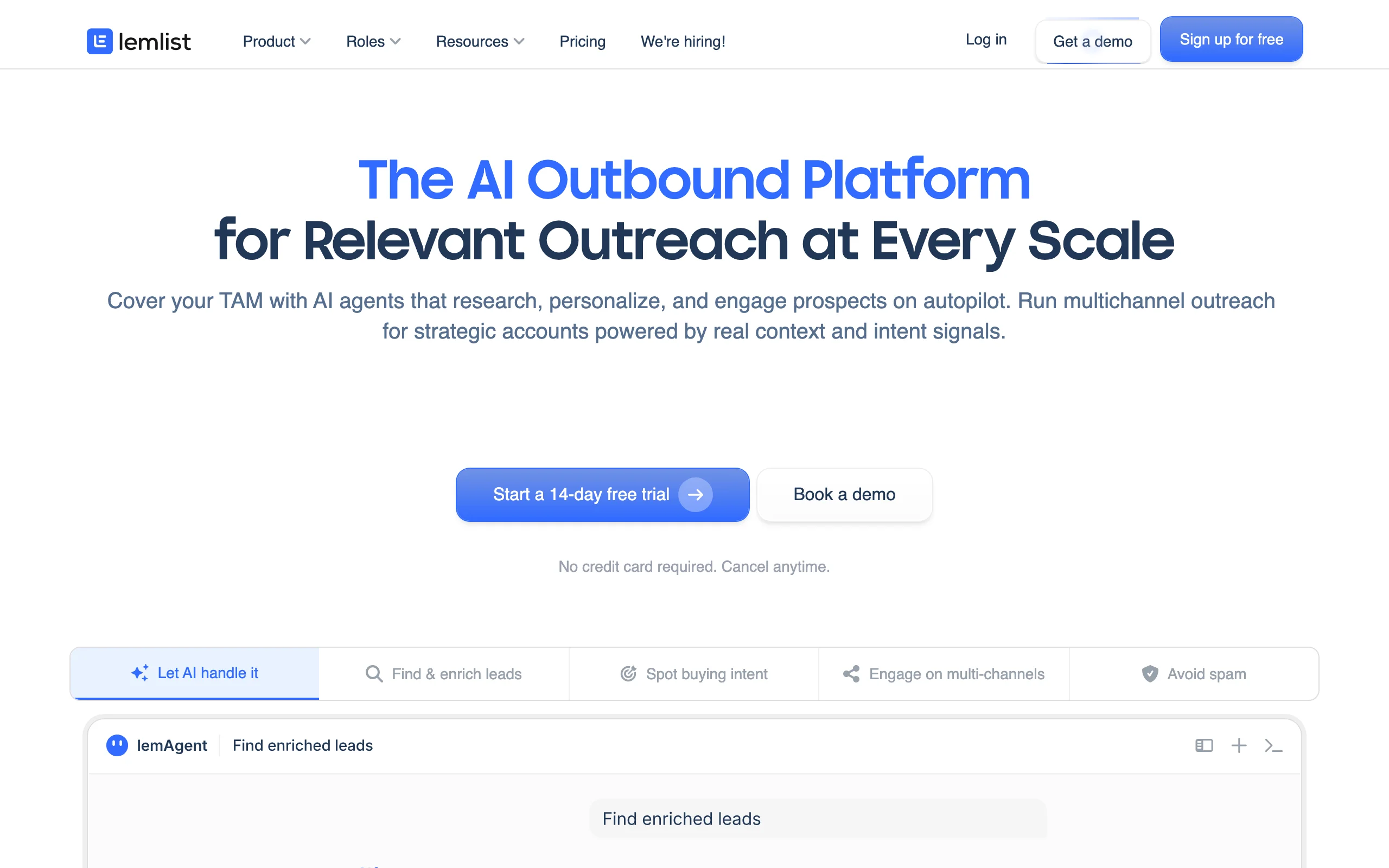
- Lemlist: Best for email-led teams adding a LinkedIn touch: trades Extrovert's LinkedIn-native engagement for multichannel email-plus-LinkedIn sequencing.
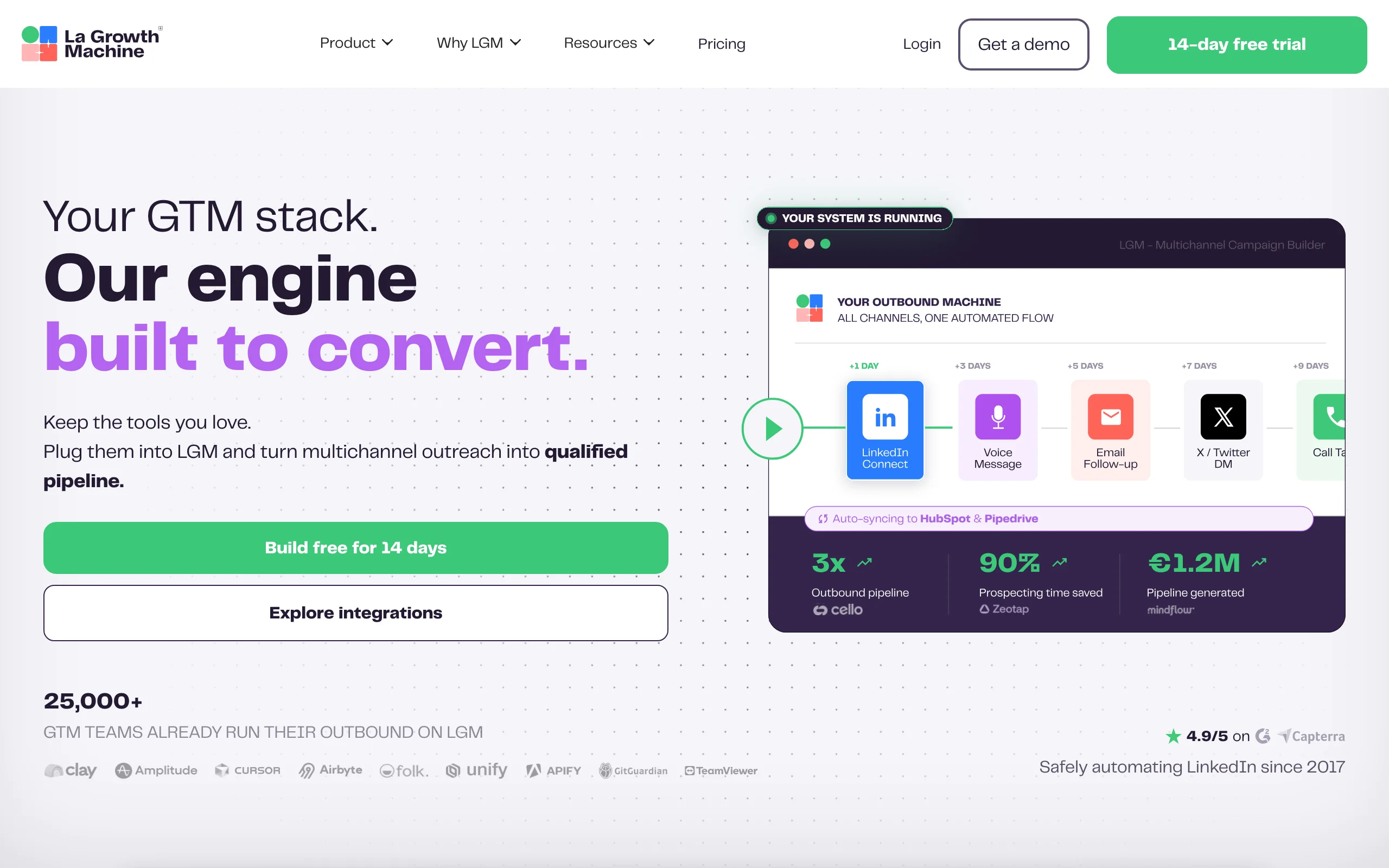
- La Growth Machine: Best for teams orchestrating LinkedIn, email, and X in one flow: trades Extrovert's single-channel warmth for multichannel automation with built-in enrichment.
Content and targeting
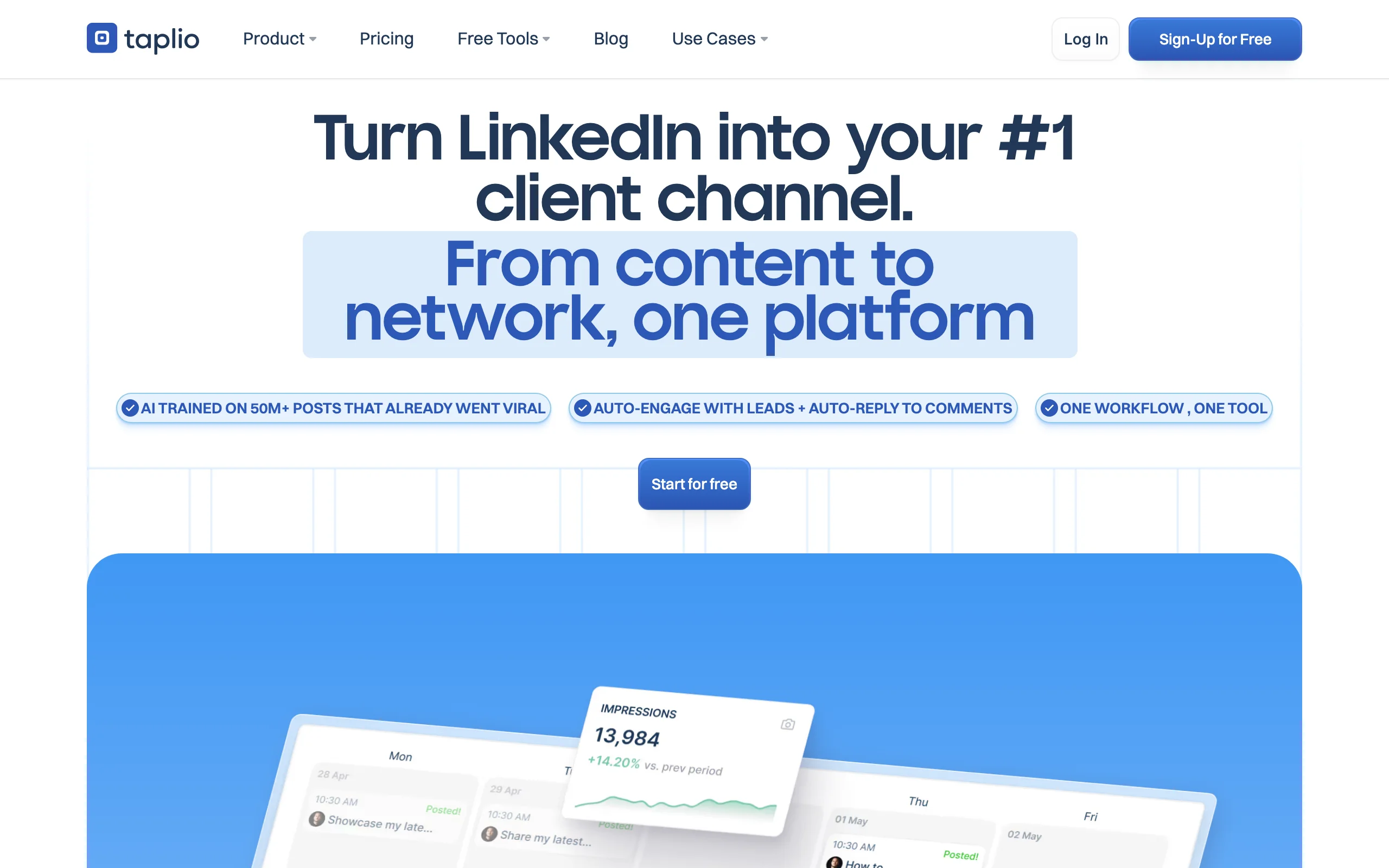
- Taplio: Best for founders building a personal-brand content engine: complements Extrovert's prospect-level engagement with content-level warmth, though it isn't a sender itself.
- LinkedIn Sales Navigator: Best for building the target list Extrovert and every tool here works from: it finds and filters the right people but doesn't engage or send.
| Tool | Key strength | Pricing | Platforms |
|---|---|---|---|
| Extrovert | Warm, AI-suggested comments and DMs from your playbook | Free trial; from $49/month | Web, Chrome extension |
| HeyReach | Multi-account outreach with rotating senders | From $79/month per sender | Web |
| Expandi | Advanced personalization with safety limits | From $99/month | Web |
| Waalaxy | Simple LinkedIn and email sequences | Free tier; Pro from $33/month | Web, Chrome extension |
| Dripify | Hands-off automated drip campaigns | From $39/user/month (annual) | Web, Chrome extension |
| Lemlist | Email plus LinkedIn in one sequence | From $55/user/month (annual) | Web, Chrome extension |
| La Growth Machine | Multichannel sequences with enrichment | From around €60/month per identity | Web, Chrome extension |
| Taplio | Personal-brand content and scheduling | From $49/month | Web |
| LinkedIn Sales Navigator | Native targeting and list building | From $119.99/month | Web, mobile |
Warm, engagement-led outreach
1. Extrovert, best for warm outreach that gets known first
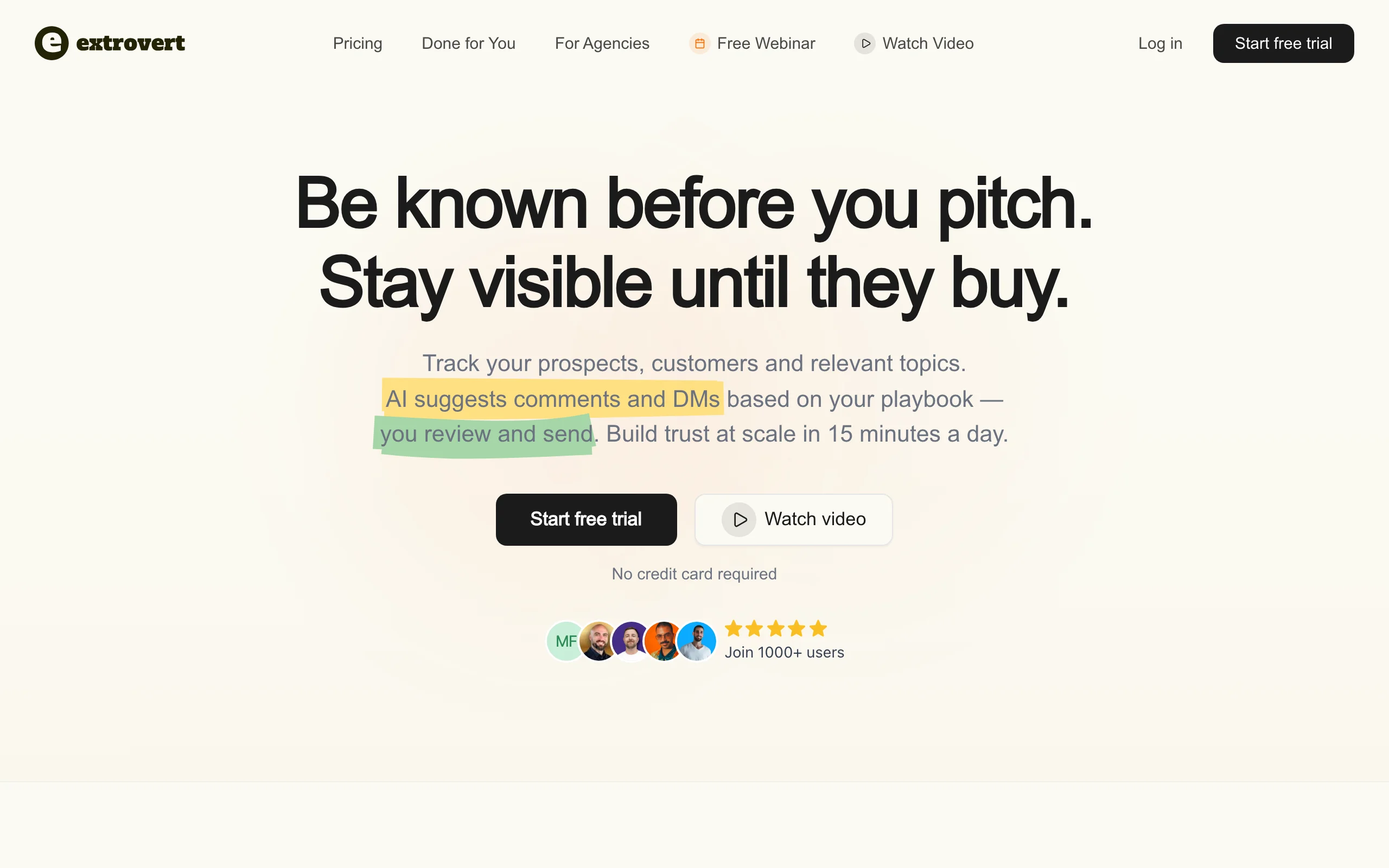
Most tools on this list reach out cold and hope for a reply. Extrovert takes the opposite path: you build familiarity before you ever pitch. You track your prospects, customers, and relevant topics, and Extrovert's AI suggests on-brand comments and DMs based on your own playbook. By showing up in a prospect's feed a few times before you message, your name is already familiar when the outreach lands.
The workflow runs in about 15 minutes a day. You review each AI-suggested comment or DM, edit or approve it, and post from the app, so nothing fires unattended. Over what Extrovert calls the 90-day loop, those touches compound into warm relationships that convert like referrals instead of cold sequences. Because every action is human-approved, you avoid the connection-request blasts that get accounts flagged.
Key features:
- Prospect, customer, and topic tracking on LinkedIn
- AI comment and DM suggestions tuned to your voice and playbook
- Buying-signal and champion-change alerts
- Human-in-the-loop approval on every action
- About 15 minutes a day to run
Best for:
- SDRs, AEs, and founders doing LinkedIn for SDRs
- Teams that have tried automation and gotten accounts restricted
Pricing:
- Free trial available
- Paid plans from $49/month, see Extrovert pricing
Pros:
- Warm and human-reviewed, no unattended automation
- Builds compounding familiarity, not one-off blasts
Cons:
- LinkedIn-focused, not a multichannel cold-email platform
- Built for steady daily reps, not mass-volume sending
LinkedIn automation and multi-account tools
2. HeyReach, best for agencies and multiple accounts
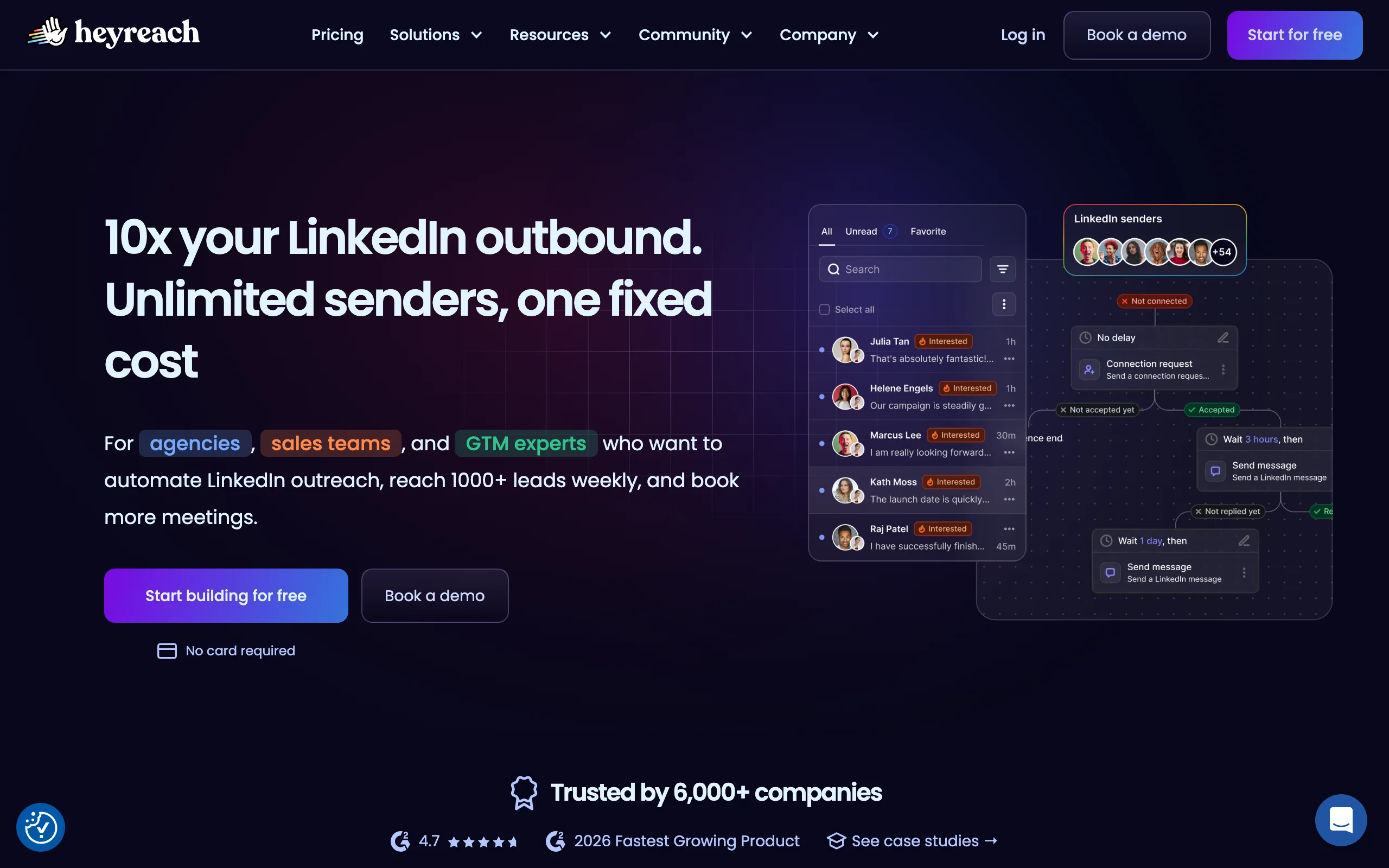
Where Extrovert keeps every action human-reviewed, HeyReach trades that for scale across many LinkedIn accounts at once. Its standout is sender rotation: instead of pushing one account to risky limits, it spreads activity across multiple seats, which keeps volume safer and makes it the default for agencies managing client outreach. A unified inbox pulls every account's replies into one place.
The trade-off is that it is still automated outbound, so it carries more ban exposure than warm engagement, and the agency tiers get expensive fast.
Key features:
- Multi-account sending with rotation
- Unified inbox across accounts
- Campaign analytics and A/B testing
- CRM and webhook integrations
- LinkedIn and Sales Navigator support
Best for:
- Agencies running outreach for multiple clients
- Teams scaling LinkedIn volume across many seats
Pricing:
- From $79/month per sender seat
- Agency and unlimited tiers up to $999 and more
Pros:
- Sender rotation lowers per-account risk
- Strong fit for multi-account operations
Cons:
- Still automated outbound with ban exposure
- Agency tiers get costly
3. Expandi, best for advanced personalization and safety
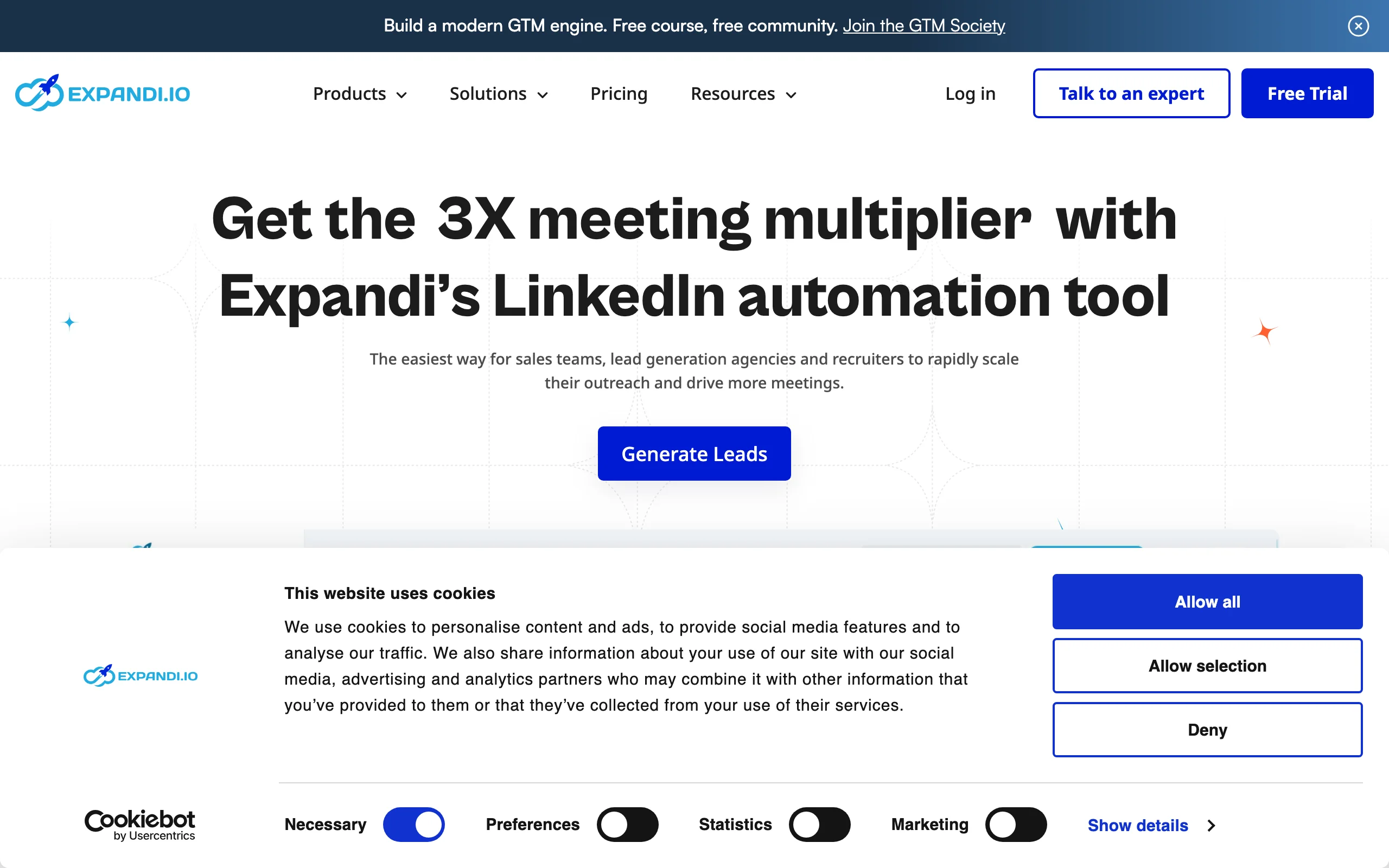
Expandi trades Extrovert's human-reviewed engagement for automation with guardrails: it's a long-standing LinkedIn automation tool known for variable-driven personalization and built-in safety controls. It mimics human behavior with randomized delays and activity limits, and supports image and GIF personalization that lifts reply rates on automated campaigns. For teams committed to automation who want guardrails, it is one of the more careful options.
It still operates through cloud-based automation, so the safety features reduce risk rather than remove it, and the interface has a learning curve.
Key features:
- Image and GIF personalization with custom fields
- Smart activity limits and delays
- Conditional campaign logic
- Unified inbox
- Sales Navigator and CSV imports
Best for:
- Teams committed to automation wanting safety controls
- Growth marketers running personalized campaigns
Pricing:
- From $99/month per account
Pros:
- Strong personalization options
- Safety limits built in
Cons:
- Cloud automation still carries risk
- Steeper learning curve
4. Waalaxy, best for beginners with a free tier
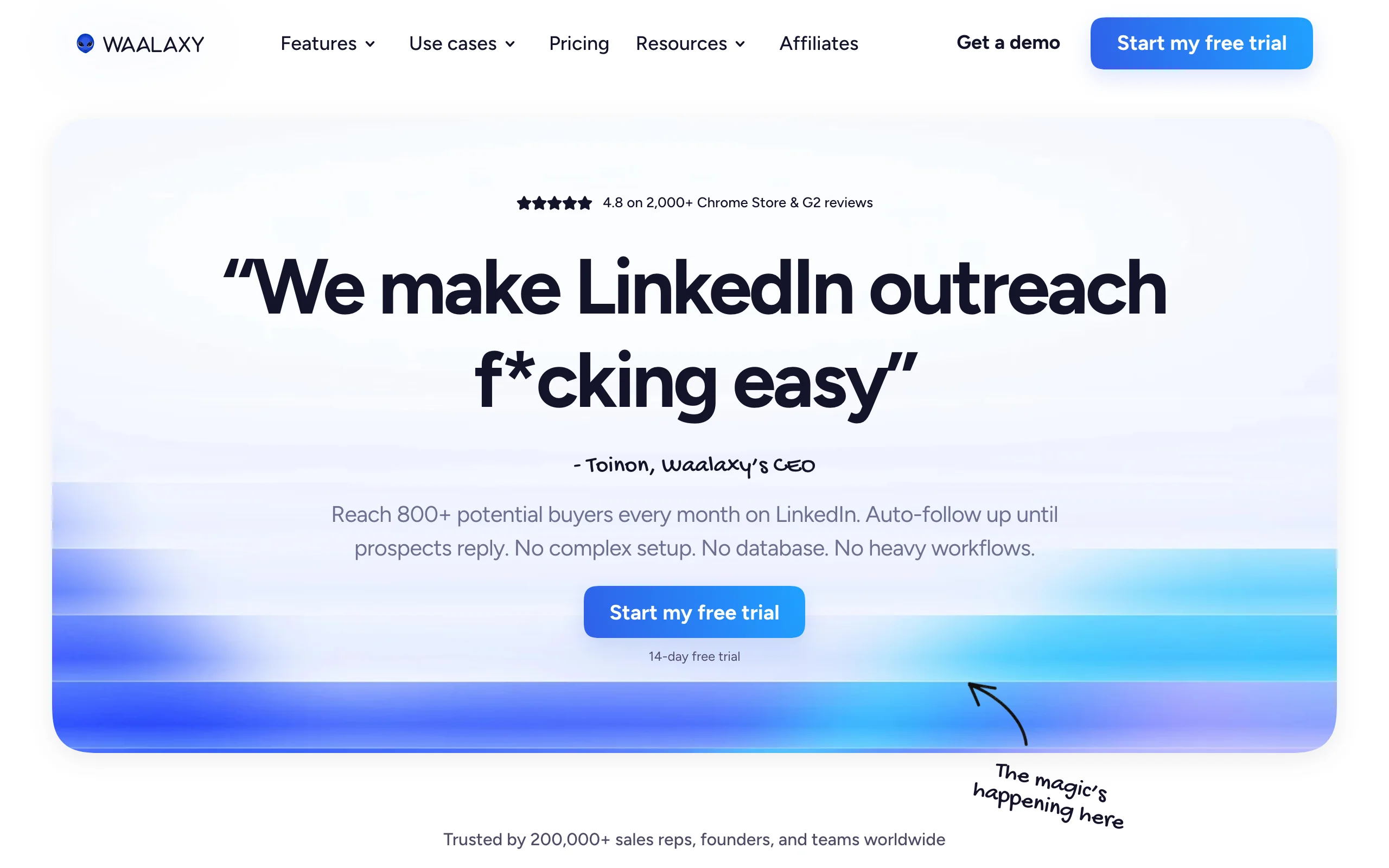
Waalaxy trades Extrovert's reviewed, warm workflow for simple, low-cost automation. It runs as a Chrome extension with prebuilt sequences for connection requests, messages, and basic email follow-up, and a genuine free tier lets solo users start without paying. For someone new to LinkedIn outreach who wants results without a setup project, it is the easiest on-ramp.
That simplicity caps it: advanced teams will outgrow the lighter automation and reporting, and the email features need a higher tier.
Key features:
- Chrome extension with prebuilt sequences
- LinkedIn plus basic email follow-up
- Free tier with weekly invite limits
- Simple campaign builder
- CRM sync
Best for:
- Solo sellers and beginners
- Low-volume outreach on a budget
Pricing:
- Free tier available
- Pro from $33/month; Business from $80/month with Sales Navigator
Pros:
- Easy to start, genuine free tier
- Low learning curve
Cons:
- Lighter automation for advanced teams
- Email needs the higher tier
5. Dripify, best for hands-off drip campaigns
Dripify trades Extrovert's human review for set-and-forget drip sequences aimed at small teams. You build a campaign with connection requests, messages, and follow-ups, set the conditions, and it runs in the cloud without your machine on. Team management and basic analytics make it a tidy pick for a small sales team that wants automation running in the background.
As cloud automation, it shares the ban-risk profile of its category, and it is more sequence-runner than a deep personalization engine.
Key features:
- Cloud-based drip sequences
- Conditional follow-up logic
- Team management and roles
- Response and conversion analytics
- CSV and Sales Navigator imports
Best for:
- Small teams wanting hands-off automation
- Managers running consistent sequences
Pricing:
- From $39/user/month on annual billing
Pros:
- Simple, runs in the cloud
- Useful team features
Cons:
- Standard automation ban exposure
- Lighter personalization
Multichannel outreach (LinkedIn plus email)
6. Lemlist, best for email plus LinkedIn in one sequence
Lemlist trades Extrovert's LinkedIn-native engagement for an email-first sequence with LinkedIn steps woven in. It started in cold email and grew into multichannel, so its strength is weaving LinkedIn steps into email sequences. You can open with a LinkedIn visit or connection, then follow with email, all in one campaign, which suits teams that lead with email but want LinkedIn touches in the mix. Its personalization, including custom images, is well regarded.
LinkedIn is one channel among several here, so teams that want LinkedIn-first depth may find the LinkedIn automation lighter than dedicated tools.
Key features:
- Multichannel email and LinkedIn sequences
- Image and landing-page personalization
- Built-in email warmup and deliverability
- Lead database and enrichment
- CRM integrations
Best for:
- Email-led teams adding LinkedIn touches
- Multichannel sequences in one tool
Pricing:
- Email Pro from $55/user/month (annual)
- Multichannel Expert from $79/user/month (annual)
Pros:
- Strong email plus LinkedIn blend
- Good personalization and deliverability
Cons:
- LinkedIn automation lighter than dedicated tools
- Per-user pricing adds up
7. La Growth Machine, best for multichannel with enrichment
La Growth Machine trades Extrovert's single-channel warmth for multichannel reach: it runs sequences across LinkedIn, email, and X, with waterfall enrichment built in to fill missing contact data as the sequence runs. That enrichment is the differentiator: it finds emails and details mid-campaign so multichannel steps actually have the data to fire. For teams that want one tool orchestrating several channels, it is a capable hub.
Pricing is per identity, which adds up across a team, and the multichannel depth means more setup than a single-channel tool.
Key features:
- LinkedIn, email, and X sequences
- Built-in waterfall enrichment
- Voice messages on LinkedIn
- Campaign analytics
- CRM sync
Best for:
- Teams wanting true multichannel orchestration
- Outbound that needs enrichment inline
Pricing:
- From around €60/month per identity
Pros:
- Multichannel with enrichment built in
- Flexible sequence logic
Cons:
- Per-identity cost scales with team size
- More setup than single-channel tools
Content and targeting
8. Taplio, best for personal-brand content
Taplio complements Extrovert's prospect-level engagement with content-level warmth from a different angle. It helps you write, schedule, and analyze LinkedIn posts, and surfaces the people engaging with your content as warm leads. For founders and sellers building a personal brand, posting consistently means prospects already know you before any DM, which makes the eventual outreach land softer.
It is a content and personal-brand tool more than a sender, so you still need a way to do the actual outreach, and the AI features sit in higher tiers.
Key features:
- AI post generation and scheduling
- Engagement-based lead surfacing
- Content analytics and inspiration library
- Basic DM and CRM features
- Chrome extension
Best for:
- Founders and sellers building a personal brand
- Content-led warm prospecting
Pricing:
- Starter from $49/month; Standard $99; Pro $199
Pros:
- Strong content creation and scheduling
- Surfaces warm leads from engagement
Cons:
- Content tool, not a full outreach sender
- Best AI features in higher tiers
9. LinkedIn Sales Navigator, best for targeting and list building
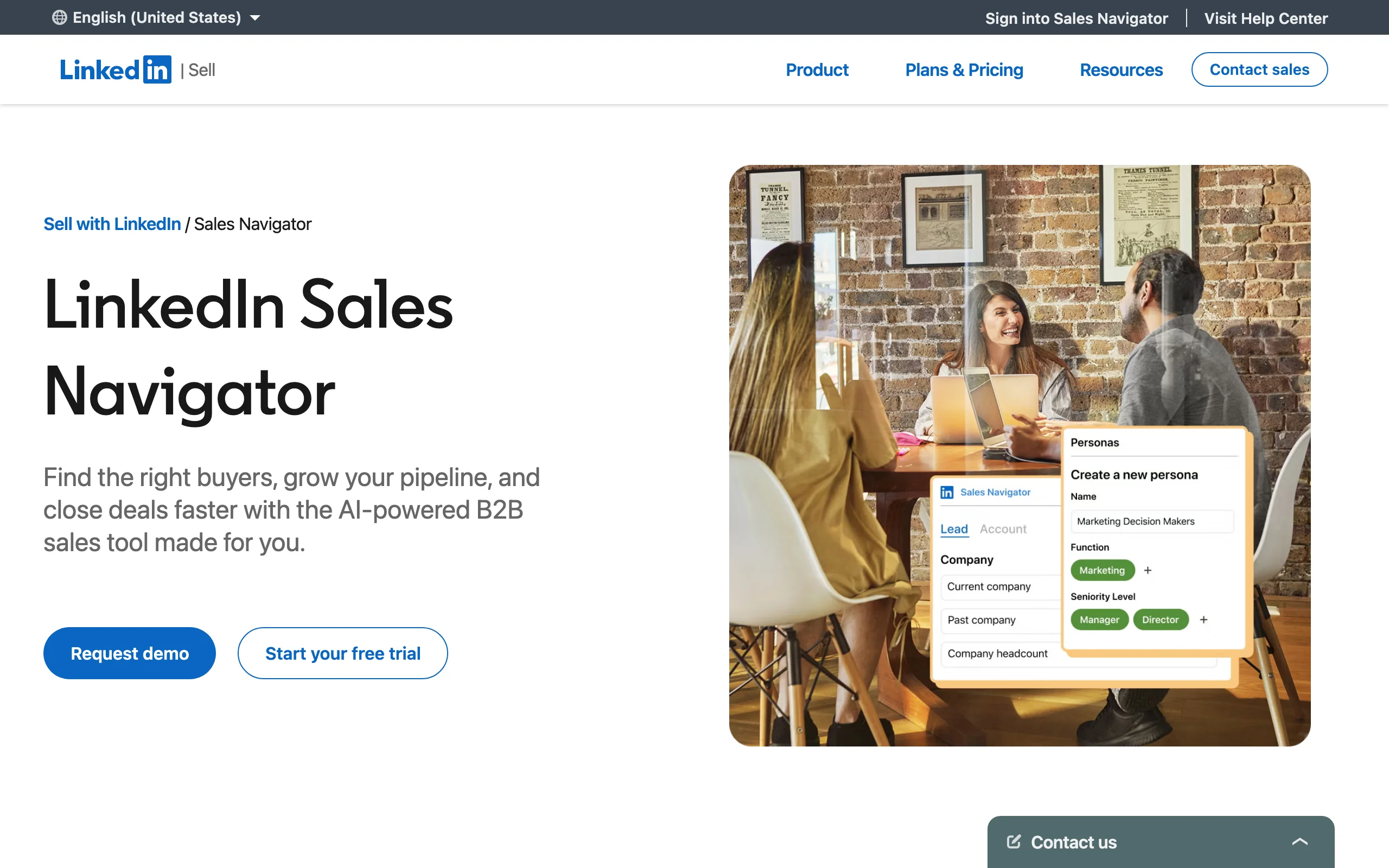
LinkedIn Sales Navigator builds the target list Extrovert and every tool on this list works from. It is the foundation under most LinkedIn outreach stacks. It is not a sender; it is LinkedIn's native tool for finding and filtering the exact people you want to reach, with advanced search, lead lists, and real-time alerts on job changes and activity. Almost every tool above imports its targeting from here.
On its own it does not automate or send outreach, so you pair it with one of the tools above. It is also a per-seat cost on top of your sending tool.
Key features:
- Advanced lead and account search
- Saved lead lists and alerts
- Buying-signal and job-change notifications
- InMail credits
- CRM sync
Best for:
- Building and filtering prospect lists
- Teams that need native LinkedIn targeting
Pricing:
- Core from $119.99/month
Pros:
- The strongest native targeting available
- Real-time prospect signals
Cons:
- No automation or sending on its own
- Per-seat cost on top of other tools
How to choose the best LinkedIn outreach tool for your needs
The right LinkedIn outreach tool comes down to warm versus cold, how many accounts you run, and how much ban risk you can absorb. Run a two-week pilot on your real account before committing, and weigh the cost of a restricted account, not just the subscription.
Warm engagement or cold automation?
If you want outreach that lands familiar, lead with engagement: warm outreach through Extrovert builds recognition before you pitch and keeps your account safe. If you need raw volume across many seats, HeyReach or Expandi automate it, with the understanding that automated sending carries more risk. Many teams pair a warm layer with a sender rather than choosing one.
How many accounts are you running?
Solo sellers do fine with Waalaxy or Dripify. Agencies managing many client accounts need HeyReach's sender rotation and unified inbox. Match the tool to your account count, since single-seat tools get unsafe when pushed to agency volume.
Single channel or multichannel?
For LinkedIn-first depth, a dedicated tool wins. For email plus LinkedIn in one flow, Lemlist or La Growth Machine orchestrate both, with La Growth Machine adding inline enrichment. Decide which channel leads before you pick, since multichannel tools add setup you only need if you will use it.
How much ban risk can you absorb?
Every cloud-automation tool reduces risk but cannot remove it, because the volume itself is what LinkedIn polices. If a restricted account would hurt, favor human-in-the-loop engagement and modest sending. For the broader prospecting picture, compare these B2B prospecting tools and social selling tools before locking in a stack.
FAQ
What are LinkedIn outreach tools?
LinkedIn outreach tools are software that helps you connect with and message prospects on LinkedIn, ranging from automated senders that run connection requests and follow-ups to engagement-led tools that build familiarity through comments and DMs. They cover targeting, sending, personalization, and reply management, and the safest options keep a human approving each action.
What is the best LinkedIn outreach tool?
For warm, relationship-led outreach, Extrovert is the strongest pick because it builds recognition before you pitch and reduces the account risk that comes with automated sending. For multi-account automation at agency scale, HeyReach leads with sender rotation. The best tool depends on whether you want warmth or volume and how many accounts you run.
Are LinkedIn automation tools safe to use?
LinkedIn automation tools carry real risk because LinkedIn restricts accounts that send high automated volume, especially mass connection requests. Tools like Expandi and HeyReach add safety limits and rotation to reduce that risk, but cannot remove it. Human-in-the-loop approaches that keep a person approving each action are the safest way to use LinkedIn for outreach.
How much do LinkedIn outreach tools cost?
LinkedIn outreach tools range from free tiers and around $33 to $99/month for most automation tools, up to $999 and more for agency multi-account plans. Sales Navigator adds about $120/month for targeting, and per-user or per-identity pricing on tools like Lemlist and La Growth Machine scales with team size.
Can I do LinkedIn outreach without automation?
Yes, and it is often more effective. Engagement-led outreach through comments and DMs, done in about 15 minutes a day with a tool like Extrovert, builds warmer relationships than automated blasts and avoids ban risk entirely. Pairing it with Sales Navigator for targeting covers most B2B outreach needs.
Do I still need Sales Navigator with these tools?
In most cases yes, because Sales Navigator provides the native targeting and prospect signals that other tools import. The outreach tools handle engagement or sending, while Sales Navigator builds and filters the lists. Some teams skip it for small, well-known prospect lists, but at scale it is the foundation of the stack.
Sources: SyncGTM: Best LinkedIn Outreach Tools 2026, La Growth Machine: Lemlist Pricing 2026, HeyReach: Pricing and Alternatives