On this page
LinkedIn automation tools can help with prospect discovery, comments, DMs, outreach sequences, or data extraction. For B2B sellers who want to stay visible to prospects and follow up with context, Extrovert brings discovery, daily priorities, and drafts into one workflow. You can review suggestions yourself, automate comments in selected campaigns, or delegate work to an AI assistant.
Start with the work you want to remove from your day. Keeping relationships warm, managing several senders, running LinkedIn-and-email sequences, and collecting prospect data require different capabilities. The thirteen tools below cover those distinct workflows.
Shortlist by the work you need to automate
- Daily prospect engagement and follow-up: Extrovert brings discovery, comment priorities and recommended DMs together, with review and optional execution controls.
- Multiple LinkedIn senders: HeyReach focuses on sender rotation and shared replies; Closely packages connected accounts into bundles.
- LinkedIn-and-email sequences: Skylead, Expandi and Dripify combine the channels. We-Connect, Meet Alfred and Waalaxy make email access a plan-level decision.
- Execution on your own machine: Linked Helper runs on a computer or VPS you control. Dux-Soup offers STACKED local and managed-cloud options; Octopus CRM runs through Chrome.
- Data extraction: PhantomBuster budgets workflows by execution time, automation slots and separate credit allowances.
For automated content publishing rather than prospecting, use our LinkedIn marketing tools guide. The comparison below focuses on B2B sales workflows.
Compare tools by workflow and price
These entry prices use different units and billing terms. An annual monthly equivalent requires an annual commitment; it is not a month-to-month subscription. Prices are in USD unless marked EUR or GBP. Dux-Soup and PhantomBuster display localized currency; compare the currency and billing term shown at checkout.
| Tool | Workflow and entry price |
|---|---|
| Extrovert | Discovery, comments, DMs, follow-ups. $49 per account seat/month, monthly billing. |
| HeyReach | Multiple LinkedIn senders and unified replies. $79 per sender/month, monthly billing. |
| Skylead | Conditional LinkedIn and email sequences. $100 per seat/month. |
| We-Connect | LinkedIn campaigns; email on Professional. Growth $69 per seat/month, monthly billing; $49 with annual billing. |
| Closely | Account bundles, sequences, enrichment. Starter $65/month for one LinkedIn account, monthly billing. |
| Meet Alfred | LinkedIn; email and X on Business. Individual $59 per user/month, monthly billing. |
| Dux-Soup | Local or managed-cloud campaigns. STACKED local €49 per seat/month, monthly billing. |
| Octopus CRM | Browser invitations and CRM. Starter $9.99/month, monthly billing. |
| Linked Helper | Desktop campaigns and storage choices. Local Standard $15 per account license, one-month term. |
| PhantomBuster | Cross-platform extraction. Start €69/month, monthly billing; €56/month equivalent billed annually. |
| Expandi | Conditional LinkedIn and email campaigns. $99 per account seat/month, monthly billing. |
| Dripify | LinkedIn and email drip campaigns. Basic $59 per user/month, monthly billing. |
| Waalaxy | Prebuilt LinkedIn campaigns. UK Pro £34 per user/month, monthly billing; email on Business. |
Check the actions included in the selected plan as well as the headline price. Sender counts, enrichment credits, execution time, and email features can change the cost of the same prospecting job.
1. Extrovert: prospect discovery, engagement, and timely follow-ups
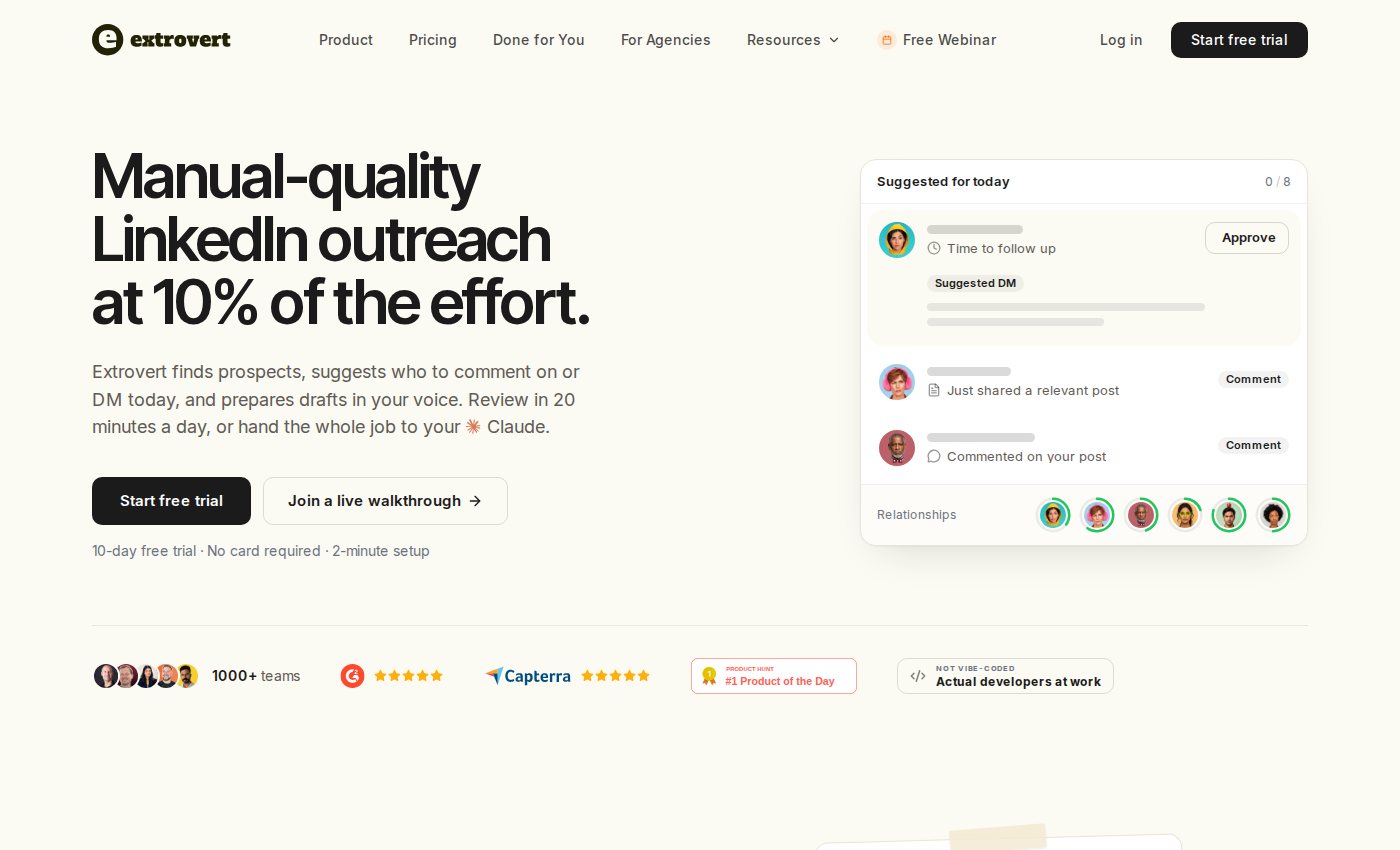
Extrovert homepage and product positioning.
Extrovert helps you find relevant people, choose whose posts to comment on or whom to DM today, and draft messages using the post or conversation as context. For SDRs and account executives, that means less time checking feeds and rereading threads before a first touch or follow-up.
Lead Finder searches by role, company, and location. Intent Signals discovers people through LinkedIn activity, including engagement with selected posts and activity around a topic. A signal gives you a reason to investigate someone; it does not prove purchase intent.
Prioritize comments around your campaign goal
Extrovert ranks and filters posts according to your campaign priorities, so you can focus on relevant conversations.
Illustration: the posts a campaign found, sorted three ways. Newest posts, newest first: Just now, 20 min ago, 3 h ago, Yesterday. Closest to outreach, fewest comments left before outreach first: 1 left, 2 left, 3 left, 4 left. Evenly distribute, longest since your last comment first: 6 weeks ago, 3 weeks ago, Last week, Yesterday.
Newest posts
In a visibility campaign, the newest posts come first, so your comment goes up while people are still reading.
Closest to outreach
In a warm outreach campaign, the people who need only one or two more comments before you reach out come first, so you get to the first DM sooner.
Evenly distribute
In a nurturing campaign, the people you have not commented on for the longest come first, so nobody on the list is forgotten.


Follow up with a reason to write
Recommended DMs bring first touches and follow-ups into a short list with context. You can inspect the suggested reason, edit the draft, send it, or snooze the conversation.
Illustration: the DM workspace on its Recommended tab, 5 conversations due for a message today, each with its reason. Connected 2 days ago: First DM. No reply for 9 days: Follow-up. New role at their company: Restarter signal. Promised a call 2 weeks ago: Follow-up. Quiet for 3 months: Keep in touch. The first one is open, with the first DM drafted and the buttons Send and Snooze.


You have three levels of control:
- Review: approve, edit, or skip individual suggestions.
- Auto: allow selected campaigns to post comments within your filters and limits.
- Assistant delegation: connect an AI assistant through MCP to work with Extrovert's priorities and drafts. Delegated execution needs instructions and oversight, but does not require human approval of every action.
Shared campaigns, managed client accounts, API access, and webhooks support team workflows. Extrovert does not replace a dedicated cold-email sequencer. Its focus is LinkedIn discovery, engagement, and conversations that retain relationship context.
Extrovert pricing. Open the image at full size to inspect the plan cards.
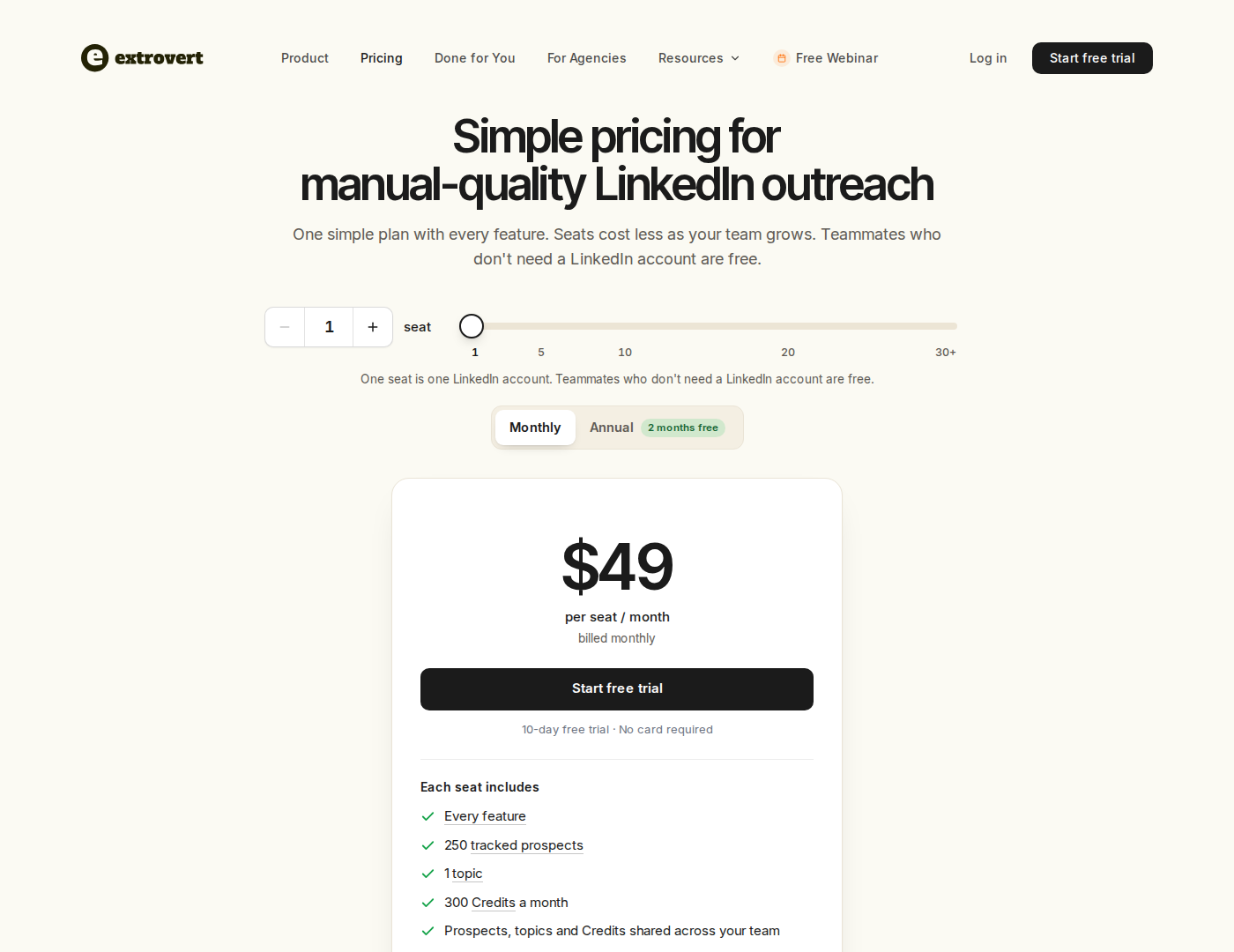
Pricing: $49 per LinkedIn-account seat/month, billed monthly. Teammates without a connected account are free. Each seat includes 250 tracked prospects, one topic, and 300 monthly discovery Credits, shared across the team. Lead Finder uses one Credit per delivered prospect; Intent Signals uses 25–250 Credits per prospect. Tracking extras and Credit top-ups cost extra. Annual billing offers two months free. See Extrovert pricing and allowances.
Try the workflow with your own prospects and review the suggestions before deciding what to automate.
2. HeyReach: campaigns across multiple LinkedIn senders
HeyReach homepage and product positioning.
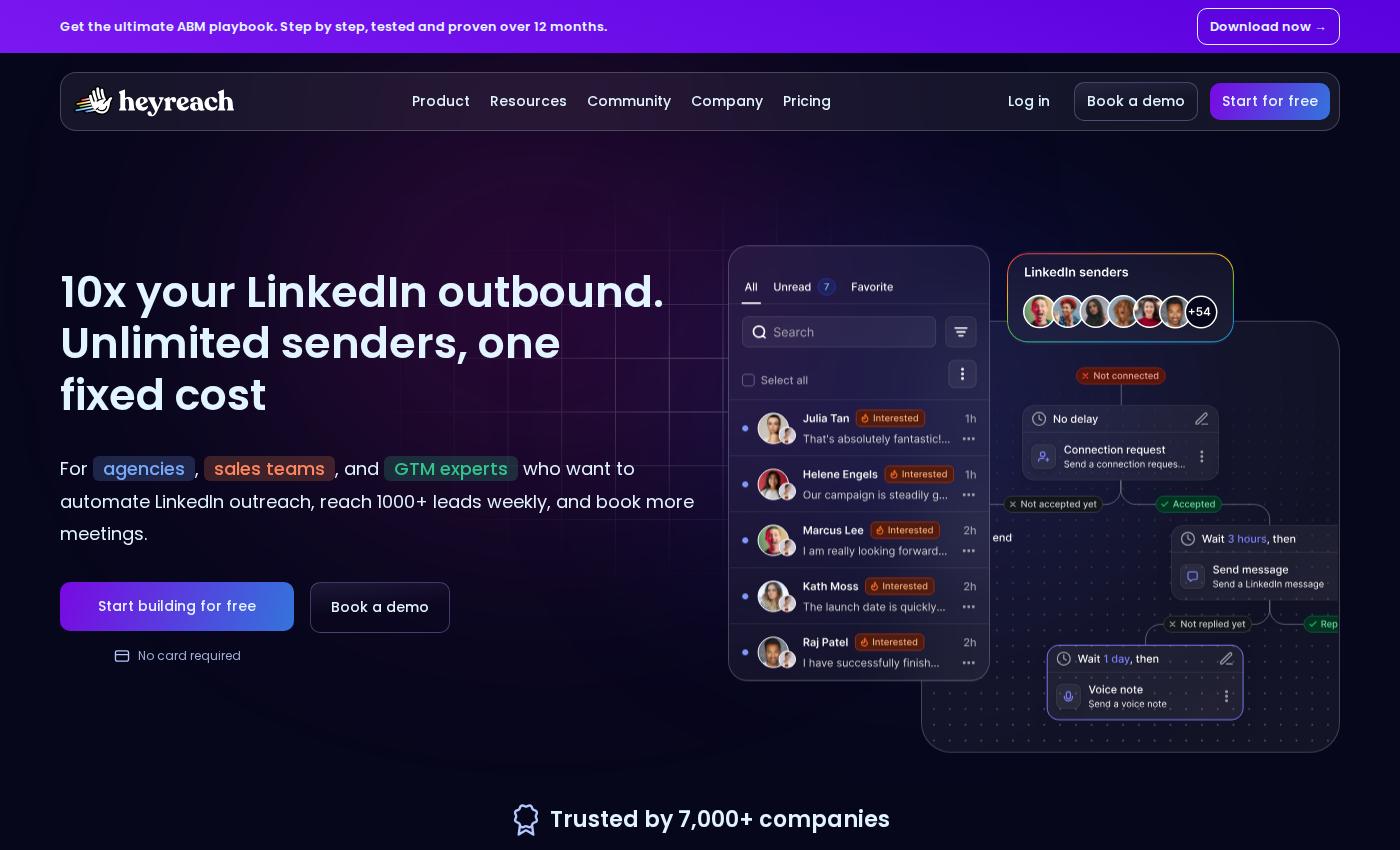
HeyReach combines multi-account LinkedIn campaigns, sender rotation, and a unified inbox. Teams can manage campaigns across connected senders and handle replies in one inbox. They do not establish lower account-restriction rates.
Its core campaign channel is LinkedIn. Email workflows depend on the rest of your stack and its integrations. For client campaigns, define account permissions and who is responsible for each sender. Our HeyReach alternatives guide covers the narrower sender-management comparison.
HeyReach pricing. Open the image at full size to inspect the plan cards.
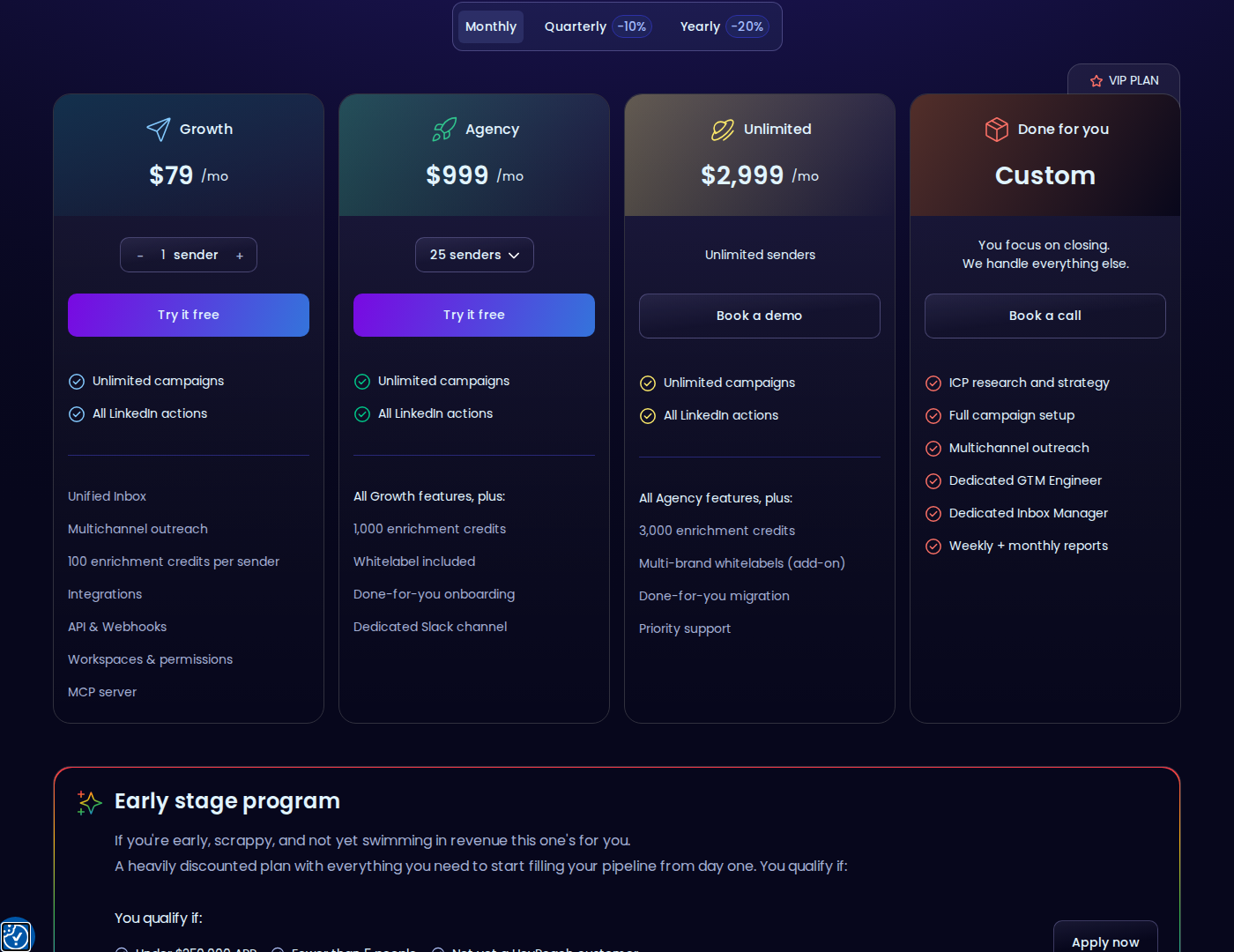
Pricing: Growth starts at $79 per sender/month with monthly billing, or $63 per sender/month billed yearly. Agency starts at $999/month for 25 senders; Unlimited starts at $2,999/month. A sender bundle and a per-seat subscription have different economics.
3. Skylead: conditional LinkedIn and email sequences
Skylead homepage and product positioning.
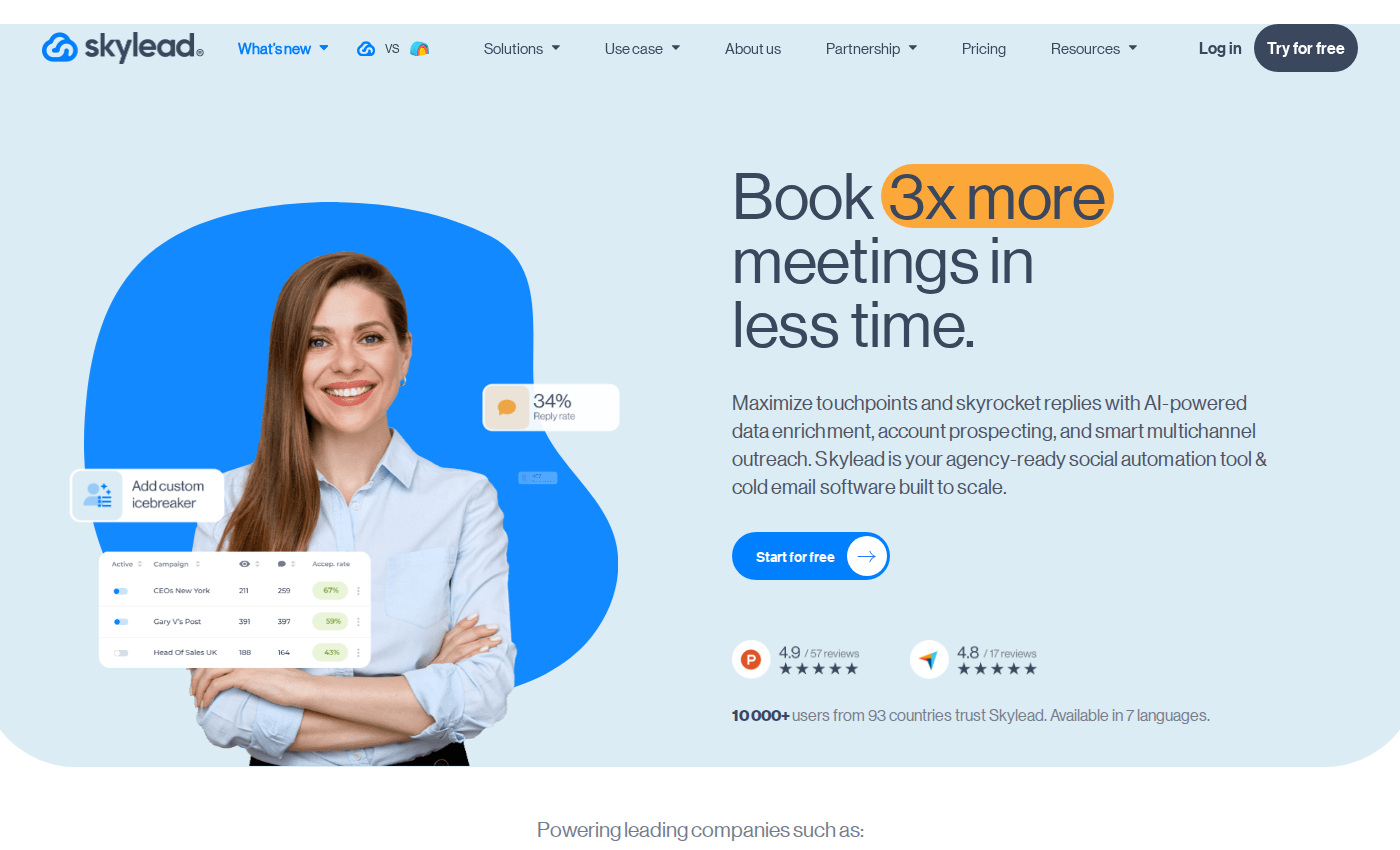
Skylead combines cloud-based LinkedIn and email automation with conditional Smart Sequences. It includes a Smart Inbox, an email finder and verifier, image and GIF personalization, API access, and CRM sync with HubSpot, Pipedrive, and Salesforce.
Unlimited connected email accounts does not mean unlimited email volume. The All-in-one plan lists 100,000 emails per month. AI data enrichment and AI SDR capabilities are add-ons.
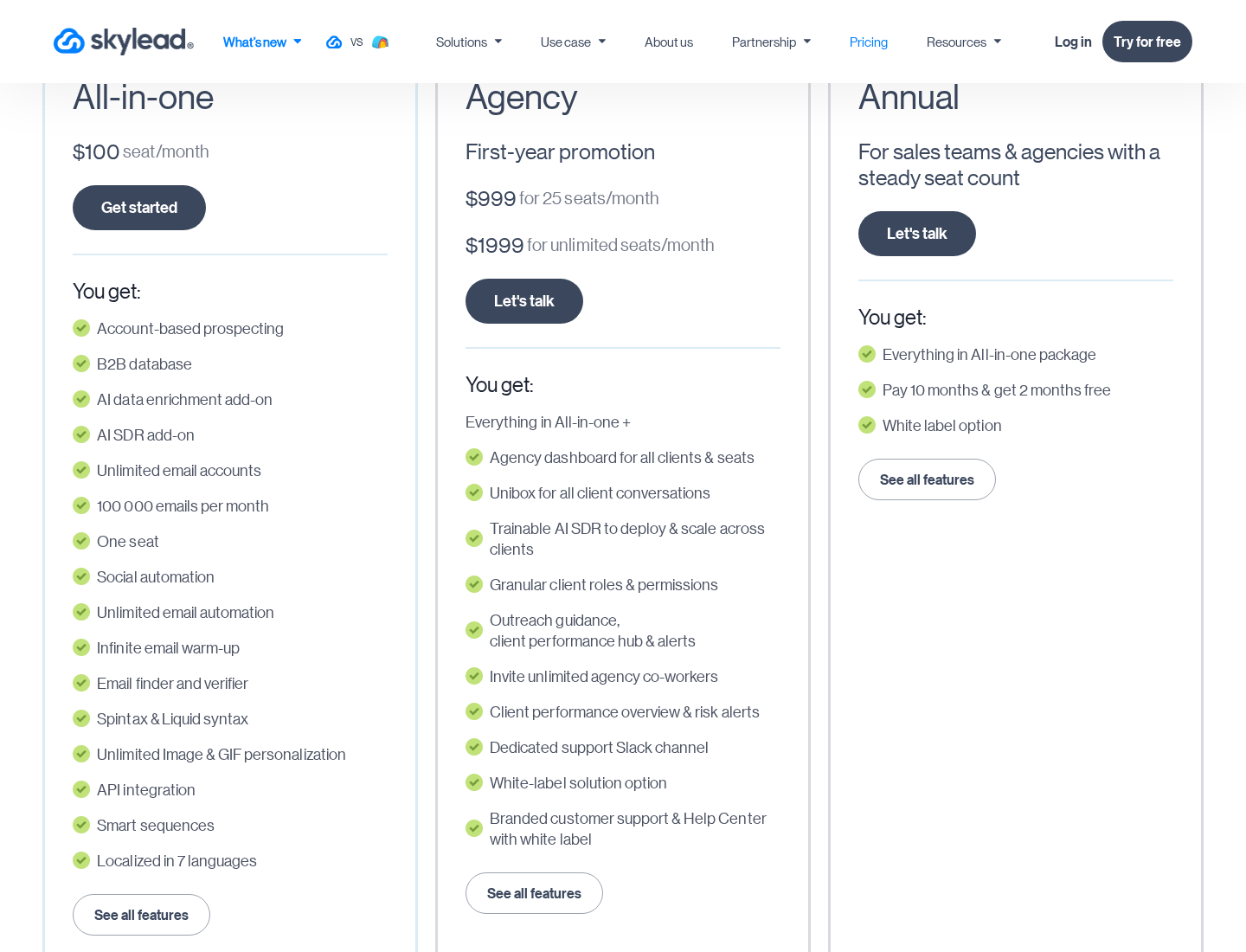
Skylead pricing. Open the image at full size to inspect the plan cards.
Pricing: All-in-one is $100 per seat/month, with one seat included. The annual offer provides twelve months for the price of ten. The trial lasts seven days. For agency plans, compare first-year promotional pricing with the renewal price.
4. We-Connect: LinkedIn campaigns with plan-dependent email
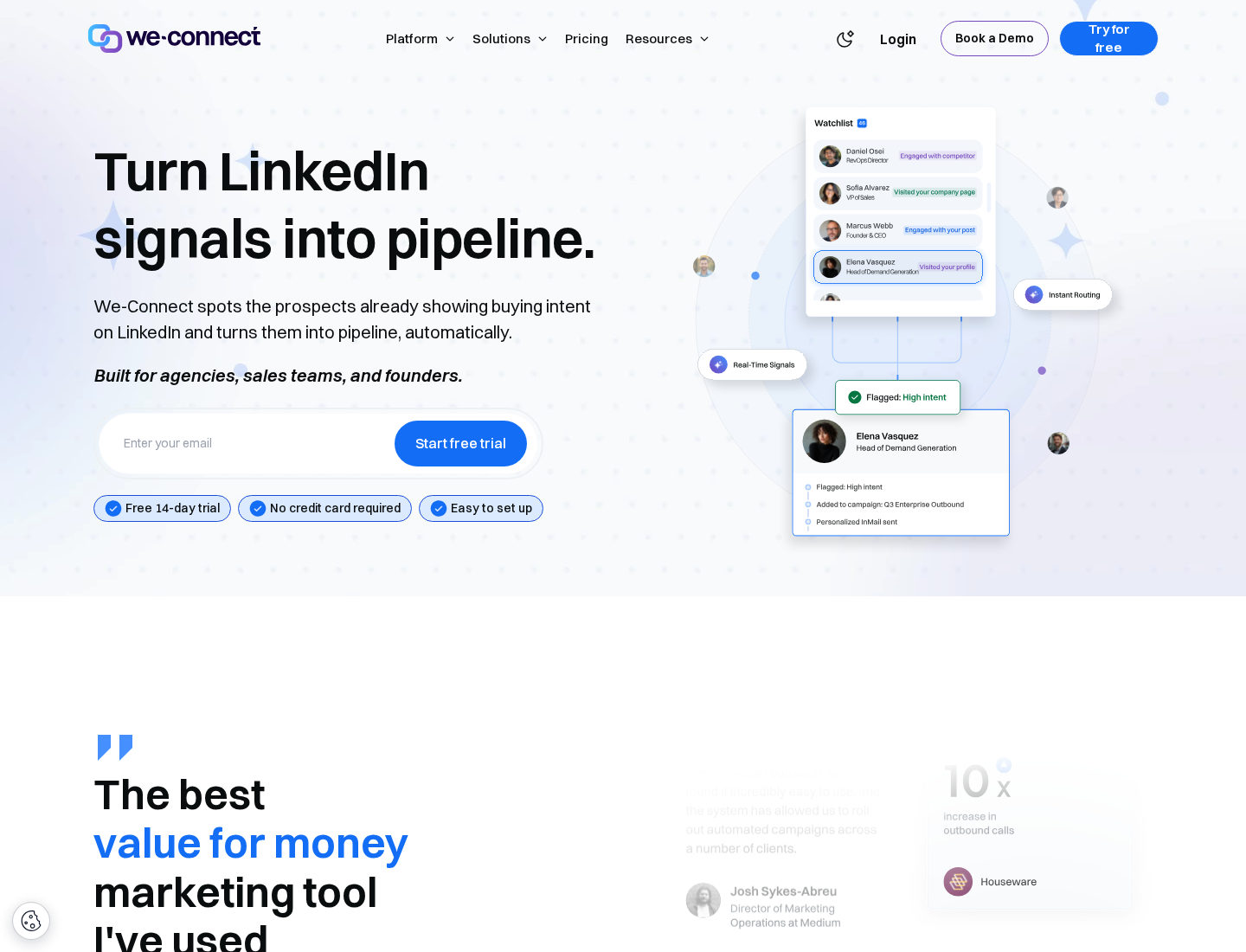
We-Connect homepage and product positioning.
We-Connect runs campaigns in the cloud. Growth includes LinkedIn smart campaigns, Lead Engine, AI Assist, AI auto-reply, and contact enrichment. Professional adds LinkedIn-and-email campaigns and CRM integrations.
Decide when AI auto-replies need approval. Scale is listed as “SOON”; its announced features are not yet available.
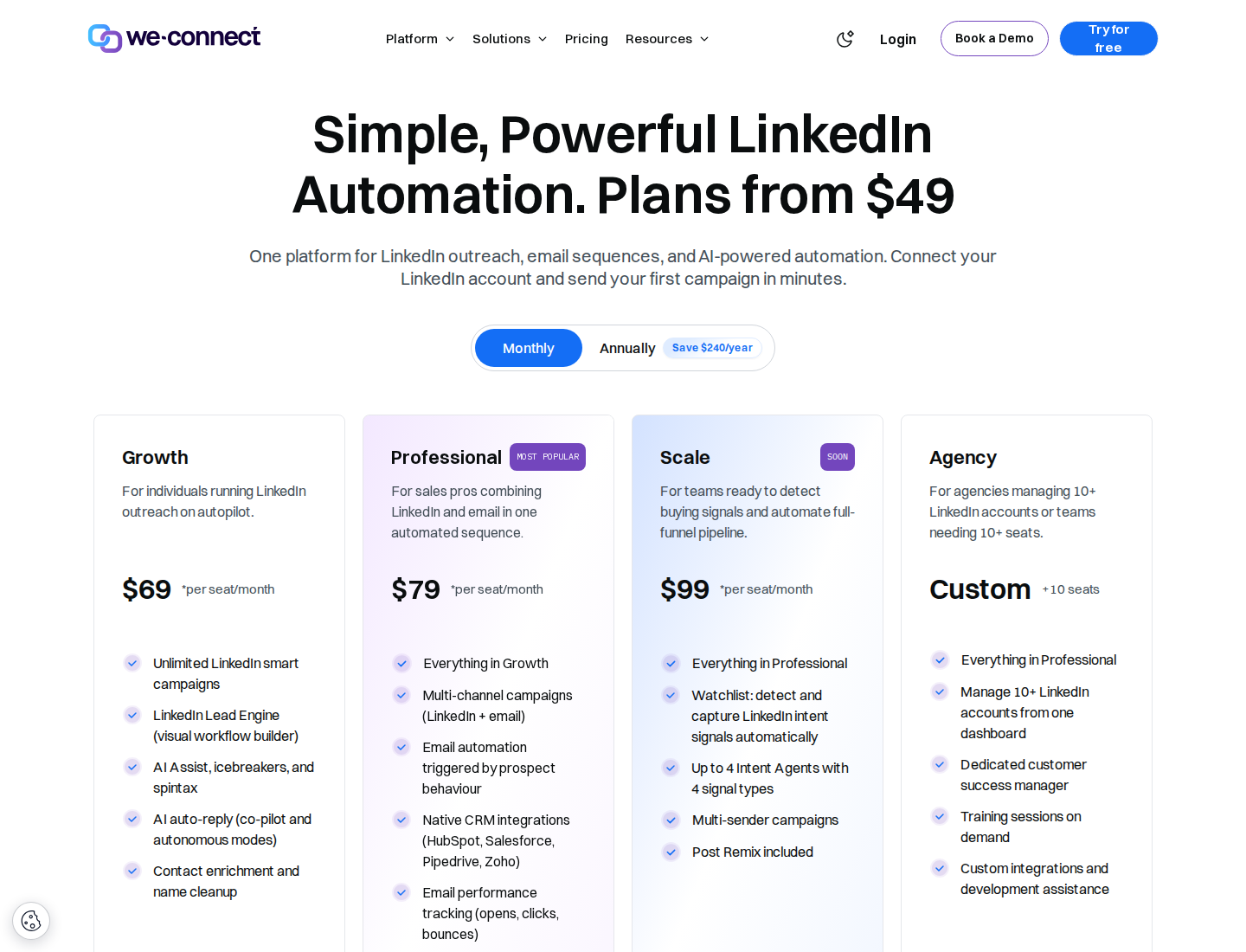
We-Connect pricing. Open the image at full size to inspect the plan cards.
Pricing: Growth is $69 per seat/month and Professional is $79 with monthly billing. Annual billing displays $49 and $59 per seat/month respectively, billed $588 and $708 annually. Agency pricing is custom for ten or more seats.
5. Closely: account bundles, enrichment, and a shared inbox
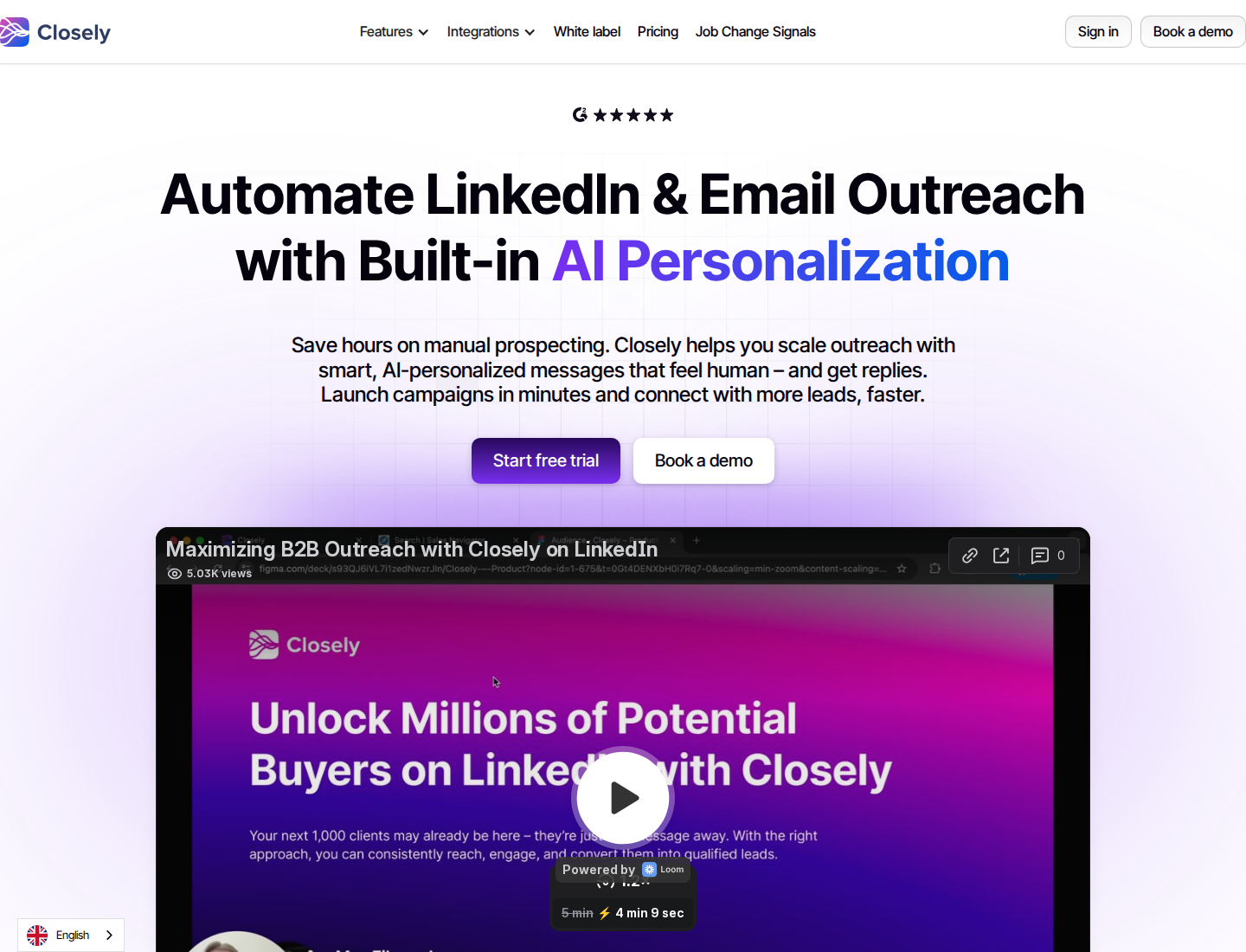
Closely homepage and product positioning.
Closely offers LinkedIn and email campaigns, conditional sequences, a Smart Inbox, enrichment, team management, and white-label features. Its account bundles combine subscription access with a defined number of connected LinkedIn accounts.
Enrichment and AI personalization consume credits. Dedicated residential IPs and account warm-up are listed features, not guarantees of LinkedIn authorization or account safety.
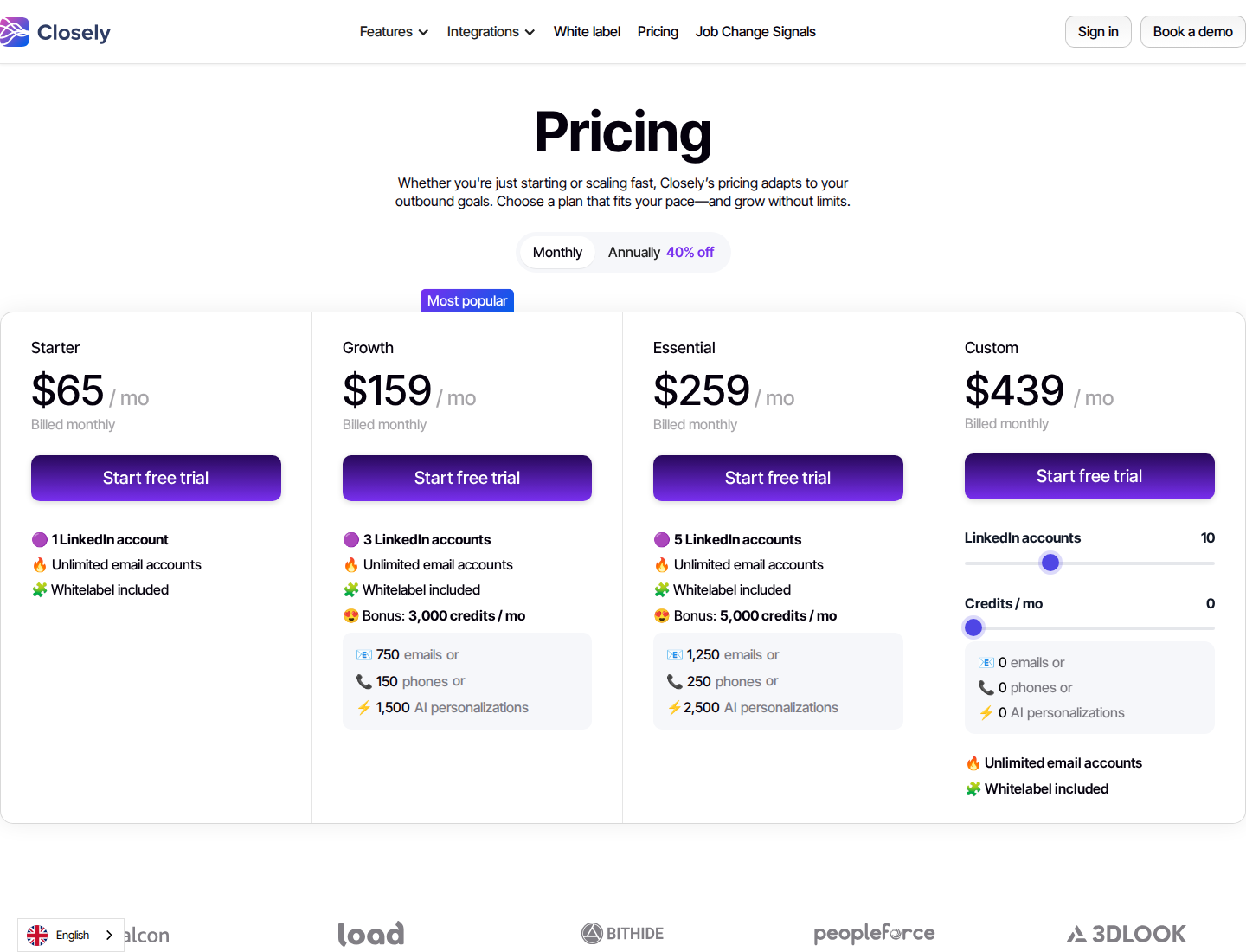
Closely pricing. Open the image at full size to inspect the plan cards.
Pricing: Starter is $65/month for one LinkedIn account with monthly billing, or $39/month equivalent with $468 billed annually. Growth is $159/month for three LinkedIn accounts, or $95/month equivalent with $1,140 billed annually, and includes 3,000 monthly credits. Connected email accounts are advertised as unlimited; credit allowances remain separate.
6. Meet Alfred: LinkedIn, email, and X campaigns
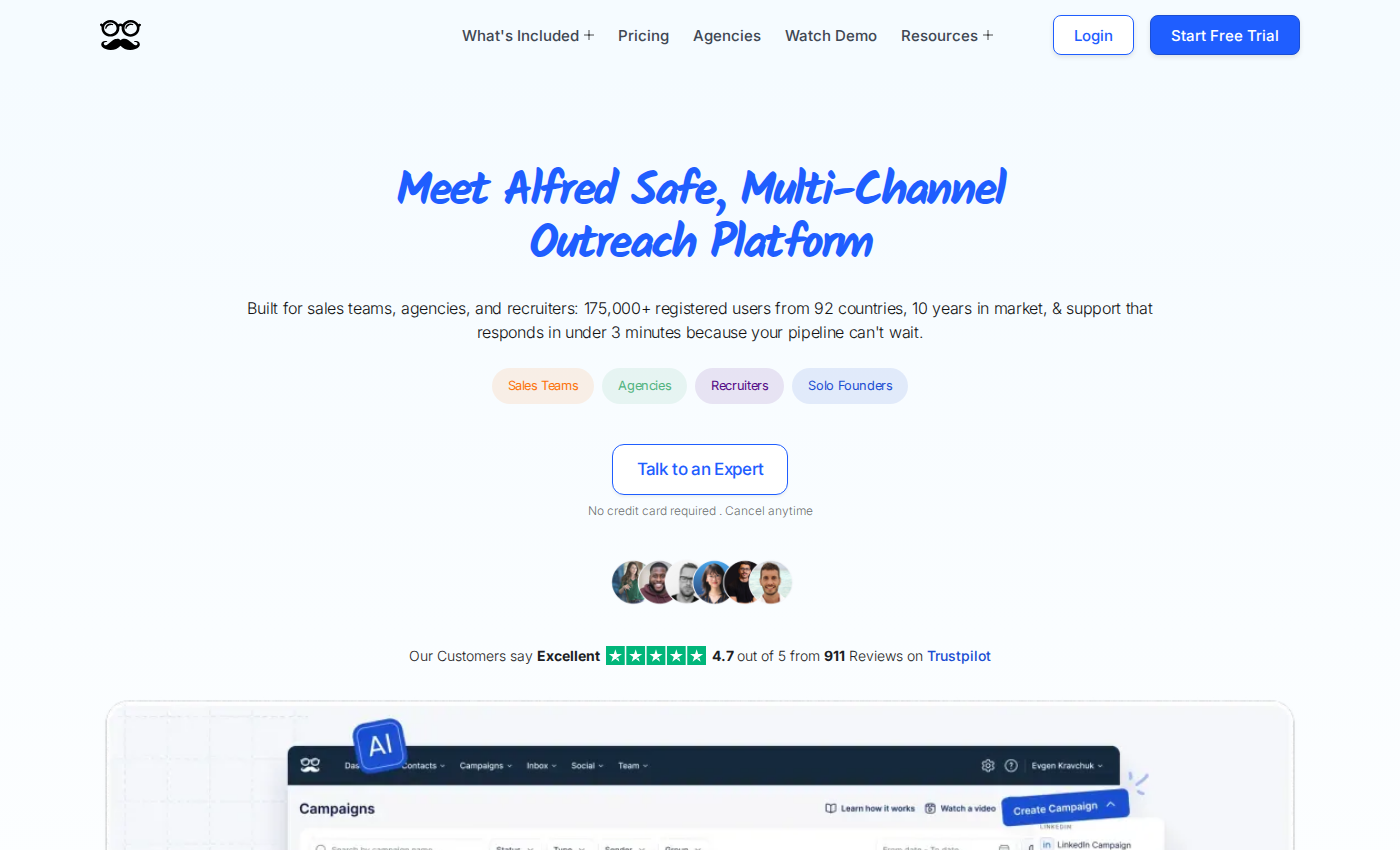
Meet Alfred homepage and product positioning.
Meet Alfred provides cloud outreach, an inbox, CRM features, and social scheduling. Individual focuses on LinkedIn. Business adds multichannel automation, Sales Navigator support, InMail, Groups, and Events.
The entry plan excludes Sales Navigator, InMail, and LinkedIn CSV campaigns. Comparing only the Individual price would miss those access requirements.
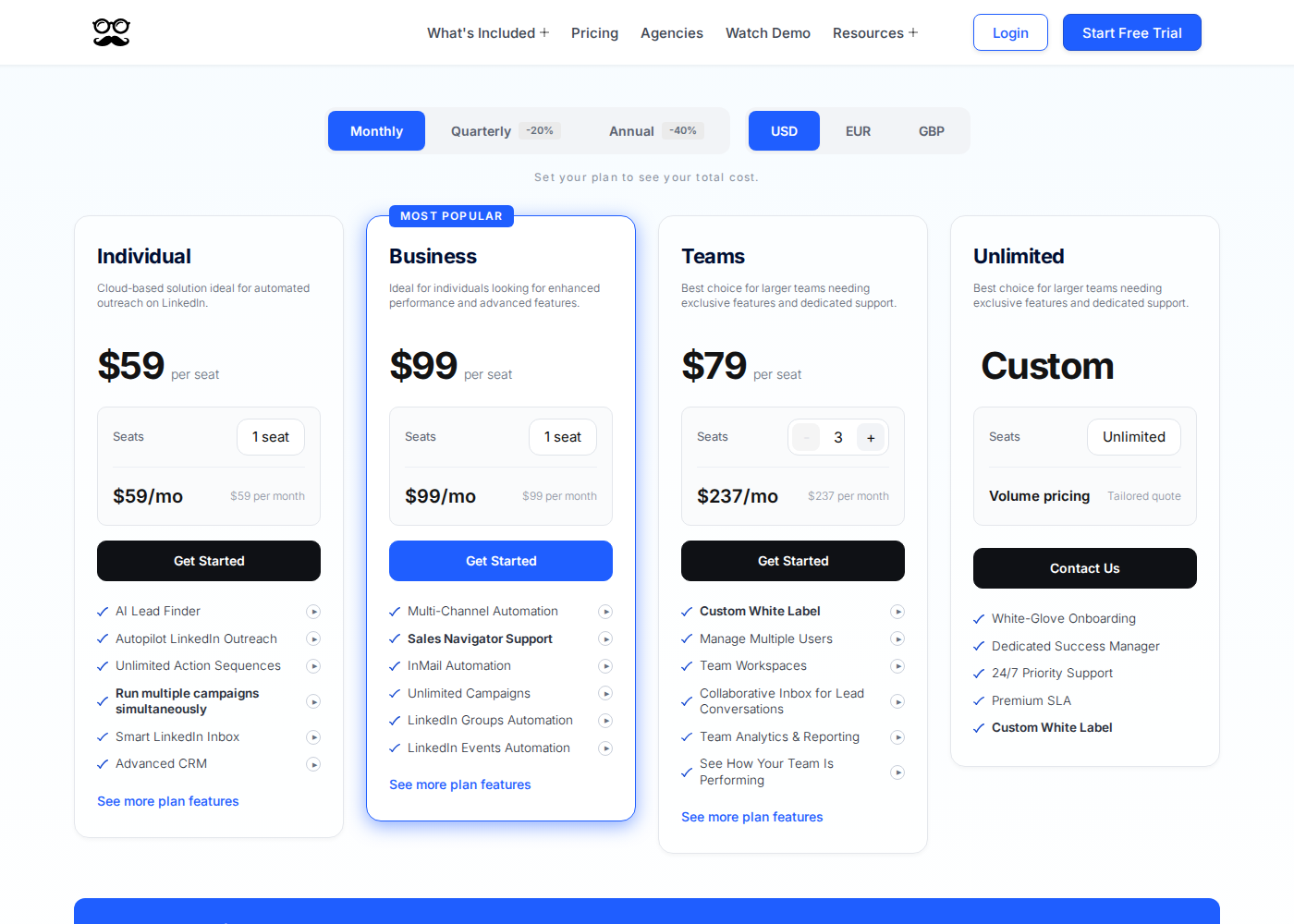
Meet Alfred pricing. Open the image at full size to inspect the plan cards.
Pricing: Individual starts at $59 per user/month with monthly billing; Business starts at $99. Annual totals are $425 for Individual and $713 for Business, advertised as approximately $35 and $59 per month respectively. Team offers vary with seat count.
7. Dux-Soup: STACKED local or managed-cloud execution
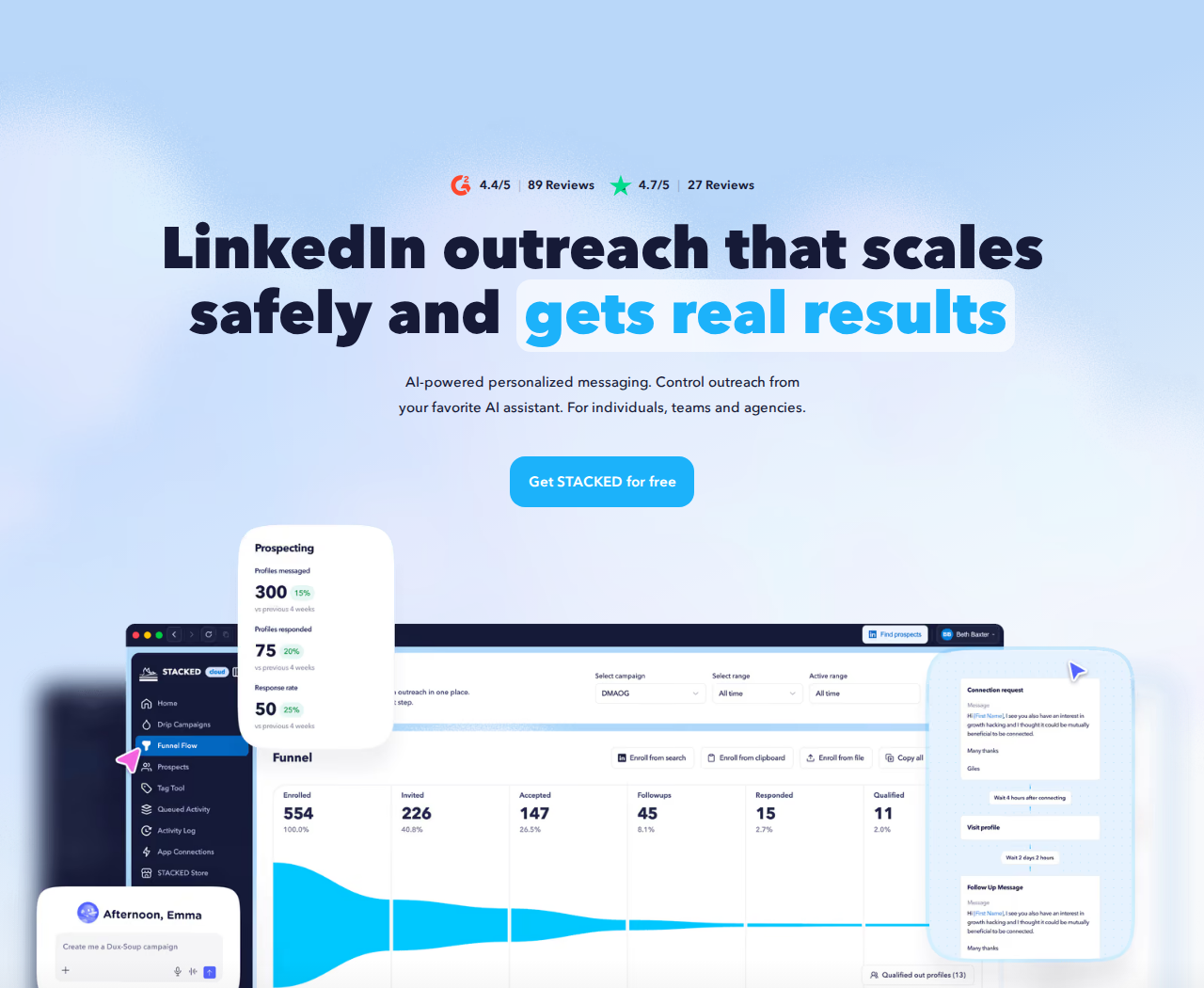
Dux-Soup homepage and product positioning.
Dux-Soup's current STACKED offer includes drip campaigns, response detection and campaign pauses, contact management, data export, and integrations with Salesforce, Pipedrive, HubSpot, Zapier, and Make.
STACKED local runs in a Mac or Windows desktop app on a machine you control. Managed cloud keeps execution running without that machine staying on. The Dux-Soup alternatives guide explains the broader workflow differences.
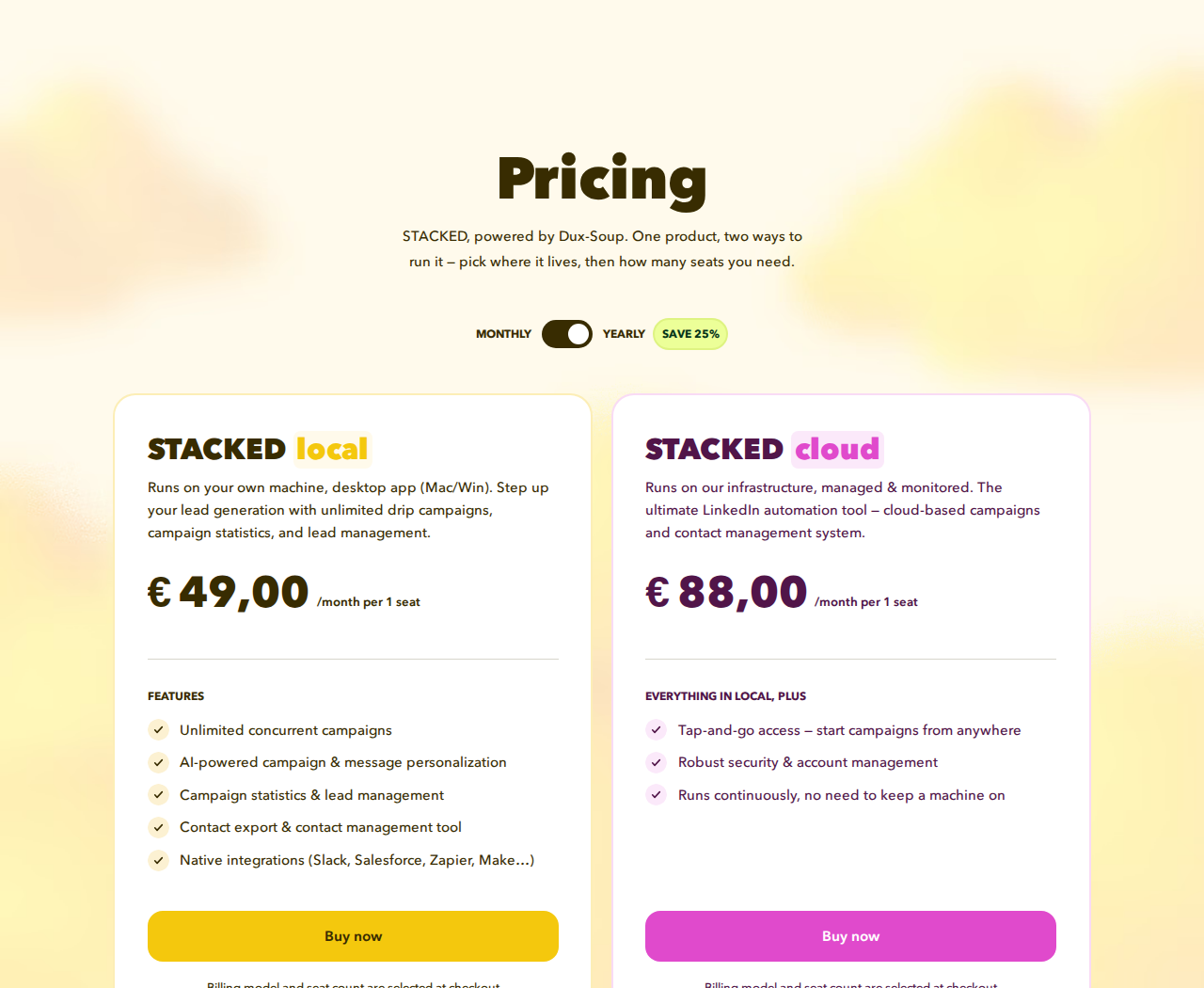
Dux-Soup pricing. Open the image at full size to inspect the plan cards.
Pricing: In EUR, STACKED local is €49 per seat/month with monthly billing, or €36.25/month billed annually. STACKED cloud is €88 per seat/month with monthly billing, or €65.83/month billed annually. Currency and seat count are selected at checkout.
8. Octopus CRM: basic browser-based prospecting
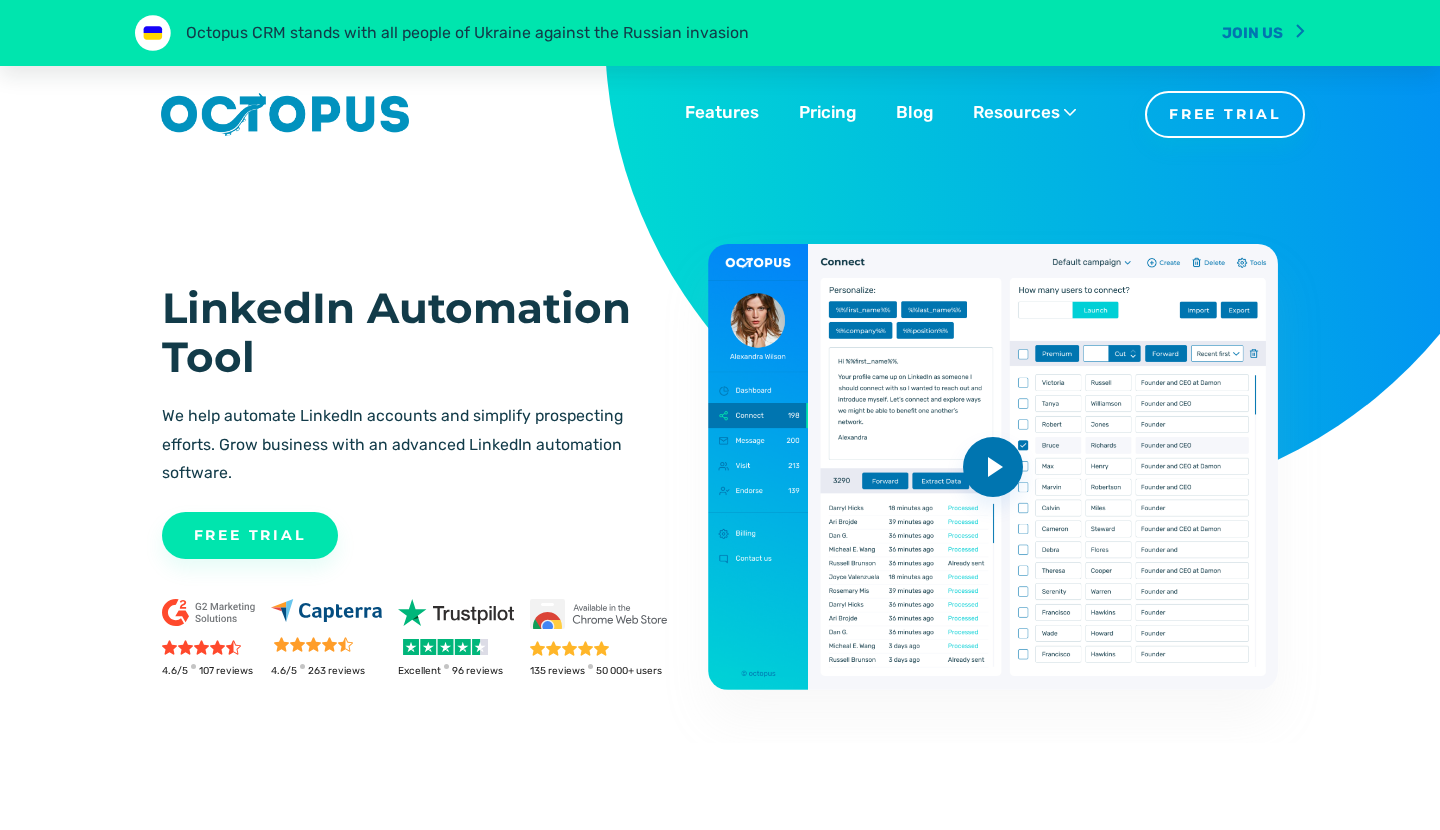
Octopus CRM homepage and product positioning.
Octopus CRM is a Chrome extension for personalized connection invitations, bulk first-degree messaging, profile visits, endorsements, and a personal CRM. Zapier and HubSpot integration are available, with capabilities varying by plan.
Starter excludes bulk messaging, which is available on Pro at $14.99/month with monthly billing. Funnel, export and integration features also vary by plan. Match the feature matrix to the actual actions needed, rather than assuming the entry subscription covers the full product.
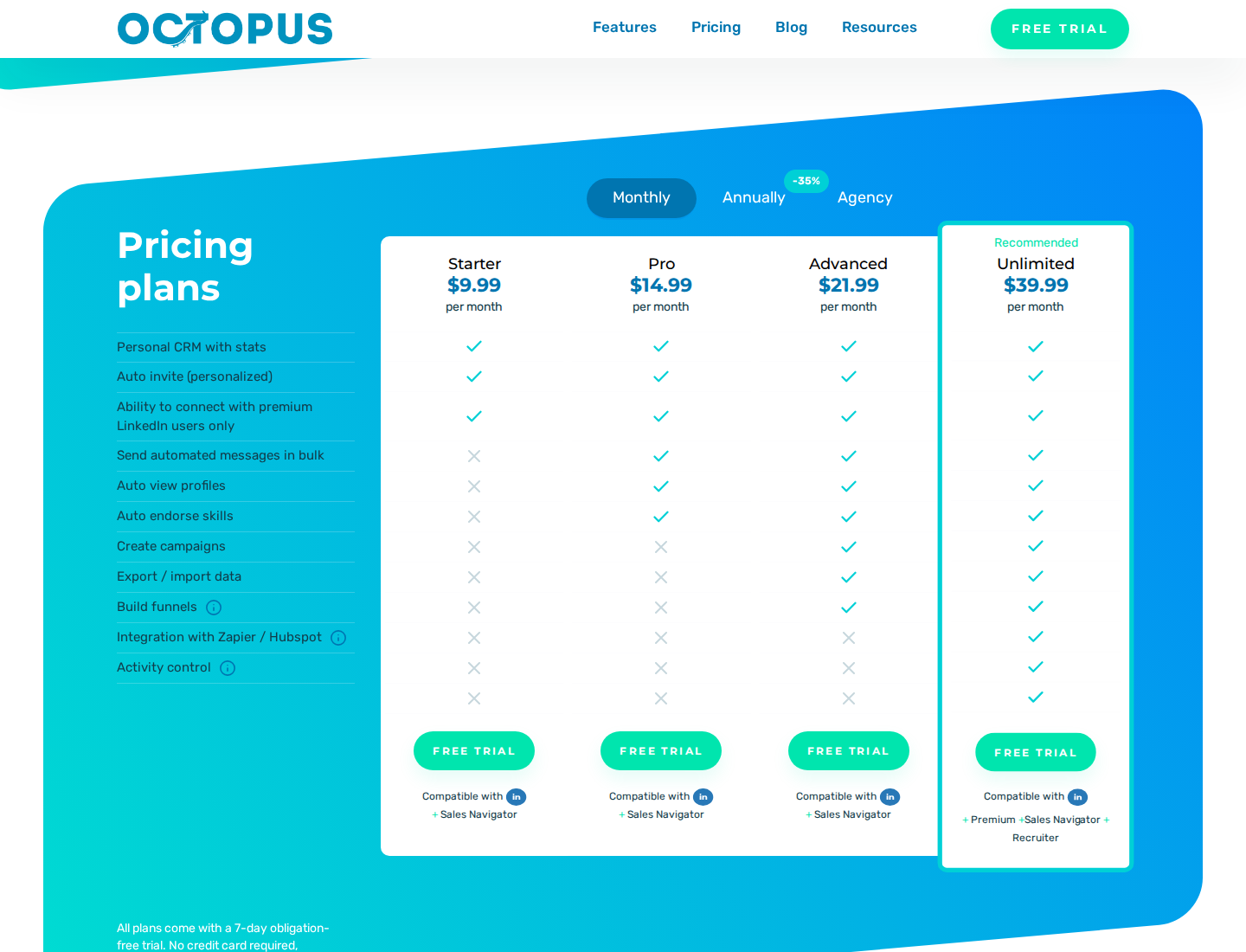
Octopus CRM pricing. Open the image at full size to inspect the plan cards.
Pricing: Starter is $9.99/month with monthly billing, or $6.99/month with annual billing. Pro, Advanced, and Unlimited add capabilities at higher prices. A seven-day trial is available without a credit card.
9. Linked Helper: desktop campaigns with local or shared data
Linked Helper homepage and product positioning.
Linked Helper runs on your computer or a VPS you control. Local and Cloud Data Storage describe where workspace data lives. Cloud storage does not move execution to Linked Helper's servers; the execution machine still needs to stay on with the app running.
The product includes campaigns, a CRM, conditional message templates, enrichment, and AI drafts. Generated AI messages wait for individual or bulk approval. Standard limits several advanced actions. Its documentation says a Standard license cannot be upgraded before it expires.
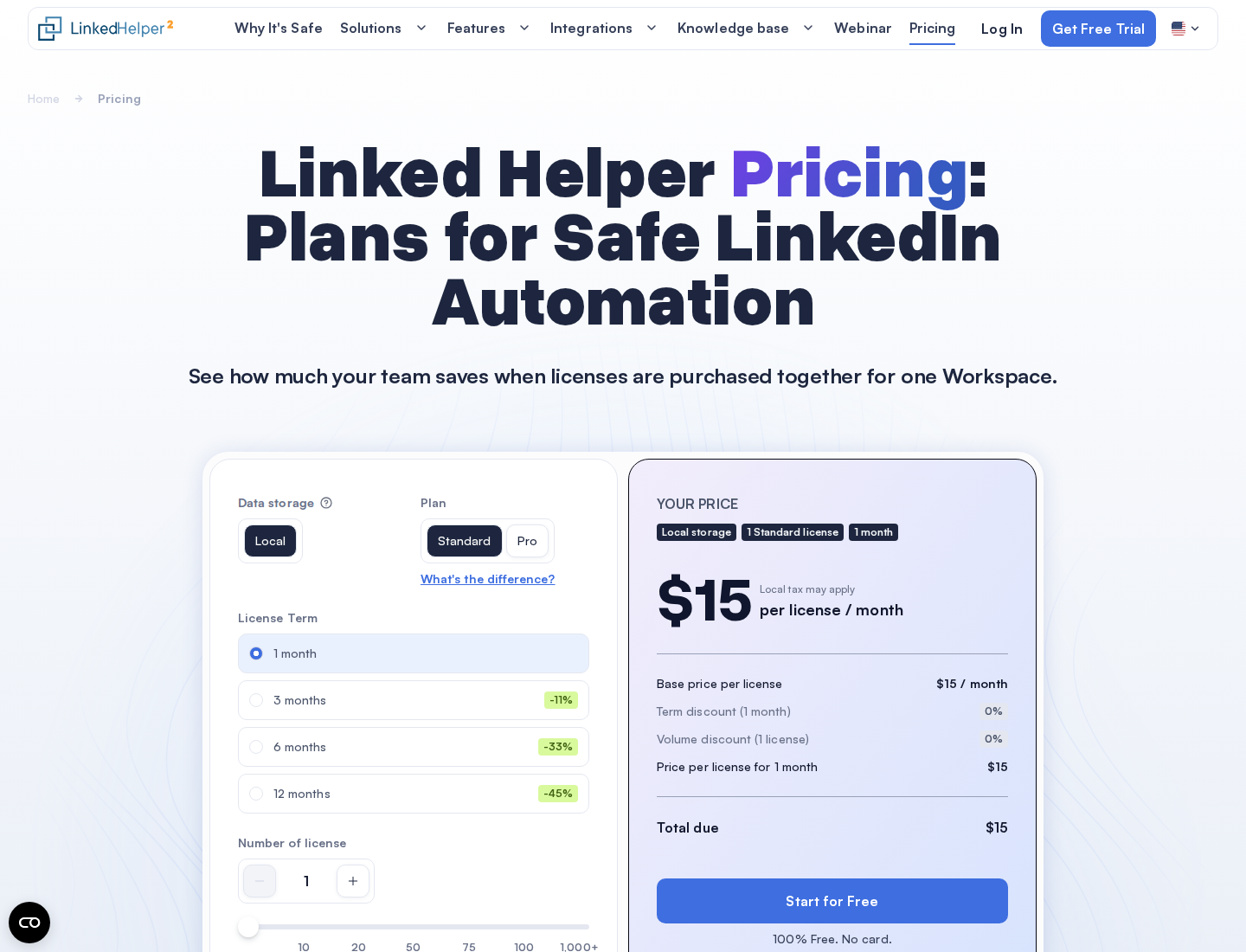
Linked Helper pricing. Open the image at full size to inspect the plan cards.
Pricing: Local Standard has a $15 one-month list price per LinkedIn-account license. Cloud Data Storage Standard has a $29.90 one-month base price. Lower advertised “from” prices depend on term and volume discounts. Data and AI credit rules are separate from the license price.
10. PhantomBuster: extraction and cross-platform data workflows
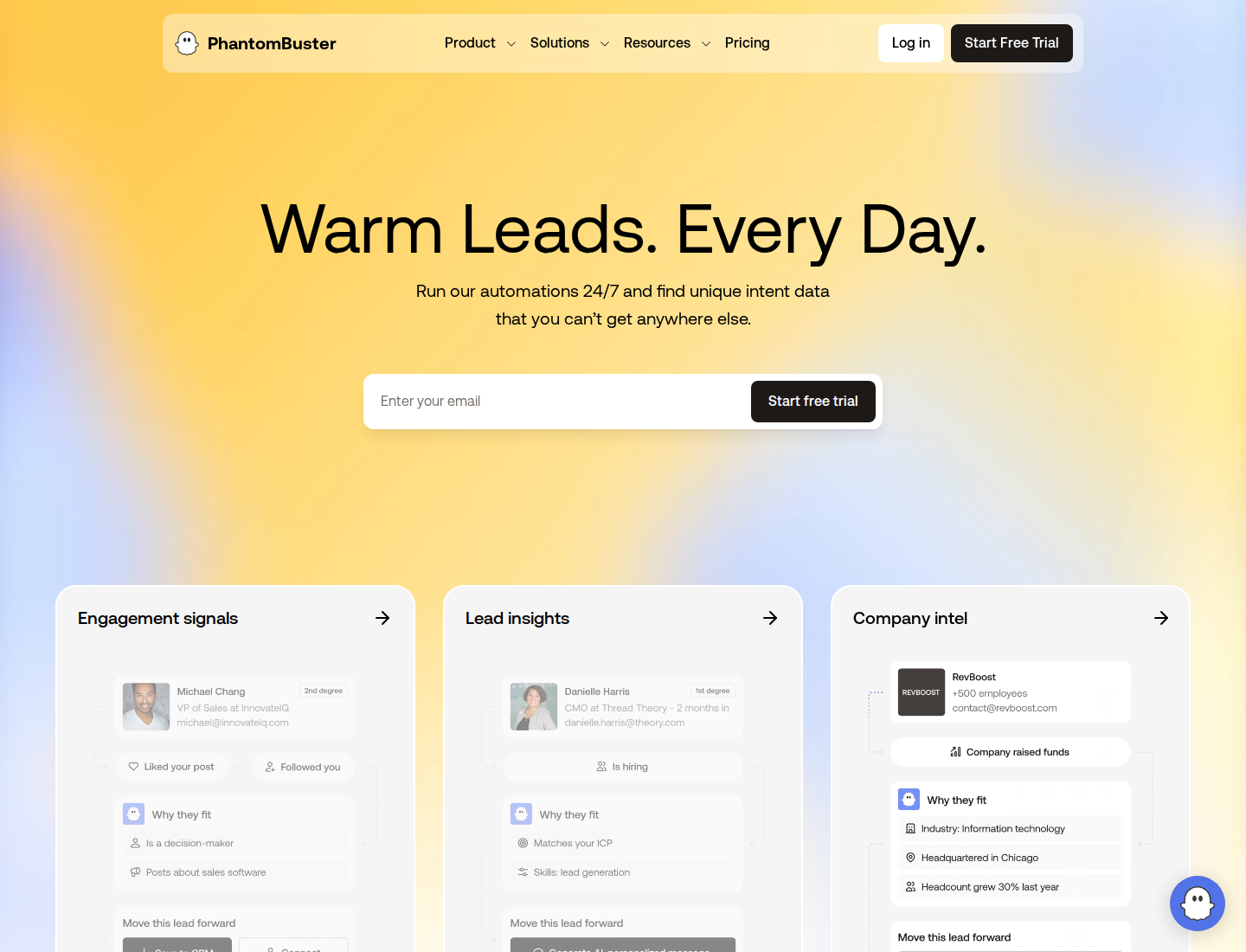
PhantomBuster homepage and product positioning.
PhantomBuster provides cloud extraction and automation across more than fifteen platforms. It is a data-workflow layer rather than a direct replacement for a rep's daily comment and DM priorities.
Its allowances separate execution time, automation slots, email credits, AI credits, and URL finder credits. When execution time runs out, workflows pause until the allowance resets or you change plans. The trial limits exports to ten rows and has smaller resource allowances.
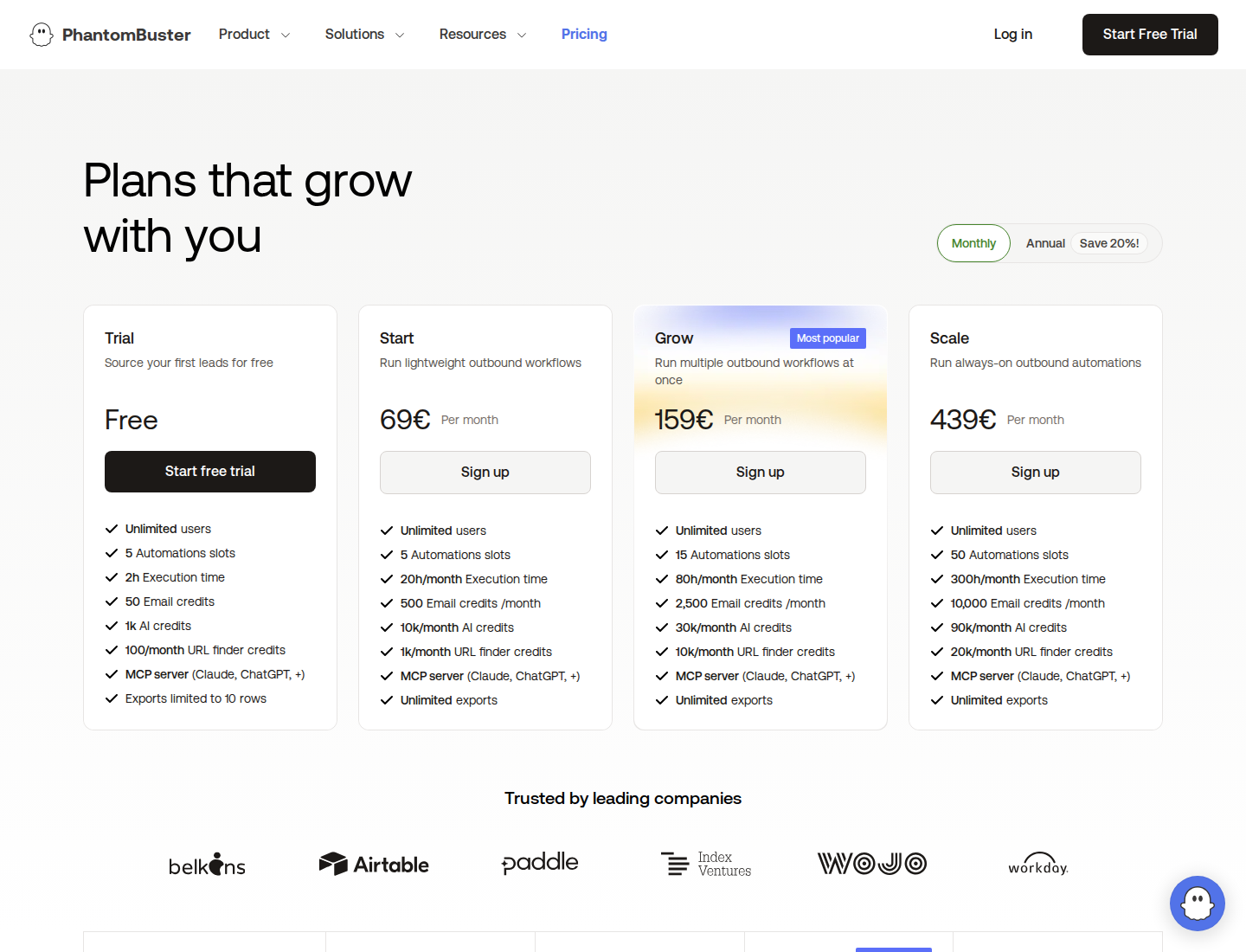
PhantomBuster pricing with Monthly selected. Open the image at full size to inspect the plan cards.
Pricing: In EUR, Start is €69/month with monthly billing, as shown above, or €56/month equivalent with €672 billed annually. It includes unlimited users, five automation slots, twenty monthly execution hours, 500 email credits, 10,000 AI credits, and 1,000 URL finder credits per month.
11. Expandi: condition-based LinkedIn and email sequences
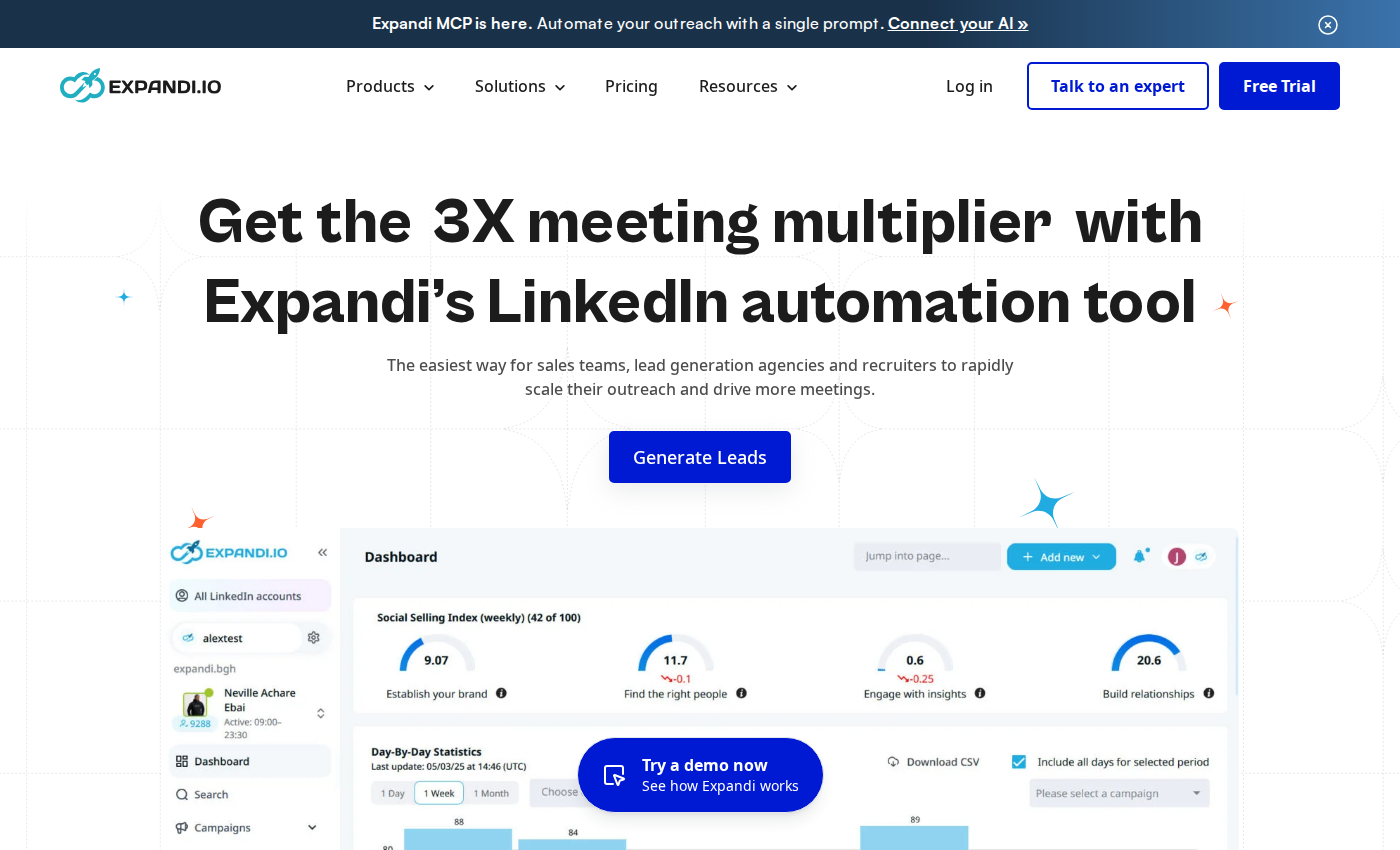
Expandi centers on campaign execution and conditional follow-up.
Expandi's cloud campaign builder combines actions and conditions. The next step can depend on whether a prospect accepts a connection request or takes another configured action. LinkedIn actions and email follow-ups can sit in the same sequence.
Campaign priorities, schedules, tags, notes and step-level statistics support ongoing management. Dedicated country-based IP addresses, profile warm-up and adjustable action limits are operating controls. Agency features add centralized management, permissions, client reporting and template sharing.
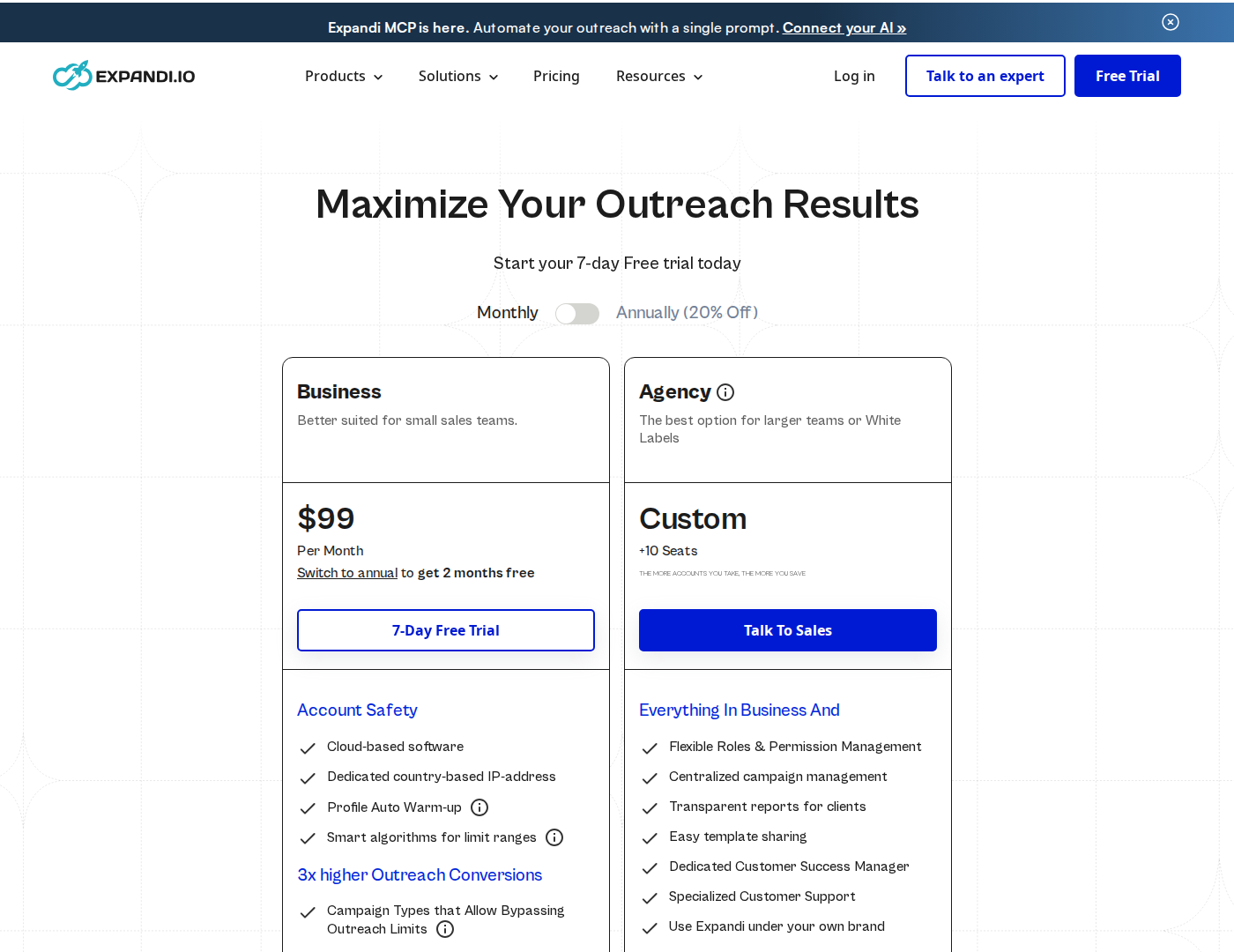
Business is priced per LinkedIn-account seat; Agency terms are custom.
Pricing: Business costs $99 per seat/month on monthly billing. Annual billing displays $79 per seat/month. One seat connects to one LinkedIn account at a time, and purchased unused seats still incur charges until removed. Agency pricing is custom for 10 or more seats.
Image/GIF personalization and video personalization can require paid add-ons. Budget for them separately if your sequence depends on those formats. The Expandi alternatives comparison goes deeper into the campaign model.
12. Dripify: drip campaigns and tiered team controls
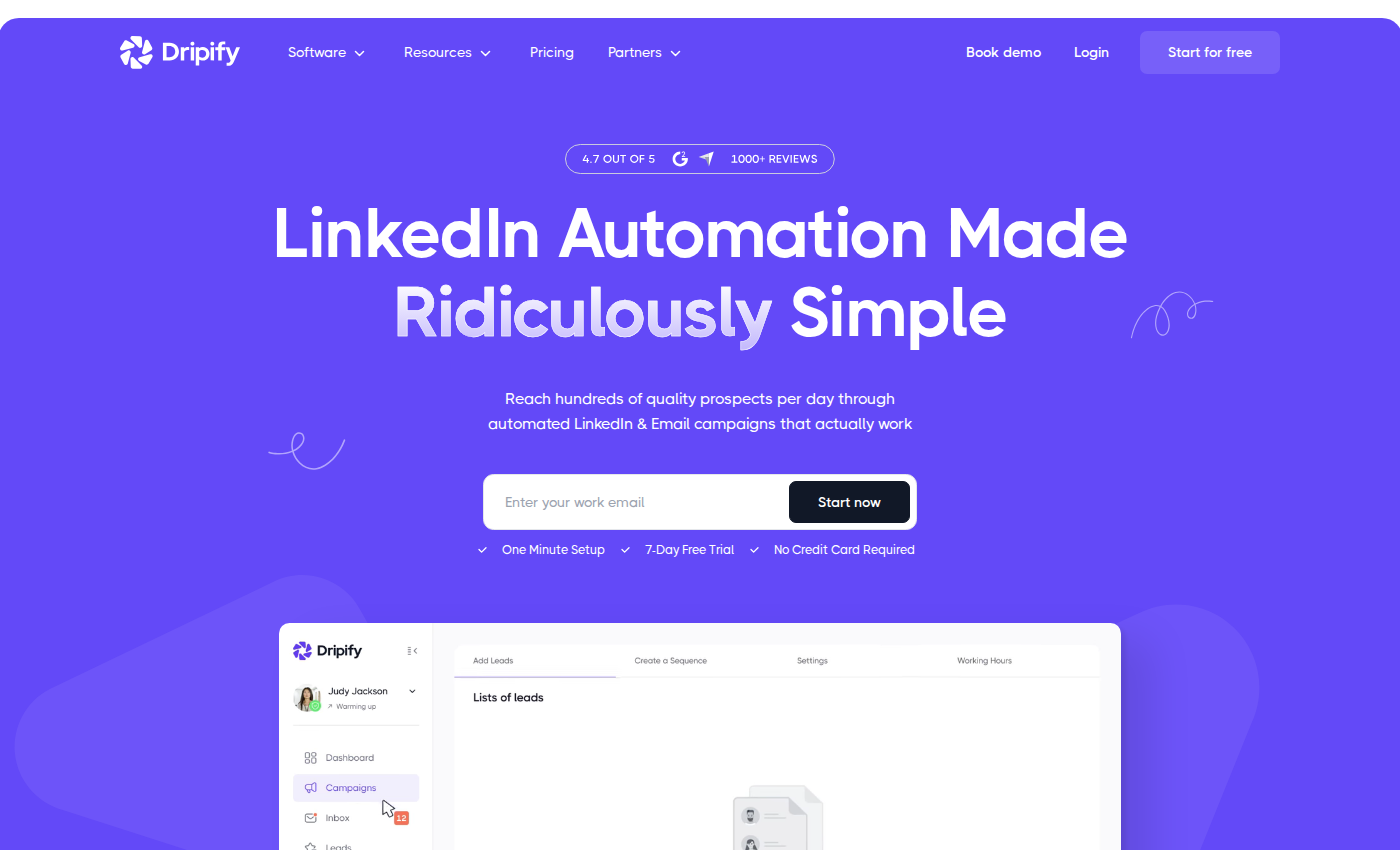
Dripify's current product covers both LinkedIn and email sequences.
Dripify builds drip campaigns from LinkedIn and email actions, delays and sequence templates. Analytics and reports help you track campaign execution. All paid plans include both channels and 100 email-finder credits/month.
Campaign limits and team controls depend on the plan. Basic permits one campaign. Pro adds unlimited campaigns, a dedicated inbox, CSV export, webhooks, HubSpot integration, open API and MCP. Advanced adds multi-team management, lead tagging, step analytics, A/B testing and evergreen leads.
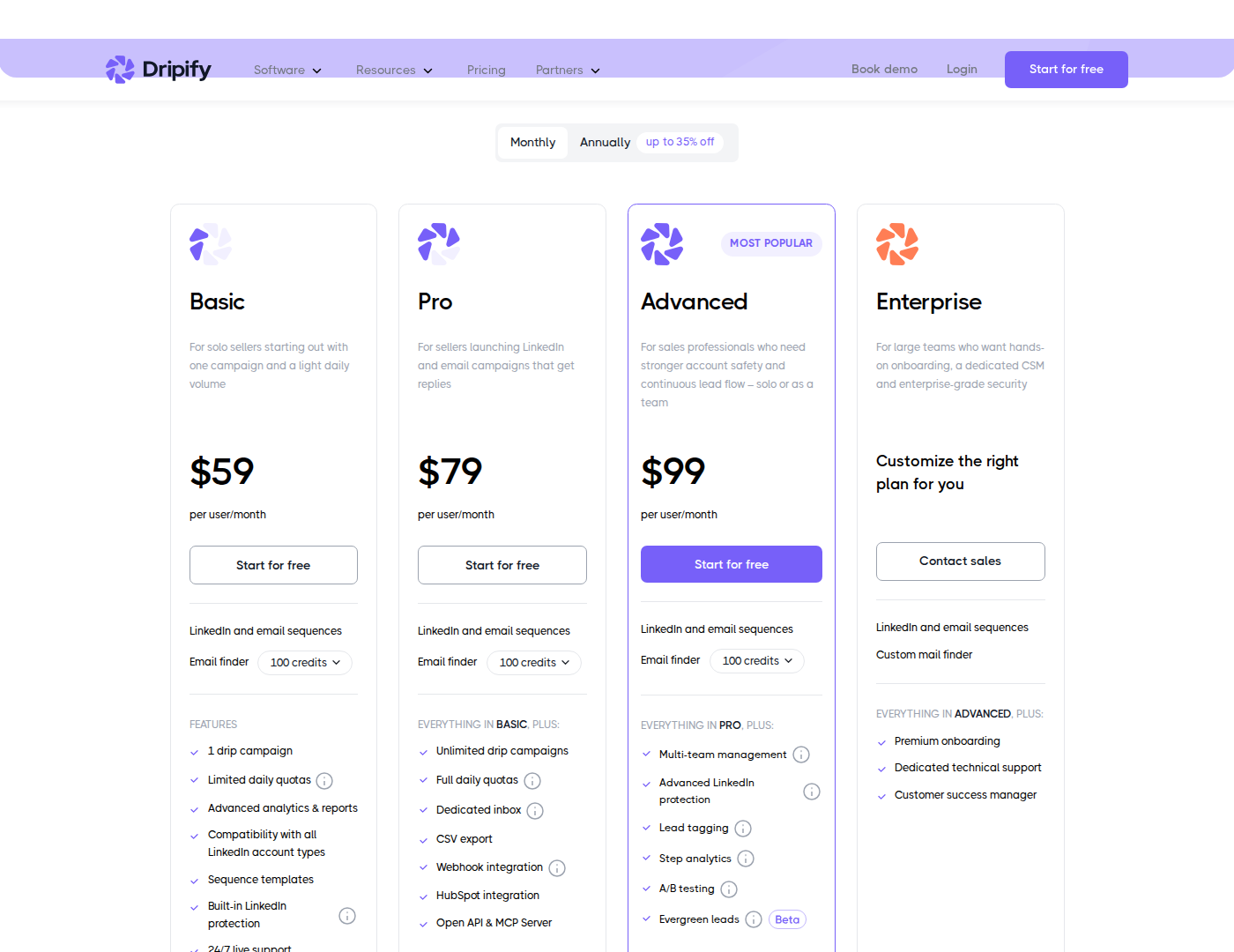
The monthly plans differ in campaign capacity and team-management features.
Pricing: Basic is $59, Pro is $79 and Advanced is $99 per user/month on monthly billing. Annual billing displays $39, $59 and $79 per user/month respectively, paid annually. Enterprise is custom-priced.
Compare plans by the number of active campaigns you need and the integrations you use. The $59 entry price does not include Pro's unlimited campaigns, export or API/MCP access.
13. Waalaxy: prebuilt LinkedIn campaigns
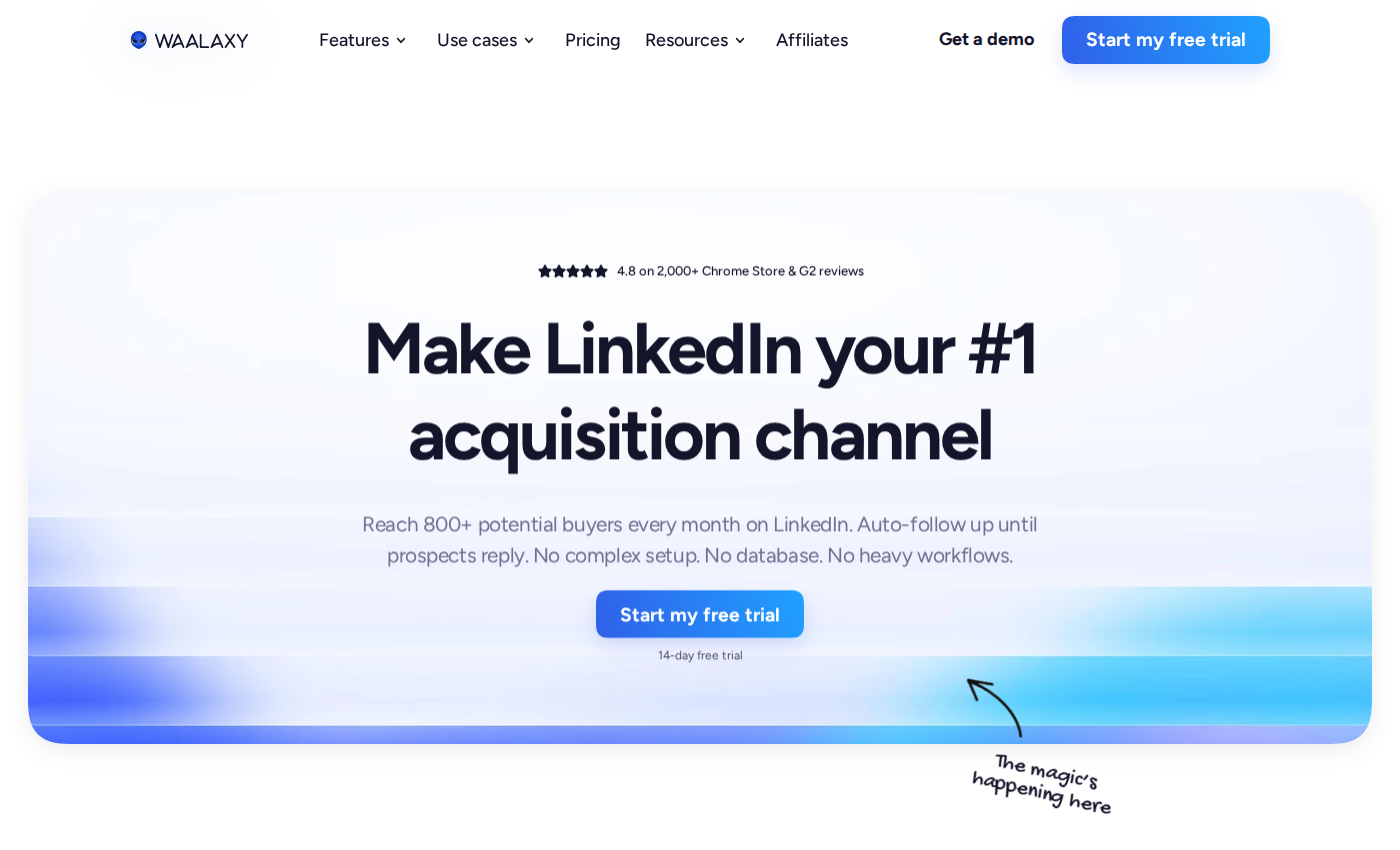
Waalaxy offers prebuilt sequences for LinkedIn prospecting.
Waalaxy provides prebuilt campaigns, automated follow-ups, CRM synchronization and team collaboration. Its cloud execution runs campaigns without keeping Chrome open; the extension remains useful for importing prospects.
Pro covers LinkedIn sequences. Advanced adds API access and Make, Zapier and n8n modules. Business adds email sequences and LinkedIn-plus-email campaigns. The LinkedIn Inbox is a separate paid add-on.
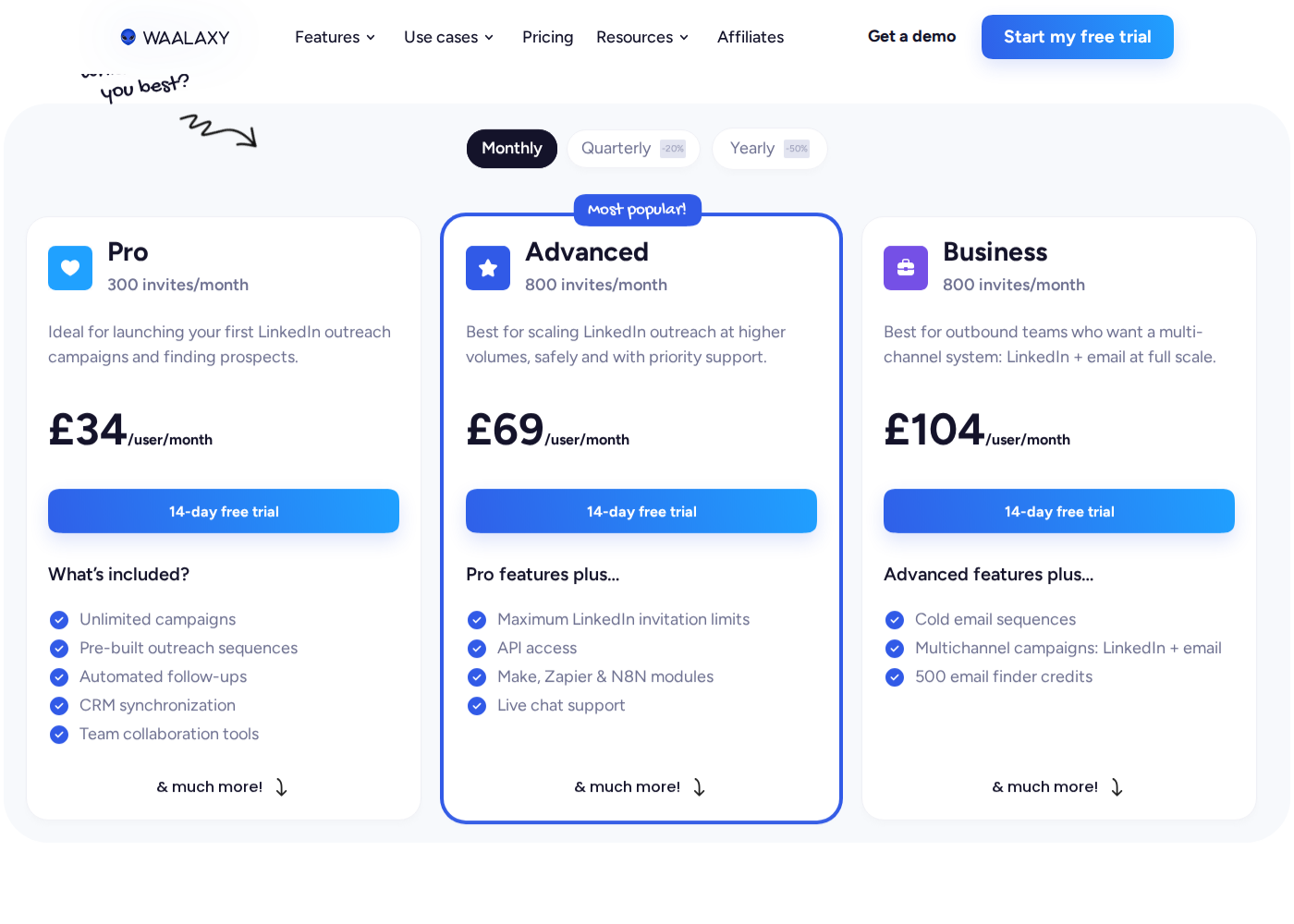
These are regional GBP prices, with Monthly selected.
Pricing: The UK configurator shows Pro at £34, Advanced at £69 and Business at £104 per user/month on monthly billing. Annual billing displays £17, £35 and £52 per user/month respectively, paid annually. Currency and prices vary by region.
Pro lists 300 invitations/month; Advanced and Business list 800. These plan allowances remain subject to LinkedIn limits. Business includes 500 email-finder credits/month. Waalaxy's 500 free Inbox conversations are an Inbox offer, not a free full-featured campaign plan. The Waalaxy alternatives comparison explains the plan boundaries.
What to check before connecting an account
Separate drafting from execution
Decide which work needs approval: discovery, collection, comments, invitations, DMs, follow-ups, and replies. Extrovert offers review, campaign-level automatic commenting, and assistant delegation. Check which actions each enabled mode can execute without approval.
Hosting is an operational choice, not a safety guarantee
Cloud execution can continue when your laptop is off. Desktop or extension workflows depend on their execution environment. Neither architecture establishes LinkedIn approval.
LinkedIn's User Agreement prohibits specified uses of third-party software for scraping and automated activity, including sending messages. Dedicated IPs, randomized timing, sender rotation, and review controls do not authorize otherwise prohibited actions or guarantee an unrestricted account. Read our LinkedIn automation safety guide before enabling automated execution.
Calculate the cost of your actual workflow
Count connected accounts, email features, discovery or enrichment credits, tracked prospects, and execution hours. Compare monthly billing with the full annual commitment. For B2B sales teams, also check shared replies, CRM data flow, permissions, and follow-up ownership.
For client work, Extrovert for agencies explains shared campaigns and managed accounts. Review-only teammates are free; connected LinkedIn accounts count as seats.
FAQ
What is the safest LinkedIn automation tool?
No hosting architecture or review setting guarantees account safety. Evaluate the actual actions, account permissions, credential handling, and data retention. A vendor's safety claim does not establish LinkedIn authorization.
Can I try LinkedIn automation for free?
Extrovert offers a ten-day trial without a card. Octopus CRM offers seven days. PhantomBuster's trial has execution, credit, and export limits. A trial is time-limited access, not a permanent free plan.
Do I need Sales Navigator?
It depends on the workflow and tool plan. Sales Navigator has its own subscription cost and targeting capabilities. Meet Alfred supports Sales Navigator on Business rather than Individual; the Sales Navigator subscription is separate. Check import compatibility and plan access separately.
How do engagement tools differ from sequencers?
Sequencers organize scheduled steps such as connection requests and follow-ups. Engagement tools prioritize relevant posts, conversation context, and reasons to reach out. Either can offer automated execution. Extrovert combines discovery, comments, and DM priorities, with review and optional automation controls.
What should I do if LinkedIn restricts my account?
Pause the relevant automation and follow LinkedIn's restriction and appeal process. Vendor support cannot guarantee reinstatement. Review activity and permissions before restarting; a new IP or another account is not a substitute for resolving the restriction.