Quick compare
Prices checked
Best forProspect discovery and warm conversations
- Find prospects without Sales Navigator
- Comments and reviewed DM follow-up
- Prospect capacity and Credits have separate limits
Starting price$49/seat/month, monthly10-day trial, no card
Start Free Trial8.5/10TrustRadius · 1,608 ratings
Reviews and ratings
Best forNative people and account search
- 50+ search filters
- 50 InMail credits/month
- Advanced CRM integration needs Advanced Plus
Starting priceUS$119.99/license/month, monthlyEligibility-based trial
Read ReviewBest forContact data and email-led sequences
- Contact enrichment and email sequences
- CRM integrations on Basic
- Documented LinkedIn sequence tasks need rep action
Starting priceFree; Basic $49/seat/month, annualFree plan; paid-plan trial
Read ReviewBest forMulti-sender LinkedIn campaigns
- Sender rotation
- Unified reply inbox
- Email sending needs a separate integrated tool
Starting price$79/sender/month, monthly14-day trial, no card
Read Review8.3/10TrustRadius · 23 ratings
Reviews and ratings
Best forPersonalized multichannel sequences
- Email, LinkedIn and call steps
- Configurable reply rules
- LinkedIn needs €109/user/month Multichannel
Starting priceEmail €69/team/month, monthly14-day Multichannel trial
Read ReviewBest forConditional cloud sequences
- Cloud LinkedIn and email steps
- Branches and reply pausing
- Email replies handled in original mailbox
Starting price$99/seat/month, monthly7-day trial, no card
Read ReviewHistorical reviews, before current cloud release
Best forPrebuilt LinkedIn campaigns
- Prebuilt sequences
- Cloud campaign execution
- Email requires Business; Inbox costs extra
Starting pricePro £34/user/month, monthly (UK)14-day trial
Read ReviewBest forPublishing-led visibility
- Content calendar and analytics
- Higher-plan engagement and outreach
- Lead outreach needs $199/month Pro
Starting priceStarter $39/account/month, monthlyTrial: 7 days or AI allowance exhausted
Read ReviewBest forSequences and team reporting
- LinkedIn and email campaigns
- Campaign reporting and integrations
- Evergreen and team controls require Advanced
Starting pricePro $79/user/month, monthly7-day Advanced trial, no card
Read ReviewBest forCoordinated multichannel workflows
- Enrichment and conditional sequences
- Pro social warming and inbox
- Native CRM message sync needs Ultimate
Starting price€50/identity/month, annual14-day trial, no card
Read ReviewTwo older reviews, posted 3–4 years ago
Best forLinkedIn contact enrichment
- Phone and email reveals
- CSV enrichment and CRM exports
- Phone and export allowances are separate
Starting priceFree; Starter $65/user/month, monthlyFree plan
Read ReviewLinkedIn Marketing Solutions advertising platform
Best forPaid leads with native forms
- Professional audience targeting
- Prefilled opt-in Lead Gen Forms
- Ad spend does not guarantee qualified leads
Starting priceAuction; $10/day min average ad budget
Read Review












On this page
Extrovert is our first pick among LinkedIn lead generation tools for finding suitable prospects and turning their activity into warm conversations. Use it to build a focused list, follow those people’s posts and review relevant comments and DMs. The other eleven tools cover native search, contact data, automated sequences, publishing or paid lead capture. Choose the missing step in your process, then compare the plan, capacity and follow-up work it requires.
Key takeaways
- Extrovert connects prospect discovery with ongoing engagement and reviewed messages. It suits sellers who need a reason to talk as well as a list of people.
- Sales Navigator finds people and accounts inside LinkedIn, while Apollo and Kaspr supply contact data. Search access, an email address and a qualified conversation are different outputs.
- HeyReach, lemlist, Expandi, Waalaxy, Dripify and La Growth Machine organize campaign delivery. Compare the number of sending accounts, supported channels and the plan needed to handle replies.
- Taplio supports publishing, while Campaign Manager captures leads from paid ads. Judge these by qualified conversations and opportunities after follow-up, rather than impressions or form fills alone.
- Budget for the workflow you will run, not only the entry price. Seats, senders, identities, Credits and advertising budgets are separate units.
What LinkedIn lead generation software actually is (and what it is not)
LinkedIn lead generation software helps you find people who could become customers and move them toward a sales conversation. Some tools search for the right job titles and companies. Others supply email addresses, run outreach steps, help you engage with posts or capture details from an ad. A buyer needs to know which of those jobs the product covers before comparing its price.
Discovery starts with a clear target market. Native LinkedIn search and a separate B2B database can both produce a prospect list, but they have different filters and access requirements. Contact enrichment adds a way to reach someone outside LinkedIn. Neither output tells you whether that person wants to buy.
Engagement and outreach are the next steps. Following a prospect’s posts gives you context for a useful comment or message. A sequencer organizes repeated touches and stops you from forgetting the next step. The important distinction is whether the software prepares a recommendation for review, sends a configured sequence, or leaves a task for a rep to complete.
Publishing and advertising reach people through a different route. A post can bring relevant people to your profile. A Lead Gen Form can collect an opt-in response to an offer. Those responses still need qualification and follow-up.
A tool is not a complete sales process. Your team still needs a relevant offer, clear ownership of replies and a record of opportunities. Keep a CRM when it helps the team manage those handoffs. Choose extra subscriptions only when they fill a specific gap in that process.
How we ranked these LinkedIn lead generation tools
We compared the documented workflow each tool covers, then the plan and resources needed to run it. Extrovert leads for the task of finding suitable people and developing warm LinkedIn conversations; the rest of the shortlist separates the other jobs a sales team may need.
The comparison uses five concrete checks:
- Prospect sources: native LinkedIn search, a separate database, activity signals, imported lists or paid audience targeting.
- Conversation steps: whether the tool covers comments, connection requests, messages, replies and follow-ups, or stops at contact data or publishing.
- Action controls: reviewed recommendations, configured automated steps or tasks completed by a rep.
- Native channels and plan gates: LinkedIn alone, LinkedIn plus email/calls, publishing or ads; the tier that supplies those actions.
- Price and capacity units: monthly versus annual commitment, seats or sending identities, included Credits and any separate ad budget.
The side-by-side table applies those checks to all twelve picks. A tracking allowance is not a message allowance, and a minimum ad budget is not a promised cost per lead.
The best LinkedIn lead generation tools in 2026
Start with the work that is missing from your process. Extrovert brings discovery and warm conversations together. Search and enrichment tools help you build a list, while sequencers organize delivery to a list you already have. Publishing and advertising need their own offer and follow-up plan.
1. Extrovert, best for prospect discovery and warm conversations
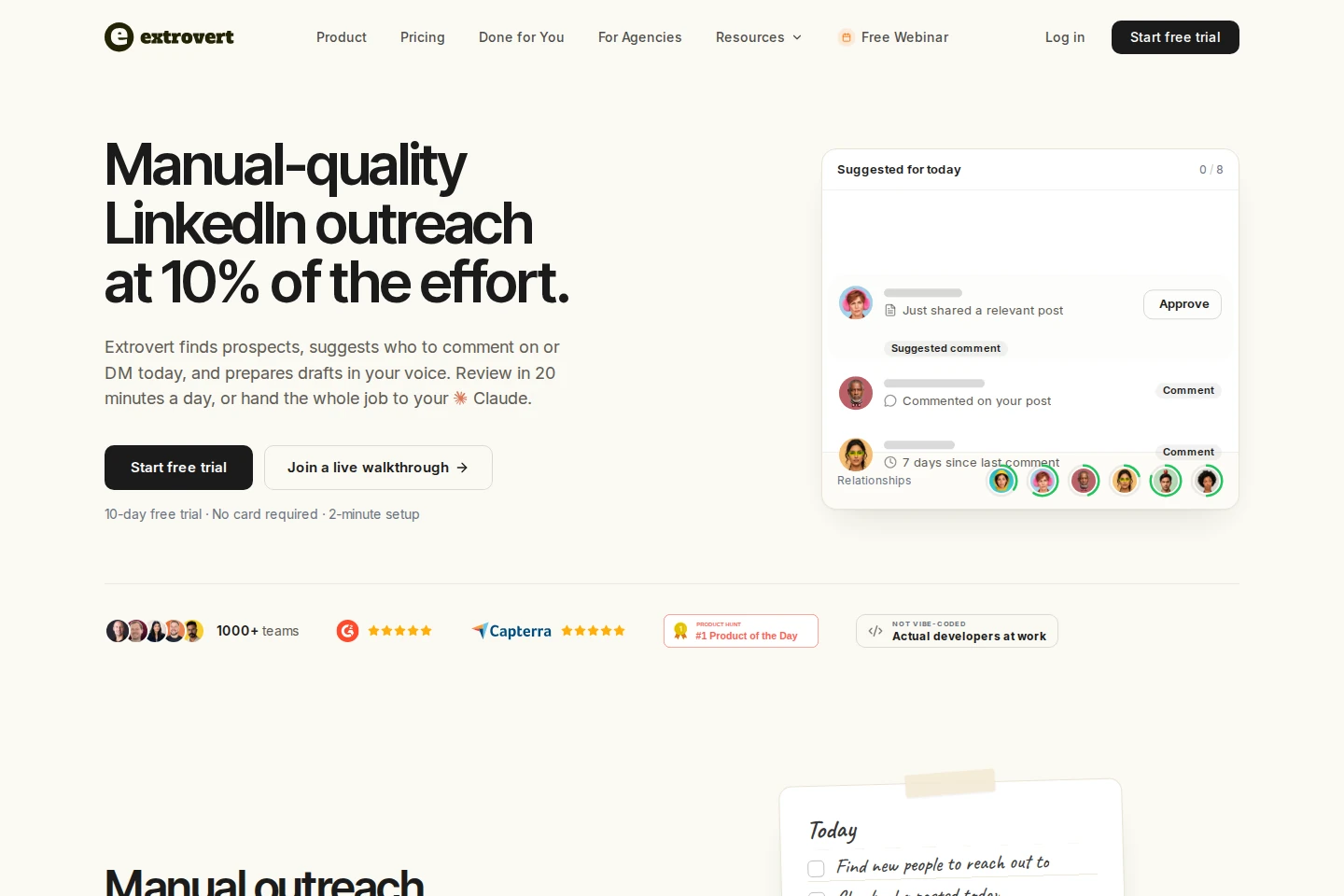
Extrovert helps you turn a target market into a list of people to approach on LinkedIn, then use their posts as context for a conversation. Start in Lead Finder: filter by job title, seniority, location and company details such as industry or size. Preview matching profiles, select the people you want, choose a campaign and confirm the maximum Credit cost before adding them. Sales Navigator is optional.
The people campaign collects prospects’ posts and prepares comments in your Voice, using your style and context. Review drafts individually, approve several at once or automate trusted comment campaigns. Warm-up settings control when a connection request follows. Intent Signals offers another discovery route, finding suitable people through relevant LinkedIn activity rather than database filters.
A radar sweeping LinkedIn activity. Most of it is passed over; three people are found by what they did: commented on a post about your topic; engaged with a competitor's post; connected with a competitor's sales team.


First-message and follow-up drafts appear separately in DMs → Recommended. Review the context, edit the draft and click Send; recommendations never send themselves. The warm outreach webinar and its workflow slides explain the comment-first approach and daily DM routine.
Pricing is $49 per seat per month, billed monthly, with 250 tracked prospects, one topic and 300 monthly Credits per seat. Tracked prospects are capacity, not 250 new leads every month. Lead Finder charges one Credit per processed record, including duplicates and invalid records. There’s a 10-day trial with no card required. Product Hunt rates Extrovert 5.0/5 from 12 reviews.
Best suited for: Founders and sales teams who know their target market but need suitable people and a relevant reason to start talking. It fits a focused LinkedIn prospecting routine where you review messages, rather than an email-and-calling sequence.
2. LinkedIn Sales Navigator, best for native prospect and account discovery
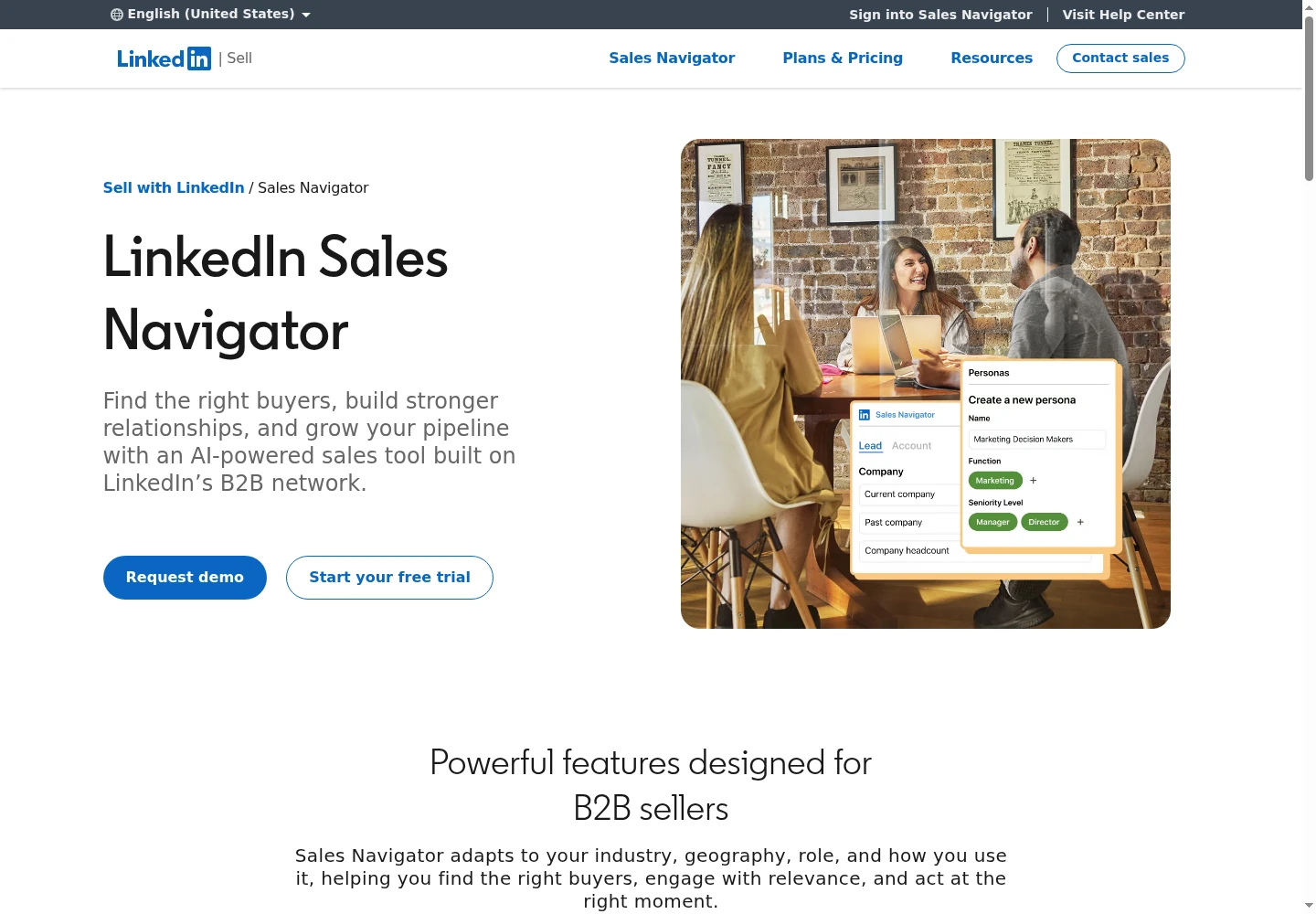
Sales Navigator helps you identify people and accounts inside LinkedIn, save the right prospects and revisit them when their circumstances change. Its 50+ advanced search filters narrow a market by role, company and other profile details. Saved leads, account lists, recommendations and alerts help you keep track of the people behind a potential deal.
The next action is still a seller’s decision. You can use InMail to contact someone outside your network, look for an introduction or use an alert to prepare a relevant message. All three plans include 50 InMail credits per month. Those credits are not a campaign allowance for automated comments or message sequences.
Core costs US$119.99 per license per month on monthly billing, or US$1,079.88 per year. Advanced starts at US$159.99 monthly, while Advanced Plus is quoted. TeamLink requires Advanced or Advanced Plus; advanced CRM integrations and creating CRM leads or contacts from Sales Navigator require Advanced Plus. Check that gate before budgeting around a CRM workflow.
TrustRadius lists 8.5/10 from 1,608 reviews and ratings. Reviewers mention price, the InMail allowance and export or integration friction among the drawbacks.
You can import a Sales Navigator search into an Extrovert people campaign to follow those prospects’ posts. For that discovery-versus-engagement decision, see our Sales Navigator alternatives.
Best suited for: Sales teams that need LinkedIn’s native people search and account research. Reps choose the next contact rather than expecting search results to start an outreach campaign.
3. Apollo.io, best for contact data and email-led sales sequences
Apollo combines a B2B contact database with enrichment, email sequences, calling and sales-workflow tools. Its LinkedIn extension lets you research a profile, find email or phone details, save the person to a list and add them to a sequence. Apollo’s homepage lists 240M+ contacts and 30M+ accounts; that coverage figure is separate from the Credits available on your plan.
The documented LinkedIn sequence workflow assigns tasks to a seller. The rep opens LinkedIn, completes a connection request, message or other action, then marks the task complete. This is a different operating model from assuming a configured LinkedIn campaign will send every step itself. Apollo tracks the task; its documentation says LinkedIn messages are not stored or synced to your CRM.
Free includes 75 Credits per seat per month. Basic costs $49 per seat per month with annual billing, or $65 month-to-month; Professional is $79 annually or $99 month-to-month. Basic includes unlimited sequences and one mailbox per user. A verified email costs one Credit, while a phone number costs eight, so list size alone does not predict the cost of enrichment.
Trustpilot lists 3.1/5 from 1,377 reviews. Reviewers report outdated contact details, credit complexity and support or billing frustrations. Test coverage on your actual roles and countries before expanding a list.
Best suited for: Teams building contact lists and coordinating email or call outreach with LinkedIn tasks. Sellers need to complete those LinkedIn steps and manage the resulting conversation in its own workspace.
4. HeyReach, best for LinkedIn campaigns across multiple senders
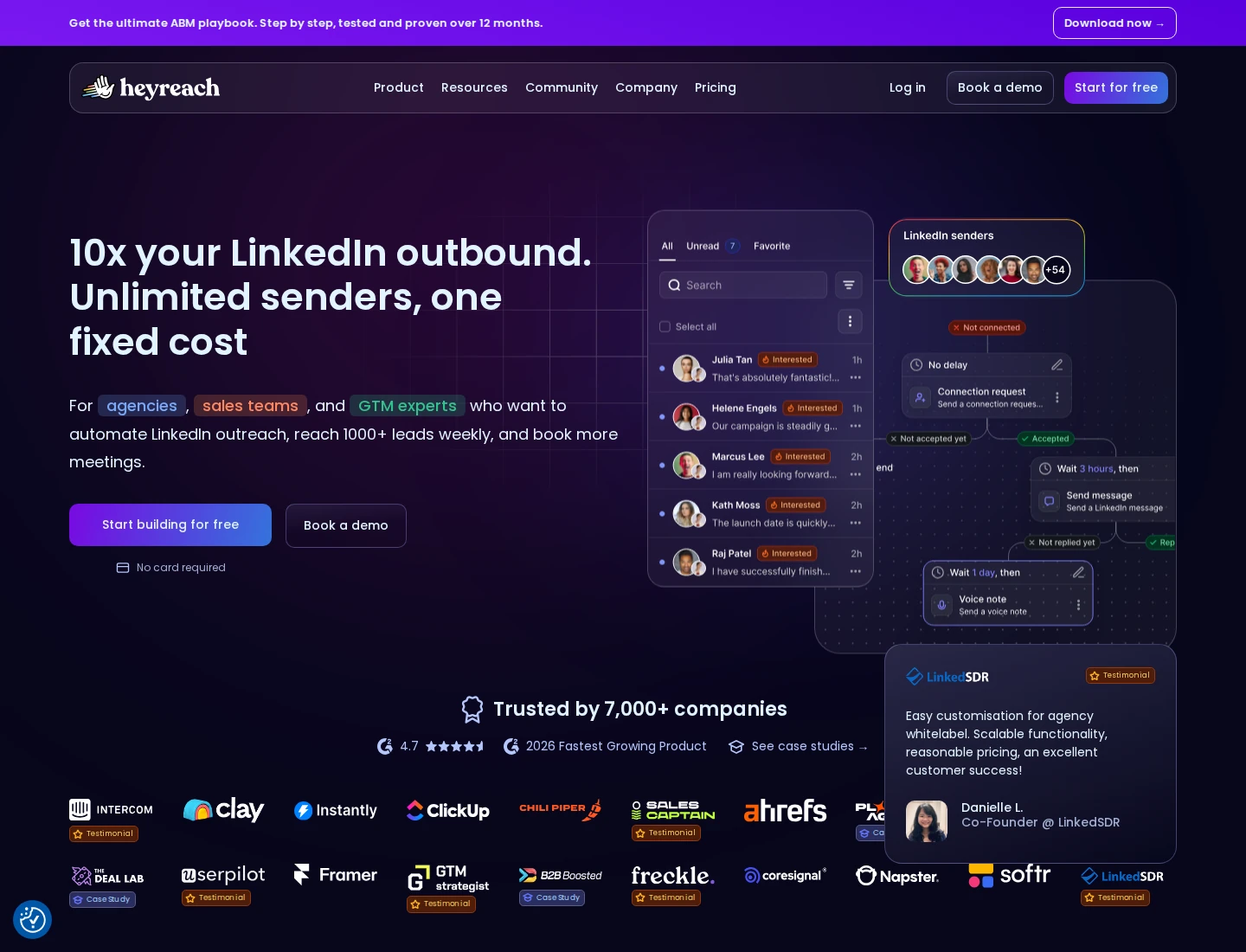
HeyReach runs LinkedIn campaigns across connected sender accounts and brings replies into Unibox. An operator can import a list, select senders, configure a sequence and manage conversations without opening every seller’s account separately. Sources include LinkedIn searches, Sales Navigator, post reactors, event attendees, CSVs and HubSpot.
Sender rotation distributes a campaign across accounts. Connection requests, profile visits, follows, reactions and delayed messages can form part of the sequence. Working days, hours and daily action ceilings control execution; each sender’s limits apply across their campaigns. Most sequence actions require a minimum three-hour delay, so plan around those timings rather than assuming every step can happen immediately.
Growth starts at $79 per connected LinkedIn sender per month on monthly billing. Agency is $999 monthly for 25 senders, with a 50-sender package at $1,399. The $2,999 Unlimited package has a documented 300-seat pooled limit. Teammates are not additional paid senders, but Agency and Unlimited require your own proxies. The trial lasts 14 days and needs no card.
LinkedIn is the native sending channel. Email steps use integrations such as Instantly or Smartlead, whose sending subscriptions belong in a separate budget. InMail automation requires Sales Navigator for each sender using it.
Trustpilot lists 4.1/5 from 52 reviews. Some reviewers report bugs, support delays and billing friction.
Best suited for: Agencies and sales teams coordinating several LinkedIn senders and centrally handling replies. Start with an operation that already has a qualified list and needs campaign delivery and reply ownership.
5. lemlist, best for personalized email and LinkedIn sequences
lemlist coordinates prospect research, enrichment and outreach across email, LinkedIn and calls. You can import a list or CRM contacts, add contact details and build a sequence with channel-specific steps. Personalized images, videos and landing pages help adapt the approach, while a unified inbox brings the resulting replies together.
The plan distinction matters. Email starts at €69 per team per month on monthly billing, with 50,000 team emails and unlimited users or senders. That plan does not include LinkedIn actions. Multichannel costs €109 per user per month monthly, or €87 per month equivalent billed yearly. Each paid Multichannel seat connects one personal LinkedIn profile and includes five email senders, 400 enrichment Credits and 400 calling minutes per month.
LinkedIn visits, invitations and messages can form part of the sequence. Configure what happens when someone replies or clicks: continue, pause the lead or end their sequence. You can also pause other leads at the same company. These settings deserve attention before activating a campaign across several channels.
The standard Multichannel trial lasts 14 days, with limits on sending and Credits; Email itself has no trial. SMS usage and the WhatsApp add-on add separate costs.
TrustRadius lists 8.3/10 from 23 reviews and ratings. Reviewers have mentioned setup complexity and cost. See our lemlist alternatives for the engagement-workflow comparison.
Best suited for: Teams coordinating personalized email, LinkedIn and call touches in one sequence. Buyers should be willing to configure the reply rules and pay per LinkedIn profile for Multichannel.
6. Expandi, best for conditional cloud-based LinkedIn sequences
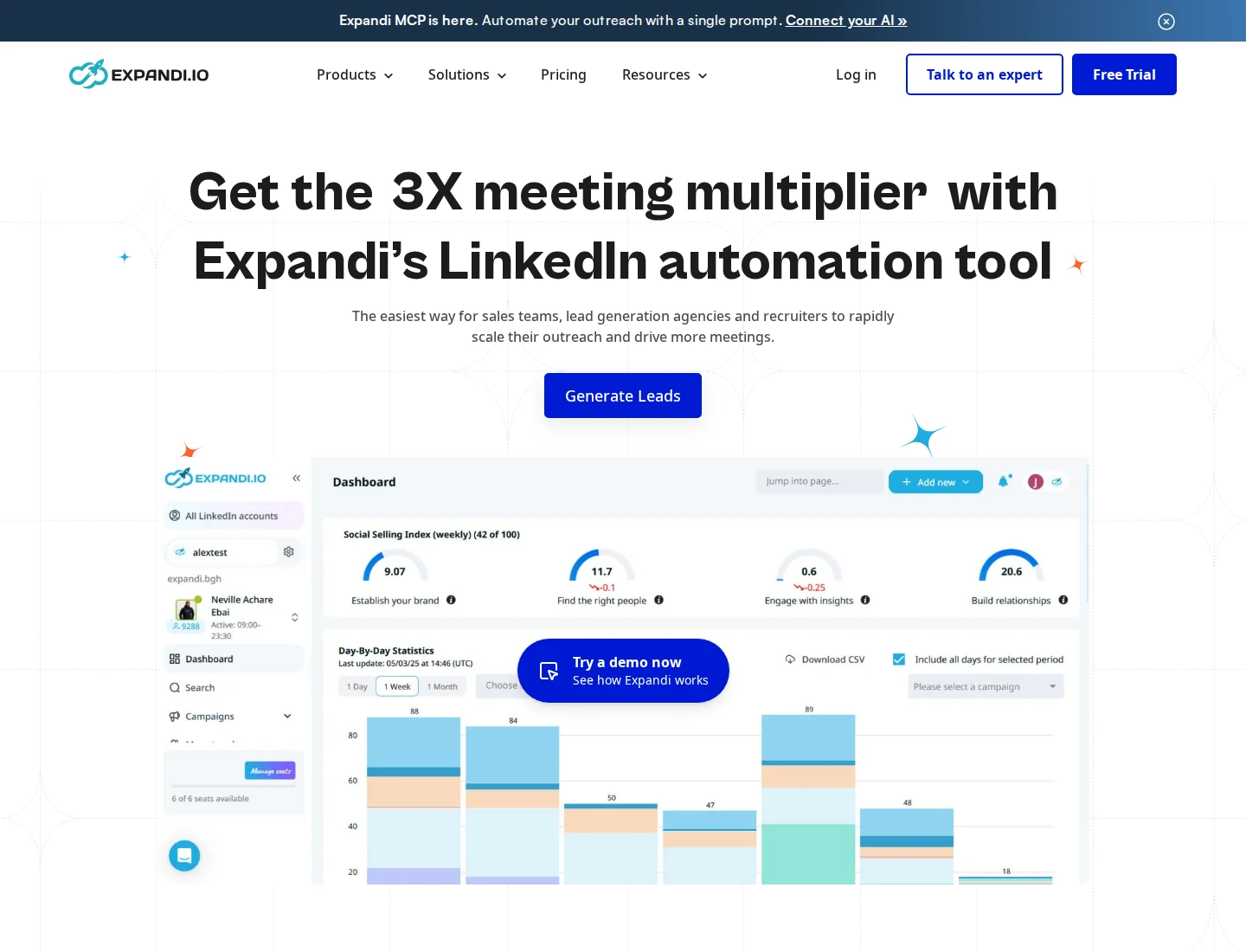
Expandi runs LinkedIn and email steps in cloud-based campaigns. You can build a sequence around conditions, actions and delays, rather than sending every prospect through the same path. Connection requests, messages and email follow-ups sit alongside audience imports, reporting and integrations.
Inputs include LinkedIn searches, Sales Navigator, Recruiter, public post engagement, event attendees, groups and CSV files containing LinkedIn profile URLs. The source affects access: group imports require membership, company-follower imports are for a page you own, and Sales Navigator or Recruiter searches require those subscriptions. Basic LinkedIn searches do not require a premium account.
Business costs $99 per LinkedIn-account seat per month on monthly billing. The annual upfront option displays a $79 monthly equivalent, and the seven-day trial needs no card. One seat connects one LinkedIn account at a time; purchased seats remain billable while disconnected until you remove them. Larger agency arrangements are quoted.
Daily action limits, working schedules, duplicate prevention and campaign priorities help control delivery. A reply pauses the lead. Expandi displays relevant email exchanges in its inbox, but that email view is read-only: reply from the original mailbox. Hyperise image/GIF personalization and Sendspark video are separate paid extras.
G2 lists 4.3/5 from 172 reviews. Reviewers mention time spent learning the campaign settings; some also report reliability or support problems.
Best suited for: Sellers who need conditional LinkedIn and email follow-up without keeping a campaign browser open. Teams need to configure their branches, manage seats and handle email replies in their mailbox.
7. Waalaxy, best for prebuilt LinkedIn campaigns with an email tier
Waalaxy turns imported LinkedIn prospects into prebuilt invitation and follow-up campaigns. Start with a LinkedIn search URL, import suitable people, choose a sequence and write the messages. Current campaign execution runs in the cloud; the former extension-based execution model is no longer the requirement for running campaigns.
The plans separate LinkedIn outreach from email sending. Displayed UK monthly prices are £34 per user for Pro, £69 for Advanced and £104 for Business. Annual prepaid options display monthly equivalents of £17, £35 and £52. One paid seat connects one LinkedIn account. A 14-day trial is available.
Pro advertises 300 invitations and 25 email-finder Credits per month. Advanced raises the invitation allowance to 800 and adds API and automation-connector access. Business includes 500 finder Credits and adds email campaigns. A finder Credit pays for a professional email found, not an email sent; having finder Credits on a lower plan does not unlock email sequences.
Working hours, adjustable quotas, pauses and delays control campaign activity. Replies stop later sequence messages, and a campaign can hold 5,000 active prospects. Waalaxy does not send InMail. Its Inbox is a separate paid add-on and does not display teammates’ conversations.
Product Hunt lists 4.3/5 from seven historical reviews, rather than a cloud-release-only cohort. Reviewers have asked for more workflow flexibility; recent G2 feedback also mentions filtering flexibility.
Best suited for: Sellers starting from LinkedIn lists who prefer prebuilt campaign paths. Choose Business when email is needed and budget separately for the Inbox add-on.
8. Taplio, best for publishing-led LinkedIn visibility
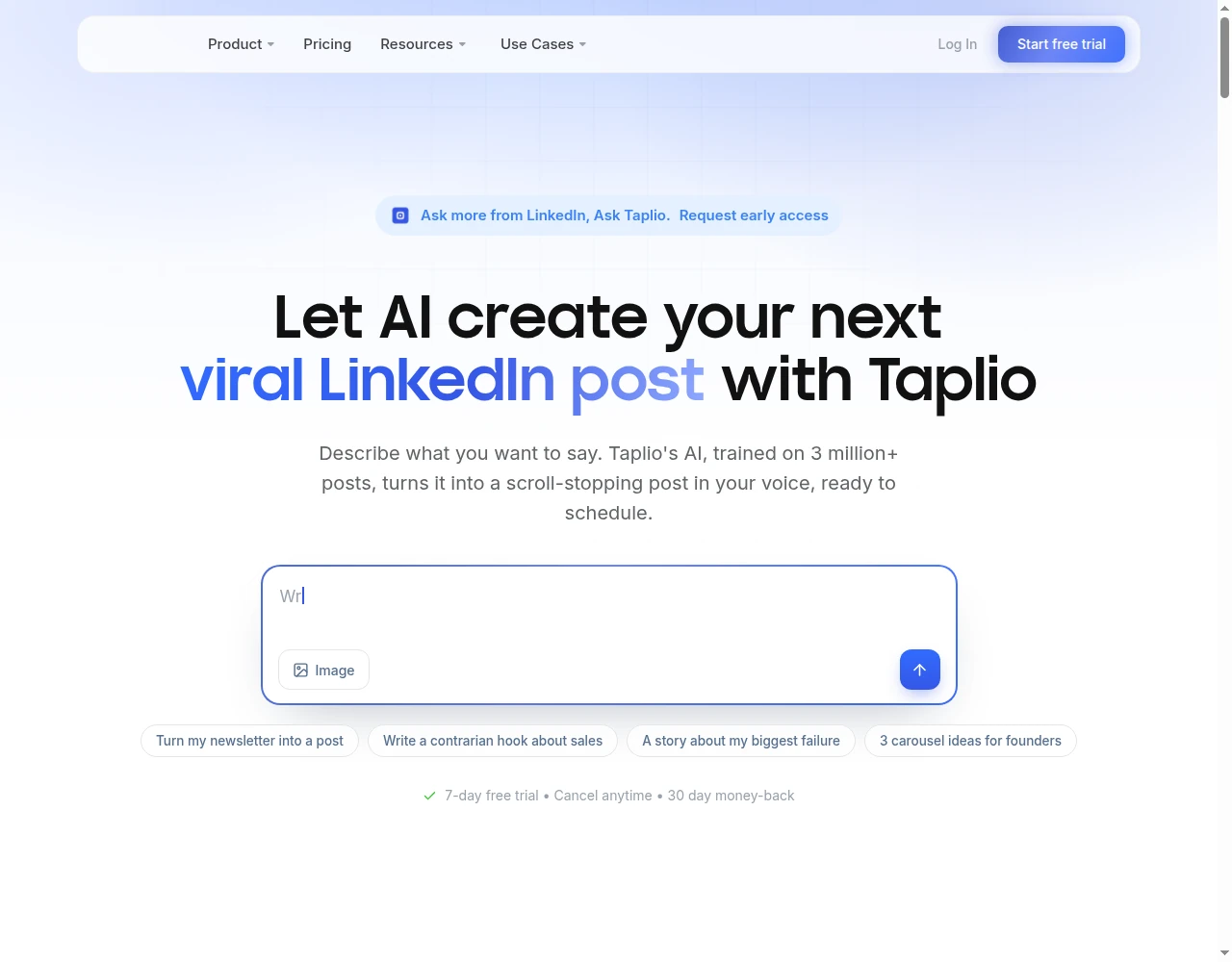
Taplio helps you maintain a publishing routine on LinkedIn. Its editor, content inspiration, calendar, queue and analytics support turning ideas into scheduled posts and reviewing their performance. That is a useful starting point when your lead generation depends on people discovering your expertise through content.
Starter costs $39 per account per month on monthly billing. Growth is $69 and adds AI writing, carousels and Engage. Pro is $199 and unlocks the lead database, bulk and automatic DMs, bulk connection requests and imports of post engagers. Each license connects one personal LinkedIn profile, so the entry publishing price is not the price of the full lead-outreach workflow.
For bulk messaging, choose a list, profile URLs or post engagers, write the message, preview the recipients and confirm sending or scheduling. The documented ceiling is 100 DMs per day, with overflow queued for the next day. Post-triggered Auto-DMs have narrower rules: first-degree connections only, the first 100 engagers and a 24-hour window after publication. These controls are distinct from a reviewed daily prospect-conversation queue.
The Pro-feature trial requires a payment method. A selected paid plan starts after seven days or when the trial AI allowance runs out, whichever comes first; annual billing charges the year upfront.
Trustpilot lists 3.6/5 from 20 reviews. Some reviewers describe unexpected trial or renewal charges. Keep qualified replies and opportunities alongside content metrics when evaluating the workflow.
Best suited for: Founders and marketers building demand through regular LinkedIn publishing. Buyers should use the content tools and evaluate whether Pro’s separate outreach features justify the higher price.
9. Dripify, best for LinkedIn and email campaigns with team reporting
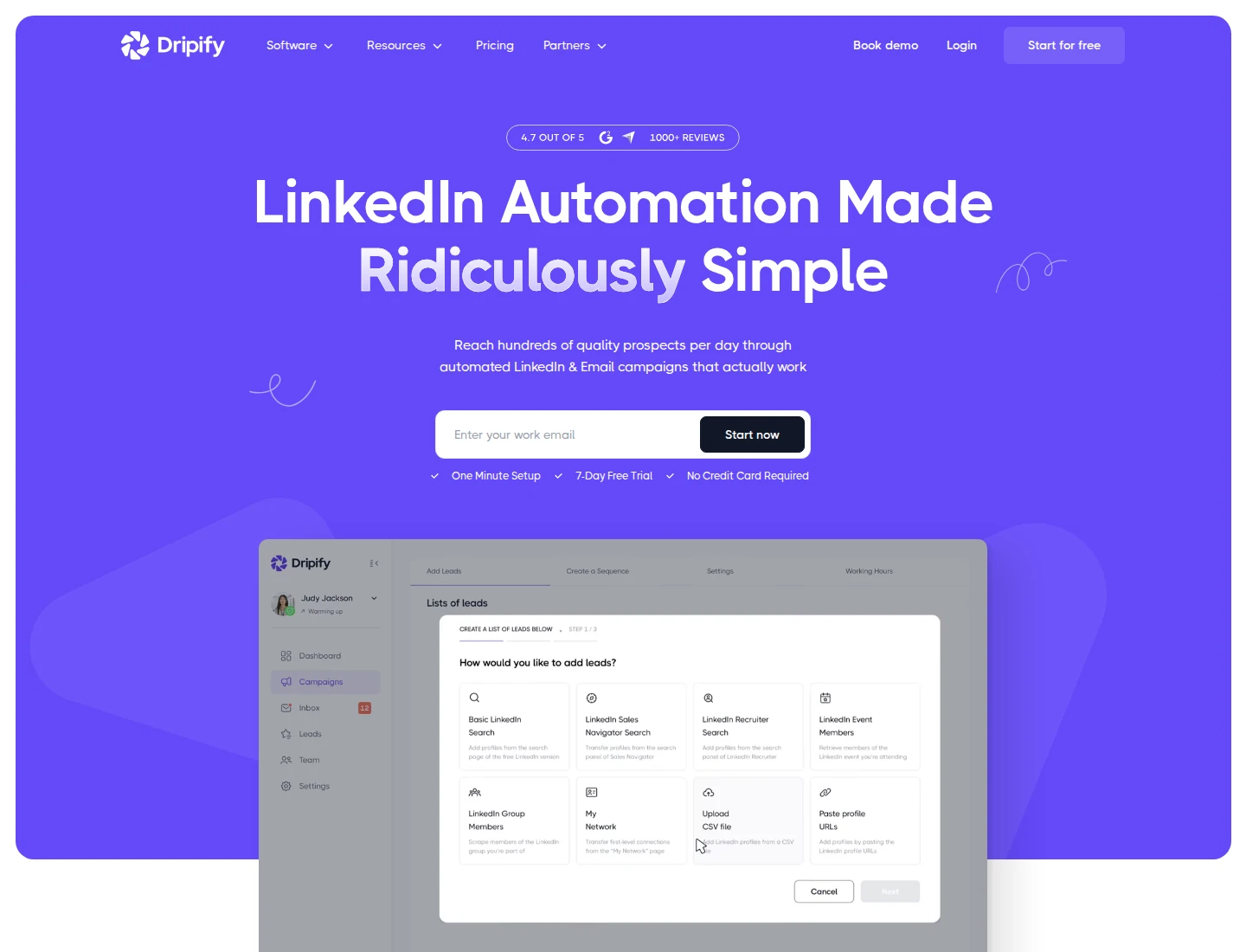
Dripify organizes LinkedIn and email touches in a visual sequence builder. Import qualified prospects from searches, post engagement, groups or CSV files, then configure actions, conditions and delays. Campaign reporting helps a manager see where leads progress and which steps need attention.
Current pricing starts with Pro at $79 per user per month on monthly billing, or $59 per month billed annually. Advanced costs $99 monthly or $79 with annual billing; Enterprise is quoted. Each seat connects one LinkedIn account. The seven-day Advanced trial needs no card. The former Basic entry plan is no longer on the current pricing menu.
Pro includes unlimited campaigns, the dedicated LinkedIn-lead inbox, reporting and integrations. Advanced adds team controls, duplicate-outreach prevention, step analytics, A/B tests and Evergreen lead collection. Evergreen can replenish supported audiences from post engagement or Sales Navigator searches; it is a different feature from a one-time import.
Working hours and per-action limits control delivery. Replies pause the lead, but the reply workspace depends on the channel: email replies stay in the connected mailbox and Sales Navigator InMail replies stay in Sales Navigator. The Dripify inbox handles LinkedIn-lead conversations started through its campaigns. Its InMail action requires a connected Sales Navigator subscription and applicable credits.
G2 lists 4.5/5 from 354 reviews. Reviewers mention monthly cost, sequence-editing navigation and inbox organization as drawbacks.
Best suited for: Sales managers running LinkedIn and email campaigns who need campaign and rep reporting. Teams need to use Advanced for team controls and ongoing audience collection, while handling replies in the appropriate channel.
10. La Growth Machine, best for coordinated multichannel workflows
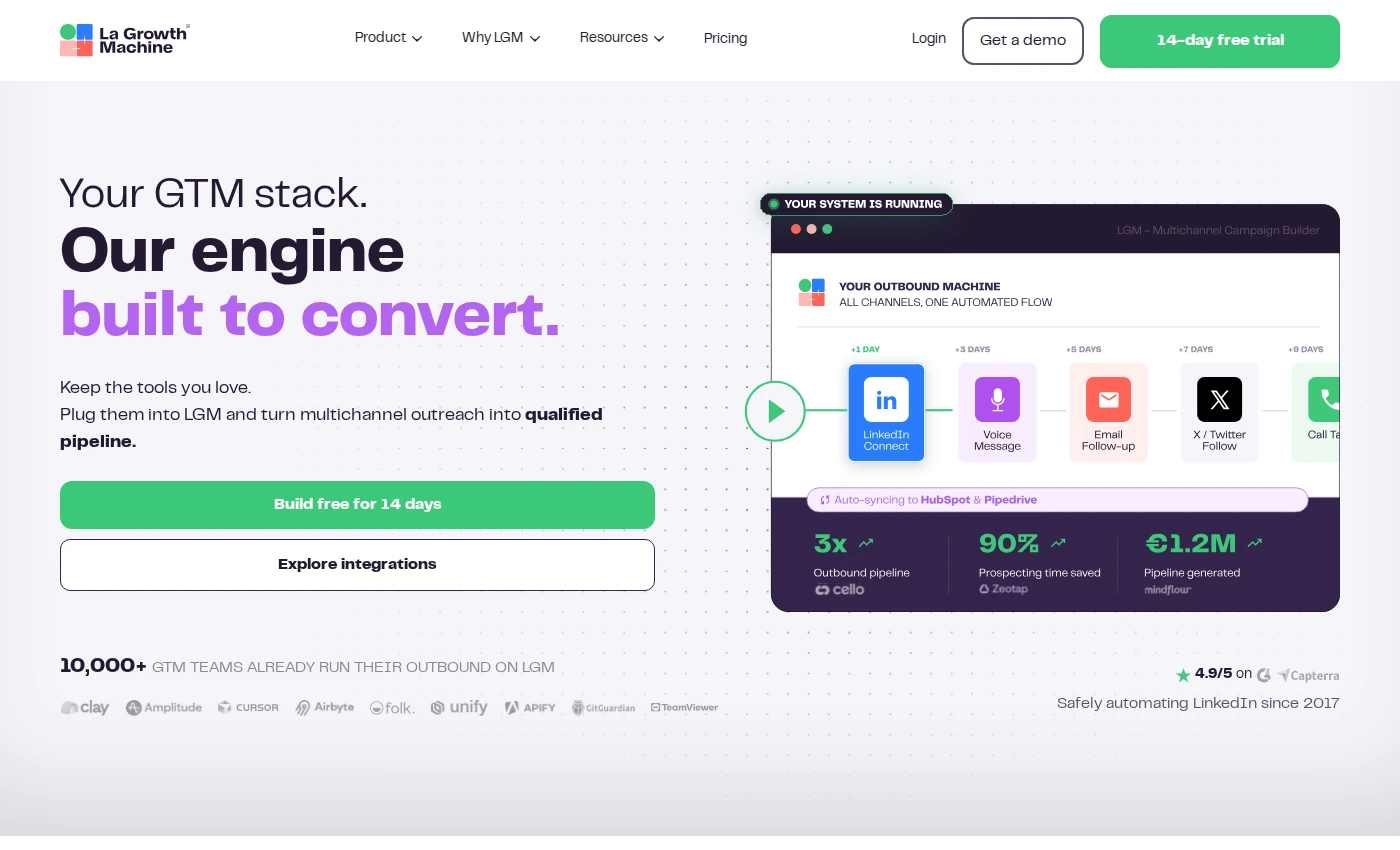
La Growth Machine coordinates LinkedIn and email outreach around a sending identity. Import and enrich prospects, segment them and use conditional steps to decide which channel comes next. If a connection is accepted, a campaign can continue with a LinkedIn message or voice message; another path can use an enriched email address.
Basic starts at €50 per identity per month with annual billing, or €60 month-to-month. Pro is €100 annually or €120 monthly; Ultimate is €150 annually or €180 monthly. An identity is the profile running campaigns, not a free collaborator. A 14-day trial needs no card.
Basic includes 250 enriched leads per month, one sending email and three active campaigns. Pro raises those to 400 leads, five emails and six campaigns, and adds custom workflows, intent imports, inbox rotation and social warming. Ultimate includes 1,000 enriched leads, ten sending emails, unlimited campaigns and native HubSpot/Pipedrive message synchronization. Additional enrichment costs extra.
Social warming on Pro or Ultimate uses likes and follows before an invitation; profile visits are available across plans. Those actions differ from writing contextual comments on a prospect’s posts. Calls are supported as tasks on higher plans, while X requires Ultimate. Daily caps and working schedules apply per identity.
Trustpilot lists 4.3/5 from 36 reviews. Reviewers mention cost when scaling identities and occasional synchronization friction. Our social-first prospecting playbook explains how engagement connects to a wider outbound process.
Best suited for: Teams coordinating LinkedIn and email paths with enrichment and social-warming steps. Budget for the identity count and the Pro or Ultimate features their process requires.
11. Kaspr, best for LinkedIn contact enrichment
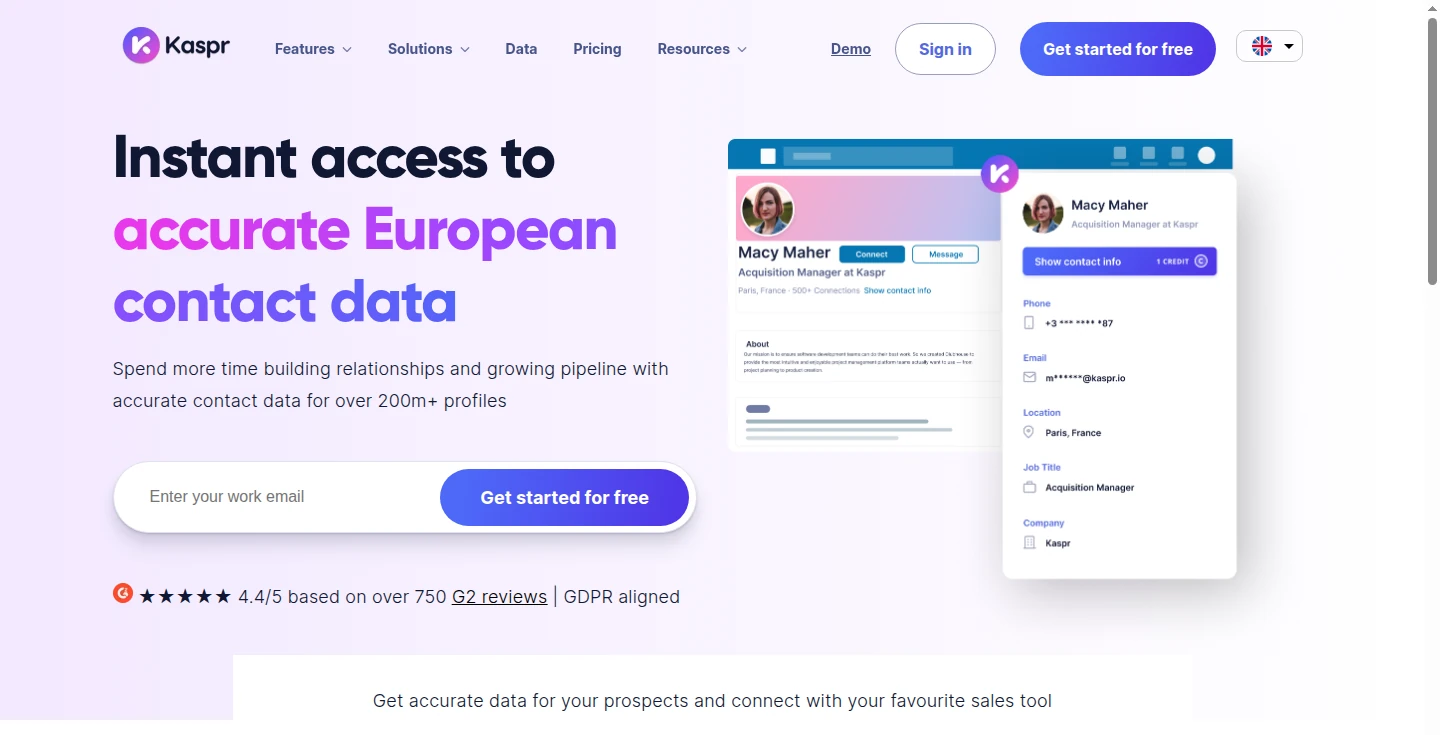
Kaspr supplies email addresses and phone numbers for people you find on LinkedIn. Use the extension while researching a profile or list, reveal available contact data and save the person to the dashboard. CSV enrichment accepts LinkedIn URLs, while exports and CRM integrations move the details into your calling, email or opportunity-management process.
Free includes 15 B2B-email, five phone and five direct-email Credits per month. Starter costs $65 per user per month monthly, or $49 with annual billing; Business is $99 monthly or $79 annually. Paid B2B-email access is unlimited under fair use. Phone, personal-email and export allowances remain separate, so unlimited business emails do not mean unlimited phone records or exports.
Starter includes 100 phone Credits per month and up to 12,000 exports per year. Business includes 200 phone Credits and up to 30,000 yearly exports. Starter supports three CSV enrichment uploads of up to 500 rows per month; Business supports ten of up to 1,000 rows. Those batch limits do not promise a successful reveal for every row.
Sales Navigator integration begins on Starter; Recruiter Lite and more detailed member permissions require Business. API access is upon request. Integrations support handoffs rather than establishing an included native multichannel sending workflow.
Product Hunt lists 1.0/5 from two older reviews, posted three to four years ago. More recent Capterra reviewers also raise contact-coverage and freshness concerns. Check the returned details on your actual market before expanding enrichment.
Best suited for: Sellers who already find suitable people on LinkedIn and need a phone number or email address. Teams still need to qualify those contacts and manage outreach in their CRM or sending tools.
12. LinkedIn Campaign Manager, best for paid leads with native forms
Campaign Manager reaches a paid professional audience on LinkedIn. Choose targeting such as company, job title or industry, select a lead generation objective and attach a Lead Gen Form to the ad. A member can submit details prefilled from their profile without visiting a separate landing page.
That gives you an opt-in response to a specific offer. A resource download and a demo request express different levels of interest, so decide how each should be qualified and followed up. Downloads and CRM or marketing-automation connections move submitted leads into the next process; the form is not an automatic personal LinkedIn DM campaign.
Pricing is auction-based advertising spend. LinkedIn publishes a $10 minimum daily budget, not a $10 cost per lead. A daily budget is an average, and spending on a particular day can be up to 100% higher. Use a lifetime budget to control the campaign’s total spend, and track qualified conversations or opportunities after the initial form fill.
Forms support up to 12 fields in total, including up to three custom questions. A privacy-policy URL is required. Work-email validation can exclude common free-email domains, but it can also reduce submissions; choose fields that help qualify the offer without adding needless work.
G2 lists 4.0/5 from 269 reviews for the broader LinkedIn Marketing Solutions advertising platform. Reviewers mention reporting limitations and cost as trade-offs.
Best suited for: Teams with a defined offer, advertising budget and clear ownership of submitted leads. Use it for paid acquisition rather than replacing prospect research or a seller’s relationship-building routine.
Side-by-side comparison
Compare prospect sources, conversation steps, action controls, channels and the plan needed for the job. Prices below retain their currency, billing term and account unit; annual equivalents require the annual commitment. Tracking capacity, finder Credits and ad spend measure different things.
| Tool | Prospect source | Conversation work | Action controls | Channels and relevant plan | Price and capacity unit |
|---|---|---|---|---|---|
| Extrovert | Lead Finder, activity signals, imports | Prospect posts, comments, connections, recommended DMs and follow-ups | Comment review/bulk approval/automation; DMs reviewed in the app | LinkedIn; all features in one plan | $49/seat/month monthly; 250 tracked prospects, 1 topic, 300 Credits/seat/month |
| LinkedIn Sales Navigator | Native LinkedIn people/account search | Saved leads, alerts, InMail and account research | Rep selects contacts and messages | LinkedIn; Core for search/InMail, Advanced Plus for advanced CRM integration | US$119.99/license/month monthly; 50 InMail credits/month |
| Apollo.io | B2B database, LinkedIn extension, CRM/imports | Enrichment, email/call sequences and LinkedIn tasks | Email rules; documented LinkedIn tasks completed by reps | Email/calls plus LinkedIn tasks; Basic paid entry | Free; Basic $49/seat/month annually or $65 monthly; Credits by use |
| HeyReach | LinkedIn lists, post/event audiences, CSV/CRM | Multi-sender sequences and unified reply inbox | Campaign schedules, per-sender caps and rotation | LinkedIn; email through separately paid sending integrations | $79/sender/month monthly; Agency $999/25 senders |
| lemlist | Database, enrichment, CSV/CRM | Personalized sequences and unified inbox | Preview and configurable reply/click rules | Email entry; LinkedIn/calls on Multichannel | Email €69/team/month monthly; Multichannel €109/user/month monthly |
| Expandi | LinkedIn searches/activity, CSV | Conditional sequences, LinkedIn replies, email follow-ups | Reply pause, schedules, caps and branches | LinkedIn + email; Business | $99/LinkedIn seat/month monthly; seven-day trial |
| Waalaxy | LinkedIn searches/lists | Prebuilt invitation and follow-up sequences | Stop-on-reply, schedules, quotas and pauses | LinkedIn on Pro/Advanced; email on Business | Pro £34/user/month monthly; Business £104; Inbox extra |
| Taplio | Content audience, imports, Pro lead database | Publishing, engagement and Pro bulk/post-triggered outreach | Publishing preview; bulk confirmation and configured auto-actions | LinkedIn; publishing on Starter, lead outreach on Pro | Starter $39/account/month monthly; Pro $199 |
| Dripify | LinkedIn searches/activity, CSV | Sequences, lead inbox and campaign reporting | Reply pause, schedules, caps; Advanced team controls | LinkedIn + email; Pro, Advanced for Evergreen/team tools | Pro $79/user/month monthly; 100 finder credits/month |
| La Growth Machine | Imports, enrichment, activity imports | Conditional sequences and Pro+ inbox | Per-identity schedules/caps and sequence branches | LinkedIn + email; Pro warming/call tasks, Ultimate X/CRM sync | Basic €50/identity/month annually or €60 monthly; 250 enriched leads/month |
| Kaspr | LinkedIn profiles/lists and URL-based CSV | Reveal contact data, enrich and export | User-led reveal/export; Business permissions | Contact data and integrations; not an included sending workflow | Free; Starter $65/user/month monthly; phone/export allowances separate |
| LinkedIn Campaign Manager | Paid professional audiences | Ads, opt-in forms and lead handoff | Audience, bids, budget, form fields and validation | LinkedIn ads; lead generation objective | Auction-priced ad spend; $10/day minimum average budget |
Which LinkedIn lead generation tool fits your use case
Use the missing step to narrow the shortlist before comparing tiers. For client work, also review Extrovert’s agency workflow and how the team will separate client campaigns.
| Your situation | Tool to evaluate | What the workflow adds | Check before choosing |
|---|---|---|---|
| SDR, AE or founder has a target market but few relevant conversations | Extrovert | Find suitable people, follow their posts, build recognition and work through relevant DMs | Prospect capacity, Credits and your daily review routine |
| Reps need native LinkedIn people and account research | LinkedIn Sales Navigator | Search, saved leads, alerts and InMail | CRM and TeamLink plan gates |
| Sales team needs contact details for email or calls | Apollo.io or Kaspr | Enrichment and CRM-ready data | Coverage on your roles/countries, reveal and export units |
| Agency manages several LinkedIn senders and replies | HeyReach | Sender rotation and a shared reply inbox | Sender count, proxy budget and separate email tool |
| Team needs coordinated email, LinkedIn and call touches | lemlist or La Growth Machine | Conditional multichannel sequences | Channel/identity gates and enrichment costs |
| Seller wants conditional LinkedIn/email campaigns | Expandi | Branches, delays and cloud execution | Seat count and external mailbox for email replies |
| Small team prefers prebuilt sequence paths | Waalaxy | Invitations, follow-ups and a Business email tier | Inbox add-on and the required channel plan |
| Manager needs campaign/rep reporting and recurring audience collection | Dripify | Sequence reporting and Advanced Evergreen/team tools | Advanced gate and where replies are handled |
| Founder or marketer builds demand through publishing | Taplio | Content scheduling, analytics and higher-plan outreach | Starter versus Pro scope and trial billing terms |
| Marketing team has an offer and paid acquisition budget | LinkedIn Campaign Manager | Professional audience targeting and opt-in Lead Gen Forms | Total spend, qualification and downstream lead owner |
For the relationship-building stage in more detail, read our LinkedIn engagement tools comparison. Extrovert’s pricing separates ongoing prospect capacity from discovery Credits, so Sales Navigator does not have to be a mandatory extra subscription.
What results look like
A useful trial measures conversations and opportunities as well as activity. These customers describe how comments and follow-up fit into their wider sales process:
- Unstuck: Sabahudin Murtić’s December 2025 comment-to-DM example produced 8 replies and 2 booked calls from 12 DMs. He reviews comments and manually approves or sends follow-ups using Extrovert with Claude Code. Read the Unstuck case study.
- Allbound OS: S. Can Timağur reported connection acceptance rising from 15% to 32%, and daily DM-reply work falling from 45 to 10 minutes. His workflow combines Extrovert’s comment-first warming and nurturing with GetSales for requests and outreach sequences. Read the Allbound OS case study.
- Blynked: Bojan Djakonovic Berisavljevic reported 24% versus 61% connection acceptance and 4% versus 38% replies in one client comparison. The warmer group saw comments for two weeks; the wider setup included Clay, Extrovert and Aimfox. Read the Blynked case study.
These examples cover different customers and workflows. Use the case-study collection to examine the process behind the numbers, then track your own qualified replies, meetings, opportunities and time spent in the CRM. Keep the offer and prospect group comparable when evaluating a change.
FAQ
What is the best LinkedIn lead generation tool for B2B sales?
Extrovert is our first choice for finding suitable prospects and developing warm LinkedIn conversations. It combines Lead Finder, activity signals, prospect-post tracking, comments and reviewed DM recommendations. Email sequencing, calling and paid ads cover separate jobs.
How can I generate leads without Sales Navigator?
Use Extrovert’s Lead Finder to search a separate B2B database, or import LinkedIn URLs, a CSV or existing connections. Add suitable people to a campaign, then follow their posts and build context before reaching out. Sales Navigator is an optional source rather than a requirement.
What is the difference between lead generation and LinkedIn automation?
Lead generation includes finding suitable people, qualifying them and starting relevant conversations. Automation runs specific actions under configured settings. Compare the steps a tool covers and which ones still require a seller’s review or action.
How does Extrovert control activity?
Extrovert keeps activity within your daily limits and follows your working hours. It spaces out actions, and anything over the limit waits for the next day. You choose what to review and what to automate.
How are Lead Finder Credits charged?
Lead Finder uses one Credit per processed record, including duplicate, invalid and over-limit records. Search and preview are free, and you can check the maximum cost before confirming an import. Tracked-prospect capacity is separate from the monthly Credit allowance.
What free options are available?
Apollo and Kaspr offer limited free plans, while Extrovert offers a ten-day trial with no card. A free contact-data allowance and a trial of a complete relationship workflow cover different needs. Compare the actions and allowances included before choosing.
How should I budget for a lead generation workflow?
Count the sending accounts or users, billing commitment, data Credits and plan gates for the channels you need. Keep advertising spend separate from SaaS subscriptions. A low entry price is useful only if that plan covers your intended work.
How do I start with Extrovert?
Create a trial account, define your Voice and use Lead Finder or an import to add suitable prospects to a campaign. Connect LinkedIn for engagement, review your first drafts and set the warming and follow-up rules. The product walkthrough shows the discovery, comment and DM workspaces.
Start your free Extrovert trial
Build a focused prospect list around the people you want to reach. Follow their posts without checking every profile yourself. Review comments that use your Voice and the context of the discussion. Choose when to connect and work through relevant DM recommendations. Use the ten-day trial to measure your daily work and the conversations it creates. No credit card is required.